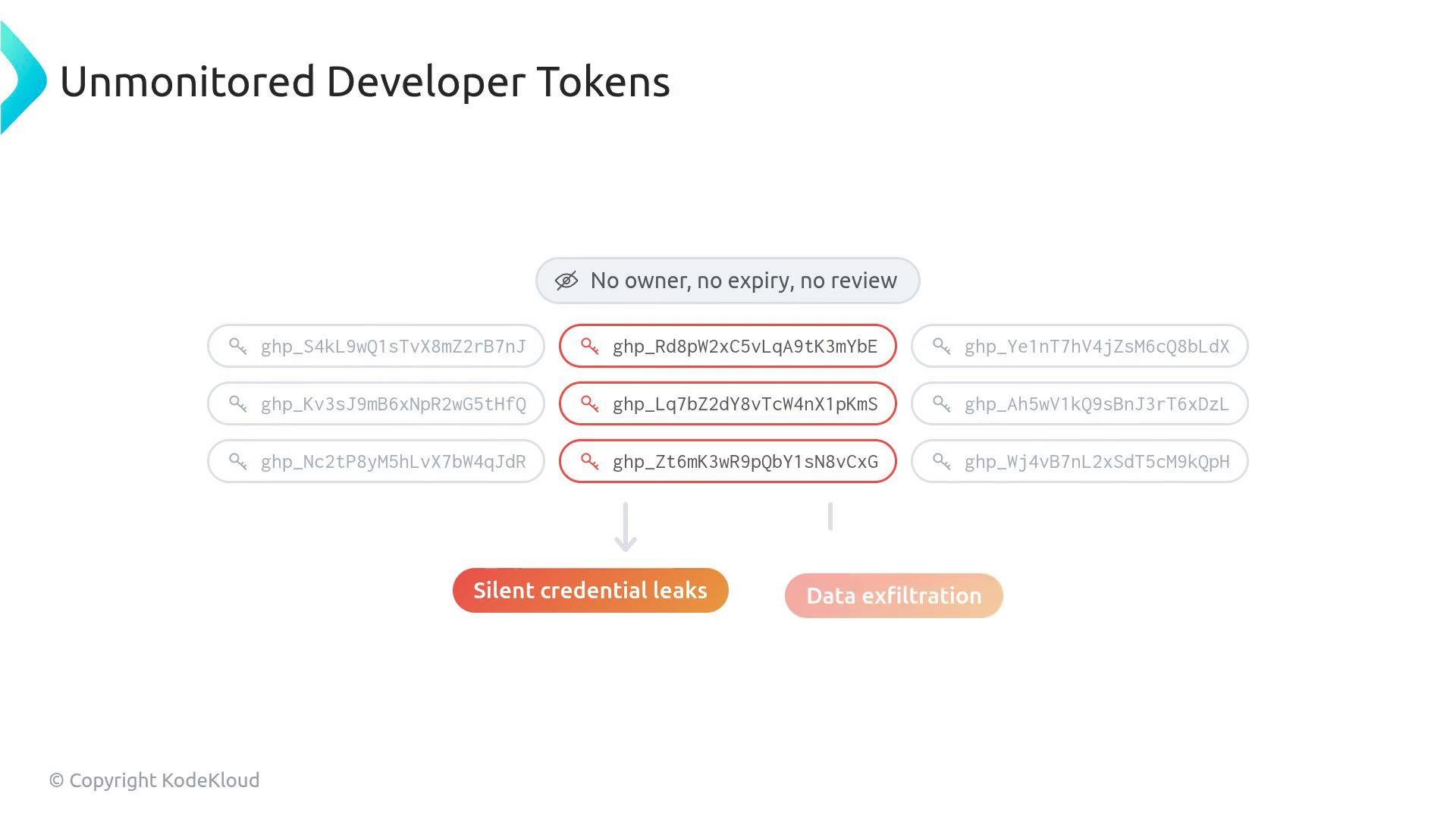
Unmonitored developer tokens are one of the most common vectors for silent credential leaks and large-scale data exfiltration. Understanding the security differences between legacy classic personal access tokens (PATs) and the modern fine-grained personal access tokens is essential for reducing blast radius and improving auditability.
An infographic titled "Unmonitored Developer Tokens" showing many GitHub-style token strings with a central note "No owner, no expiry, no review" and several tokens highlighted in red. Arrows from the exposed tokens point to consequences labeled "Silent credential leaks" and "Data exfiltration."
This lesson contrasts the security posture of legacy classic personal access tokens with modern, admin-approved, repository-scoped fine-grained personal access tokens. We cover how they differ in scope, expiry, permissions, auditing, and administrative controls. Classic personal access tokens are simple strings used by developers to call GitHub APIs. Example classic token format:
Example usage calling the API:
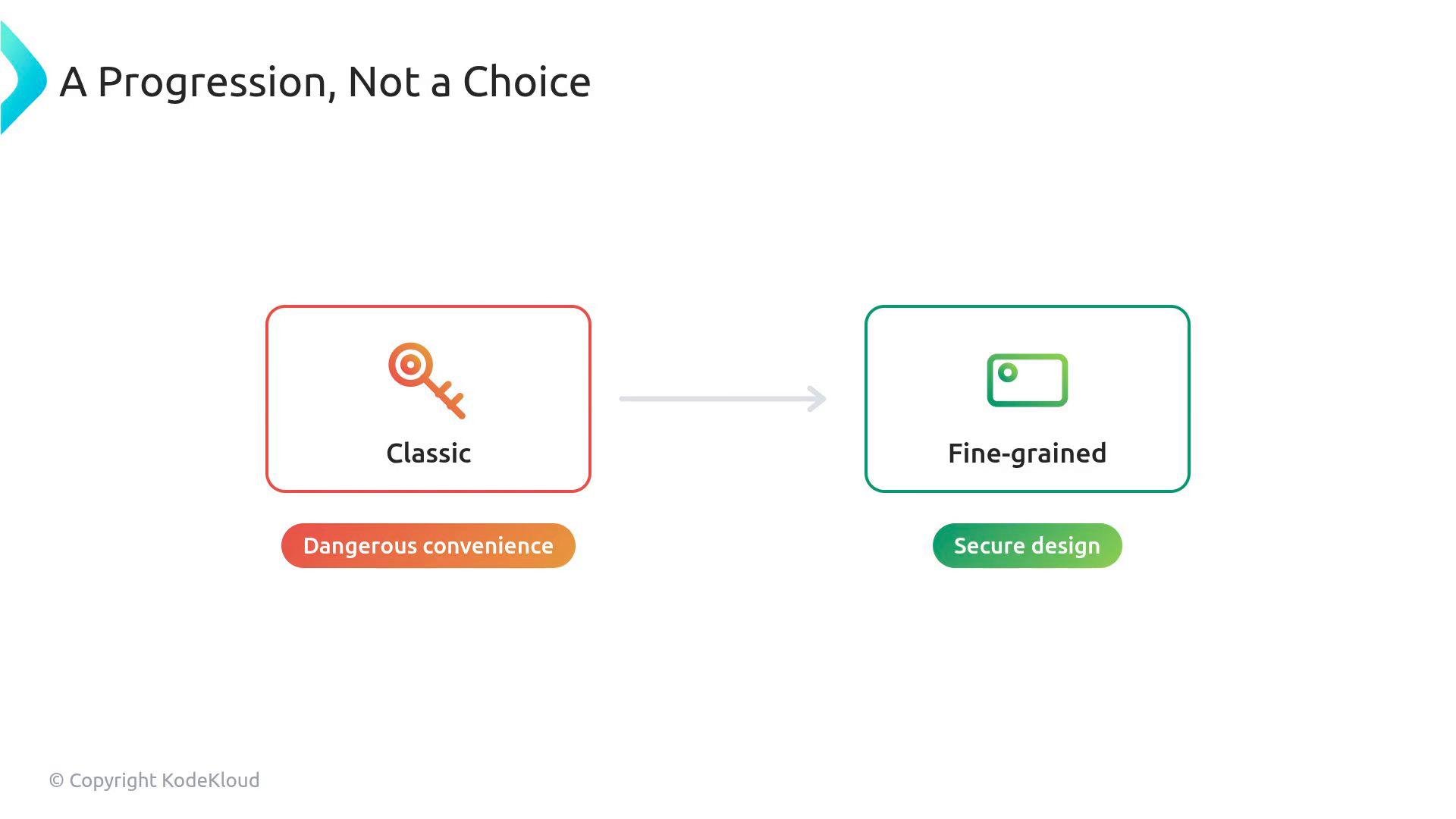
Think of the two token types as a progression from dangerous convenience (classic) to secure design (fine-grained).
A slide titled "A Progression, Not a Choice" showing an arrow from a red "Classic" box with a key icon and the tag "Dangerous convenience" to a green "Fine‑grained" box with a card icon and the tag "Secure design."
Classic PATs: a master key with a large blast radius
  • A classic personal access token functions like a master key for every resource the token owner can access.
  • They are simple and powerful, but if leaked they can expose all repositories and resources visible to the user.
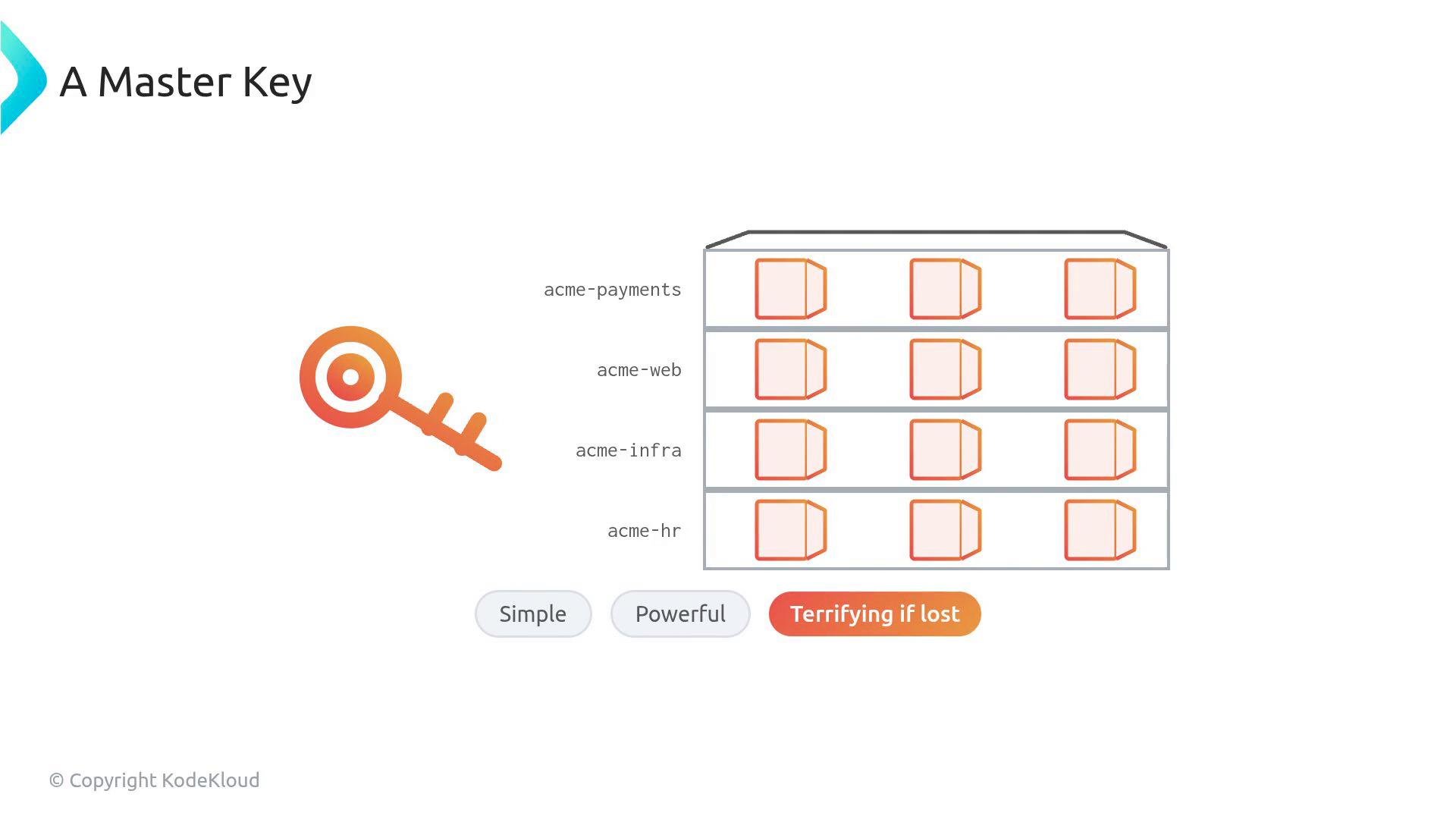
A slide titled "A Master Key" showing a large stylized key next to a grid of service boxes labeled acme-payments, acme-web, acme-infra, and acme-hr. At the bottom are buttons labeled "Simple," "Powerful," and "Terrifying if lost."
Scoping and expiry limitations of classic PATs
  • When a developer grants the repo scope to a classic PAT, that token is authorized for all repositories the user can see across the enterprise — you cannot limit it to a single project.
  • Classic PATs can also be created with “No expiration”. If compromised, they remain valid until explicitly revoked.
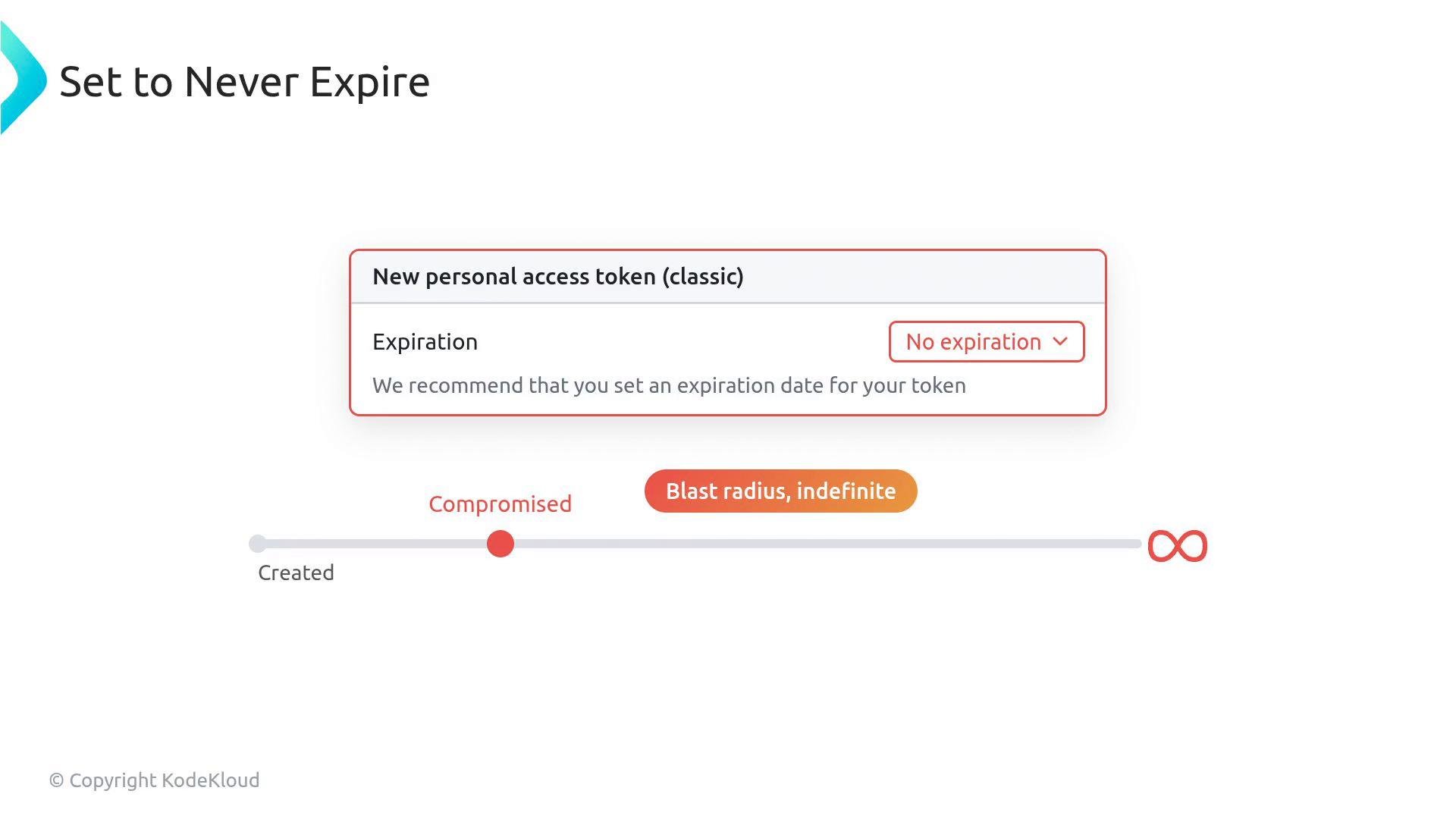
A UI screenshot for creating a new personal access token (classic) with Expiration set to "No expiration" and a note recommending an expiry date. Below it, a timeline highlights a "Compromised" point and an infinity symbol labeled "Blast radius, indefinite," illustrating the risk.
Auditability and forensics with classic PATs
  • Actions executed with a classic PAT are recorded in audit logs as if the user performed them directly. This can obscure whether an action was performed by the user or by code running with the user’s token, complicating investigations.
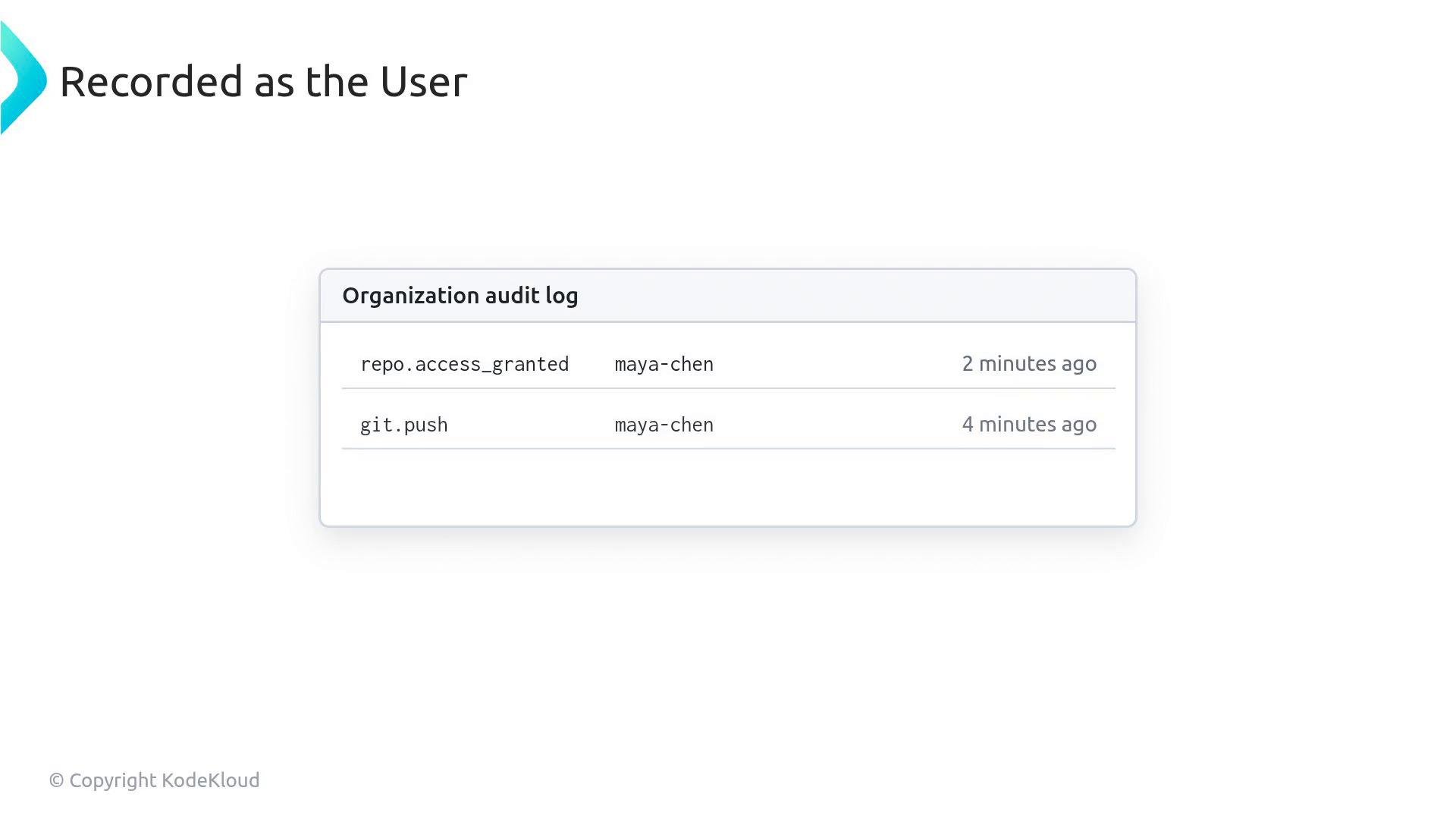
A screenshot titled "Recorded as the User" showing an "Organization audit log." It lists two entries — repo.access_granted and git.push — by user "maya-chen" from 2 and 4 minutes ago.
Fine-grained PATs: programmable key cards with least privilege
  • Fine-grained personal access tokens are designed to minimize risk with explicit repository targeting and per-repository permissions. They are closer to role-scoped credentials than master keys.
  • When you create a fine-grained PAT you must select which repositories it can access — there is no implicit global repo access.
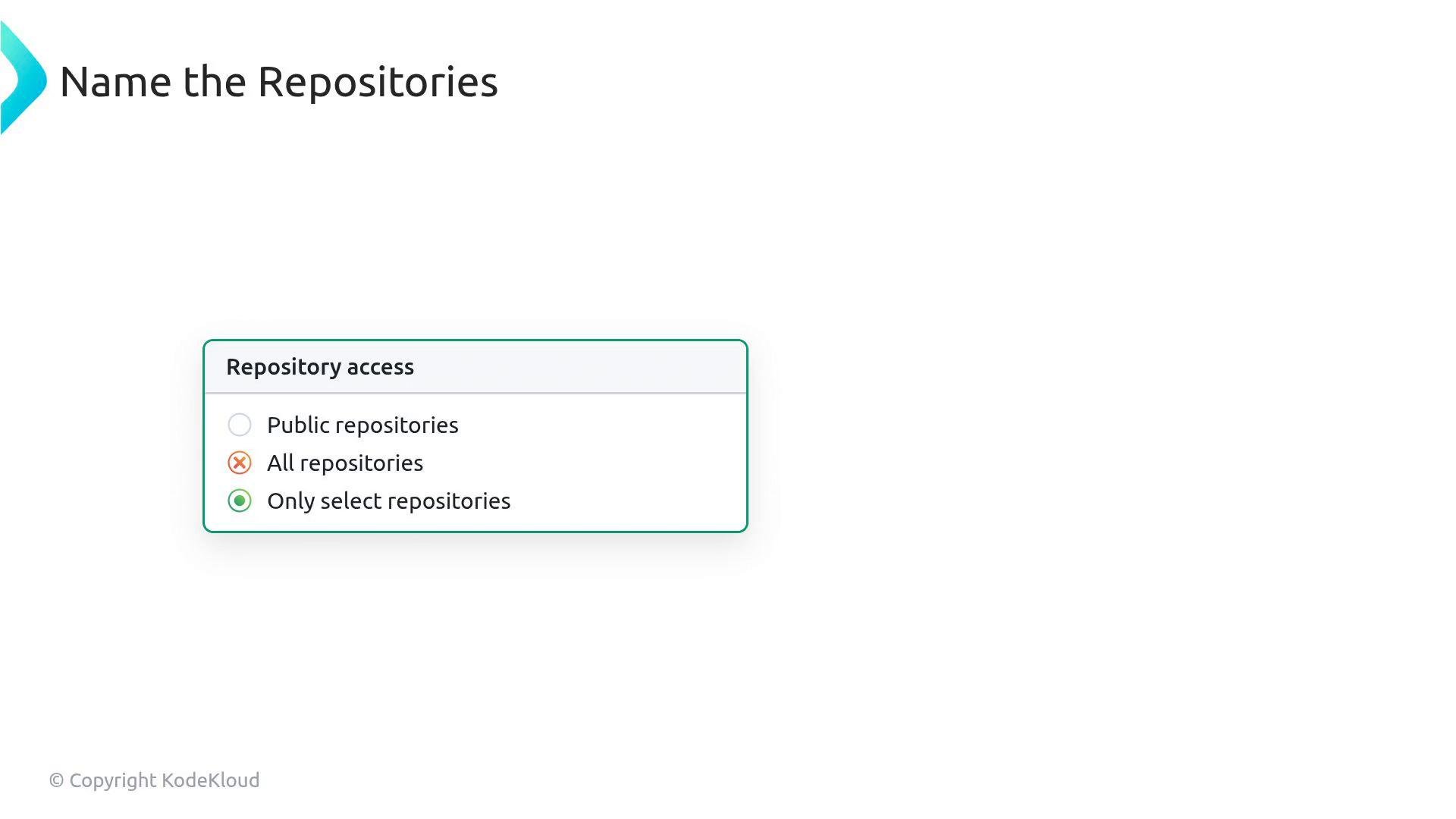
A slide titled "Name the Repositories" showing a "Repository access" choice box with three options: Public repositories, All repositories (marked with an X), and Only select repositories (marked as selected).
Per-repository permissions
  • Fine-grained tokens let you set specific permissions per repository (for example: Issues = read-only, Pull requests = write). This supports the principle of least privilege.
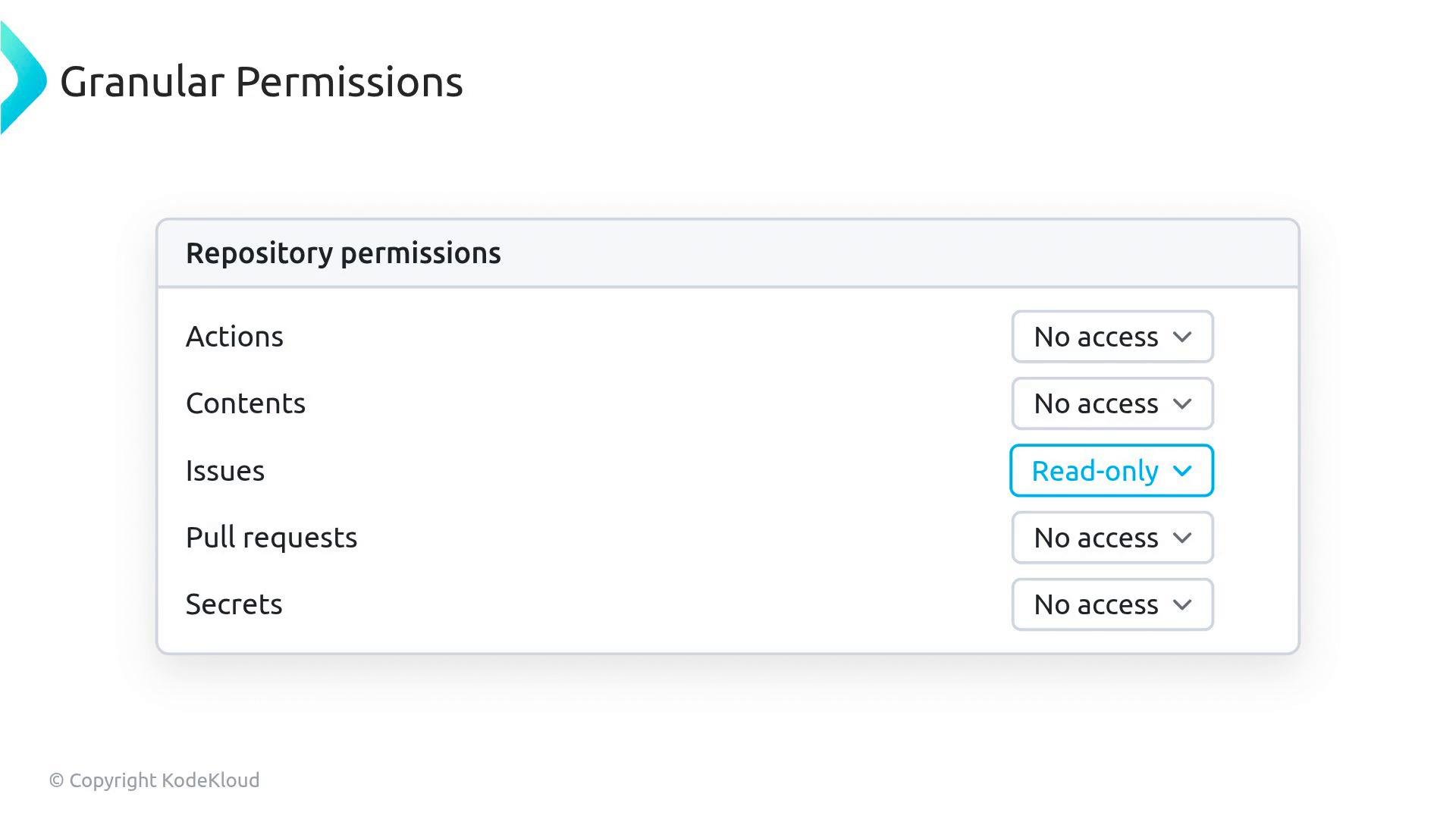
A screenshot of a "Repository permissions" settings panel listing Actions, Contents, Issues, Pull requests, and Secrets with dropdowns. Most entries show "No access" while Issues is set to "Read-only."
Mandatory expiration and administrative controls
  • Fine-grained PATs require an expiration date; they cannot live forever. This limits the window of exposure if a token is compromised.
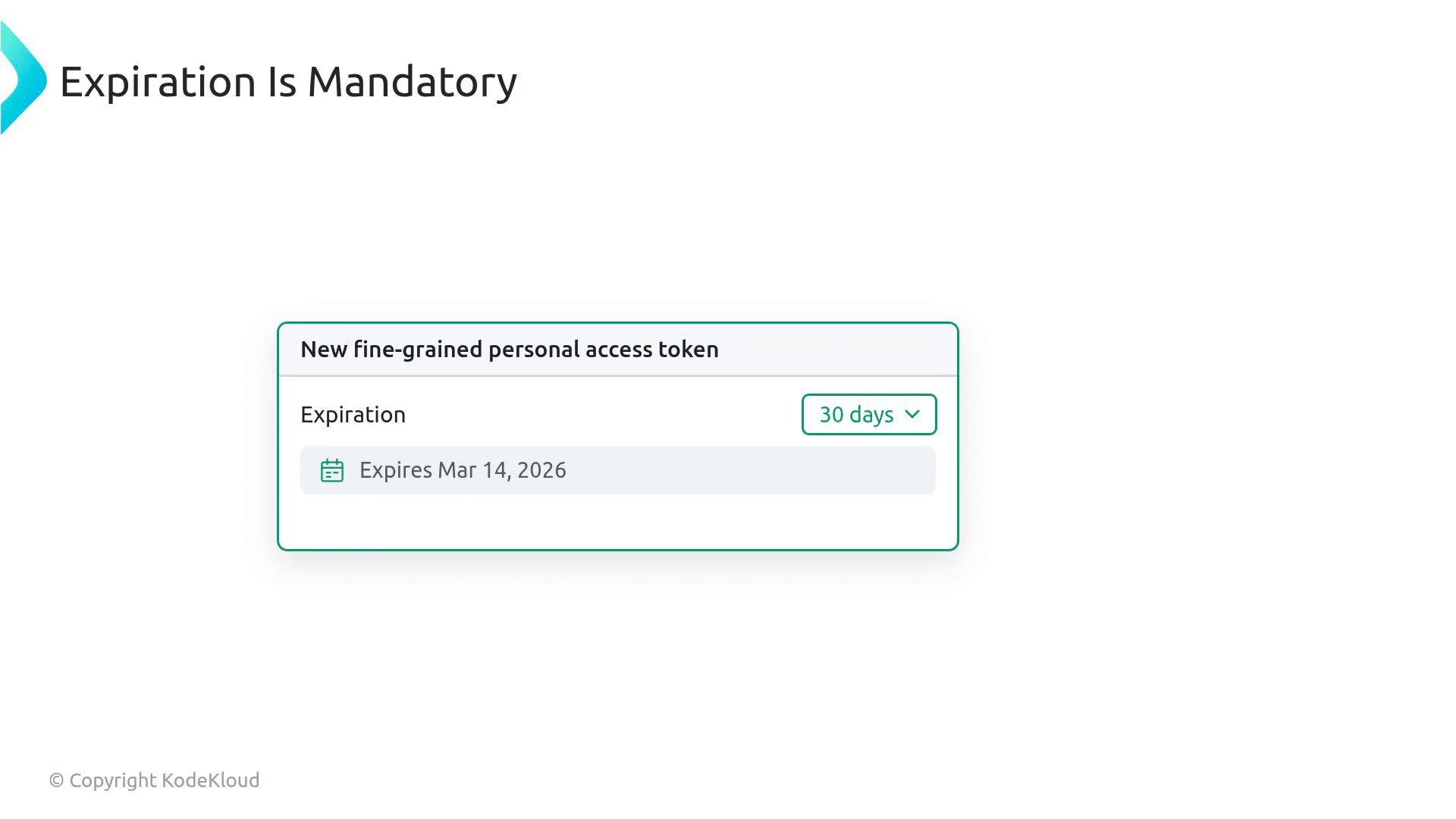
The image shows a UI slide titled "Expiration Is Mandatory" with a dialog for creating a new fine-grained personal access token. The dialog indicates an expiration setting of 30 days and shows "Expires Mar 14, 2026."
Organization owners can enforce policies that require administrator approval for fine-grained personal access tokens, ensuring tokens undergo review before accessing organization resources.
Example fine-grained token format:
Comparison: Classic vs Fine-grained Personal Access Tokens Best practices and recommendations
  • Prefer fine-grained personal access tokens for new integrations and automations to minimize blast radius through scoped access and mandatory expiration.
  • Enforce admin approval and organization-level policies where possible for tokens that access org resources.
  • Rotate tokens regularly and treat tokens like secrets: store them in a secrets manager and avoid hard-coding them in source.
  • Use audit logs to detect anomalous token activity and revoke compromised tokens immediately.
Tokens with no expiry or overly broad scopes are high-risk. Revoke or rotate any unmonitored classic tokens and migrate integrations to fine-grained personal access tokens where feasible.
Summary
  • Classic PATs provide broad, user-scoped access and can be non-expiring — they behave like master keys.
  • Fine-grained PATs restrict access to specific repositories, allow per-repo permissions, mandate expiration, and can be subject to admin approval — they enable least-privilege, auditable access.
Links and references

Watch Video