

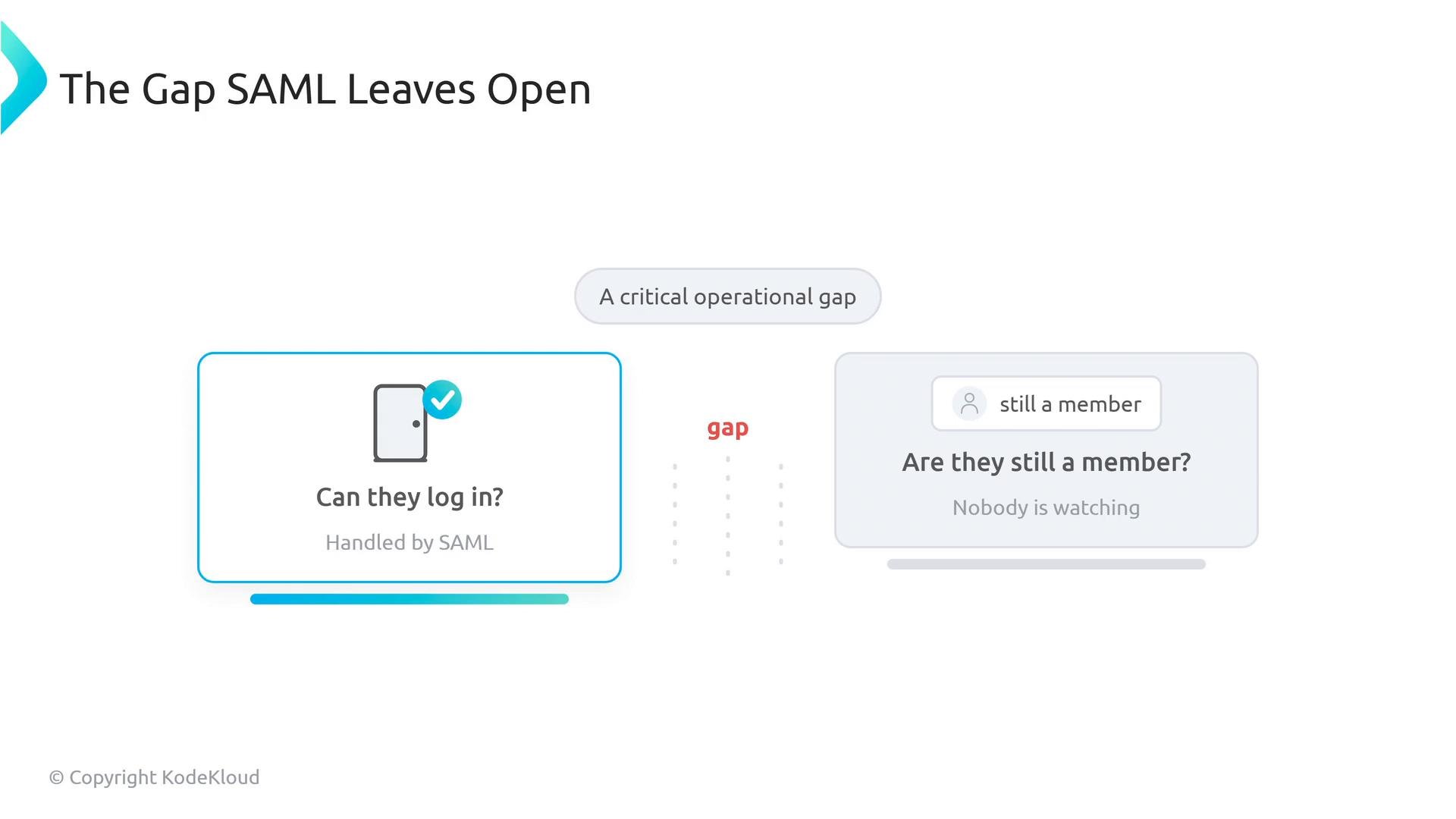
- SAML (Security Assertion Markup Language) — handles authentication (who can sign in).
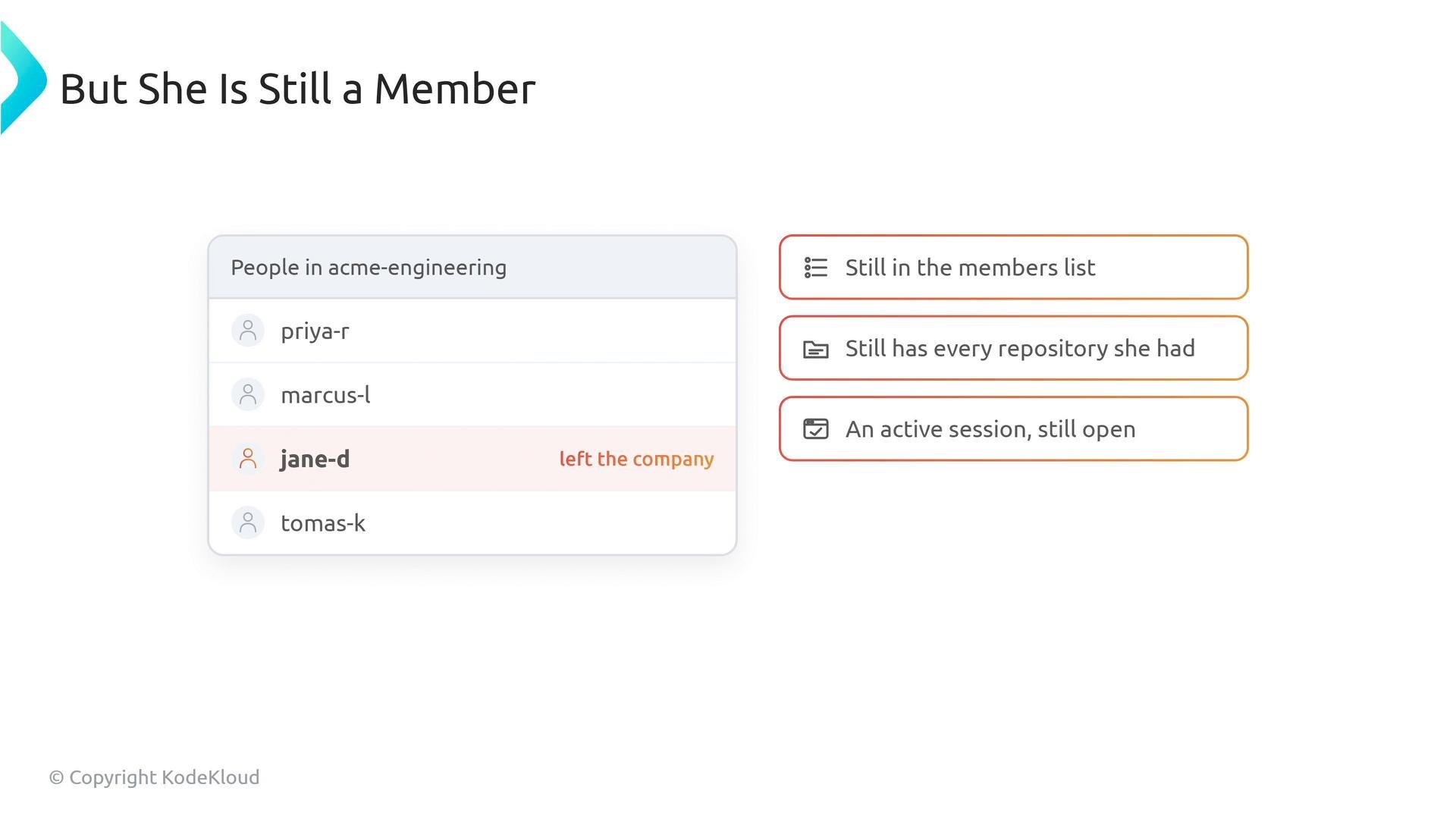
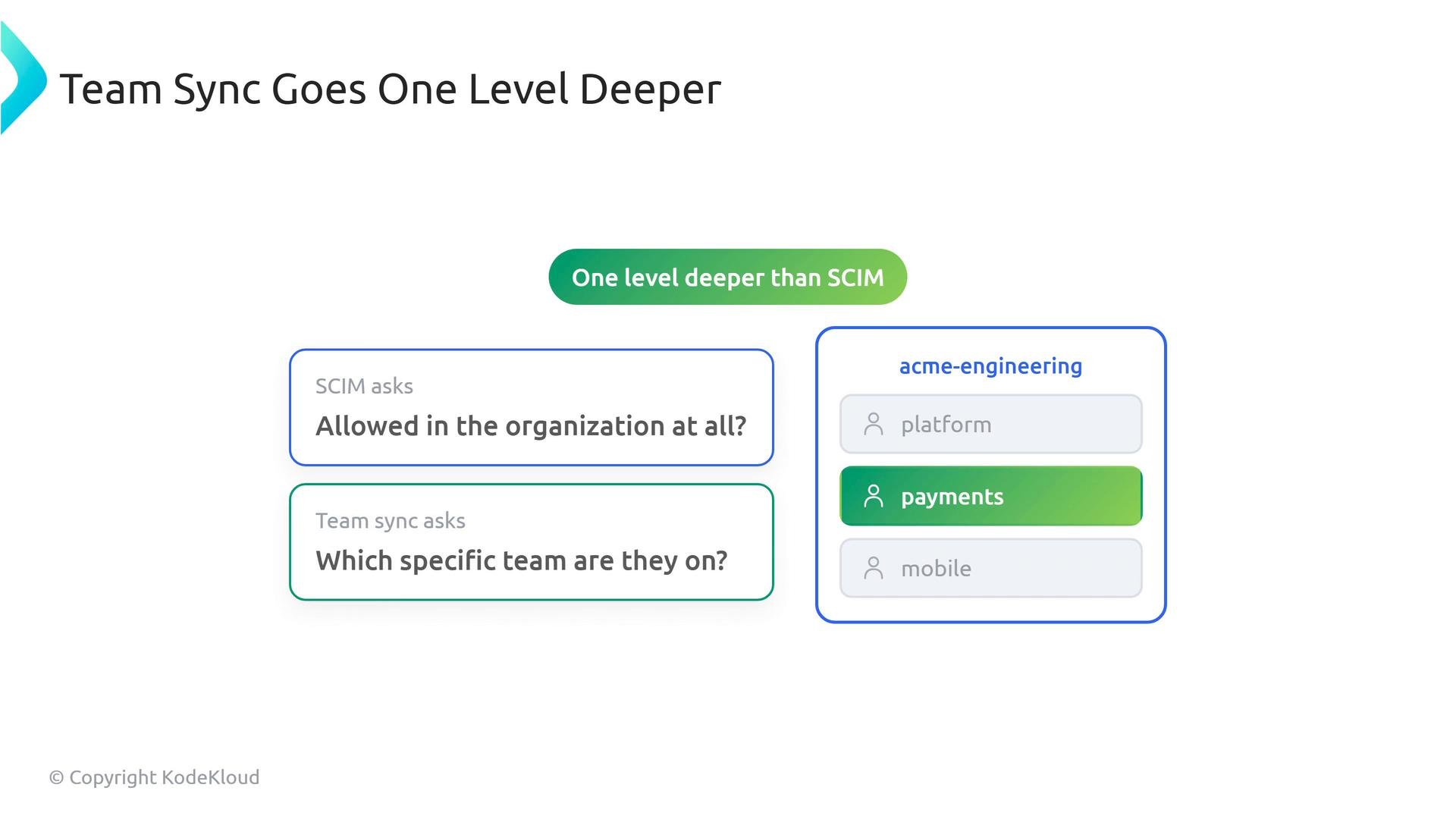
- SCIM (System for Cross-Domain Identity Management) — handles provisioning and deprovisioning (who is a member).
- Team Sync — maps identity-provider groups to GitHub teams (which teams a member belongs to).
- SAML is the front-desk clerk who checks your ID at arrival (authentication).
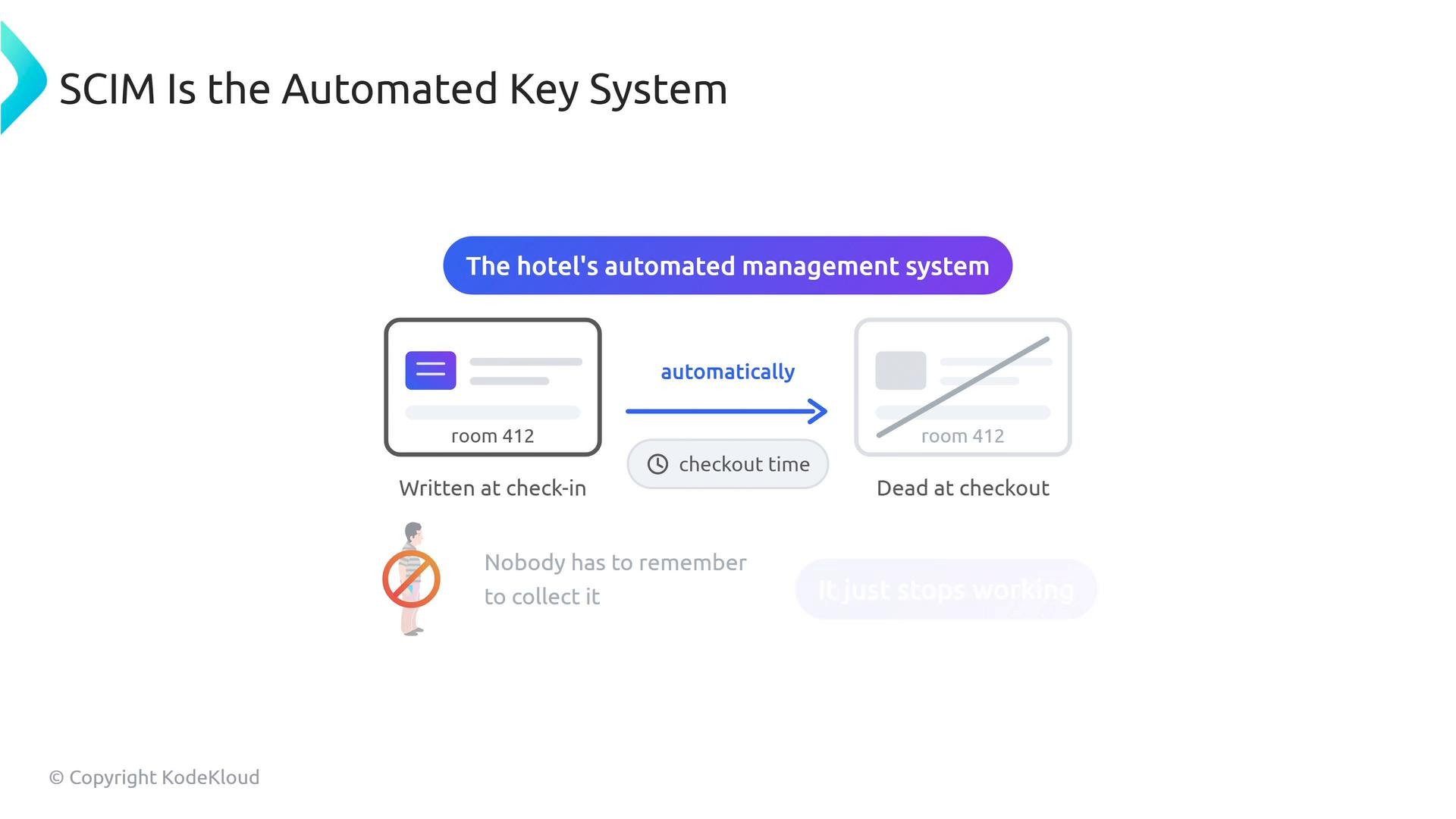
- SCIM is the hotel’s automated management system that issues and revokes room keys (provisioning/deprovisioning).
- Team Sync is the loyalty-tier system that assigns floors or perks based on status (group/team membership mapping).
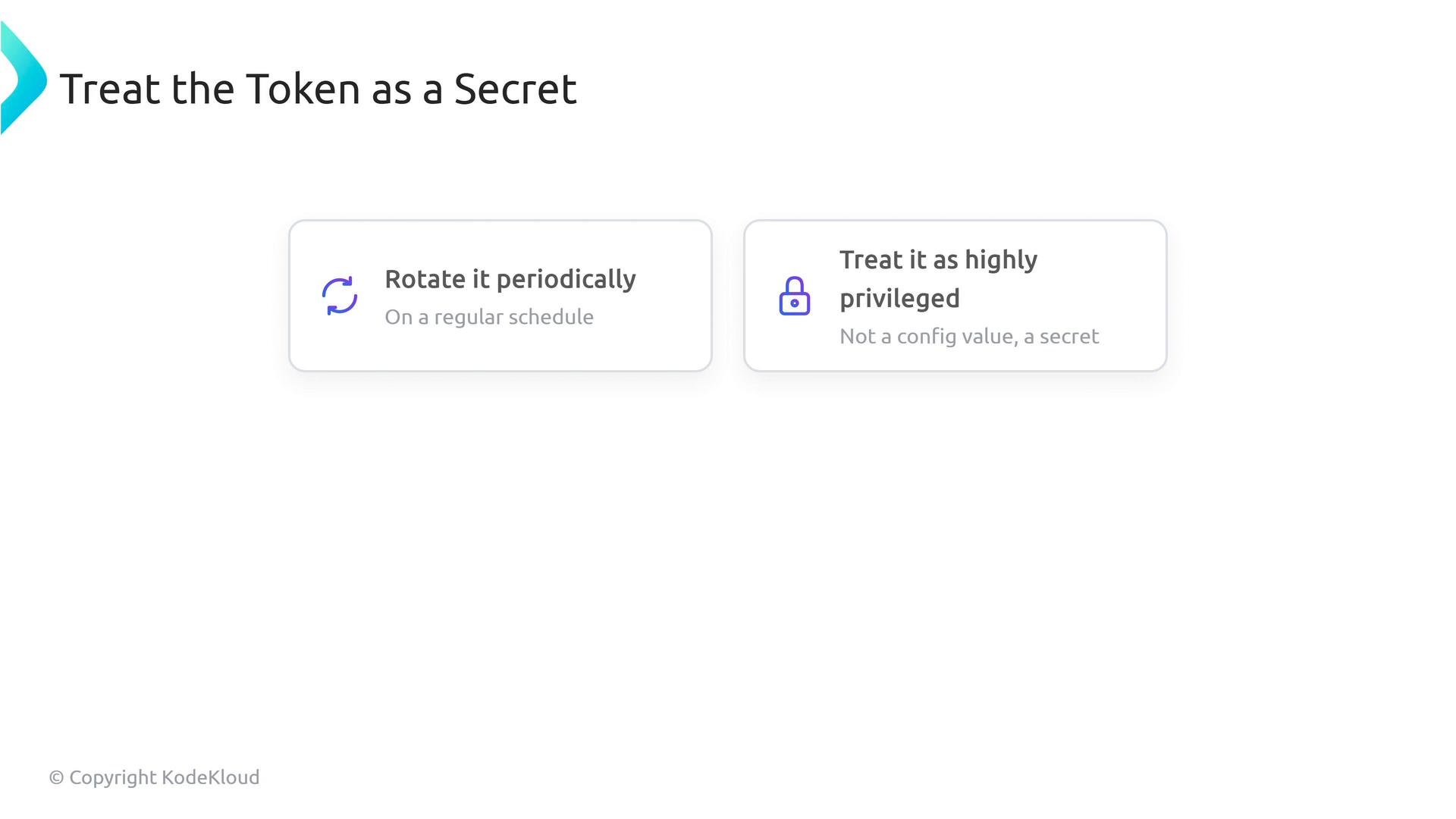
The SCIM bearer token is highly privileged: anyone with it can add or remove organization members. Rotate it periodically, store it securely, and limit access to trusted systems and administrators.
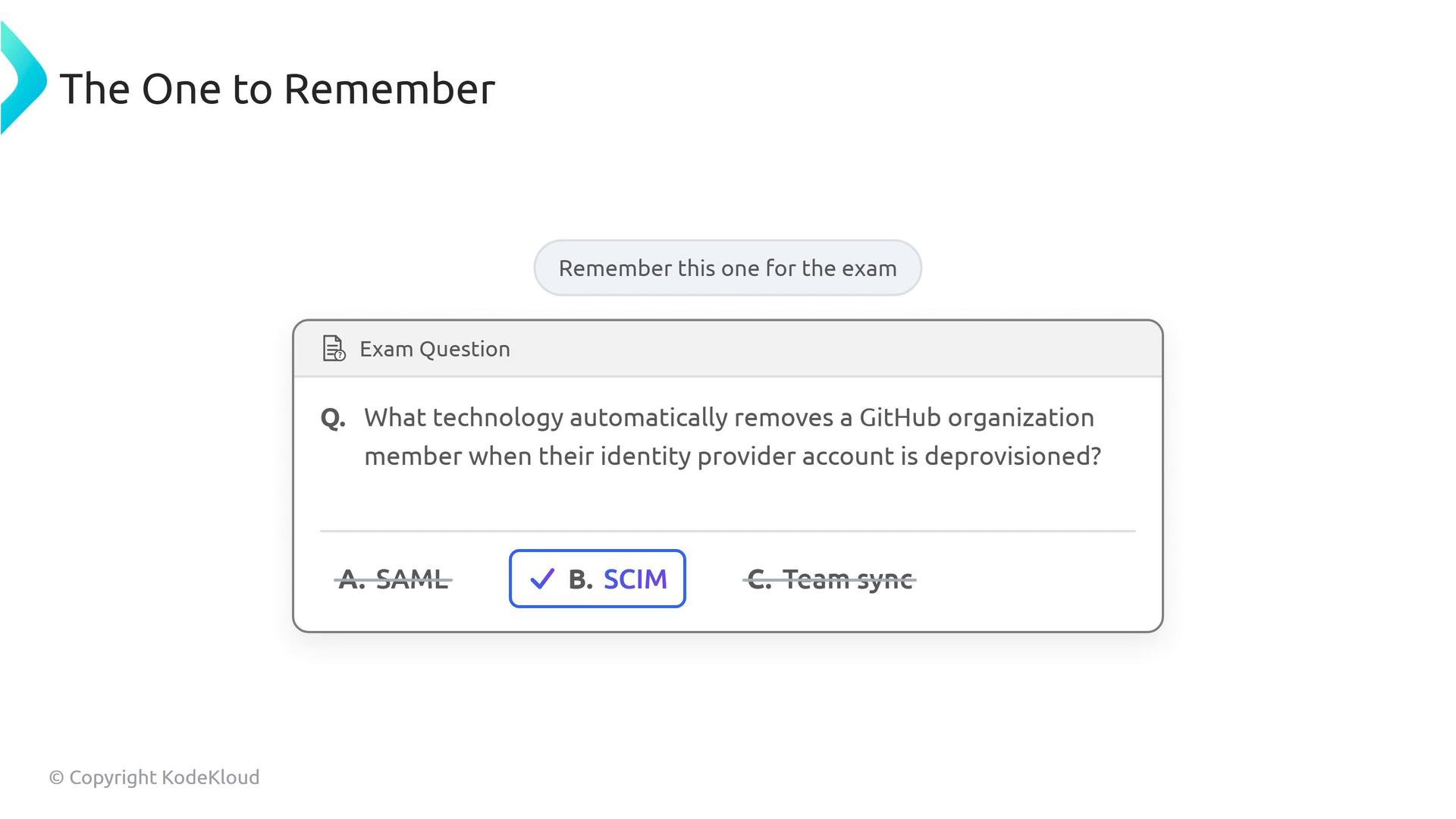
- If asked which technology automatically removes a GitHub organization member when their identity-provider account is deprovisioned, the correct answer is SCIM — not SAML or Team Sync.
- SAML: broadly compatible with many identity providers (for example, Google Workspace, Ping Identity).
- SCIM: supported by major IdPs such as Okta, Azure AD, and OneLogin.
- Team Sync: has stricter prerequisites and more limited provider support — verify compatibility and licensing before relying on it.
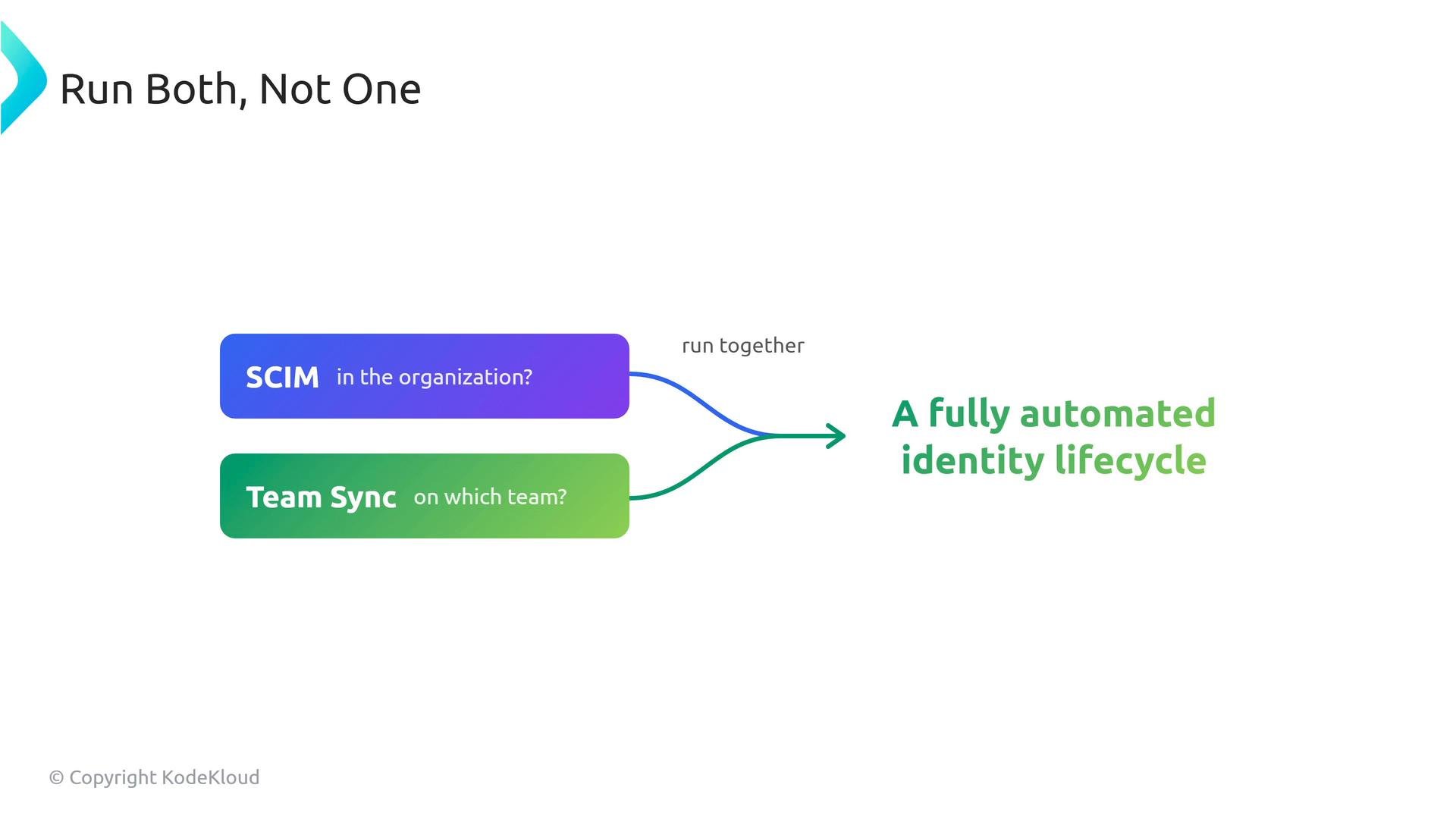
Use SAML for authentication (SSO), SCIM for provisioning/deprovisioning (identity lifecycle), and Team Sync to map IdP groups to GitHub teams. Combining SCIM and Team Sync provides the most complete automation for GitHub Enterprise.
Links and references
- GitHub SCIM REST API: https://docs.github.com/en/enterprise-cloud@latest/admin/user-management/provisioning-with-scim
- Team Sync docs: https://docs.github.com/en/organizations/managing-membership-and-access-to-your-organization/using-team-sync
- Okta SCIM overview: https://developer.okta.com/docs/concepts/scim/
- Azure AD SCIM guide: https://learn.microsoft.com/en-us/azure/active-directory/app-provisioning/use-scim-to-provision-users-and-groups
- Google Workspace SAML: https://support.google.com/a/answer/6087519
- Ping Identity SSO: https://www.pingidentity.com/en/products/single-sign-on.html