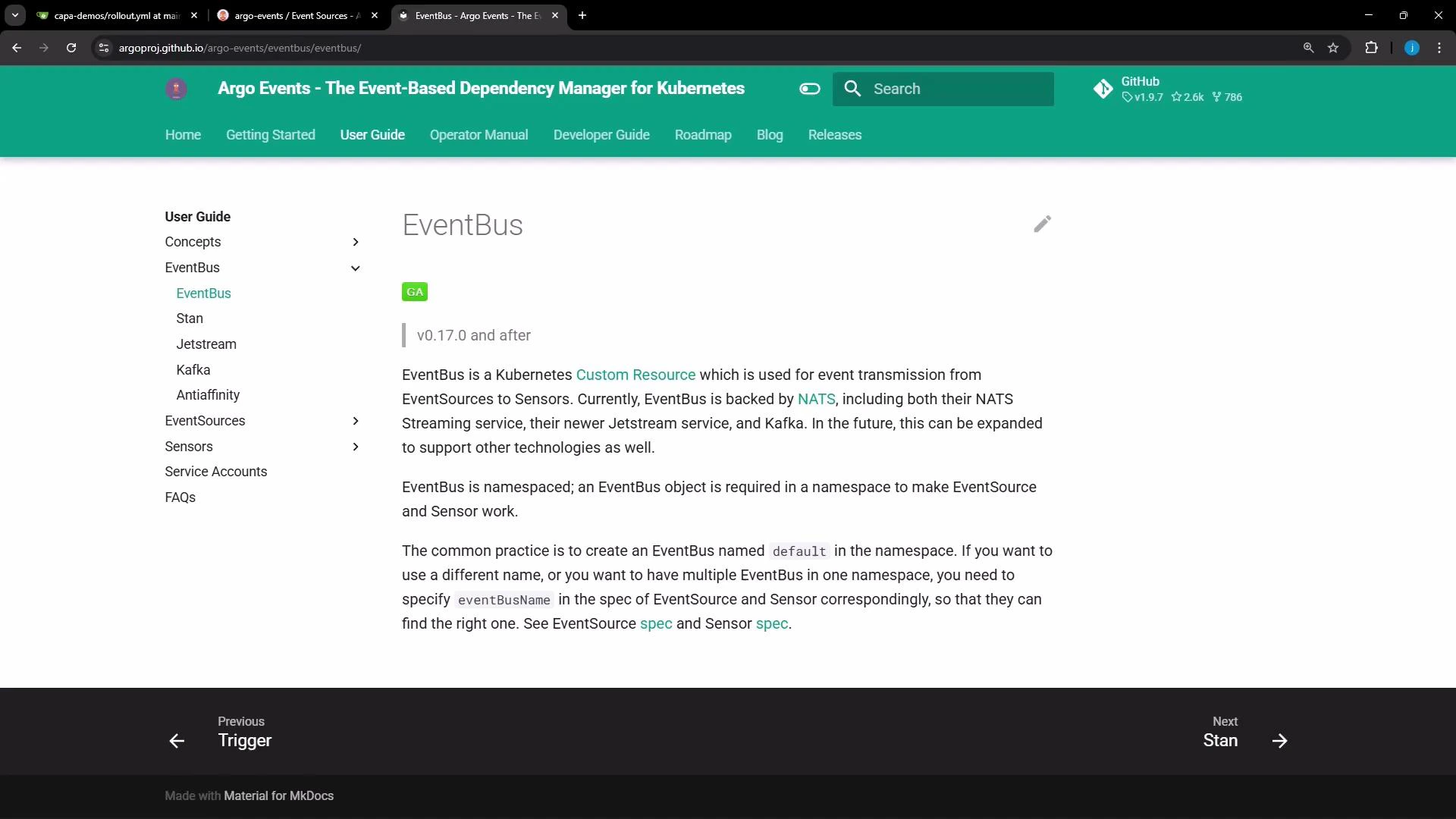
In this lesson we will create and verify an EventBus for Argo Events. An EventBus is the messaging backbone that routes events from event sources to sensors. Argo Events supports multiple EventBus backends; this guide compares the common options and shows how to create a NATS-based EventBus.
A screenshot of the Argo Events documentation webpage showing the "EventBus" user guide, with a green header, left navigation menu, and explanatory text about EventBus for Kubernetes. The page includes links and version info, and navigation arrows at the bottom.

EventBus backend comparison

BackendUse caseNotes
NATS (native)Simple deployments where Argo Events should manage the NATS streaming clusterArgo Events will create StatefulSet(s) and services
NATS (exotic)Use an existing, externally managed NATS clusterUseful when you already operate NATS and want Argo Events to connect to it
JetStreamDurable stream storage and advanced delivery guaranteesUse a pinned JetStream version in production
KafkaEnterprise-grade messaging systems already in useKafka must be provisioned and managed outside Argo Events

NATS (native)

The most common EventBus for Argo Events is the native NATS streaming implementation that Argo Events manages for you. A minimal native EventBus looks like this:
apiVersion: argoproj.io/v1alpha1
kind: EventBus
metadata:
  name: default
spec:
  nats:
    native: {}
You can expand the native configuration to control replicas, authentication, and persistence:
apiVersion: argoproj.io/v1alpha1
kind: EventBus
metadata:
  name: default
spec:
  nats:
    native:
      replicas: 3            # optional; defaults to 3; requires a minimum of 3 for quorum
      auth: token            # optional; defaults to none
      persistence:           # optional
        storageClassName: standard
        accessMode: ReadWriteOnce
        volumeSize: 10Gi
NATS streaming (native) typically expects at least three replicas to form a quorum for high availability. Set replicas to match your HA requirements and ensure your cluster has capacity to schedule those pods.

NATS (exotic) — connect to an existing NATS streaming server

If you already run a NATS streaming cluster, instruct Argo Events to connect to it by using the exotic configuration:
apiVersion: argoproj.io/v1alpha1
kind: EventBus
metadata:
  name: default
spec:
  nats:
    exotic:
      url: nats://nats.example.internal:4222
      clusterID: my-cluster-id
      auth: token
      accessSecret:
        name: my-secret-name
        key: secret-key
After applying an exotic EventBus, inspect the runtime configuration that the EventBus controller computes:
kubectl get eventbus default -o json | jq '.status.config'
This prints the effective configuration used by the controller and helps verify connectivity settings.

JetStream

Argo Events supports JetStream for advanced streaming features. Enable JetStream in the EventBus spec and pin a version for production stability:
apiVersion: argoproj.io/v1alpha1
kind: EventBus
metadata:
  name: default
spec:
  jetstream:
    version: "2.11.0" # specify a concrete version for production
Do NOT use “latest” in production. Pin a concrete JetStream version to avoid unexpected upgrades or incompatibilities.

Kafka

Kafka is supported as an EventBus backend as well. You must manage the Kafka brokers outside Argo Events:
apiVersion: argoproj.io/v1alpha1
kind: EventBus
metadata:
  name: default
spec:
  kafka:
    url: kafka:9092   # must point to an existing Kafka broker
    topic: "example"  # optional

Anti-affinity and scheduling considerations

To improve availability, configure Kubernetes pod anti-affinity so EventBus pods are spread across nodes or zones. Anti-affinity helps prevent correlated failures (for example, all replicas on a single node). The exact anti-affinity configuration depends on your cluster topology and scheduling constraints. Recommendation checklist:
  • Ensure storageClassName and volume sizes meet persistence needs.
  • Set pod anti-affinity to spread replicas across nodes/availability-zones.
  • Confirm the cluster has capacity for the required replica count.

Create the EventBus in the cluster

  1. Create a file named eventbus.yaml with your chosen EventBus configuration (for example, the native NATS YAML above).
  2. Apply it to the argo-events namespace:
kubectl -n argo-events apply -f eventbus.yaml
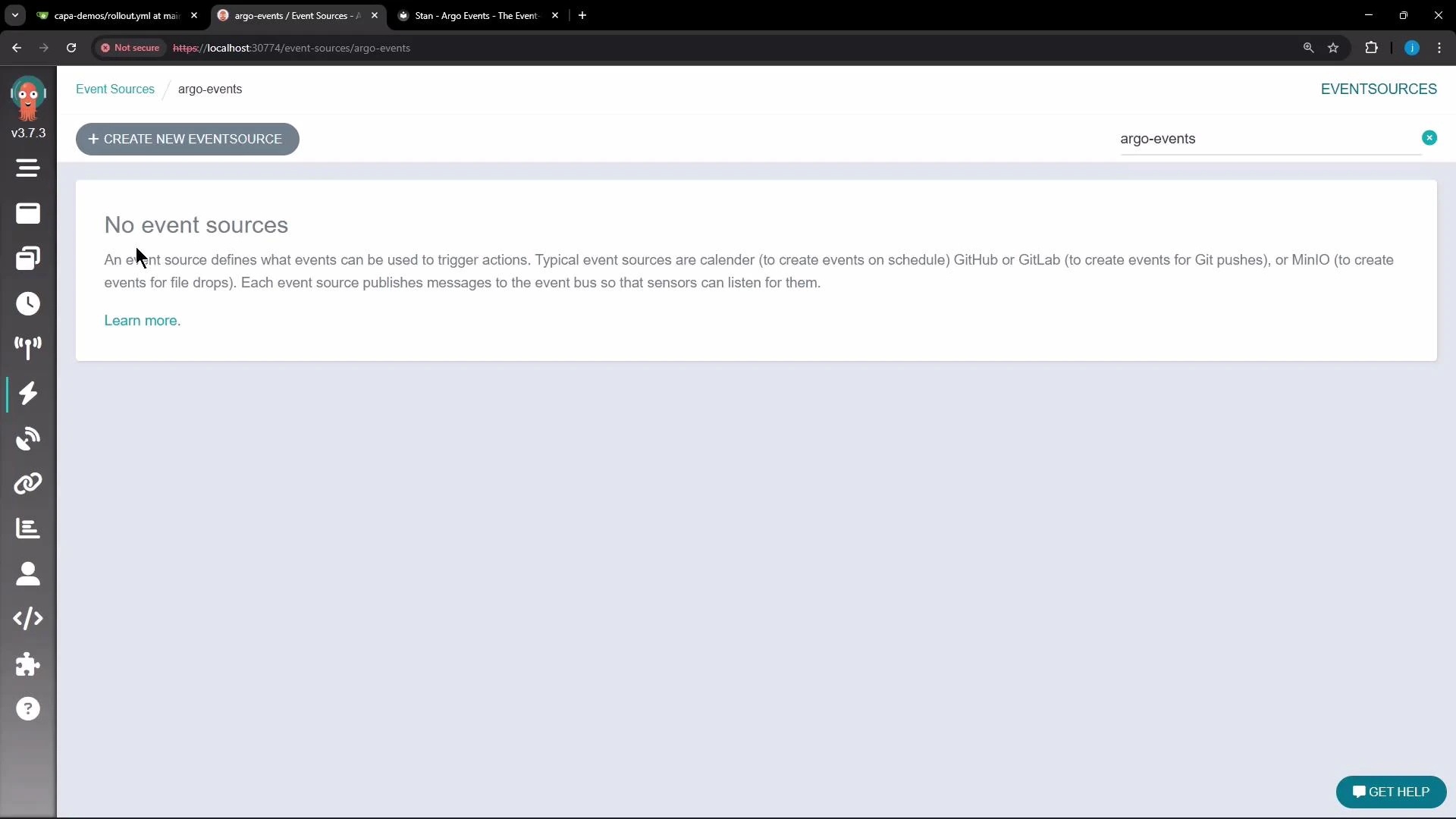
Note: The Argo Events UI may not provide a creation flow for EventBus objects; using kubectl is the typical path for initial EventBus creation.
A browser screenshot of an Argo Events dashboard displaying a message "No event sources" with a "+ CREATE NEW EVENTSOURCE" button and the namespace "argo-events" in the header. A vertical navigation sidebar is visible on the left and a "GET HELP" button appears at the bottom-right.

Monitor and verify the EventBus

After you apply the YAML, the EventBus controller will create Kubernetes resources. For native NATS this typically includes a StatefulSet and associated Services. Monitor pod creation and readiness:
kubectl get pods -n argo-events
To inspect EventBus status and computed configuration:
kubectl get eventbus default -o yaml
kubectl get eventbus default -o json | jq '.status.config'
Example workflow:
  • Apply EventBus YAML:
    • kubectl -n argo-events apply -f eventbus.yaml
  • Inspect pods:
    • kubectl get pods -n argo-events
  • Check EventBus status and computed config:
    • kubectl get eventbus default -o yaml
    • kubectl get eventbus default -o json | jq ‘.status.config’
For a 3-replica native NATS EventBus you should see three NATS pods. It is normal for one pod to become Ready before the others; wait until all replicas are Ready before creating event sources and sensors. Once the EventBus pods are Ready, proceed to create event sources and sensors that will publish and consume events via the configured EventBus. That’s all for this lesson/article.

Watch Video