

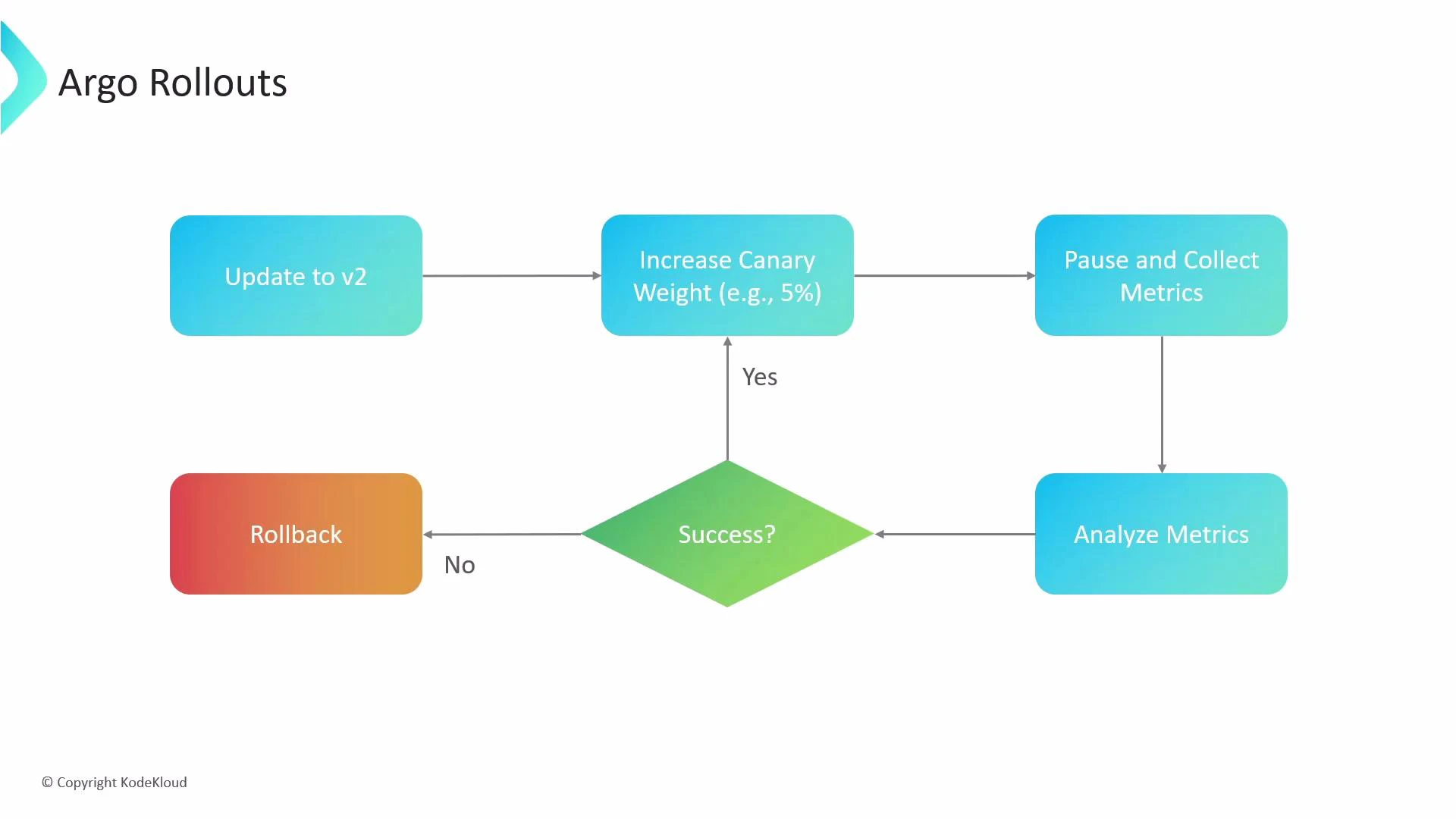
- Deploy a new revision (v2) alongside the stable revision.
- Incrementally shift a percentage of traffic to the canary (for example, 5%).
- Pause to collect and analyze metrics and probes.
- If the analysis passes, increase the canary weight or promote to stable; if it fails, automatically rollback to the previous stable revision.
Argo Rollouts introduces the Rollout CRD (kind: Rollout). You continue to use ordinary Kubernetes primitives (Services, Ingress, etc.), but replace Deployments with a Rollout resource when you need progressive delivery features like canary or blue/green strategies and automated analysis.
Core features — what Argo Rollouts provides
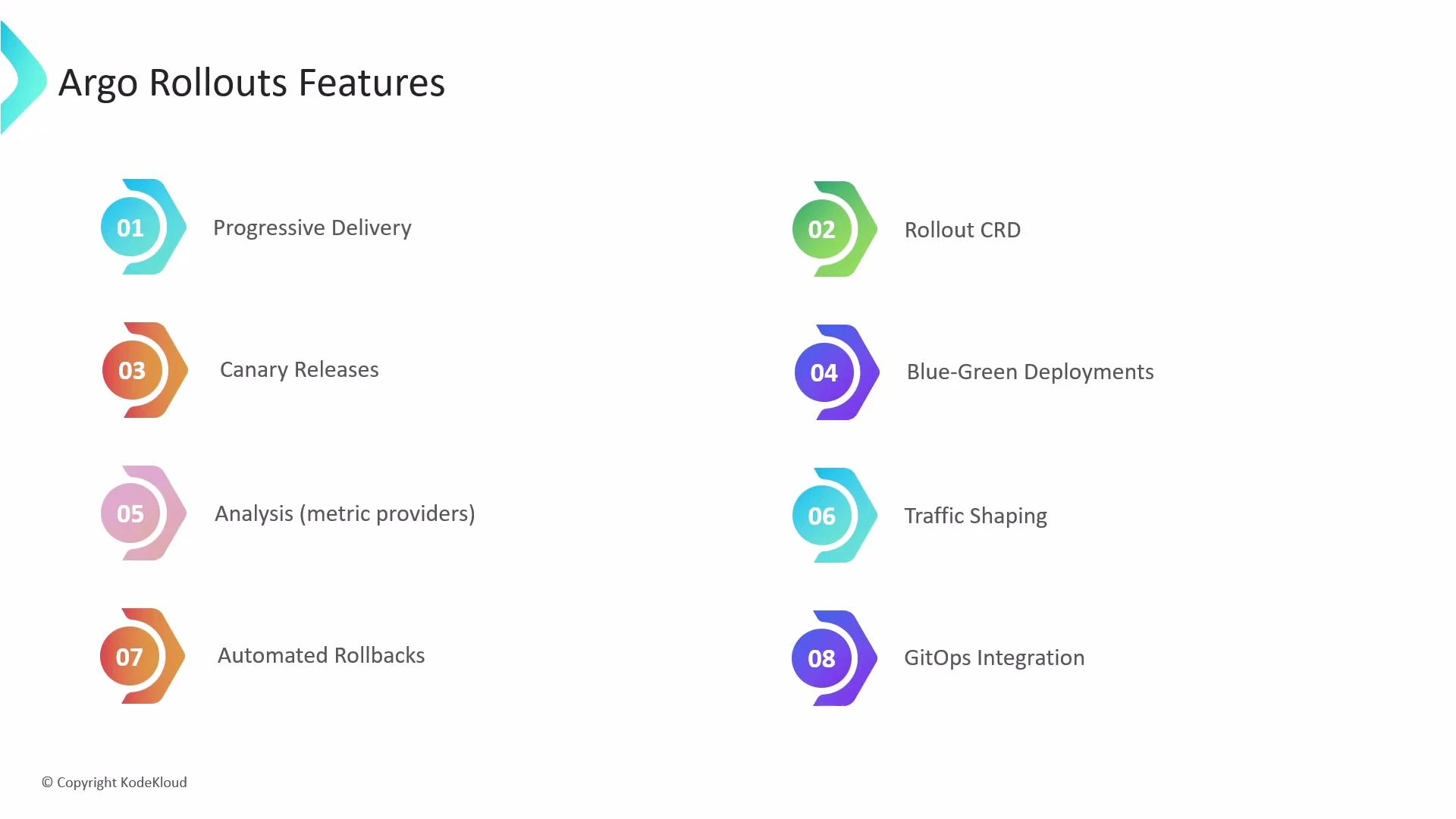
- Progressive delivery: Reduce blast radius by exposing changes gradually to a subset of users.
- Rollout CRD: A first-class Kubernetes resource to manage advanced deployment workflows.
- Canary releases: Route a small portion of traffic to a new revision, observe behavior, then increase exposure.
- Blue/Green deployments: Run two parallel environments and switch traffic when the new environment is validated.
- Analysis (metric providers): Query metrics from systems like Prometheus or Datadog to validate health gates during rollouts.
- Traffic shaping: Control traffic fractions using ingress controllers or service meshes (for example, Istio) integrated with Argo Rollouts.
- Automated rollbacks: Automatically revert to a known-good revision if probes or metric analysis fail.
- GitOps integration: Works with ArgoCD for declarative, version-controlled rollouts.
Feature comparisons: when to use each strategy
How Argo Rollouts fits into your delivery pipeline
- Observability-first deployments: Integrate metric providers (Prometheus, Datadog) and application probes to make promotion decisions data-driven.
- Service mesh / ingress integration: Use Istio, Linkerd, or supported ingress controllers for traffic splitting and weight-based routing.
- CI/CD and GitOps: Keep Rollout manifests in Git and let ArgoCD or your CI pipeline apply them to trigger controlled rollouts.
- Safety and automation: Combine automated analysis and rollbacks with optional manual approval steps (pauses) to balance safety and speed.
Getting started resources
- Read the Argo Rollouts documentation to understand CRD fields and examples.
- Try a simple canary Rollout with a small traffic weight and a Prometheus-based analysis query.
- Integrate with ArgoCD for GitOps-managed rollouts and audits.
Links and references
- Argo Rollouts GitHub / docs
- Kubernetes documentation: What is Kubernetes?
- Prometheus monitoring fundamentals
- ArgoCD GitOps course
- Istio service mesh course