When workflows generate artifacts and logs over time, stored files consume space in your artifact repository. Artifact Garbage Collection (Artifact GC) in Argo Workflows lets you automatically remove artifacts you no longer need. You can configure deletion either when a workflow completes or when a workflow is deleted. Artifact GC can be set globally at the workflow level (as a default for all artifacts) and selectively overridden per artifact.
Artifact-level settings override the workflow-level default. The available strategies are: OnWorkflowDeletion, OnWorkflowCompletion, and Never.
This document provides two practical examples and explains common behaviors and lifecycle considerations:
  • Example 1 — A workflow-level default GC strategy with an artifact-level override.
  • Example 2 — A producer-consumer steps workflow that passes an artifact between steps while using a workflow-level GC policy.
Example 1 — Workflow-level Artifact GC with an artifact-level override
  • Purpose: Demonstrates setting a default artifact GC strategy at the workflow level and overriding it for a specific artifact.
  • Behavior: The workflow default is OnWorkflowDeletion. One artifact will follow that policy; another will override it to OnWorkflowCompletion.
apiVersion: argoproj.io/v1alpha1
kind: Workflow
metadata:
  generateName: artifact-gc-
spec:
  entrypoint: main
  # Default artifact GC strategy applied to all artifacts unless overridden
  artifactGC:
    strategy: OnWorkflowDeletion

  templates:
  - name: main
    container:
      image: argoproj/argosay:v2
      command: ["sh", "-c"]
      args:
      - |
        echo "can throw this away" > /tmp/temporary-artifact.txt
        echo "keep this" > /tmp/keep-this.txt
    outputs:
      artifacts:
      - name: temporary-artifact
        path: /tmp/temporary-artifact.txt
        # Will follow the workflow-level strategy (OnWorkflowDeletion)
      - name: persistent-artifact
        path: /tmp/keep-this.txt
        s3:
          key: keep-this.txt
        artifactGC:
          strategy: OnWorkflowCompletion  # overrides workflow-level strategy
Example 2 — Steps-based producer/consumer (passing artifacts between steps)
  • Purpose: Shows a multi-step workflow that produces an artifact in one step and consumes it in another.
  • Behavior: The workflow-level artifactGC is set to OnWorkflowDeletion and applies to artifacts unless individually overridden.
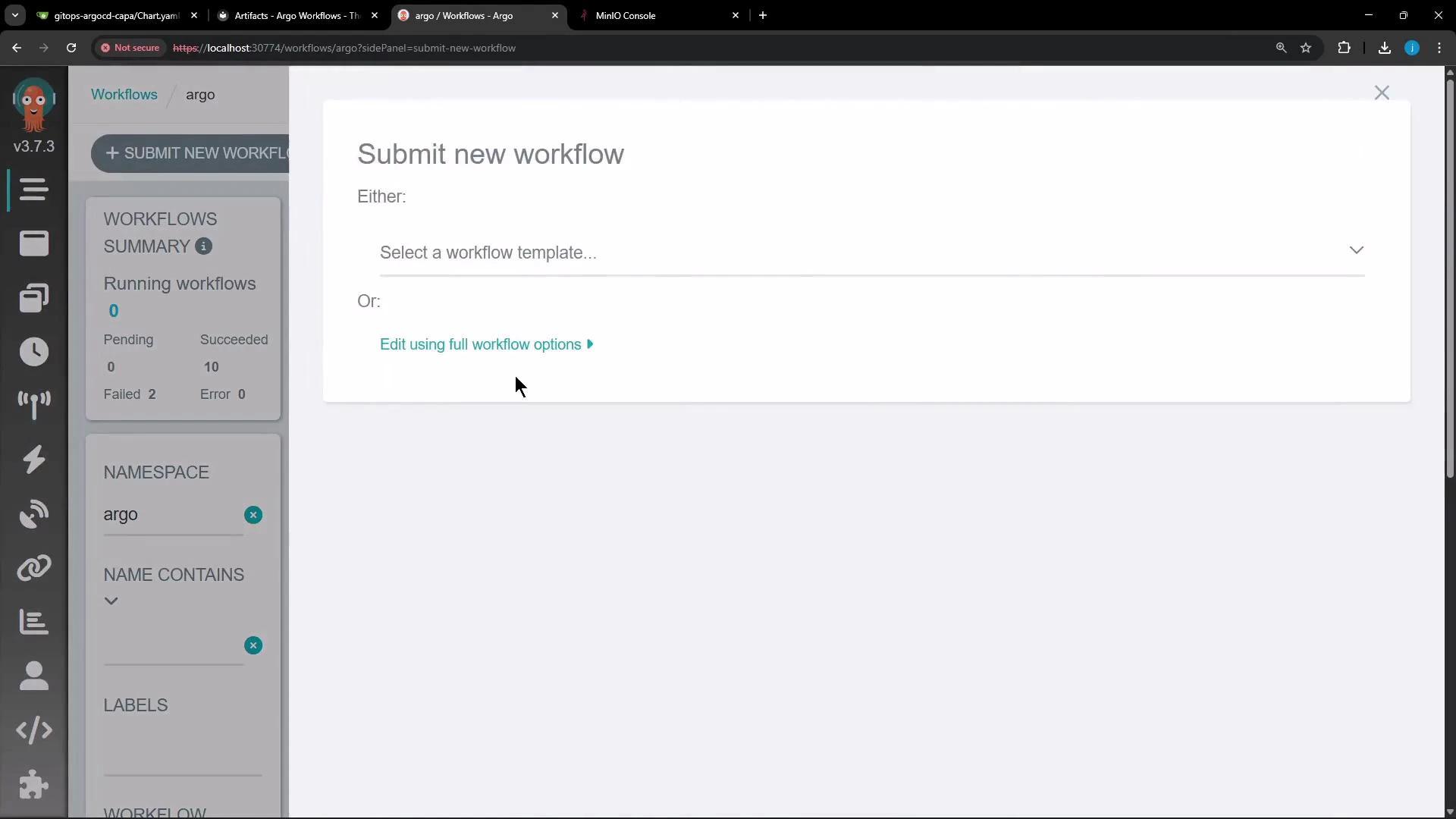
A screenshot of the Argo Workflows web UI showing a "Submit new workflow" panel with options to select a workflow template or edit using full workflow options. The left sidebar displays workflow summary stats and namespace/filters.
apiVersion: argoproj.io/v1alpha1
kind: Workflow
metadata:
  generateName: artifact-
  namespace: argo
spec:
  entrypoint: main
  artifactGC:
    strategy: OnWorkflowDeletion  # default for all artifacts in this workflow

  templates:
  - name: main
    steps:
    # Step 1: generate the artifact
    - - name: generate
        template: generate-file
    # Step 2: consume the artifact produced by 'generate'
    - - name: consume
        template: consume-file
        arguments:
          artifacts:
            - name: message-from-producer
              from: "{{steps.generate.outputs.artifacts.my-generated-artifact}}"

  - name: generate-file
    script:
      image: busybox
      command: [sh, -c]
      source: |
        echo "Hello from an artifact!" > /tmp/hello.txt
    outputs:
      artifacts:
      - name: my-generated-artifact
        path: /tmp/hello.txt

  - name: consume-file
    container:
      image: busybox
      command: [sh, -c]
      args: ["cat /tmp/message.txt || true"]
    inputs:
      artifacts:
      - name: message-from-producer
        path: /tmp/message.txt
How Artifact GC behaves in practice
  • workflow-level default: With artifactGC.strategy: OnWorkflowDeletion at the workflow level, artifacts produced by that workflow are removed when the workflow is deleted.
  • artifact-level overrides: To change behavior for specific artifacts, set artifactGC.strategy on the artifact:
    • Never — retain the artifact regardless of workflow deletion.
    • OnWorkflowCompletion — delete the artifact when the workflow completes (not waiting for deletion).
    • OnWorkflowDeletion — delete the artifact only when the workflow is deleted (this is the default in our examples).
  • precedence: Artifact-level settings always override the workflow-level default.
Artifact GC strategies at a glance
StrategyWhen the artifact is deletedUse case
OnWorkflowDeletionWhen the workflow is deletedDefault for ephemeral artifacts tied to a workflow lifecycle
OnWorkflowCompletionImmediately after workflow completesArtifacts needed only during runtime or post-processing
NeverNot deleted by GCLong-term storage or archival artifacts
Example real-world workflow lifecycle
  • Submit the workflow (for example via the Argo UI or kubectl). The produced artifact is stored in the configured artifact store (e.g., MinIO) under the workflow’s folder/bucket.
  • Inspect the artifact store to confirm artifact presence while the workflow exists or after completion.
  • Delete the workflow:
    • Artifacts with OnWorkflowDeletion will be removed by the garbage collector.
    • Artifacts with Never or OnWorkflowCompletion will follow their explicit artifact-level setting and may remain or be removed based on that configuration.
Best practices
  • Use workflow-level defaults to enforce cluster-wide conventions for ephemeral artifacts.
  • Override per-artifact when specific artifacts must be retained or cleaned up at a different time.
  • Monitor your artifact store capacity and configure lifecycle rules as needed in addition to Argo GC for long-term retention policies.
Links and references This concludes the demo article showing how to use Artifact Garbage Collection in Argo Workflows to manage artifact lifecycles and control storage usage.

Watch Video

Practice Lab