In this hands-on demo you’ll see the practical difference between the RollingUpdate and Recreate deployment strategies in Kubernetes. We’ll deploy a small HTTP app that returns its version (v1 or v2) and observe behavior during an upgrade. This shows how each strategy affects availability and rollout behavior. What you’ll learn:
  • How to deploy a simple Deployment and Service
  • How RollingUpdate preserves availability during updates
  • How Recreate causes downtime by terminating all pods before creating new ones
Deployment manifest (patterns/release/deployment.yaml)
apiVersion: apps/v1
kind: Deployment
metadata:
  name: app
  labels:
    app: app-demo
spec:
  replicas: 5
  selector:
    matchLabels:
      app: app-demo
  template:
    metadata:
      labels:
        app: app-demo
    spec:
      containers:
      - name: app
        image: siddharth67/app:v1
        imagePullPolicy: IfNotPresent
        ports:
        - containerPort: 3311
Note: The manifest above omits a strategy section. Kubernetes defaults to the RollingUpdate strategy when strategy is not specified.
If you require zero-downtime updates, RollingUpdate is the default and preferred choice. The Recreate strategy will terminate all existing pods before creating new ones, which causes an interruption in service.

1) Clone the repo and apply resources

Run the commands below to prepare the demo namespace and apply the manifests:
# Clone the demos repo
git clone http://localhost:5000/kk-org/cgoa-demos
cd cgoa-demos/patterns/release

# Create namespace and apply deployment + service
kubectl create ns rolling-recreate
kubectl -n rolling-recreate apply -f .
Verify the resources were created:
kubectl -n rolling-recreate get all
Example output:
NAME                          READY   STATUS    RESTARTS   AGE
pod/app-8455fbd799-6xwx4      1/1     Running   0          9s
pod/app-8455fbd799-7qzmr      1/1     Running   0          9s
pod/app-8455fbd799-8vmj8      1/1     Running   0          9s
pod/app-8455fbd799-mjphc      1/1     Running   0          9s
pod/app-8455fbd799-nrc9f      1/1     Running   0          9s

NAME                 TYPE       CLUSTER-IP       EXTERNAL-IP   PORT(S)        AGE
service/app-service  NodePort   10.106.209.30    <none>        80:32431/TCP   9s

NAME                 READY   UP-TO-DATE   AVAILABLE   AGE
deployment.apps/app  5/5     5            5           9s
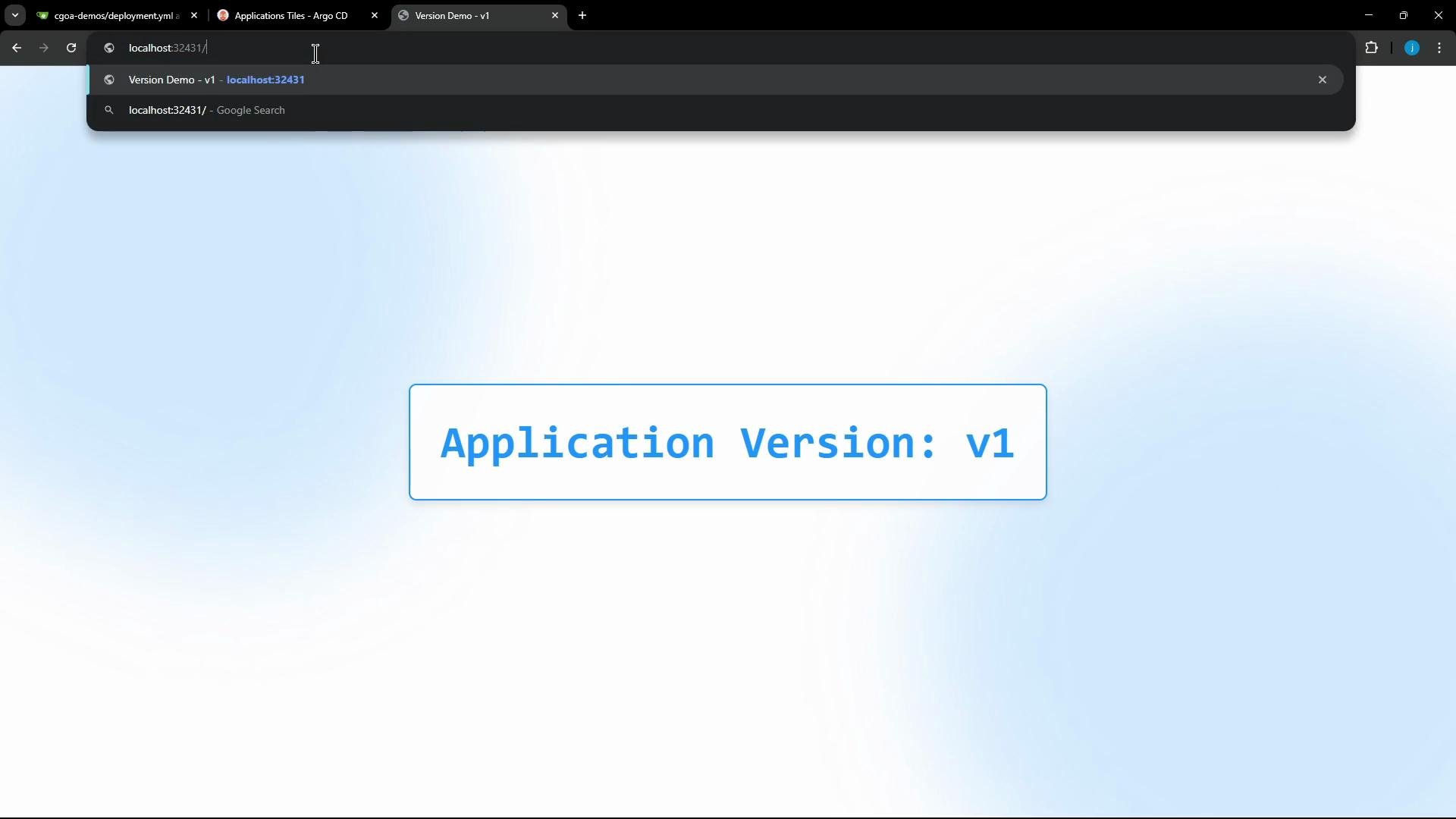
The app exposes a simple endpoint (/app) that returns the version string:
A web browser window displaying a centered banner that reads "Application Version: v1" in large blue text inside a rounded, blue-outlined box on a light blue gradient background. The address bar shows a localhost URL.

2) Poll the endpoint continuously to observe updates

Use the following shell loop to poll the NodePort and colorize v1 / v2 responses. Replace the NodePort (32431) if yours differs.
while true; do
  echo -n "$(date '+%H:%M:%S') - "
  curl -s --max-time 1 http://localhost:32431/app 2>/dev/null | \
  awk '{
    if (/^Application Version:/) {
      if ($0 ~ /v1/) print "\033[34m" $0 "\033[0m";
      else if ($0 ~ /v2/) print "\033[33m" $0 "\033[0m";
      else print $0;
    } else {
      print "\033[31mERROR: Service unreachable\033[0m"
    }
  }'
  sleep 1
done
Leave the loop running in a terminal. This will make the effect of each update immediately visible.

3) Rolling update (no downtime)

Because RollingUpdate is the default strategy, updating the Deployment image will perform a rolling upgrade: new pods are created and traffic shifts gradually from old pods to new pods. Update the image to v2 using kubectl set image:
kubectl -n rolling-recreate set image deployment/app app=siddharth67/app:v2
kubectl will respond:
deployment.apps/app image updated
Sample polling output (shows continuous responses transitioning from v1 to v2 without downtime):
16:34:14 - Application Version: v1
16:34:15 - Application Version: v1
...
16:34:32 - Application Version: v2
16:34:33 - Application Version: v2
...
Explanation: RollingUpdate creates new pods running v2 while terminating old v1 pods in a controlled manner, maintaining service availability during the rollout.

4) Recreate strategy (introduce downtime)

To demonstrate downtime, change the Deployment strategy to Recreate. Edit the deployment:
kubectl -n rolling-recreate edit deployment app
Add or modify the strategy section in the spec:
strategy:
  type: Recreate
Save the edit. Confirm the deployment now uses Recreate:
kubectl -n rolling-recreate get deploy app -o yaml
You should see:
spec:
  replicas: 5
  strategy:
    type: Recreate
Now update the image again (flip it back to v1 to see downtime):
kubectl -n rolling-recreate set image deployment/app app=siddharth67/app:v1
kubectl will report:
deployment.apps/app image updated
Behavior: With Recreate, Kubernetes terminates all existing pods immediately and only then creates the new pods. During the gap between pod termination and the new pods becoming Ready, the Service has no ready endpoints and will return timeouts or errors. Example polling output showing downtime:
16:35:30 - Application Version: v2
16:35:31 - Application Version: v2
16:35:32 - ERROR: Service unreachable
16:35:33 - ERROR: Service unreachable
16:35:34 - Application Version: v1
16:35:35 - Application Version: v1
Using the Recreate strategy will cause downtime because all old pods are terminated before new pods are created. Use Recreate only when you must avoid running multiple versions concurrently and can tolerate interruptions.

Comparison: RollingUpdate vs Recreate

StrategyBehavior during updateUse case
RollingUpdateGradually replaces pods; maintains availabilityZero-downtime updates; safe in production
RecreateTerminates all old pods, then creates new ones (downtime)When concurrent versions must not coexist

References

Summary
  • RollingUpdate (default): incrementally updates pods and preserves availability.
  • Recreate: shuts down all existing pods first, then starts new ones — which causes downtime.
This concludes the demo showing the practical differences between RollingUpdate and Recreate strategies for Kubernetes Deployments.

Watch Video

Practice Lab