

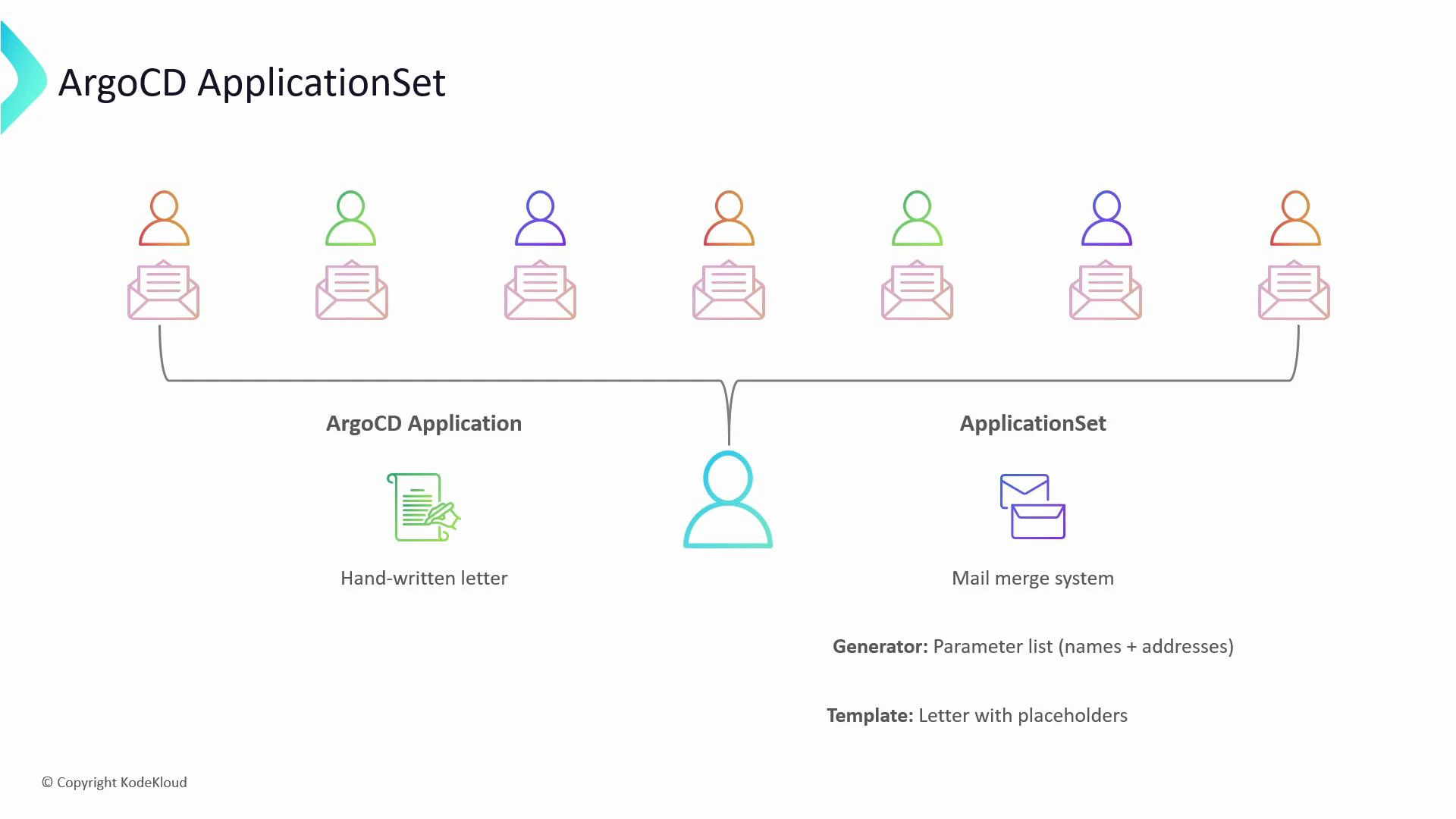
- Declare once, produce many: author a single ApplicationSet and generate multiple Applications.
- Consistency: a template ensures each generated Application follows the same blueprint.
- Scale: support multi-cluster, multi-environment, and preview workflows without manual duplication.
Example: a single Application
Here is a minimal Application manifest that creates one Application namedcolor-app:
ApplicationSet example (list generator)
The following ApplicationSet uses thelist generator to create a tools Application per cluster:
cluster and url. The template uses Go-style templating (for example {{.cluster}}) to substitute those values when generating each Application.
Core components
The two core concepts in an ApplicationSet are:- Generators: produce parameter sets (for example, cluster names and API URLs).
- Template: an Argo CD Application manifest that includes placeholders (for example,
{{.cluster}}and{{.url}}) which are filled in by values from the generators.
Argo CD provides multiple generator types so you can produce parameters from static lists, cluster registries, Git repositories, SCM providers, and custom plugins—enabling flexible multi-cluster and preview deployments.
Built-in generator types
ApplicationSet supports several built-in generators. Use the generator type that matches how you want to source parameters (static lists, cluster registry, Git repo layout, etc.).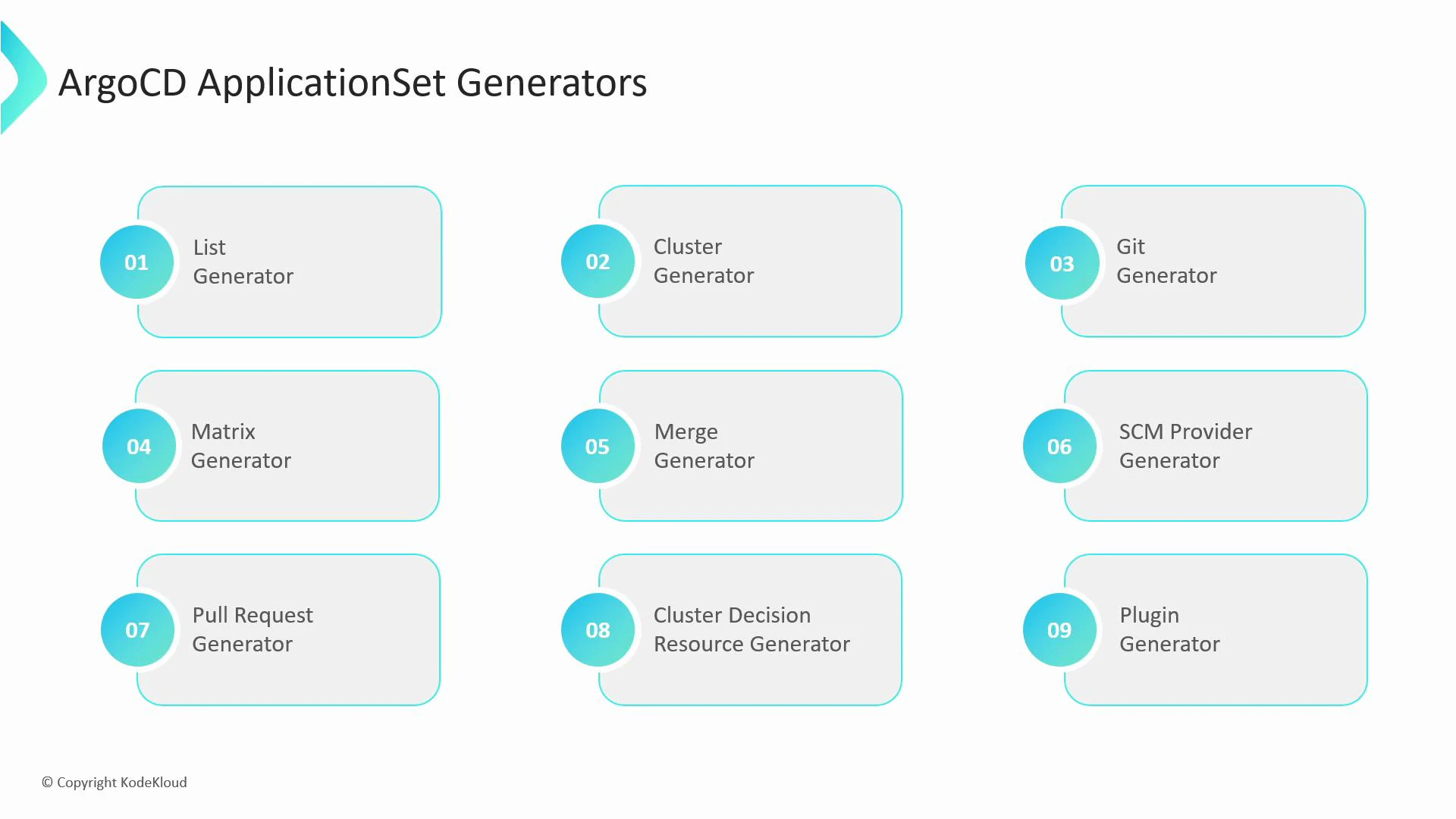
Patterns and best practices
- Prefer templates for shared configuration and keep sensitive values out of the template (use Secrets or external secret management).
- Use
matrixwhen you need the Cartesian product of two parameter sets (for example, apps × environments). - Use
mergeto combine attributes from multiple generators into a single parameter set. - Use the
Clustergenerator together with labels to target a subset of registered clusters. - For preview environments, use the
Pull Requestgenerator to create ephemeral Applications that are automatically cleaned up when PRs are closed.
Quick reference and links
- For the Argo CD project and full ApplicationSet reference, see the official docs: https://argo-cd.readthedocs.io/ and https://argo-cd.readthedocs.io/en/stable/applicationsets/
- Learn more about GitOps and multi-cluster patterns: https://kubernetes.io/docs/concepts/cluster-administration/manage-deployment/