

Prerequisites
- A working Kubernetes cluster (example uses Docker Desktop with Kubernetes).
- kubectl configured to target the cluster.
- Internet access to fetch the Argo CD manifests from GitHub.
Install Argo CD (stable)
To install the latest stable release of Argo CD, create theargocd namespace and apply the stable install manifest:
Install a specific Argo CD version
If you need a particular release, point to the release tag on GitHub. Below are example commands for installing Argo CD v3.1.5 in either non-HA or HA mode.Choose the non-HA manifest for single-node or local clusters (quickstart). Use
the HA manifest for production-grade deployments that require multiple
replicas and higher availability.
Example environment and initial cluster state
This example uses a single-node Docker Desktop cluster (Kubernetes v1.34.1). Use these commands to inspect nodes and namespaces before installing Argo CD:Install Argo CD (example using v3.1.5 non-HA)
Create the namespace and apply the manifest for the specific version:Common resource types created by the Argo CD install
Verify pods and services
Watch the resources in theargocd namespace as pods start:
Expose the Argo CD server for local access (NodePort)
By default, theargocd-server Service is type ClusterIP. For local development you can patch it to NodePort:
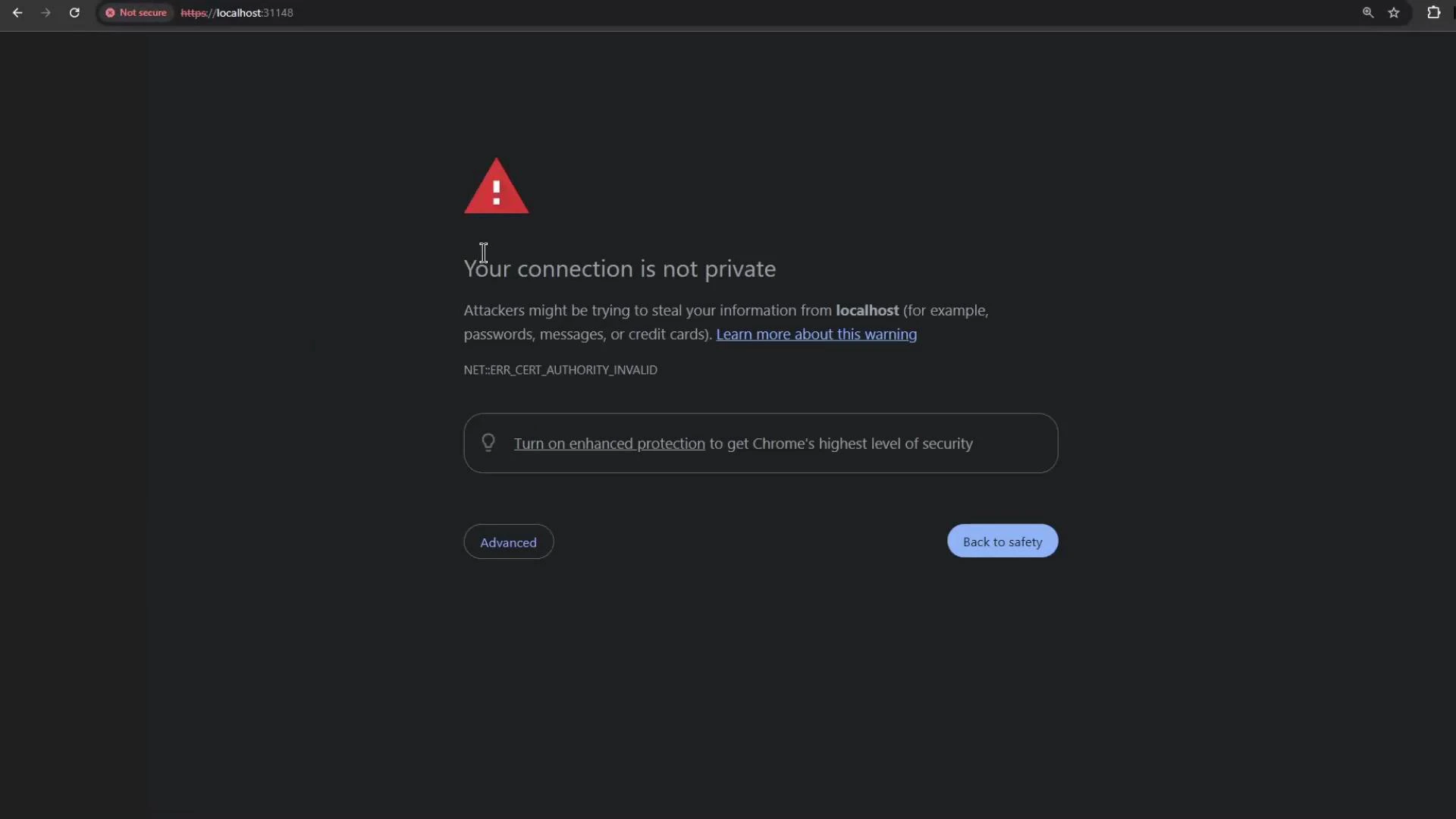
- If the PORT(S) column shows “80:31148/TCP,443:30203/TCP”, use https://localhost:30203 (HTTPS NodePort mapped to 443).
- If you use the NodePort mapped to port 80, you can use
http://localhost:<nodeport>. - On Docker Desktop NodePorts are typically reachable at localhost; on other environments use the node IP or cloud load balancer as appropriate.
Retrieve the initial admin password and log in
Argo CD stores the initial admin password in theargocd-initial-admin-secret Secret. Decode it with:
On macOS the base64 CLI flag may differ—if
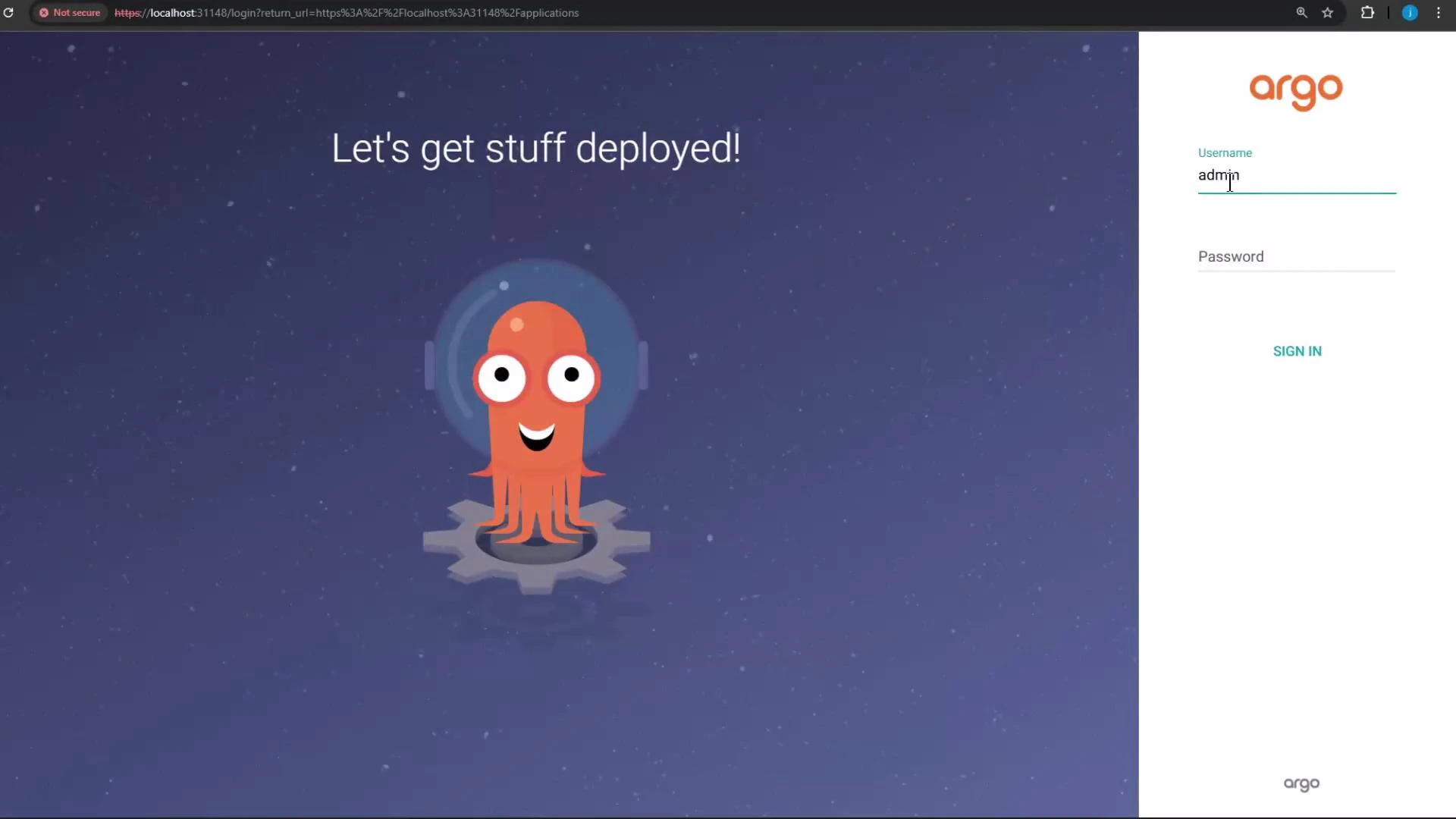
--decode doesn’t work try base64 -D.admin and the decoded password to sign in to the Argo CD web UI. The default login screen looks like this:
Update the admin password
After your first login, immediately change the admin password from the Account Settings -> Update account password dialog. Updating the default password is strongly recommended to secure your Argo CD instance.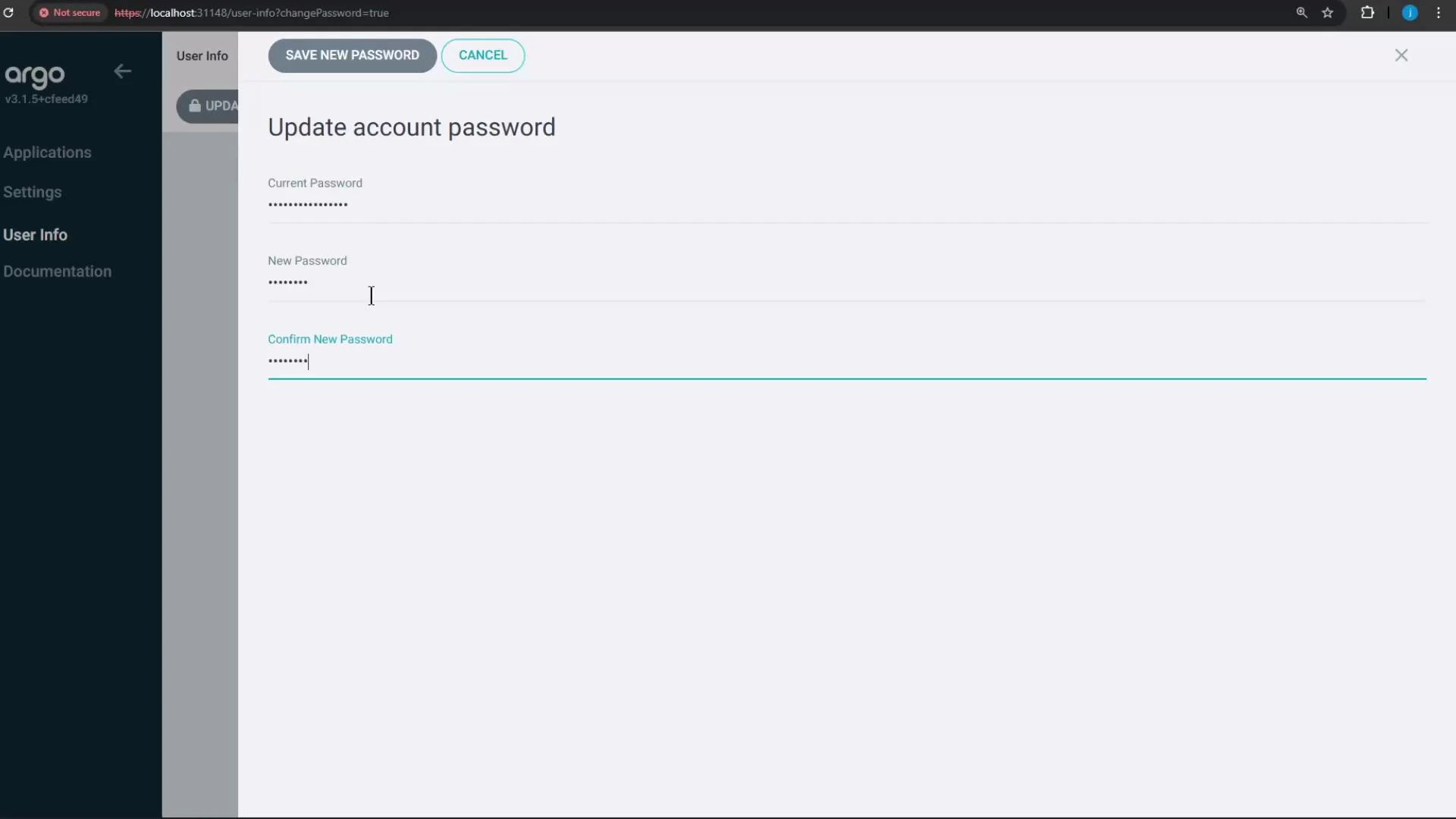
Summary
- Installed Argo CD into the
argocdnamespace (stable or specific version). - Patched
argocd-serverto NodePort for local access. - Retrieved and decoded the initial admin password from the Kubernetes Secret.
- Logged into the Argo CD web UI and updated the admin password.
- Next steps: create Argo CD Applications, connect Git repositories, and add clusters for GitOps-based deployments.