In this lesson you’ll register an Argo Events EventSource that listens for MinIO bucket notifications. Argo Events receives events in a CloudEvents-style JSON envelope; a simplified example looks like:
{
  "context": {
    "type": "type_of_event_source",
    "specversion": "cloud_events_version",
    "source": "name_of_the_event_source",
    "id": "unique_event_id",
    "time": "event_time",
    "datacontenttype": "type_of_data",
    "subject": "name_of_the_configuration_within_event_source"
  },
  "data": {
    "notification": [
      {
        "eventName": "s3:ObjectCreated:Put",
        "bucket": { "name": "argo-events-bucket" },
        "object": { "key": "path/to/object" }
      }
    ]
  }
}
This is the schema MinIO sends for bucket notifications. Your EventSource must be able to reach the MinIO API endpoint and have valid credentials (access key + secret key) available in the argo-events namespace.

Prerequisites & connectivity

Ensure the following before creating the EventSource:
RequirementPurposeExample / Notes
Reachable MinIO APIArgo Events must connect to MinIO (default port 9000)Service endpoint like minio.argo.svc.cluster.local:9000
Kubernetes Secret with MinIO credsEventSource reads credentials from a secret in argo-eventsminio-creds containing accesskey and secretkey
Bucket to watchThe bucket that will emit notificationsargo-events-bucket
If your cluster’s DNS or service discovery differs, adjust the endpoint to the correct FQDN or ClusterIP:port. Confirm the MinIO API is accessible from the argo-events namespace.

Port-forward locally and set up the MinIO client (optional)

If you prefer to configure the bucket from your workstation using the MinIO client (mc), port-forward the MinIO service and configure an alias:
# Port-forward MinIO service (replace <minio-namespace> with the namespace where MinIO runs)
kubectl -n <minio-namespace> port-forward svc/minio 9000:9000

# Configure mc alias locally (example default MinIO credentials)
mc config host add minio http://localhost:9000 minio minio123

# Create a bucket for events
mc mb minio/argo-events-bucket
To check MinIO service presence in-cluster:
# Replace <minio-namespace> with the namespace where MinIO is installed, e.g., "argo"
kubectl -n <minio-namespace> get svc
Example console output (truncated):
NAME          TYPE        CLUSTER-IP       EXTERNAL-IP   PORT(S)                                AGE
argo-server   NodePort    10.98.122.61     <none>        2746:30774/TCP                         29h
httpbin       ClusterIP   10.103.119.102   <none>        9100/TCP                               29h
minio         NodePort    10.108.36.67     <none>        9000:30648/TCP,9001:30731/TCP          29h

Create the Kubernetes Secret for MinIO credentials

Create a secret in the argo-events namespace so the EventSource can authenticate to MinIO. The simplest method is using kubectl:
kubectl -n argo-events create secret generic minio-creds \
  --from-literal=accesskey=minio \
  --from-literal=secretkey=minio123
You should see:
secret/minio-creds created
Alternatively, if you want to apply YAML, use base64-encoded values:
apiVersion: v1
kind: Secret
metadata:
  name: minio-creds
  namespace: argo-events
data:
  accesskey: bWluaW8=       # base64 for "minio"
  secretkey: bWluaW8xMjM=   # base64 for "minio123"
Do not commit plain-text credentials to repositories. Use sealed secrets, HashiCorp Vault, or another secret management solution for production. Ensure RBAC limits who can read the minio-creds secret.

EventSource manifest: MinIO listener

Below is a working EventSource YAML that registers a MinIO event source named minio with a configuration called example. It watches the argo-events-bucket bucket for object creation and deletion events, points at an in-cluster MinIO endpoint, and pulls credentials from the minio-creds secret.
apiVersion: argoproj.io/v1alpha1
kind: EventSource
metadata:
  name: minio
  namespace: argo-events
spec:
  minio:
    example:
      bucket:
        name: argo-events-bucket
      endpoint: minio.argo.svc.cluster.local:9000
      events:
        - s3:ObjectCreated:Put
        - s3:ObjectRemoved:Delete
      insecure: true
      accessKey:
        name: minio-creds
        key: accesskey
      secretKey:
        name: minio-creds
        key: secretkey
Save this manifest as eventsource-minio.yaml (or a suitable name) and apply it:
kubectl -n argo-events apply -f eventsource-minio.yaml
When the EventSource connects successfully, Argo Events will receive MinIO notifications for the configured events (e.g., PUT and DELETE) on the watched bucket and forward them to configured Sensors or other consumers.

Test behavior and troubleshooting

  • Upload or remove an object in argo-events-bucket. The MinIO server will emit a notification; Argo Events should receive it and generate a CloudEvent payload like the JSON example above.
  • Check EventSource logs to verify connection and event receipt:
# Replace <pod-name> with the event-source pod name if needed
kubectl -n argo-events logs deploy/eventsource-minio -c minio
  • If you see authentication errors, re-check the secret keys and the MinIO endpoint and port.
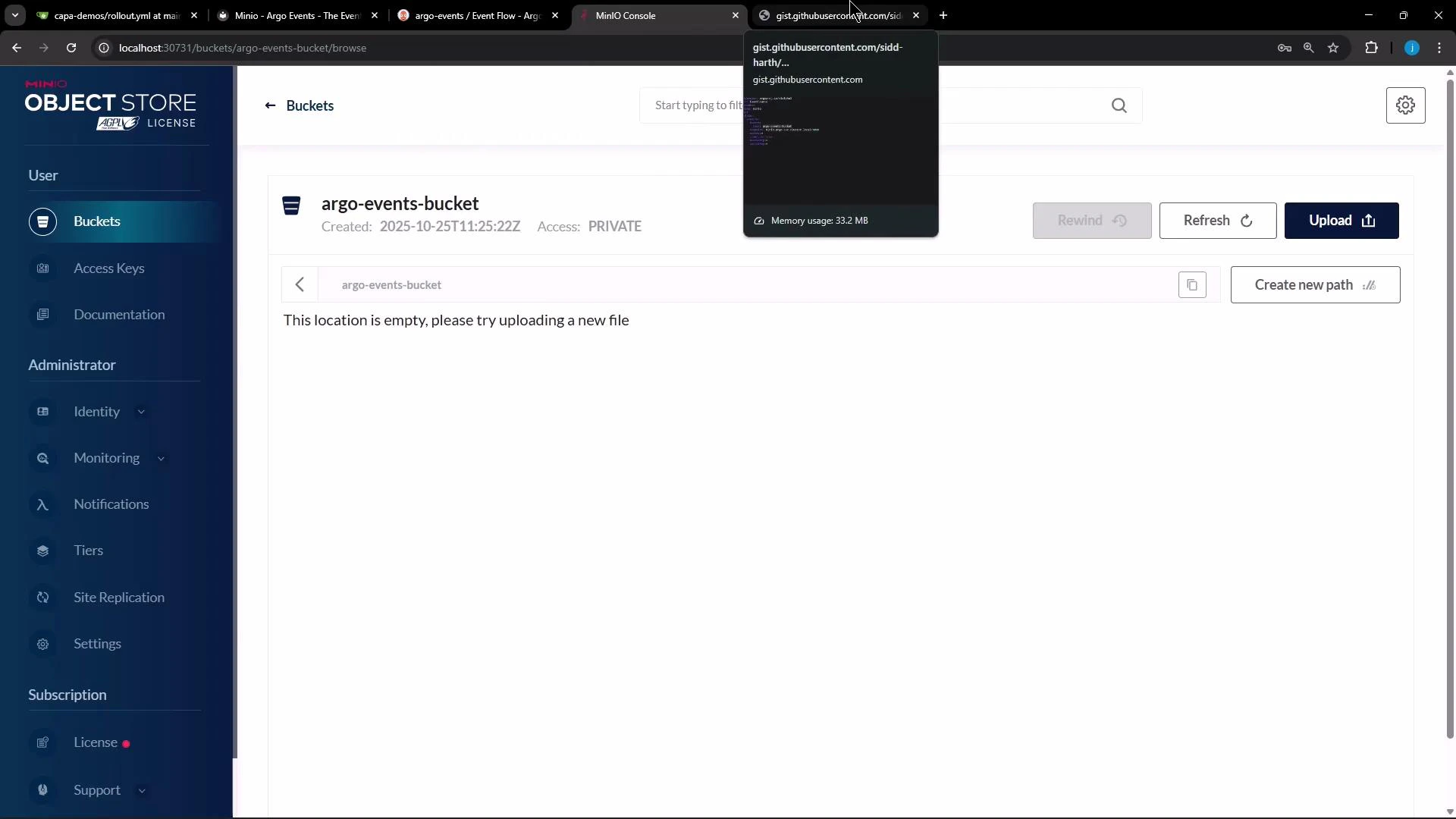
Here is the MinIO console showing the newly created (empty) bucket:
A screenshot of the MinIO Object Store web console showing the "argo-events-bucket" bucket (empty) with sidebar navigation and upload/refresh controls. A small floating preview window at the top shows a GitHub Gist.

Next steps

  • Create an Argo Events Sensor that subscribes to the minio EventSource and triggers an Argo Workflow, HTTP call, or other consumer when notifications arrive.
  • Validate end-to-end by uploading/deleting objects and observing Sensor-triggered actions.
  • Consider configuring retry/backoff and dead-lettering for production workflows.
Ensure the endpoint (service name, namespace, and port) is correct for your cluster (for example: minio.argo.svc.cluster.local:9000). Also make sure the credentials in the minio-creds secret match the MinIO server credentials.

Watch Video