

- How to define a WorkflowTemplate
- How to reference an entire WorkflowTemplate from a Workflow
- How to reference an individual template inside a WorkflowTemplate from a Workflow
- How to submit and inspect Workflows that use WorkflowTemplates
Define a WorkflowTemplate
Below is a simple WorkflowTemplate namedcowsay-template. It contains a single container template cowsay that expects an input parameter message.
Two common ways to reuse a WorkflowTemplate
There are two typical reuse patterns:- Run the entire WorkflowTemplate by reference (workflowTemplateRef), passing parameters at the Workflow level.
- Call a single template from a WorkflowTemplate using templateRef inside a step, allowing mixing of local and shared templates.
Compare the two approaches
Example — run the whole WorkflowTemplate by reference
This Workflow points to thecowsay-template WorkflowTemplate and supplies the message parameter at the Workflow level.
- The Workflow defines no local templates; it delegates to the WorkflowTemplate named
cowsay-template. - The
messageparameter required by thecowsaytemplate is supplied underspec.arguments.parameters.
Example — call a specific template from a WorkflowTemplate using templateRef
UsetemplateRef inside a step to call the cowsay template defined in cowsay-template. This allows the Workflow to combine its own templates with referenced templates.
- The Workflow defines a
my-custom-workflowentrypoint with one step,first-step. first-stepreferences thecowsaytemplate insidecowsay-templateusingtemplateRef.- This pattern enables modular composition: mix local templates and external templates as needed.
WorkflowTemplates are namespace-scoped. To reuse templates across namespaces, use a ClusterWorkflowTemplate (cluster-scoped) or ensure both your Workflow and WorkflowTemplate are in the same namespace. See the ClusterWorkflowTemplate documentation for details: ClusterWorkflowTemplate.
Submitting and viewing Workflows that reference WorkflowTemplates
- Create the WorkflowTemplate using the Argo UI (Workflows → WorkflowTemplates → Create new) or with kubectl apply:
- kubectl apply -f cowsay-template.yaml
- For more kubectl guidance, see: kubectl apply
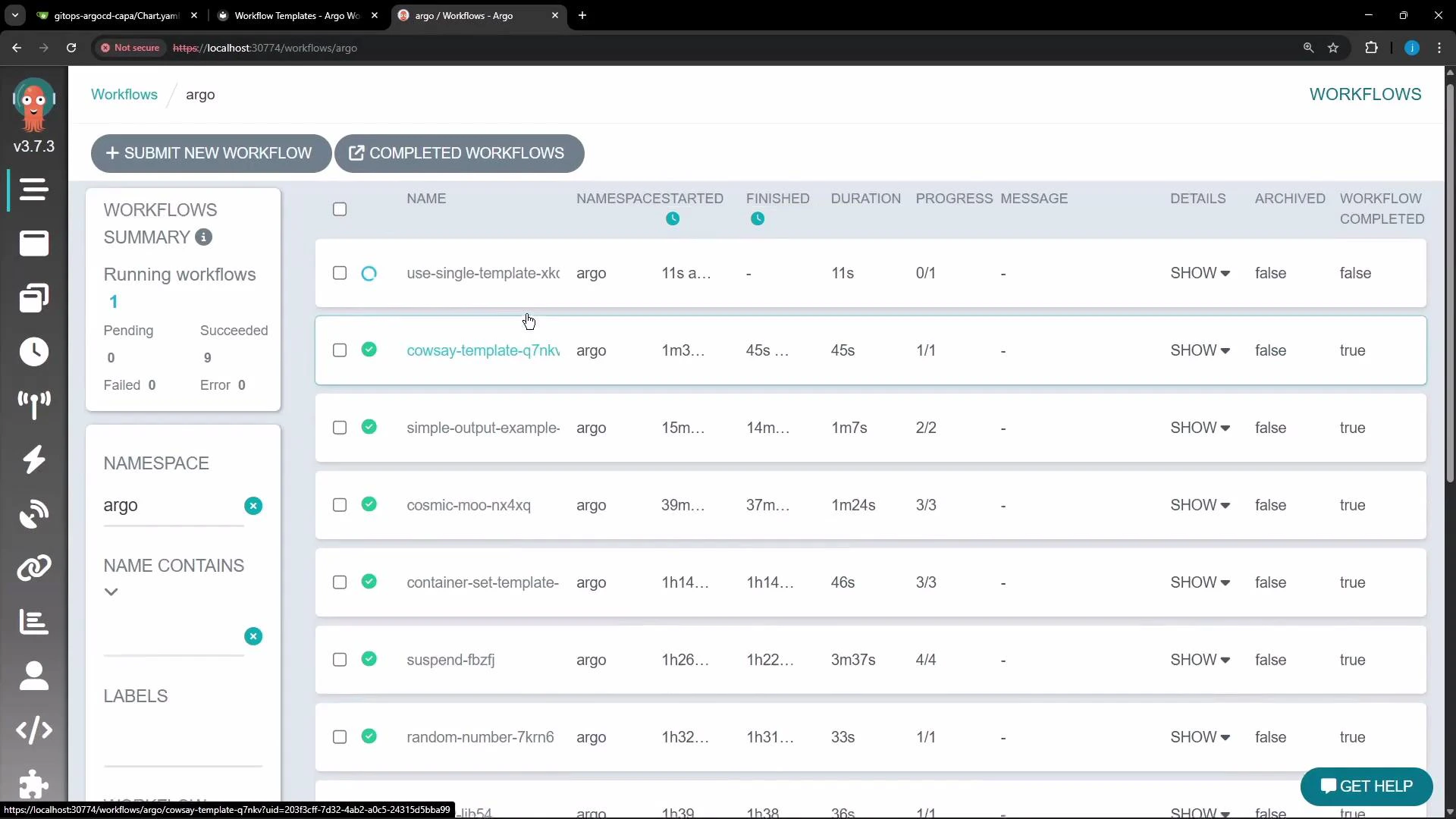
- Submit a Workflow that references the template either from the UI (select the WorkflowTemplate and provide parameters) or by applying the Workflow YAML shown above.
- Monitor workflow execution and status in the Argo Workflows UI.
Example output (container logs)
When the cowsay container runs, it prints the message passed in. Example logs: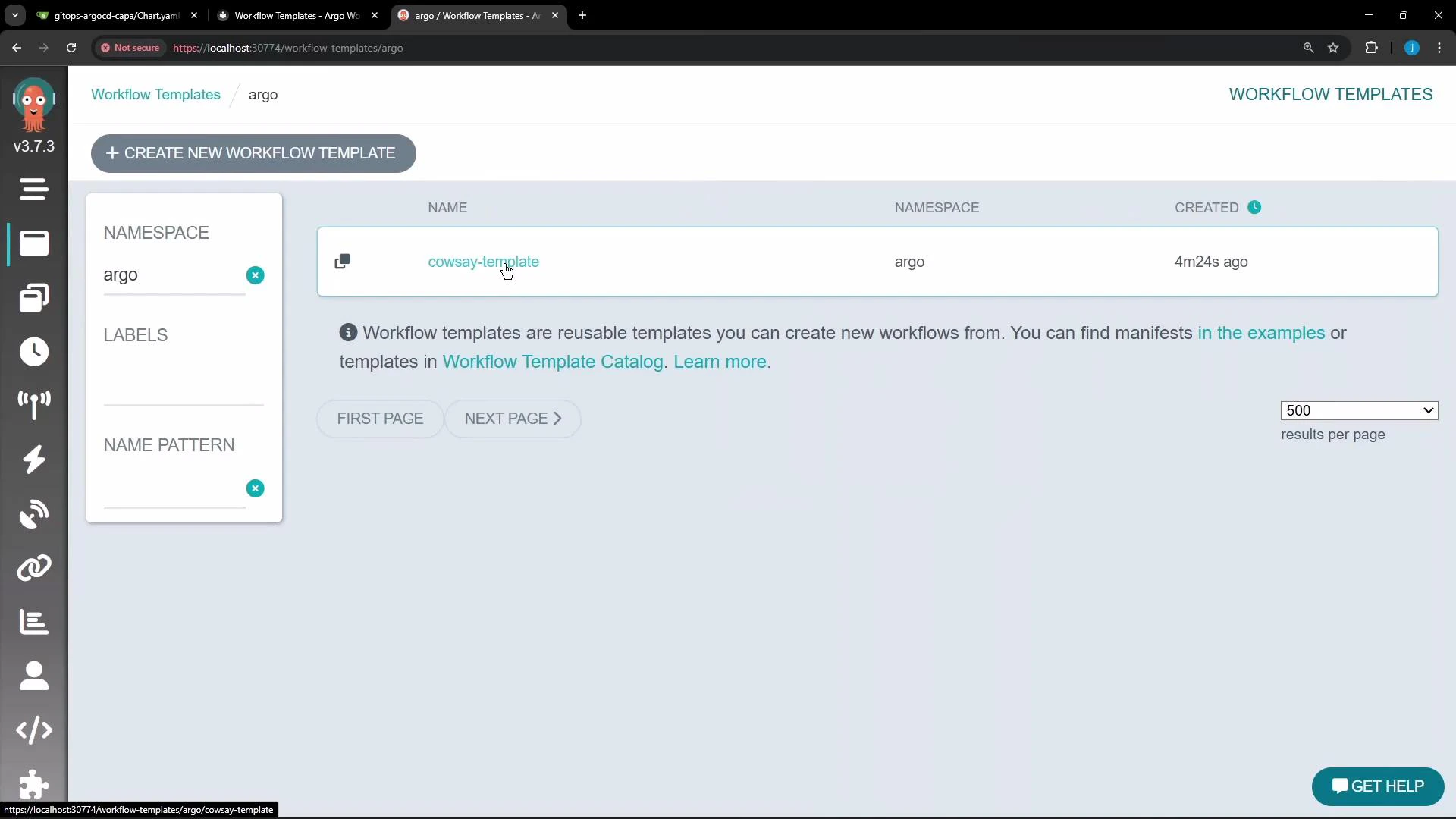
Summary
- WorkflowTemplates centralize reusable templates and parameter definitions to avoid duplication.
- Use workflowTemplateRef to run a full WorkflowTemplate and pass arguments at the Workflow level.
- Use templateRef to call individual templates from a WorkflowTemplate inside a step — useful for composing workflows from local and shared templates.
- Remember that WorkflowTemplates are namespace-scoped; use ClusterWorkflowTemplate for cluster-wide reuse or keep resources in the same namespace.
Links and references
- Argo Workflows: https://argoproj.github.io/argo-workflows/
- WorkflowTemplates docs: https://argoproj.github.io/argo-workflows/workflow-templates/
- ClusterWorkflowTemplate: https://argoproj.github.io/argo-workflows/workflow-templates/#clusterworkflowtemplate
- Kubernetes kubectl apply: https://kubernetes.io/docs/reference/generated/kubectl/kubectl-commands#apply