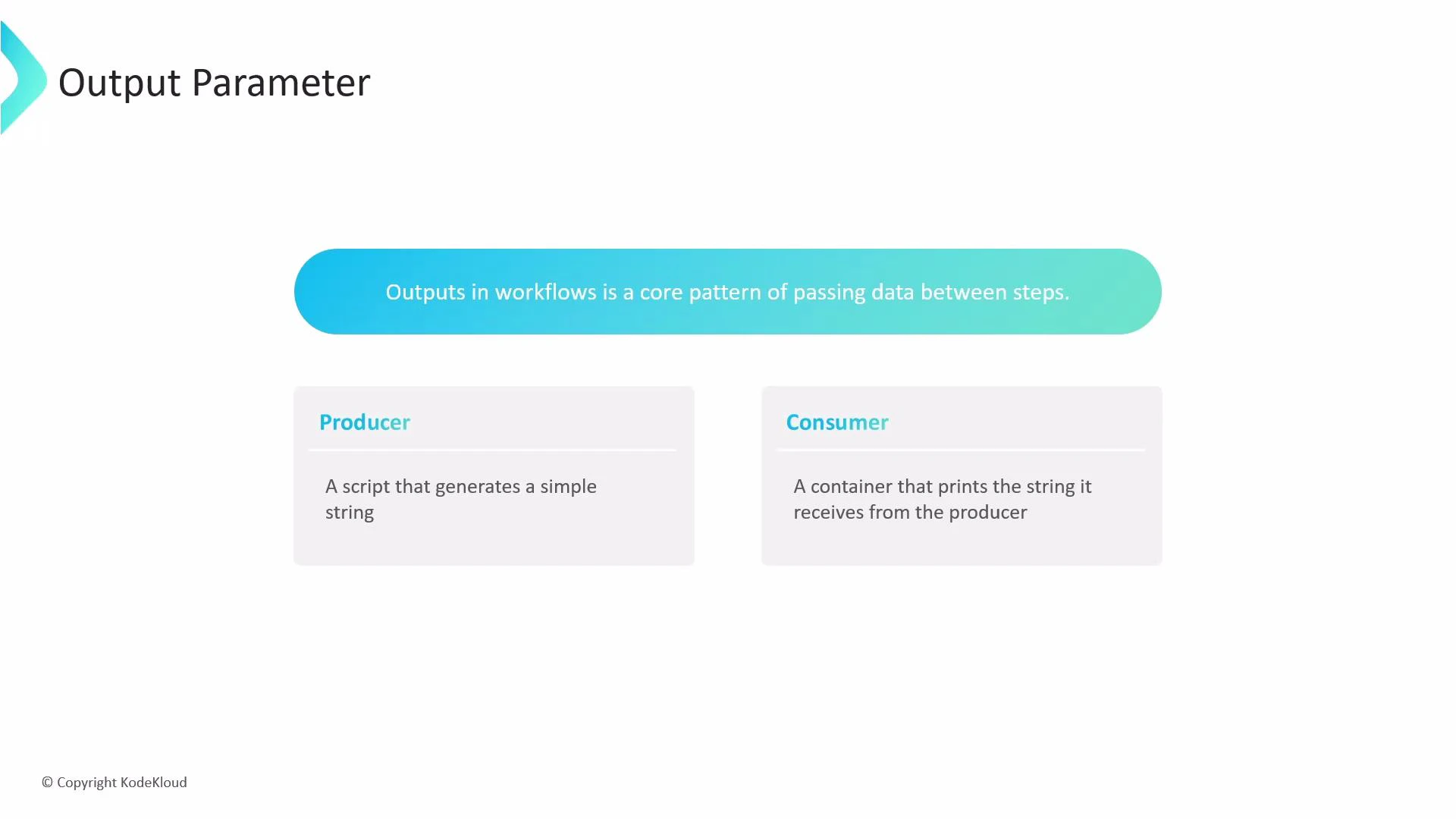
Outputs in Argo Workflows are the standard pattern for passing data between steps. This guide shows how a producer step emits a value and a consumer step receives and uses it. We’ll walk through a simple producer → consumer workflow, explain where the value is captured, and show how to reference it in subsequent steps.
A presentation slide titled "Output Parameter" stating that outputs in
workflows are a core pattern for passing data between steps. It shows two
boxes labeled "Producer" (a script that generates a simple string) and
"Consumer" (a container that prints the string it
receives).
Overview
  • Producer: a script template that writes a message to stdout.
  • Consumer: a container template that accepts an input parameter and prints it.
  • Data flow: the producer’s output is captured as a template output and passed into the consumer via arguments.
How script-template outputs work
  • For script templates, Argo automatically captures the last line written to stdout as the default output parameter available at steps.<step-name>.outputs.result.
  • You can pass that value into later steps using the expression {{steps.\<step-name>.outputs.result}}.
For script templates, Argo captures the last line printed to stdout as the default output parameter available at steps.<step-name>.outputs.result. Use that expression to pass values directly from a producing step into a consuming step.
Example workflow
  • The following YAML demonstrates a main template that runs a generate step (producer) and then a consume step (consumer). The consumer receives the producer’s result through an argument parameter named outputMessage.
apiVersion: argoproj.io/v1alpha1
kind: Workflow
metadata:
  generateName: simple-output-example-
spec:
  entrypoint: main
  templates:
    - name: main
      steps:
        - - name: generate
            template: producer
          - name: consume
            template: consumer
            arguments:
              parameters:
                - name: outputMessage
                  value: "{{steps.generate.outputs.result}}"
    - name: producer
      script:
        image: busybox:1.28
        command: [sh, -c]
        source: |
          echo "hello from the producer step"
    - name: consumer
      inputs:
        parameters:
          - name: outputMessage
      container:
        image: busybox:1.28
        command: [sh, -c]
        args: ["Received: '{{inputs.parameters.outputMessage}}'"]
Step-by-step execution
  1. The producer script prints:
    • hello from the producer step
  2. Argo captures the last printed line as steps.generate.outputs.result.
  3. The main template assigns that value to the consume step’s outputMessage parameter via: - value: "{{steps.generate.outputs.result}}"
  4. The consumer container reads the parameter as inputs.parameters.outputMessage and prints:
    • Received: ‘hello from the producer step’
Common use-cases and best practices
ResourcePurposeExample
Script templateProduce a short textual result captured as outputs.resultProducer example above
Container templateConsume parameters passed via argumentsConsumer example above
Steps referenceChain results between steps{{steps.generate.outputs.result}}
References and further reading Outputs are a fundamental mechanism for chaining templates and building dynamic, data-driven pipelines. By capturing the producer’s stdout and referencing it with steps.<name>.outputs.result, you can easily pass information between steps and build more complex workflows.

Watch Video