This guide shows how to install Argo Events into a Kubernetes cluster, verify the controller is running, and optionally integrate Argo Workflows so you can trigger workflows from events. Follow the steps below to deploy the controller, inspect installed resources, and troubleshoot common startup issues.

Overview

  • Install the argo-events namespace and Argo Events manifests.
  • (Optional) Install Argo Workflows if you plan to trigger workflows from events.
  • Verify CRDs, RBAC, config maps, and the controller deployment.
  • Inspect pods and logs to ensure the controller becomes Ready.
  • Use the Argo Workflows UI to view EventSources and Sensors when integrated.

Prerequisites

  • A Kubernetes cluster with kubectl configured to target the cluster.
  • (Optional) If you plan to use the Argo Workflows UI, install Argo Workflows into the cluster.

Installation

Create the argo-events namespace and apply the official Argo Events install manifest:
kubectl create namespace argo-events
kubectl apply -f https://raw.githubusercontent.com/argoproj/argo-events/stable/manifests/install.yaml
# Optional: to install Argo Workflows (if you will trigger Workflows from Events)
# kubectl create namespace argo
# kubectl apply -n argo -f https://raw.githubusercontent.com/argoproj/argo-workflows/stable/manifests/install.yaml
You should see output similar to the example below as Kubernetes creates CRDs, RBAC, ConfigMaps, and the controller deployment:
namespace/argo-events created
customresourcedefinition.apiextensions.k8s.io/eventbus.argoproj.io created
customresourcedefinition.apiextensions.k8s.io/eventsources.argoproj.io created
customresourcedefinition.apiextensions.k8s.io/sensors.argoproj.io created
serviceaccount/argo-events-sa created
clusterrole.rbac.authorization.k8s.io/argo-events-aggregate-to-admin created
clusterrole.rbac.authorization.k8s.io/argo-events-aggregate-to-edit created
clusterrole.rbac.authorization.k8s.io/argo-events-aggregate-to-view created
clusterrole.rbac.authorization.k8s.io/argo-events-role created
clusterrolebinding.rbac.authorization.k8s.io/argo-events-binding created
configmap/argo-events-controller-config created
deployment.apps/controller-manager created

Verify installation

List all resources in the argo-events namespace:
kubectl -n argo-events get all
When images are being pulled and the pod is scheduled, the controller pod may show ContainerCreating until the container is ready. Example output while the controller is still starting:
NAME                                          READY   STATUS             RESTARTS   AGE
pod/controller-manager-59884fd695-kt5gm      0/1     ContainerCreating  0          10s

NAME                                 READY   UP-TO-DATE   AVAILABLE   AGE
deployment.apps/controller-manager   0/1     1            0           10s

NAME                                                DESIRED   CURRENT   READY   AGE
replicaset.apps/controller-manager-59884fd695        1         1         0       10s

UI: Viewing EventSources and Sensors

Argo Events does not include a standalone web UI. If you install Argo Workflows and integrate it with Argo Events, the Argo Workflows UI can display EventSources and Sensors. Open the Argo Workflows UI and select the appropriate namespace (for example, argo-events) to view event-related resources.
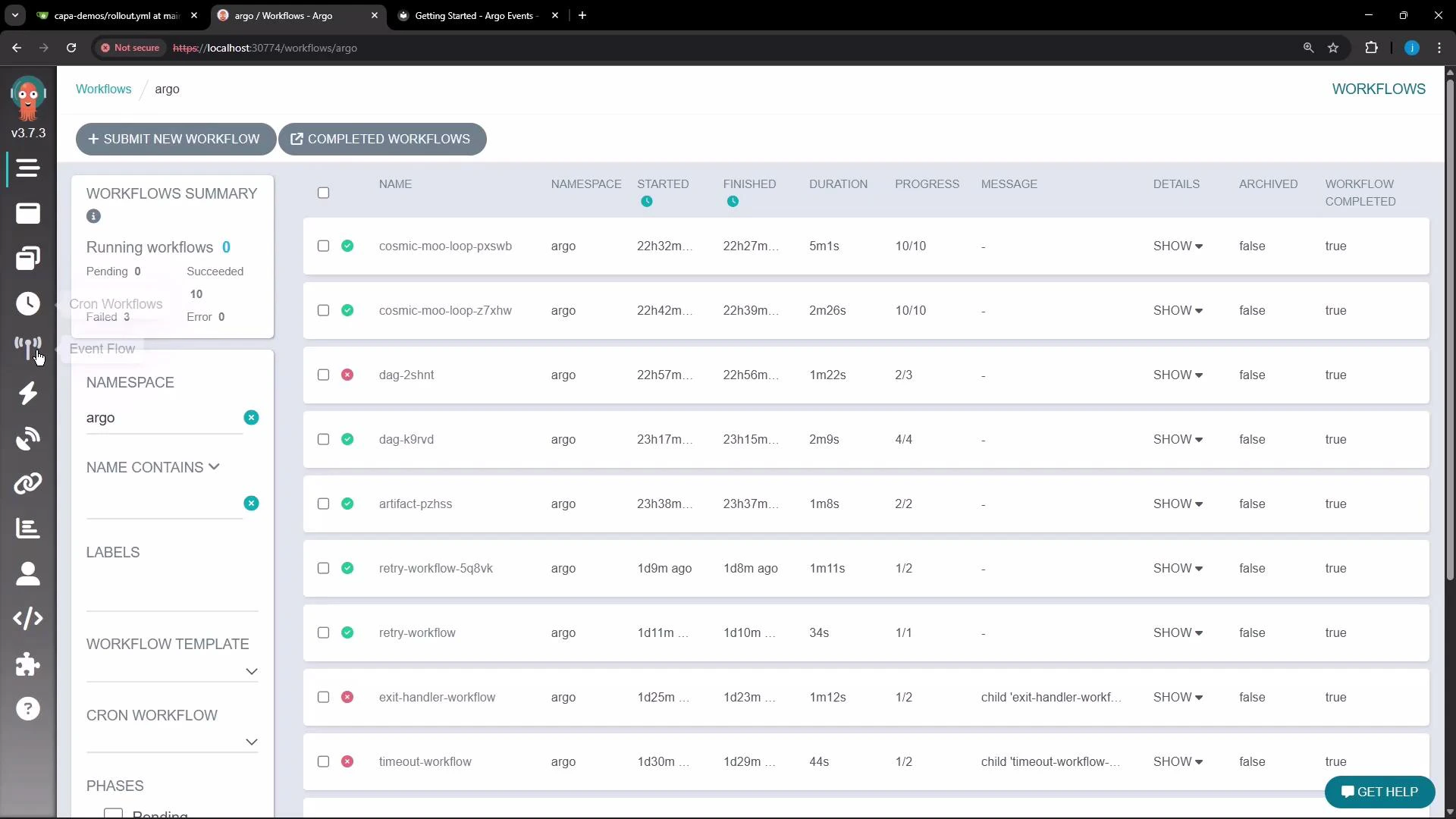
A screenshot of the Argo Workflows web UI showing a list of workflows with columns for name, namespace, start/finish times, duration and progress, plus a left-side filter panel. The top bar includes buttons to submit a new workflow and view completed workflows.
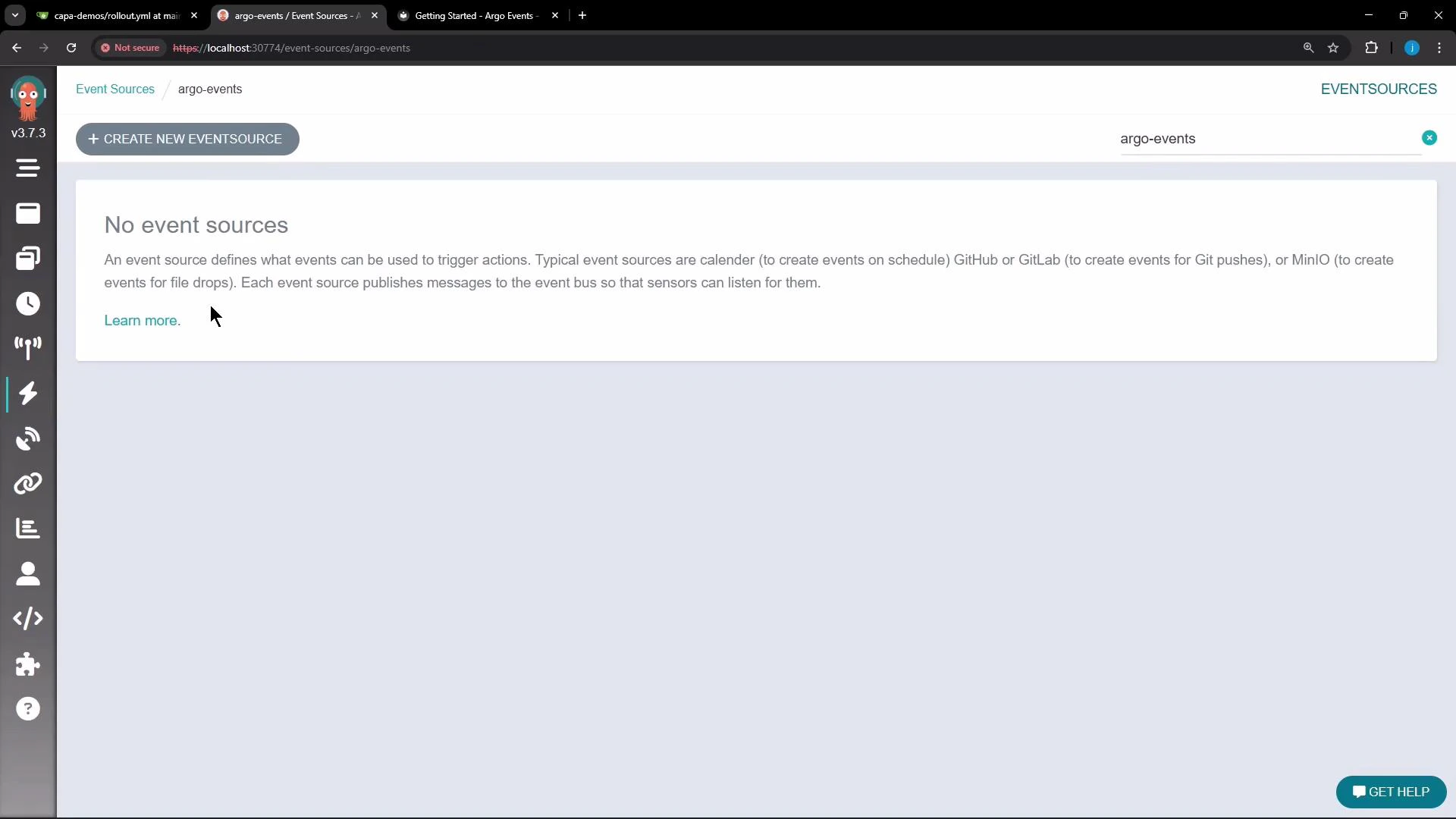
When no EventSources are present, the Event Sources page shows an empty state and a button to create a new EventSource.
A web UI screenshot of the "argo-events" Event Sources page showing a message "No event sources" with explanatory text and a "+ CREATE NEW EVENTSOURCE" button. A left-side vertical icon menu and a browser address bar are also visible.
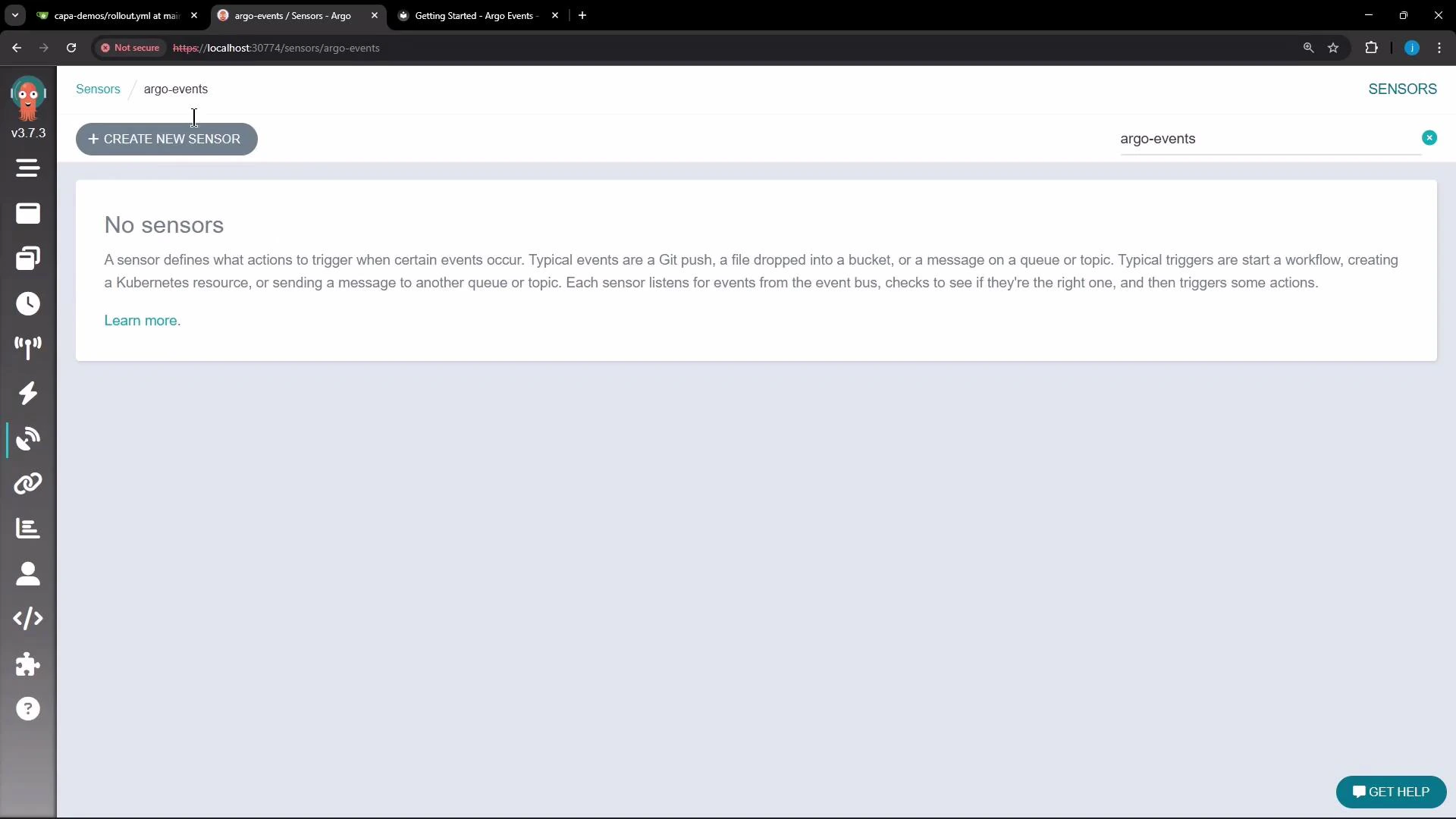
The Sensors UI page also shows an empty state until sensors are created. The visual editor helps illustrate how sensors connect to triggers, the event bus, and other components.
A browser screenshot of the Argo Events "Sensors" page displaying a "No sensors" message and explanatory text, with a "+ CREATE NEW SENSOR" button at the top. The UI shows a left icon sidebar and the page title "argo-events" in the header.
If the controller pod remains in ContainerCreating or enters CrashLoopBackOff, inspect the pod events and logs with:
  • kubectl -n argo-events describe pod <pod-name>
  • kubectl -n argo-events logs <pod-name> These commands help identify scheduling, image pull, or runtime errors.

Common resources created by the install

Resource TypePurpose
CustomResourceDefinitions (CRDs)Define EventBus, EventSource, and Sensor custom resources
ServiceAccount, ClusterRole, ClusterRoleBindingRBAC for the controller to watch and manage resources
ConfigMapController configuration (e.g., metrics, event bus settings)
Deployment / ReplicaSet / PodController manager that reconciles EventSources and Sensors

Troubleshooting checklist

  • Confirm the controller pod is scheduled and not pending:
    • kubectl -n argo-events get pods
  • If ContainerCreating, check node space and image pull errors:
    • kubectl -n argo-events describe pod <pod-name>
  • If the pod crashes repeatedly, view logs for stack traces:
    • kubectl -n argo-events logs <pod-name>
  • Verify CRDs were created successfully:
    • kubectl get crd | grep argo

Next steps

  • Wait for the controller-manager pod to reach READY state before creating EventSources and Sensors.
  • Create EventSource and Sensor manifests to connect your external events to triggers (e.g., Webhook, cron, Kafka) and test end-to-end behavior.
  • If using Argo Workflows, create a Workflow template and configure a Sensor trigger to submit workflows on events.

Watch Video