In this lesson we examine a script template example in Argo Workflows. This workflow demonstrates a simple script template that runs a short Python script inside a container image. The script’s stdout is captured and exposed as the template output (outputs.result), allowing later steps to consume the result. What this workflow demonstrates
  • Using metadata.generateName to create a unique workflow name with the prefix random-number-.
  • Defining a single entrypoint (random-number) that uses a script template.
  • Supplying an inline script via the source field; the script runs inside the specified container image.
  • Capturing the script stdout and exposing it as the template output.
Example Workflow (YAML)
apiVersion: argoproj.io/v1alpha1
kind: Workflow
metadata:
  generateName: random-number-
spec:
  entrypoint: random-number
  templates:
  - name: random-number
    script:
      image: python:3.6-alpine
      command: [python]
      source: |
        import random
        i = random.randint(100, 2000)
        print(i)
Fields explained
FieldPurposeExample
metadata.generateNameCreate a unique workflow name using a fixed prefixrandom-number-
spec.entrypointThe template that starts executionrandom-number
script.imageContainer image that runs the scriptpython:3.6-alpine
script.commandCommand invoked to execute the script[python]
script.sourceInline script text written to a file and executed inside the image; stdout is captured as the template outputThe Python code shown above
How the script template works
  • The text in script.source is written into a temporary file inside the container.
  • The container executes the script using the specified command and image.
  • Anything printed to stdout by the script is captured by Argo and made available as outputs.result, which you can reference in later templates using standard Argo templating.
Run the workflow
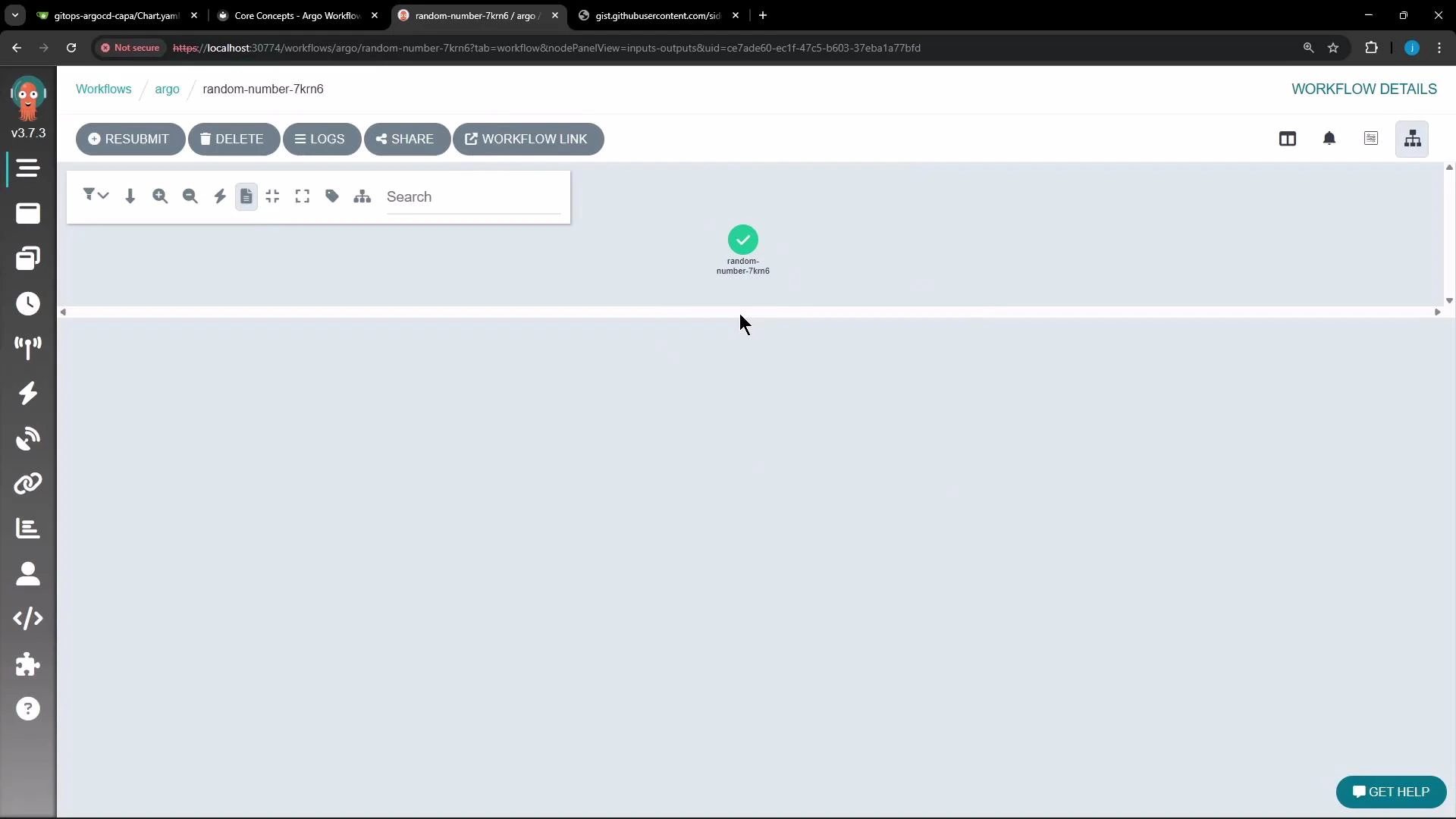
  • From the Argo Web UI: paste the YAML and submit. Optionally switch to the Graph view to see a single node representing the random-number template.
  • From the cluster using kubectl:
kubectl apply -f random-number-workflow.yaml
  • Using the Argo CLI (if installed):
argo submit --watch random-number-workflow.yaml
View logs and outputs
  • In the UI, open the workflow, click the node, then click Logs to inspect stdout.
  • With the Argo CLI, you can stream logs (replace the workflow name as appropriate):
argo logs <workflow-name> --follow
Example node output (the workflow prints a randomly chosen integer):
1728
A browser screenshot of the Argo Workflows web UI showing a single completed workflow node labeled "random-number-7krn6" with a green checkmark. The top toolbar shows buttons like Resubmit, Delete, Logs, Share, and a vertical icon sidebar runs down the left.
The stdout of a script template is captured and available as the template output (outputs.result). Reference it in subsequent templates using Argo’s templating syntax to pass values between steps.
Further reading and references

Watch Video