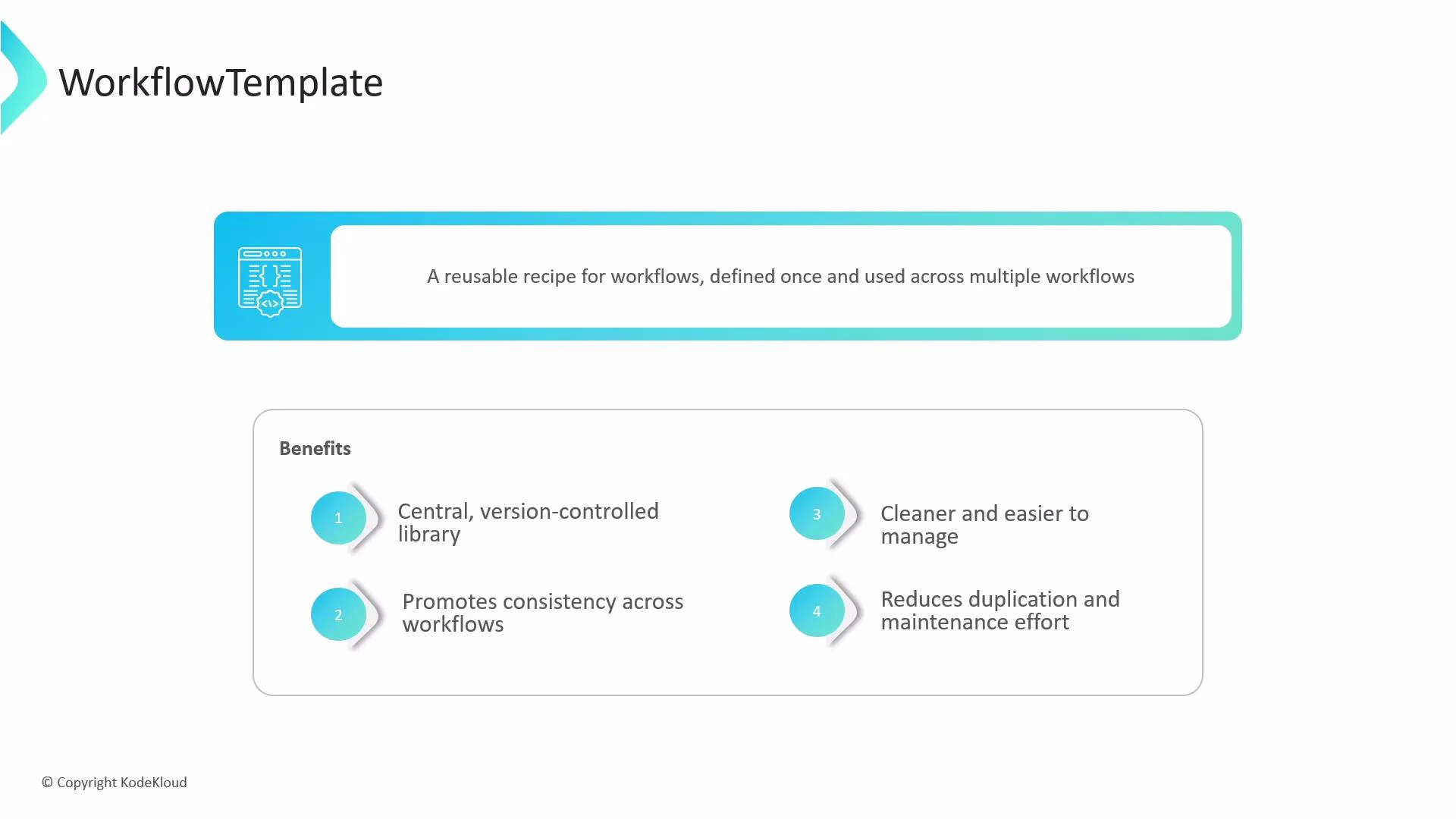
Think of a WorkflowTemplate as a reusable recipe for Argo Workflows. Instead of copying and pasting the same manifest (for example, a build step or a test container) into every workflow, define it once as a WorkflowTemplate and reference it from many workflows. This centralizes maintenance, enforces consistency, and reduces duplication.
A presentation slide titled "WorkflowTemplate" that defines it as "A reusable recipe for workflows, defined once and used across multiple workflows." Below that is a boxed "Benefits" list of four points: a central version-controlled library, promotes consistency, cleaner/easier to manage, and reduces duplication and maintenance effort.
A WorkflowTemplate stores common templates in a namespace so teams can share and reuse steps like functions from a library. Use templates to standardize CI/CD tasks such as builds, tests, and deployments.

How to define a WorkflowTemplate

Defining a WorkflowTemplate is the same as defining a Workflow, except the resource kind is WorkflowTemplate. That tells Argo to store the definition as a reusable template rather than executing it immediately. Example WorkflowTemplate (cowsay):
apiVersion: argoproj.io/v1alpha1
kind: WorkflowTemplate
metadata:
  name: cowsay-template
  namespace: argo
spec:
  entrypoint: cowsay
  templates:
    - name: cowsay
      inputs:
        parameters:
          - name: message
      container:
        image: rancher/cowsay
        command: ["cowsay"]
        args: ["{{inputs.parameters.message}}"]
Create this resource with kubectl apply -f <file> or via the Argo Workflows UI/CLI (for example, argo template create <file>).

Reusing a WorkflowTemplate

Once a WorkflowTemplate exists in a namespace, you can reuse it in two primary ways:
  • templateRef — call a single template from the WorkflowTemplate as a step inside a larger workflow (like importing a single function from a library).
  • workflowTemplateRef — run the entire WorkflowTemplate as a complete workflow, using its specified entrypoint and arguments.
Reuse MethodWhen to useExample
templateRefUse when you want a specific template (step) from the template library inside a larger workflowtemplateRef: { name: cowsay-template, template: cowsay }
workflowTemplateRefUse when you want to execute the whole WorkflowTemplate as a workflowworkflowTemplateRef: { name: cowsay-template }
Example: calling a single template from a WorkflowTemplate using templateRef
apiVersion: argoproj.io/v1alpha1
kind: Workflow
metadata:
  generateName: use-single-template-
spec:
  entrypoint: my-custom-workflow
  templates:
    - name: my-custom-workflow
      steps:
        - - name: first-step
            templateRef:
              name: cowsay-template      # name of the WorkflowTemplate
              template: cowsay           # name of the template inside the WorkflowTemplate
            arguments:
              parameters:
                - name: message
                  value: "I called this from another workflow!"
Example: running the whole WorkflowTemplate using workflowTemplateRef
apiVersion: argoproj.io/v1alpha1
kind: Workflow
metadata:
  generateName: run-whole-template-
  namespace: argo
spec:
  arguments:
    parameters:
      - name: message
        value: "Hello from a WorkflowTemplate!"
  workflowTemplateRef:
    name: cowsay-template

ClusterWorkflowTemplate

A ClusterWorkflowTemplate is the cluster-scoped equivalent of WorkflowTemplate. It is not tied to a namespace and is available cluster-wide — a good fit for platform teams that must provide approved, central templates to multiple namespaces. Example ClusterWorkflowTemplate:
# cluster-workflow-template.yaml
apiVersion: argoproj.io/v1alpha1
kind: ClusterWorkflowTemplate
metadata:
  name: global-utility-templates
spec:
  templates:
    - name: global-cowsay
      inputs:
        parameters:
          - name: message
      container:
        image: rancher/cowsay
        command: ["cowsay"]
        args: ["{{inputs.parameters.message}}"]
Because ClusterWorkflowTemplate is cluster-scoped, metadata does not include a namespace. Referencing a ClusterWorkflowTemplate from a namespaced Workflow requires setting the clusterScope flag to true. Example: calling a single template from a ClusterWorkflowTemplate via templateRef (clusterScope: true)
apiVersion: argoproj.io/v1alpha1
kind: Workflow
metadata:
  generateName: use-single-cluster-template-
spec:
  entrypoint: my-custom-workflow
  templates:
    - name: my-custom-workflow
      steps:
        - - name: first-step
            templateRef:
              name: global-utility-templates   # ClusterWorkflowTemplate name
              template: global-cowsay          # template name inside the ClusterWorkflowTemplate
              clusterScope: true               # required when referencing a cluster-scoped template
            arguments:
              parameters:
                - name: message
                  value: "I called this from a ClusterWorkflowTemplate!"
Example: running the whole ClusterWorkflowTemplate via workflowTemplateRef (clusterScope: true)
apiVersion: argoproj.io/v1alpha1
kind: Workflow
metadata:
  generateName: run-whole-cluster-template-
  namespace: argo
spec:
  arguments:
    parameters:
      - name: message
        value: "Hello from a ClusterWorkflowTemplate!"
  workflowTemplateRef:
    name: global-utility-templates
    clusterScope: true
When referencing cluster-scoped templates (ClusterWorkflowTemplate), always set clusterScope: true in templateRef or workflowTemplateRef. ClusterWorkflowTemplates are not namespaced, so this flag tells Argo the reference is to a cluster-level resource.

Quick comparison

ResourceScopeTypical userUse case
WorkflowTemplateNamespace-scopedApp/team ownersReusable templates within a team namespace
ClusterWorkflowTemplateCluster-scopedPlatform teamsCentralized templates shared across namespaces
Workflow (templateRef)Namespace-scopedDevelopersImport single templates into complex workflows
Workflow (workflowTemplateRef)Namespace-scopedAnyoneExecute a stored template as a full workflow

Watch Video