

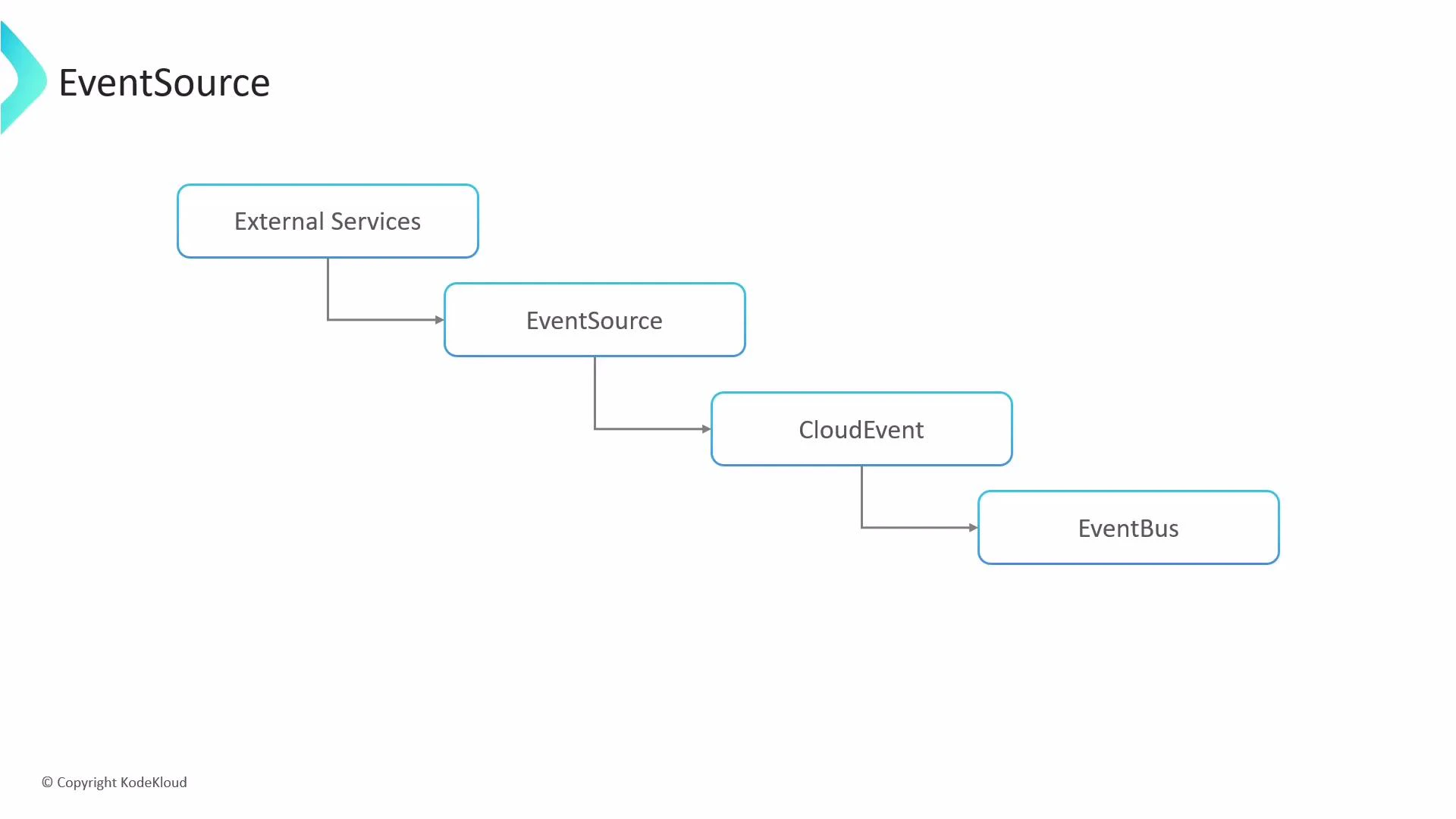
spec defines a listener (for example: webhook, calendar, s3, github, kafka, etc.). Below are concise, searchable examples showing common configurations and how they behave.
Quick reference: common listener types and use cases
Relevant links:
Webhook example
A webhook event source declares a logical listener name and the HTTP details to use (port, endpoint, method). Use webhooks to accept HTTP POST/GET notifications from external services.example-webhookis the logical listener name.- This listener accepts POST requests on port
12000at the/examplepath. - The
serviceblock can auto-generate a ClusterIP service for internal testing; it is not intended for production exposure.
Calendar (scheduler) example
Calendar (or scheduler) event sources support simple intervals and cron-style schedules. Use intervals for frequent, simple triggers and cron schedules for precise timing.intervaluses simple durations such as10s,5m,1h.scheduleaccepts cron expressions for more complex timing.timezoneis optional; specify it to ensure scheduling aligns with the intended zone.
S3 example
When watching S3 (or S3-compatible) buckets, declare the bucket, events to monitor, optional filters for object keys, and credentials (via Kubernetes Secrets).bucketnames the S3 bucket to watch.eventspecifies which S3 events to react to (for example: object created or deleted).filterrestricts matches to object keys with aprefixand/orsuffix.accessKeyandsecretKeyreference a Kubernetes Secret (aws-creds) containing the AWS credentials.
The generated ClusterIP Service (via the
service field) is intended for internal/testing use only. If you need external exposure, use Kubernetes-native objects (Ingress, LoadBalancer) or an API gateway rather than relying on the testing service.Never store plain-text credentials in your YAML. Always reference credentials via Kubernetes Secrets and follow least-privilege principles for IAM keys. Rotate and audit credentials regularly.
service field in an EventSource spec provides a convenience ClusterIP service for internal testing, but it isn’t a replacement for a production-grade exposure strategy.
Using these patterns, you can declaratively add multiple listeners to an EventSource resource. Each listener converts incoming external events into CloudEvents and publishes them to the event bus for downstream consumers to process.
References and further reading:
- Argo Events documentation: https://argoproj.github.io/projects/argo-events/
- CloudEvents: https://cloudevents.io/
- Kubernetes Secrets: https://kubernetes.io/docs/concepts/configuration/secret/