

- Is the new version causing more payment failures?
- Is the add-to-cart flow slower for users?
- Is the new version crashing or restarting in the background?
- AnalysisTemplate: a reusable, parameterized blueprint that defines what to measure and how to evaluate results.
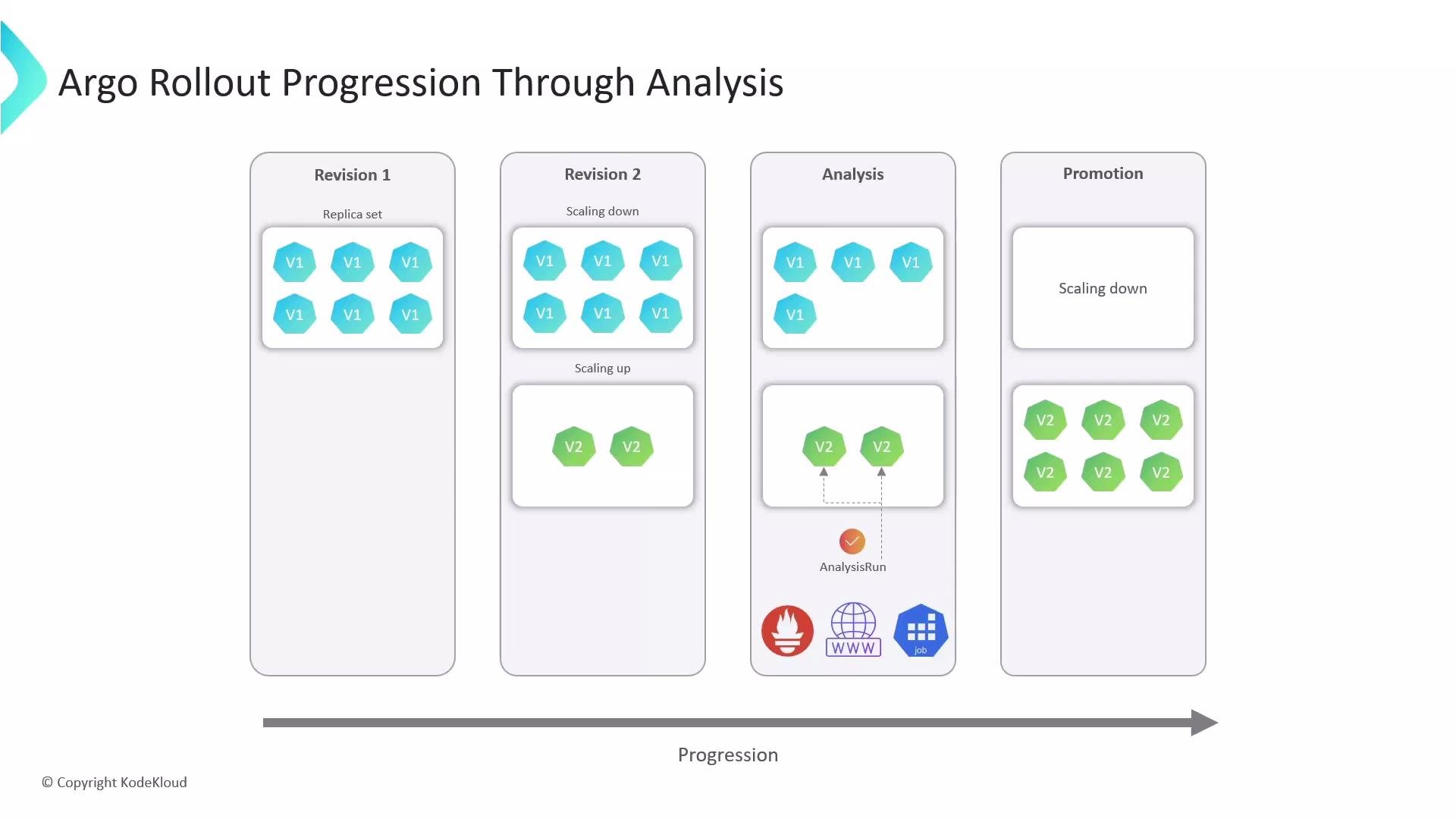
- AnalysisRun: a live execution of an AnalysisTemplate that performs the checks and produces a verdict that the Rollout controller observes.
- Automate canary validation and reduce human error.
- Gate promotion based on real metrics instead of simple liveness/readiness.
- Persist AnalysisRun results for audits and post-mortem debugging.
- spec.arguments: template inputs (e.g., service name, namespace) so a single template can be reused.
- spec.metrics: a list of checks. Each metric selects a provider (Prometheus, HTTP, Job) and defines sampling and evaluation controls:
- For Prometheus: a PromQL query (can reference args).
- count and interval: number of samples and time between them (e.g., 3 samples, 20s apart).
- failureLimit: how many failed samples are tolerated before the metric is considered failed.
- successCondition: an expression evaluated against the query result.
AnalysisTemplates let you centralize test logic. Use args to keep queries generic and portable across environments.
Example: Prometheus-based AnalysisTemplate
Below is a template that measures HTTP success rate using Prometheus. It accepts service-name and namespace as arguments and runs the PromQL query 3 times, 20s apart. The metric fails if success is below 99% (allowing one failed sample).
Ensure Argo Rollouts has network access to your Prometheus server (the provider address) and that Prometheus is configured to retain the required metrics at the desired scrape interval. Misconfigured queries or unreachable endpoints will cause AnalysisRuns to fail.
- Executes the configured checks (PromQL, HTTP, or Jobs).
- Reports status: Running, Succeeded, Failed.
- Stores a verdict and logs for later inspection.
- Is watched by the Rollout controller, which will proceed, pause, or roll back based on the verdict.
-
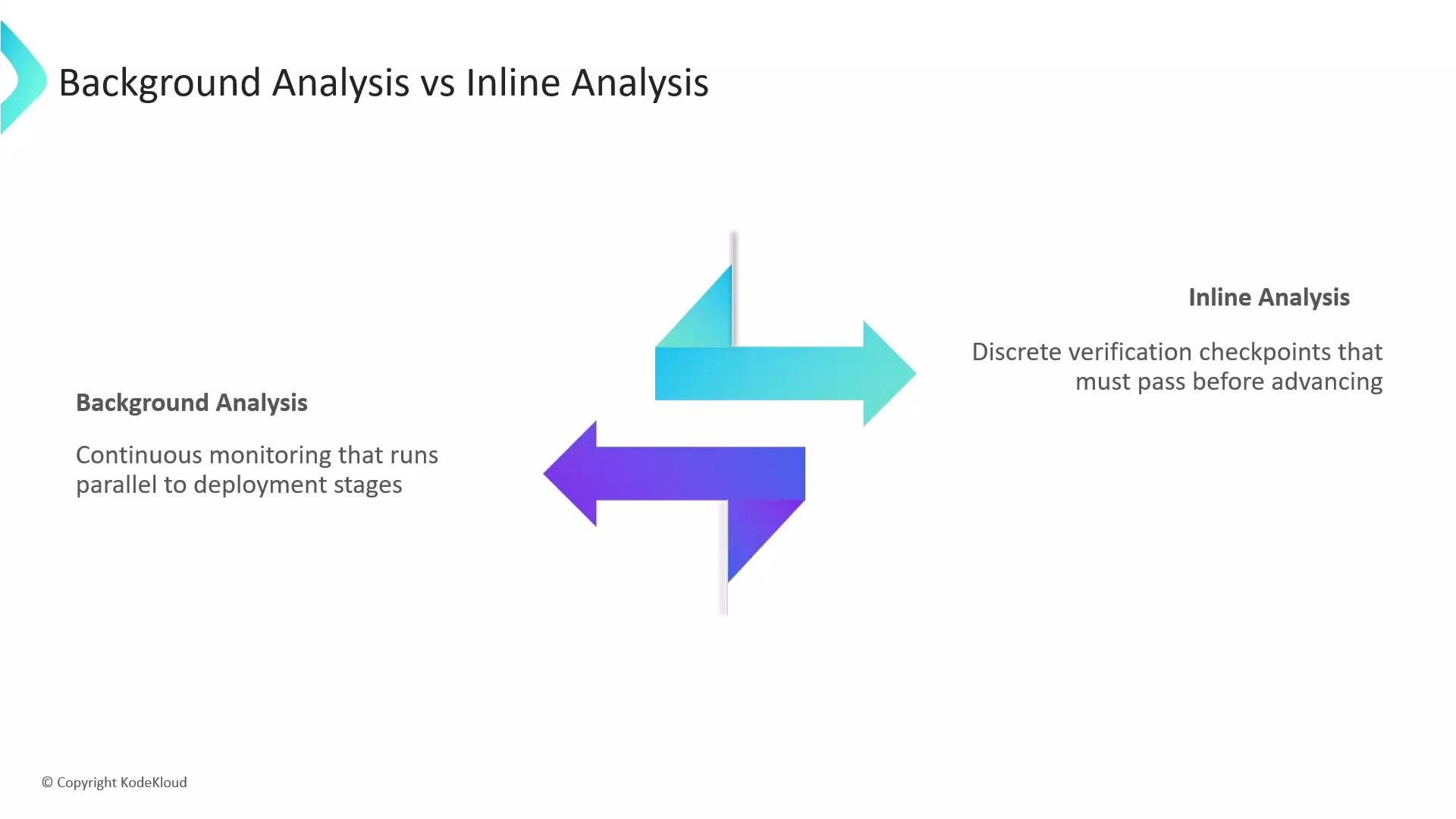
Background analysis (continuous monitoring):
- Runs continuously in the background while the rollout progresses.
- Does not block rollout steps; runs in parallel.
- If it fails, the rollout can be marked degraded and reverted.
-
Inline analysis (blocking verification):
- Runs as an explicit step in the rollout steps list.
- The rollout waits for the analysis to finish before proceeding.
- If it fails, the rollout halts and typically rolls back immediately.
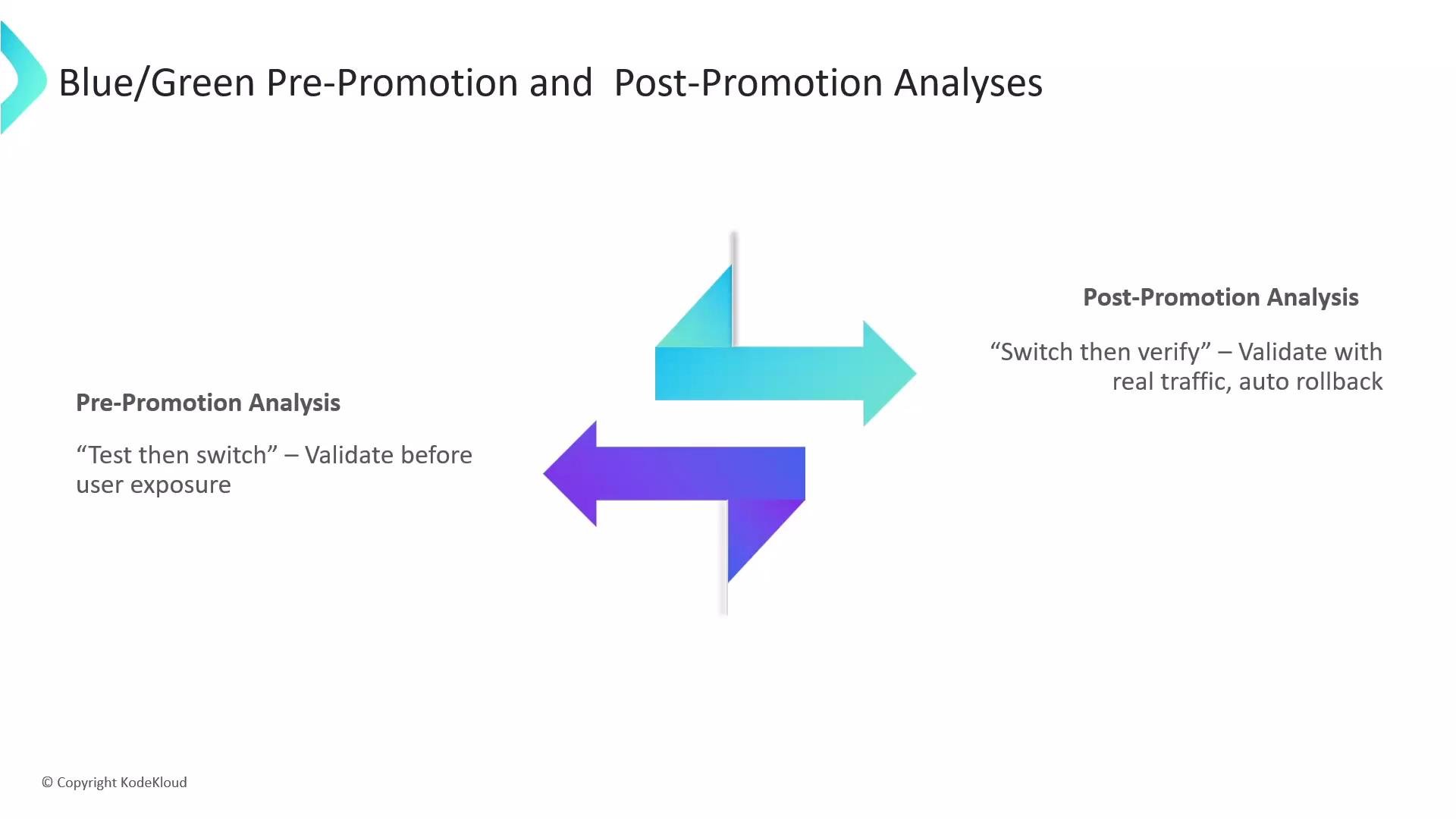
- Pre-promotion analysis (test-then-switch): validate the preview replica set before routing live traffic to it.
- Post-promotion analysis (switch-then-verify): validate the active replica set after switching traffic, enabling automatic rollback if problems appear.
- The preview replica set is validated in isolation.
- Traffic switching is blocked until the pre-promotion AnalysisRun succeeds.
- If it fails, traffic never shifts to the new preview version.
- After the switch, the new active version is validated under real traffic.
- If post-promotion analysis fails, the rollout can automatically revert traffic to the previous stable version.
- Use scaleDownDelaySeconds to keep the previous version around for a short time to make rollback faster.
- AnalysisRun objects persist in the cluster and include metric results, timestamps, and logs.
- Use AnalysisRun history for audits and root-cause analysis of failed rollouts.
- The Rollout controller watches AnalysisRun verdicts and acts automatically (promote, continue, or rollback).
- AnalysisTemplate: reusable blueprint defining checks (Prometheus, HTTP, Job) and pass/fail logic.
- AnalysisRun: live execution of a template that produces a verdict used by the Rollout controller.
- Use background analysis for continuous monitoring, inline analysis to block progression, and pre/post promotion analyses for Blue/Green deployments.
- Persisted AnalysisRun objects provide auditable evidence and aid post-mortems.