

- The most common migration approach is a direct conversion of your existing Deployment manifest into a Rollout resource.
- Keep the pod template (
spec.template),replicas, andselectorunchanged to preserve runtime characteristics and labels. - Key manifest changes:
- Change
kind: Deploymenttokind: Rollout. - Set
apiVersionto Argo Rollouts API:argoproj.io/v1alpha1. - Add a
strategyblock to define update behavior (e.g.,blueGreenorcanary).
- Change
blueGreen.activeService: Kubernetes Service name that routes production traffic to the active ReplicaSet.blueGreen.previewService: Service name used to preview the new ReplicaSet/version before promotion.autoPromotionEnabled: false: Requires manual promotion of the preview ReplicaSet to active. Set totrueto enable automatic promotion after successful health checks.
The Argo Rollouts controller only watches Rollout custom resources. It does not manage standard Kubernetes Deployments. When you convert a Deployment into a Rollout (direct conversion), the Rollout becomes the primary controller for future updates.
- Ensure label selectors match between old Deployment and new Rollout.
- Confirm Services (active/preview) names are correct and target appropriate selectors.
- Validate health checks and analysis templates (if used) before enabling auto-promotion.
- Test promotion/rollback flows in a non-production environment.
- Use this approach to keep your existing Deployment as the source of truth for the pod template while adding a lightweight Rollout resource that references that Deployment.
- Benefits:
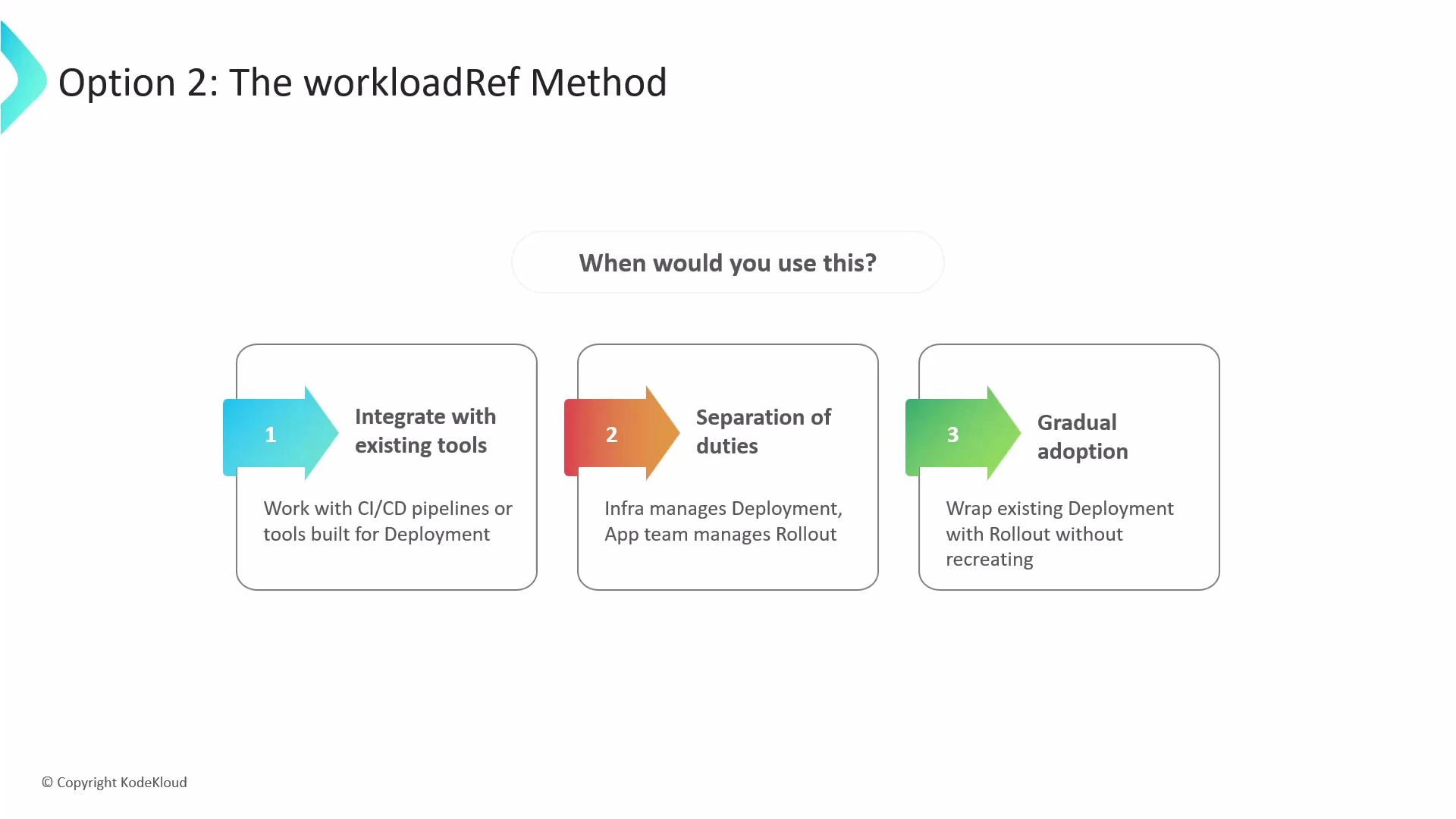
- Integrates with existing tooling that patches Deployments (CI/CD, automation).
- Enables separation of responsibilities: infra can keep managing the Deployment while app teams adopt Rollouts.
- Supports gradual adoption without deleting or recreating current Deployments.
- The Rollout watches the referenced Deployment. When the Deployment is updated (for example, the container image is changed), the Rollout controller detects the change and executes the update process using the strategy defined in the Rollout.
- Because the pod template stays in the Deployment, existing CI/CD pipelines that patch Deployments continue to operate without modification.
- never: The original Deployment is left running (not scaled down).
- onSuccess: The Deployment is scaled down only after the Rollout successfully promotes and becomes healthy.
- progressive: The Rollout progressively scales up while scaling the original Deployment down during migration. If the Rollout fails, the original Deployment is scaled back up.
Use the workloadRef approach when you need to integrate with existing CI/CD tooling, separate responsibilities between teams (infra owns Deployment, app team owns Rollout), or adopt Argo Rollouts gradually without recreating resources.
Links and references
- Argo Rollouts documentation: https://argoproj.github.io/argo-rollouts/
- Kubernetes Deployments: https://kubernetes.io/docs/concepts/workloads/controllers/deployment/
- Best practices for migration and testing: refer to the Argo Rollouts docs for blue/green and canary strategy patterns.