

- AnalysisTemplate: reusable template that defines metrics and success conditions.
- AnalysisRun: an execution of an AnalysisTemplate.
- Placement: where the AnalysisRun is started (background, inline, pre-promotion, post-promotion).
- Blocking vs non-blocking: whether the rollout waits for the AnalysisRun to finish.
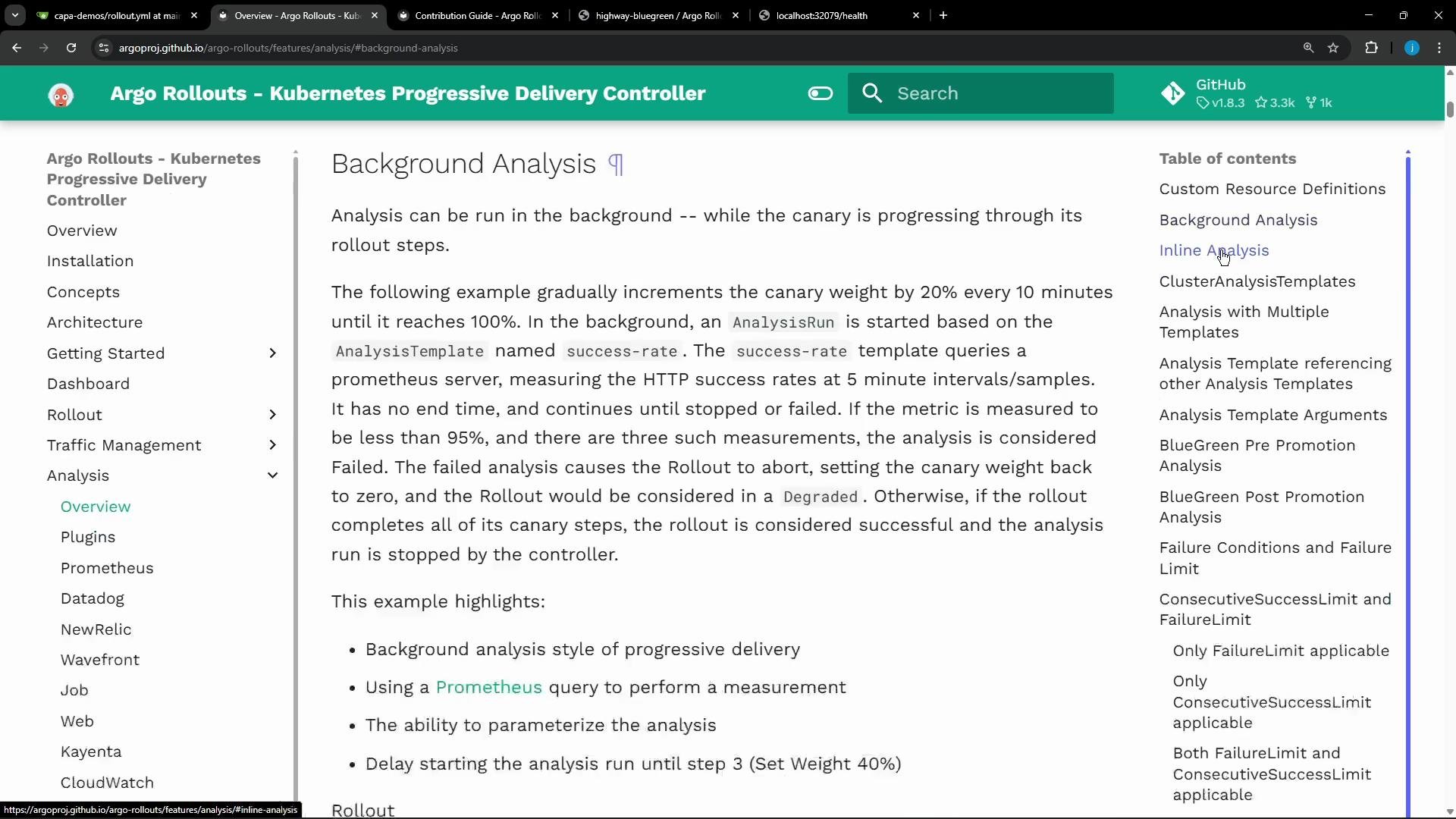
- Background analysis: declared at the top-level of the canary block so it runs independently while steps execute.
- Inline analysis: tied to a specific step and blocks progression until the AnalysisRun completes.
- Pre-promotion analysis: runs while the preview service is available and blocks promotion until it succeeds.
- Post-promotion analysis: runs after traffic is switched to the new version; can block or gate additional work depending on configuration.
highway-bluegreen Rollout to use prePromotionAnalysis against the preview service. Relevant portion of the Rollout spec we applied (trimmed):
Note: Setting autoPromotionEnabled: false prevents automatic promotion even after a successful pre-promotion analysis. The Rollout will pause and require a manual promotion action (via UI or
kubectl argo rollouts promote).![A screenshot of a "health-check" analysis dialog showing "Analysis passed" with 3 successes and a table listing three "[object Object]" entries and timestamps. The panel also shows pass requirement checks (no measurement failures, fewer than 5 consecutive errors, no inconclusive measurements).](https://mintcdn.com/kodekloud-c4ac6d9a/v7HW2PPNQOGxY8Ve/images/Prep-Course-Certified-Argo-Project-Associate-CAPA/Argo-Rollouts/Demo-AnalysisRun/health-check-analysis-passed-3-successes.jpg?fit=max&auto=format&n=v7HW2PPNQOGxY8Ve&q=85&s=c764e0bbf62cc7d6b53aed4510cd3170)
autoPromotionEnabled was set to false, the Rollout remained paused awaiting a manual promotion.
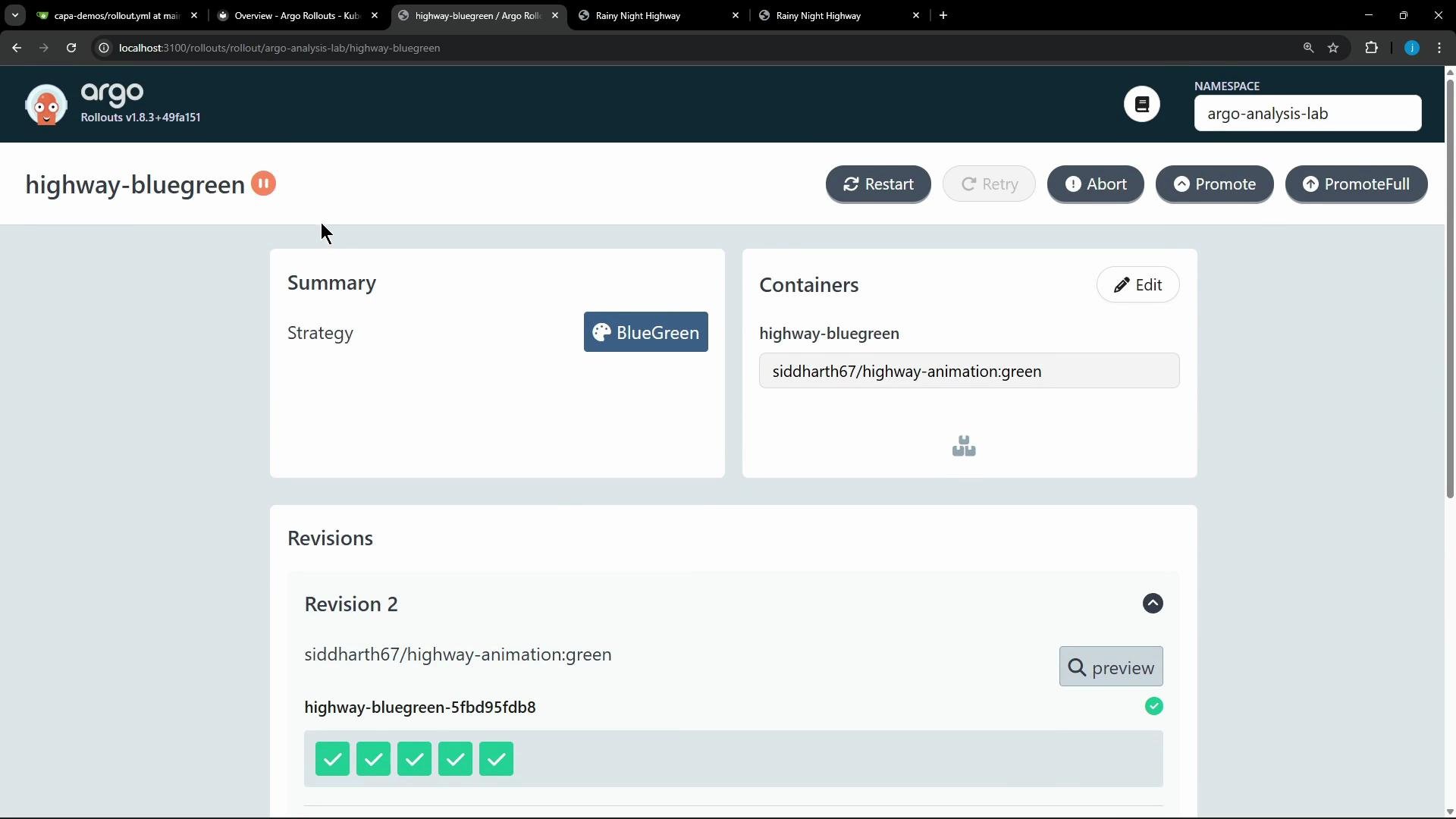
kubectl argo rollouts promote). Promotion switches the active service to route production traffic to the new revision (green) only when the analysis has validated health.
This workflow enables progressive and safe promotion: only when an AnalysisRun passes do you promote the preview into production. Error handling (abort/rollback) is out of scope for this lesson but is supported by Argo Rollouts and should be part of production policies.
Blocking analyses (inline or pre-promotion) will pause rollouts until the AnalysisRun completes. Use background analysis when you want non-blocking monitoring, and use pre/post-promotion for stricter gates.
Useful links and references
Success condition used by the AnalysisTemplate: