In this lesson you’ll install Argo Workflows into a Kubernetes cluster, expose the Argo Server for local access, and install the matching argo CLI so you can interact with the server and run workflows. Start by opening the Argo Workflows documentation and navigating to the Getting Started page.
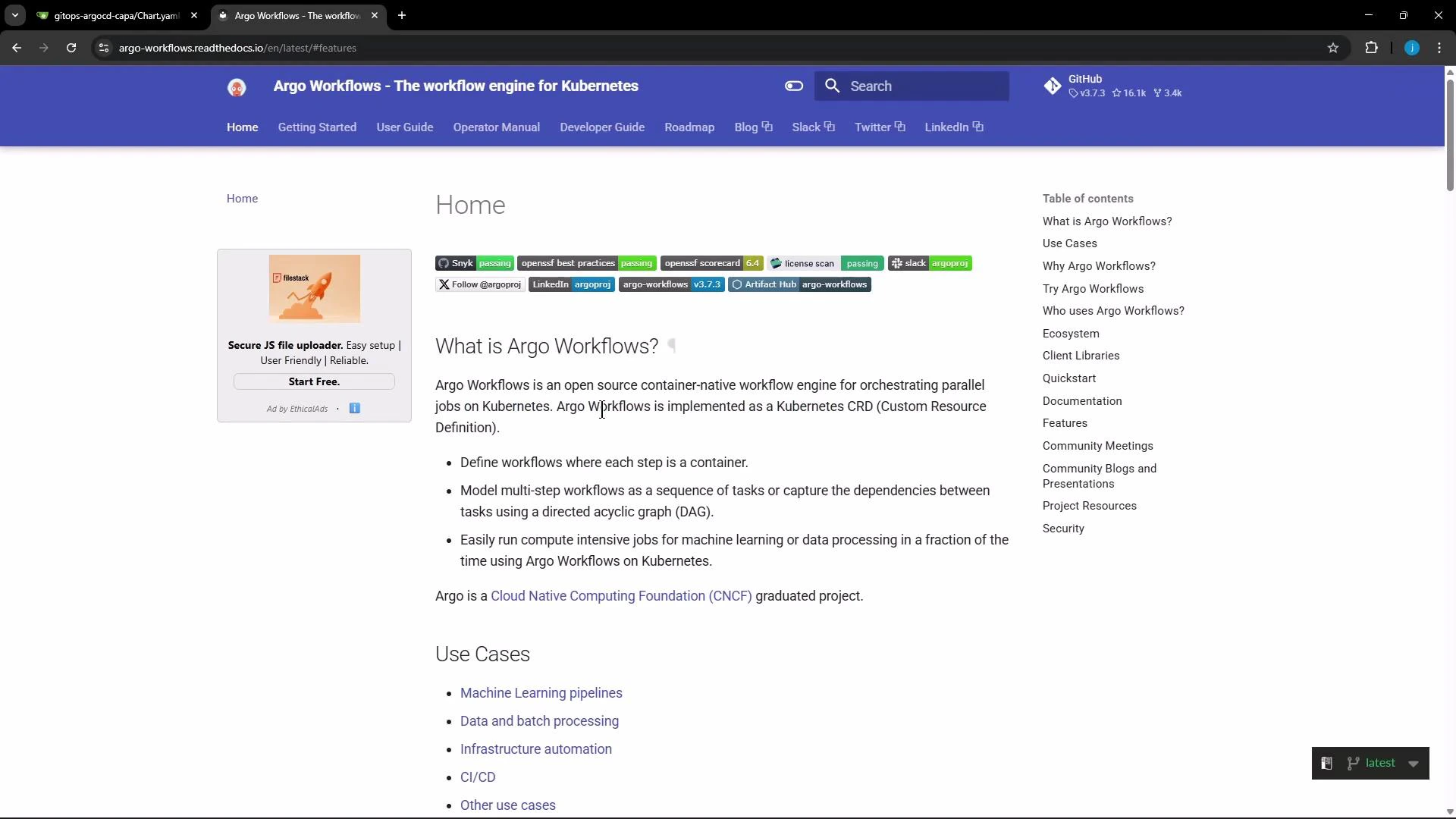
A browser screenshot of the Argo Workflows documentation homepage, showing the header/navigation and a main article titled "What is Argo Workflows?" with bullet points and a right-hand table of contents.

1. Choose a release and install the quick-start

Pick an Argo Workflows release (this guide uses v3.7.3). The quick-start minimal manifest creates the Workflow Controller, Argo Server, example services (httpbin), bundled MinIO artifact store, and the required CRDs. Commands to install:
# Set the version you want to install
ARGO_WORKFLOWS_VERSION="v3.7.3"

# Create the argo namespace
kubectl create namespace argo

# Install the minimal quick-start (controller, server, minio, httpbin, CRDs, etc.)
kubectl apply -n argo -f "https://github.com/argoproj/argo-workflows/releases/download/${ARGO_WORKFLOWS_VERSION}/quick-start-minimal.yaml"
Typical (condensed) output from applying the manifest:
namespace/argo created
customresourcedefinition.apiextensions.k8s.io/workflows.argoproj.io created
customresourcedefinition.apiextensions.k8s.io/workflowtemplates.argoproj.io created
customresourcedefinition.apiextensions.k8s.io/cronworkflows.argoproj.io created
# ...additional CRDs and resources...
deployment.apps/argo-server created
deployment.apps/workflow-controller created
deployment.apps/minio created
deployment.apps/httpbin created
service/argo-server created
service/minio created
service/httpbin created

2. What the quick-start deploys

ResourcePurposeNotes
Workflow ControllerExecutes workflow stepsCore runtime for Argo Workflows
Argo ServerREST/gRPC API + web UIProvides the web UI and API endpoints
MinIOS3-compatible artifact repositoryDemo-only; for production use S3/GCS
httpbinDemo HTTP serviceUseful for example workflows
CRDs (Workflows, WorkflowTemplates, CronWorkflows, …)Custom resource definitionsRequired for Argo CRs to work
MinIO provided in the quick-start is suitable for demos and testing. For production systems, configure Argo to use a durable artifact repository (S3/GCS) and supply appropriate credentials.

3. Expose the Argo Server (optional)

By default the argo-server Service is a ClusterIP. To access the UI from your workstation you can:
  • Change the Service to NodePort, or
  • Use kubectl port-forward, or
  • Add an Ingress/LoadBalancer in cloud environments.
Interactive example: edit the service to NodePort:
kubectl -n argo edit svc argo-server
# Change "type: ClusterIP" to "type: NodePort" and save
Verify services and pods:
kubectl -n argo get svc
# Example:
# NAME         TYPE       CLUSTER-IP       EXTERNAL-IP   PORT(S)
# argo-server  NodePort   10.98.122.61     <none>        2746:30774/TCP
# httpbin      ClusterIP  10.103.119.102   <none>        9100/TCP
kubectl -n argo get pods
# Example:
# NAME                                         READY   STATUS              AGE
# argo-server-68bc7d7567-4681c                 0/1     ContainerCreating   30s
# workflow-controller-5bb95ffc45-rp2fz        1/1     Running             30s
# minio-5cb4ff75c9-stmmw                       1/1     Running             29s
# httpbin-58d7595979-xndwm                    1/1     Running             29s
Wait until the argo-server pod is Running and Ready before continuing.

4. Install the Argo CLI

Download the matching argo CLI binary for your OS. The example below auto-detects macOS vs Linux; adjust the ARGO_WORKFLOWS_VERSION if needed.
# Set the version you want to install
ARGO_WORKFLOWS_VERSION="v3.7.3"

# Detect OS (darwin or linux)
ARGO_OS="linux"
if [[ "$(uname -s)" == "Darwin" ]]; then
  ARGO_OS="darwin"
fi

# Download the compressed binary
curl -sLO "https://github.com/argoproj/argo-workflows/releases/download/${ARGO_WORKFLOWS_VERSION}/argo-${ARGO_OS}-amd64.gz"

# Uncompress
gunzip "argo-${ARGO_OS}-amd64.gz"

# Make executable and move to a directory in PATH
chmod +x "argo-${ARGO_OS}-amd64"
sudo mv "argo-${ARGO_OS}-amd64" /usr/local/bin/argo

# Verify installation
argo version
Expected (condensed) output:
argo: v3.7.3
  BuildDate: ...
  GitCommit: ...

5. Configure the CLI to talk to the Argo Server

If you exposed the Argo Server via NodePort (for example 2746 -> 30774), set environment variables so the CLI uses the Argo Server rather than the Kubernetes API. Adjust values for your environment:
export ARGO_SERVER='localhost:30774'
export ARGO_HTTP1=true
export ARGO_INSECURE=true
export ARGO_BASE_HREF=''
export ARGO_TOKEN=''
export ARGO_NAMESPACE=argo   # namespace you installed Argo into
# export KUBECONFIG=...      # set if you need a specific kubeconfig
Test the connection by listing workflows:
argo list

6. Access the web UI

  • Open your browser to https://localhost:<NODEPORT> (e.g., https://localhost:30774) if you used NodePort.
  • Accept any self-signed certificate warnings (the quick-start ships with demo certificates).
  • The UI shows an initial “Tell us what you want to use Argo for” dialog on fresh installs and an empty workflow dashboard.
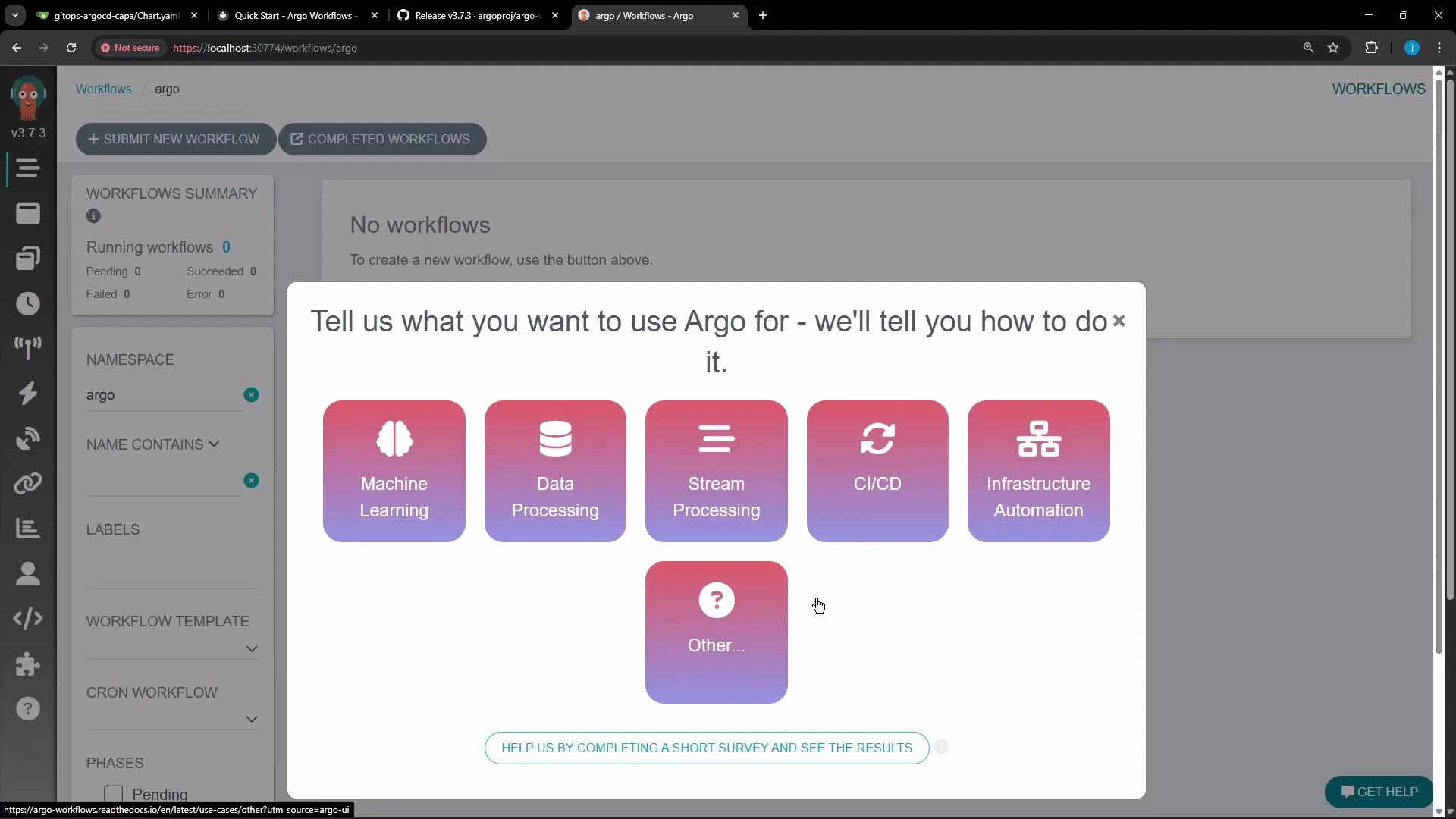
A screenshot of the Argo Workflows web UI with a modal asking "Tell us what you want to use Argo for" and showing selectable tiles like Machine Learning, Data Processing, Stream Processing, CI/CD, Infrastructure Automation, and Other. The blurred dashboard and sidebar are visible in the background with a "No workflows" message.

7. Next steps and common commands

  • Submit example workflows from the Argo docs or local YAML files: argo submit -n argo <workflow.yaml>
  • Inspect and manage workflows: argo list, argo get <workflow>, argo logs -w <workflow>
  • Define reusable WorkflowTemplates and scheduled CronWorkflows.
  • Replace the bundled MinIO with a production artifact store (S3/GCS) by updating the Argo config map and providing credentials.
Common commands:
TaskCommand
Submit workflowargo submit -n argo <workflow.yaml>
List workflowsargo list -n argo
Get workflow detailsargo get -n argo <workflow-name>
Stream logsargo logs -n argo -w <workflow-name>
That completes the installation and initial setup of Argo Workflows. You can now deploy and run example workflows via the CLI or the Web UI.

Watch Video