

Why this certification matters
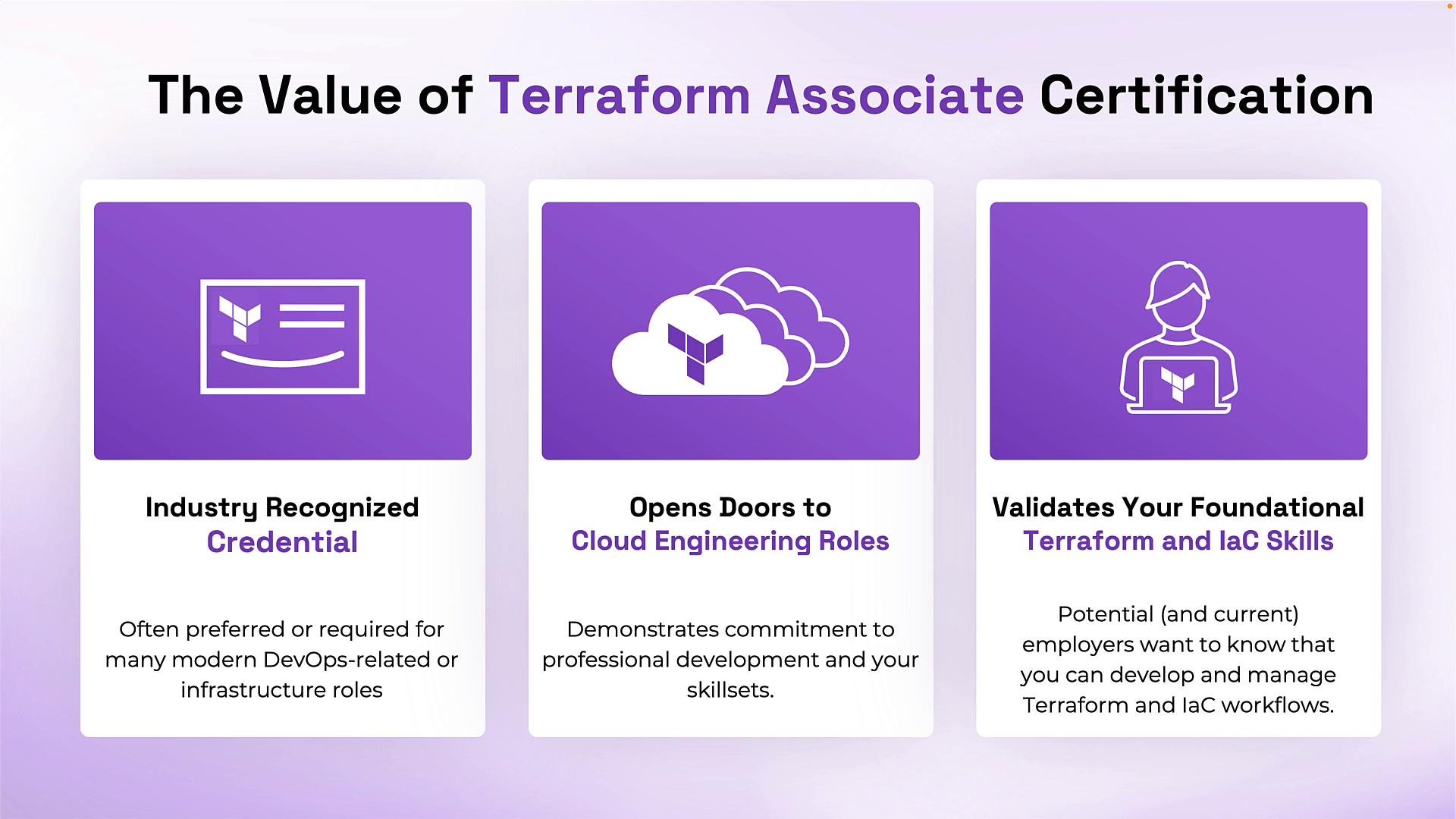
The Terraform Associate credential validates practical Infrastructure as Code (IaC) skills and is recognized across cloud engineering and DevOps roles. It’s more than a line on a resume — it signals to employers that you can work with Terraform in real-world scenarios and collaborate on infrastructure workflows. Key benefits:- Industry recognition: Many DevOps and cloud job postings prefer or require HashiCorp certifications.
- Career differentiation: Certifications show commitment to continuous learning and help you stand out in competitive markets.
- Validated IaC fundamentals: Demonstrates practical ability to write Terraform configurations, manage state, author and consume modules, and use collaboration tools like HCP Terraform.
Is this exam right for you?
The Terraform Associate exam targets cloud engineers, DevOps practitioners, and anyone progressing toward those roles. HashiCorp recommends roughly six months of hands-on Terraform experience as a guideline, but readiness depends on how much practical work you’ve done with Terraform concepts and workflows. Recommended baseline skills:- Basic command-line / terminal proficiency.
- Familiarity with cloud architecture fundamentals (VMs, networks, storage) — the kinds of resources Terraform provisions.
- Hands-on experience writing Terraform configs, using modules, and managing state.
Quick prerequisites table
Styling/snippet (transcript excerpt)
Exam essentials
Below is a concise summary of the exam logistics, delivery, and results.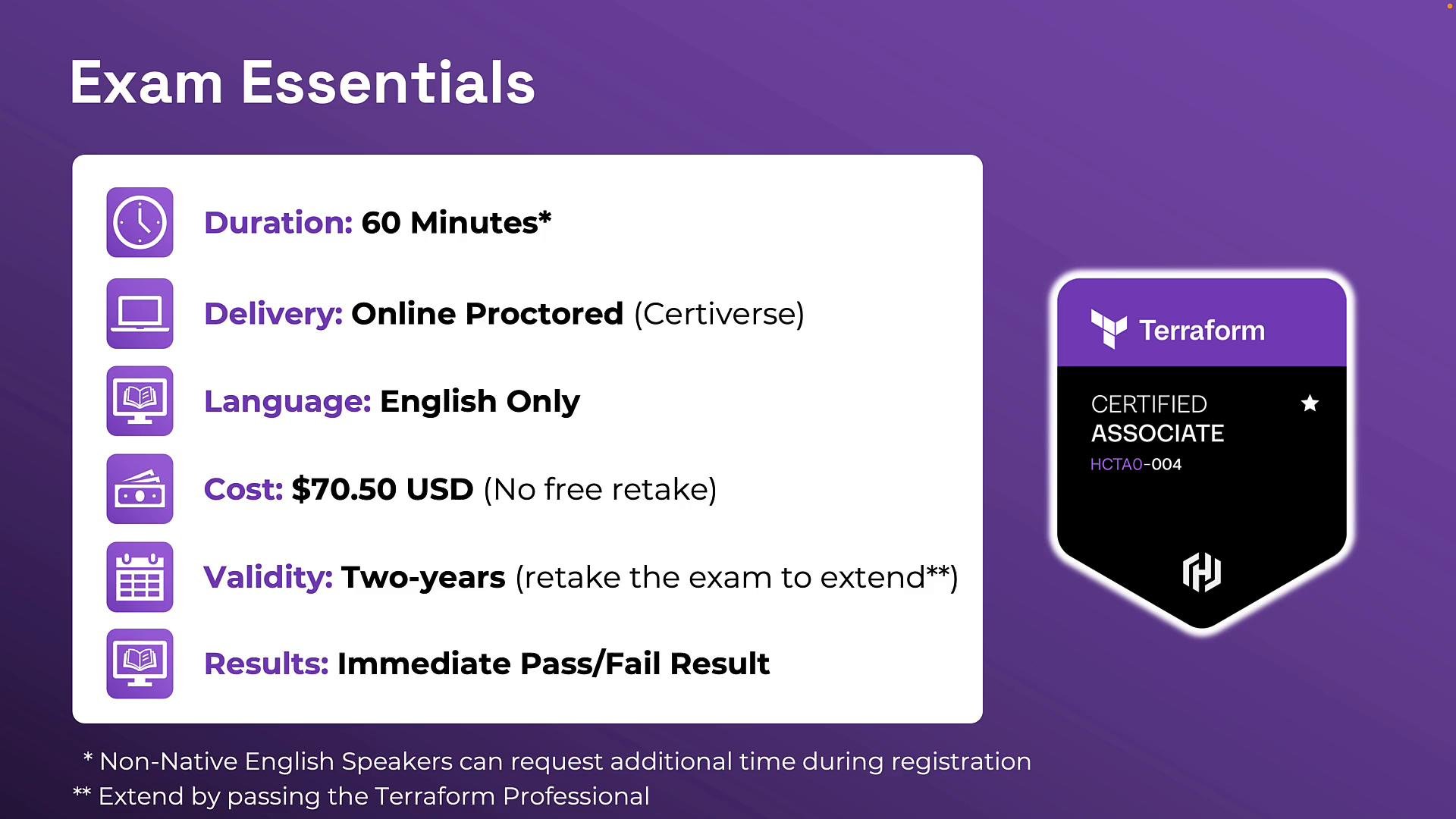
Recertification options
When your Associate credential expires (after two years), you can:- Retake the Terraform Associate exam; or
- Advance to the Terraform Professional exam — passing it also renews your Associate credential.
Question format and what to expect
The exam focuses on Terraform concepts and workflows rather than in-depth provider API specifics. Expect practical, scenario-driven questions and code-based prompts. Question types:- Single-answer multiple choice — choose the one correct option.
- Multiple-select — choose the exact number of correct answers specified (e.g., “choose two”).
- True/False — evaluate a statement or Terraform code snippet.
- Cloud-agnostic focus: Scenarios may reference AWS, Azure, or GCP, but the emphasis is on Terraform usage and architecture rather than provider internals.
- Practical: Many questions require reading Terraform code, spotting errors, or choosing best-practice approaches for state, modules, and collaboration.
Exam registration and ID requirements
Register using the same name that appears on your government-issued ID. If names don’t match exactly, proctors may prevent you from starting the exam.If English isn’t your native language, request additional time during registration. Extra time reduces pressure and can improve accuracy when parsing code and scenario-based questions.
Logistics and test-day environment
Follow these best practices to avoid proctoring issues and unnecessary stress:- Choose a private, quiet room with stable internet.
- Run the system and webcam/microphone checks well before your scheduled time.
- Keep your hands and face visible to the camera; avoid background noise and distractions.
- Treat the session like an in-person test: stay focused and follow the proctor’s check-in instructions.
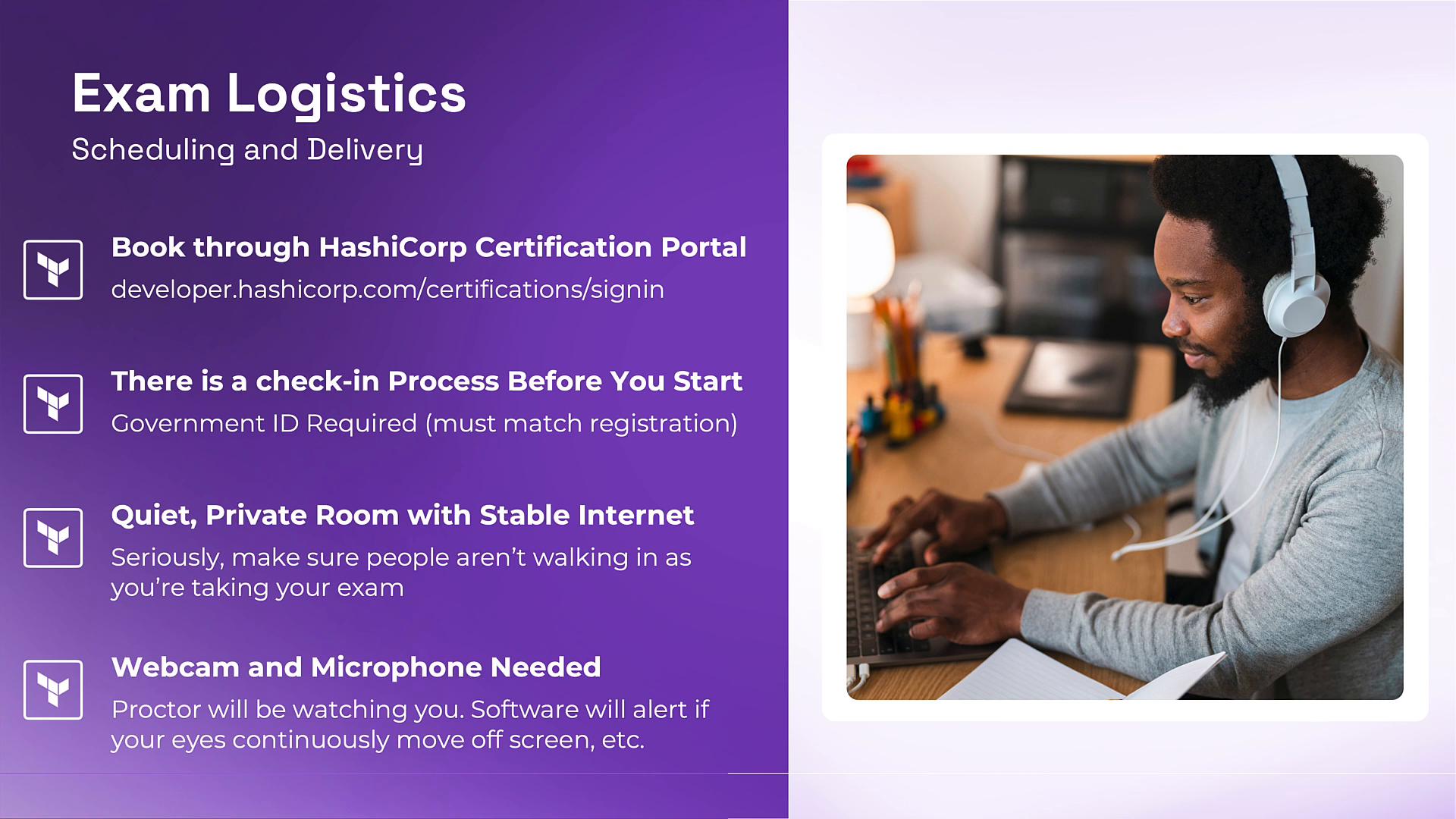
Make sure the name on your registration exactly matches your government-issued ID. Proctors will deny or invalidate exams if the names differ.
Final preparation tips
- Run the online system check at least 24 hours before the exam to resolve any hardware or connectivity issues.
- Practice hands-on: author Terraform configurations, manage both local and remote state, create and consume modules, and use workspaces.
- Study official objectives and sample items: review the HashiCorp exam objectives and sample questions to target your study effectively: https://www.hashicorp.com/certification/terraform-associate
- Time management: practice timed quizzes to ensure you can read scenarios and make selections confidently within 60 minutes.
Links and references
- HashiCorp Certification — Terraform Associate
- Certiverse — exam delivery platform
- [Credly — digital badges and sharing] (https://www.credly.com)