

- Terraform Community Edition — the free, command-line tool you install locally. Ideal for individuals and small teams learning Infrastructure as Code (IaC) or running simple automation.
- HCP Terraform — a HashiCorp-hosted SaaS (previously called Terraform Cloud) that extends the CLI with remote state, collaboration, a private module registry, and policy-as-code features.
- Terraform Enterprise — a self-hosted edition for organizations that need full control over infrastructure, networking, auditing, and integration with enterprise systems.
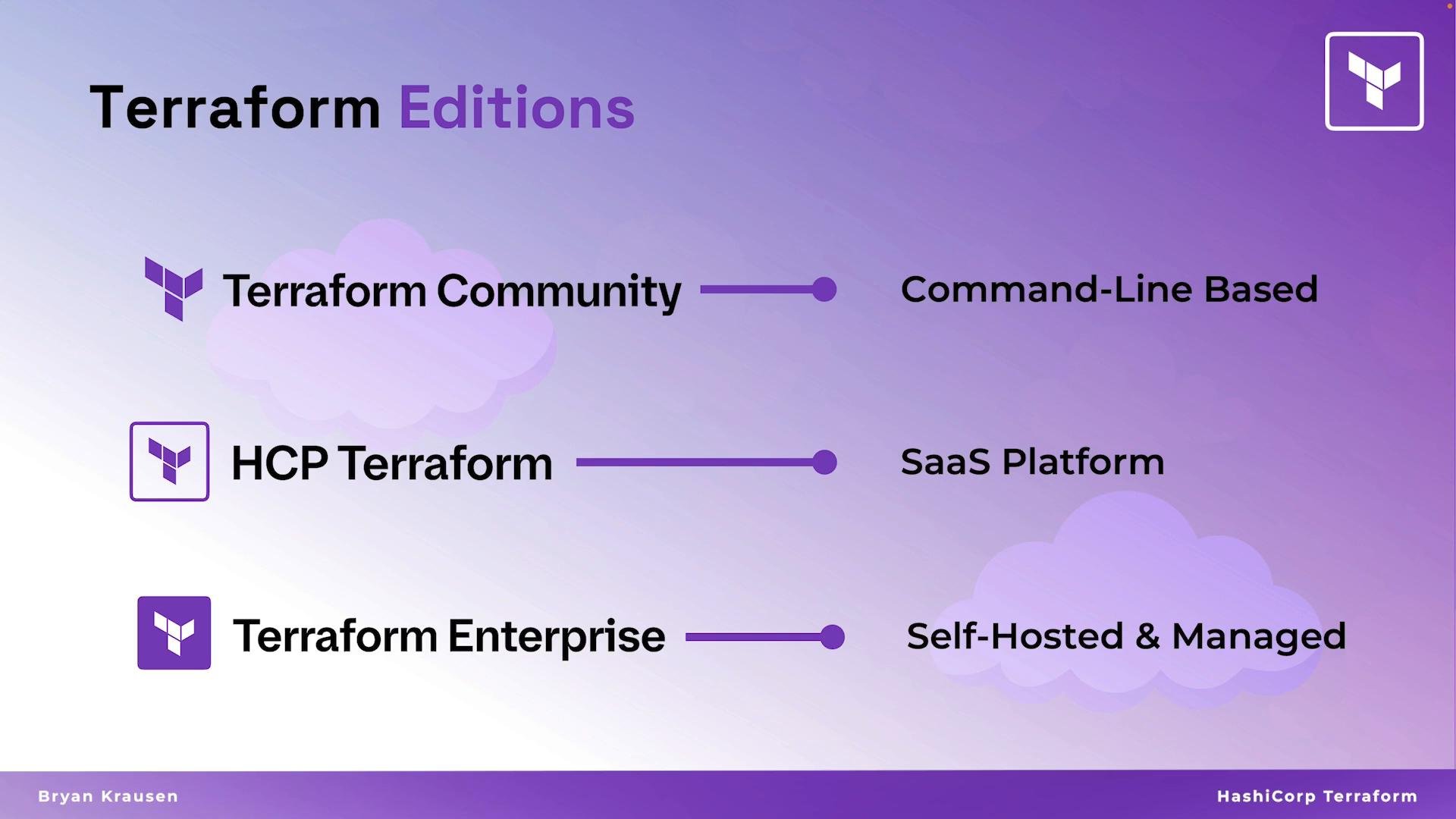
How these editions relate
- Terraform Community (CLI) is the foundational local tool used for authoring, planning, and applying Terraform configurations.
- HCP Terraform (SaaS) builds on that foundation by offering hosted remote state, team workflows, a private module registry, and policy enforcement.
- Terraform Enterprise provides the same collaboration and governance capabilities as HCP but deployed and managed inside your organization (on-premises or in your cloud account), with added enterprise integrations like SSO, private networking, and audit logging.
HCP Terraform (formerly Terraform Cloud) is explicitly covered on the HashiCorp Certified: Terraform Associate (004) exam — it corresponds to an entire objective (objective 8). Review HCP-specific features if you are studying for the Associate exam.
Quick comparison
Which edition should you pick?
-
Use Terraform Community (CLI) if you:
- Are learning Terraform or prototyping.
- Prefer a lightweight, local workflow.
- Manage simple environments or use alternative remote backends (e.g., S3, Azure Blob Storage, GCS).
-
Choose HCP Terraform if you:
- Want a hosted solution for remote state, team runs, and a private module registry.
- Need easy onboarding for teams and built-in policy enforcement without managing infrastructure.
-
Choose Terraform Enterprise if you:
- Require complete control over the hosting environment for regulatory or compliance reasons.
- Need integrations with internal identity providers, private networking, or centralized audit logging.