

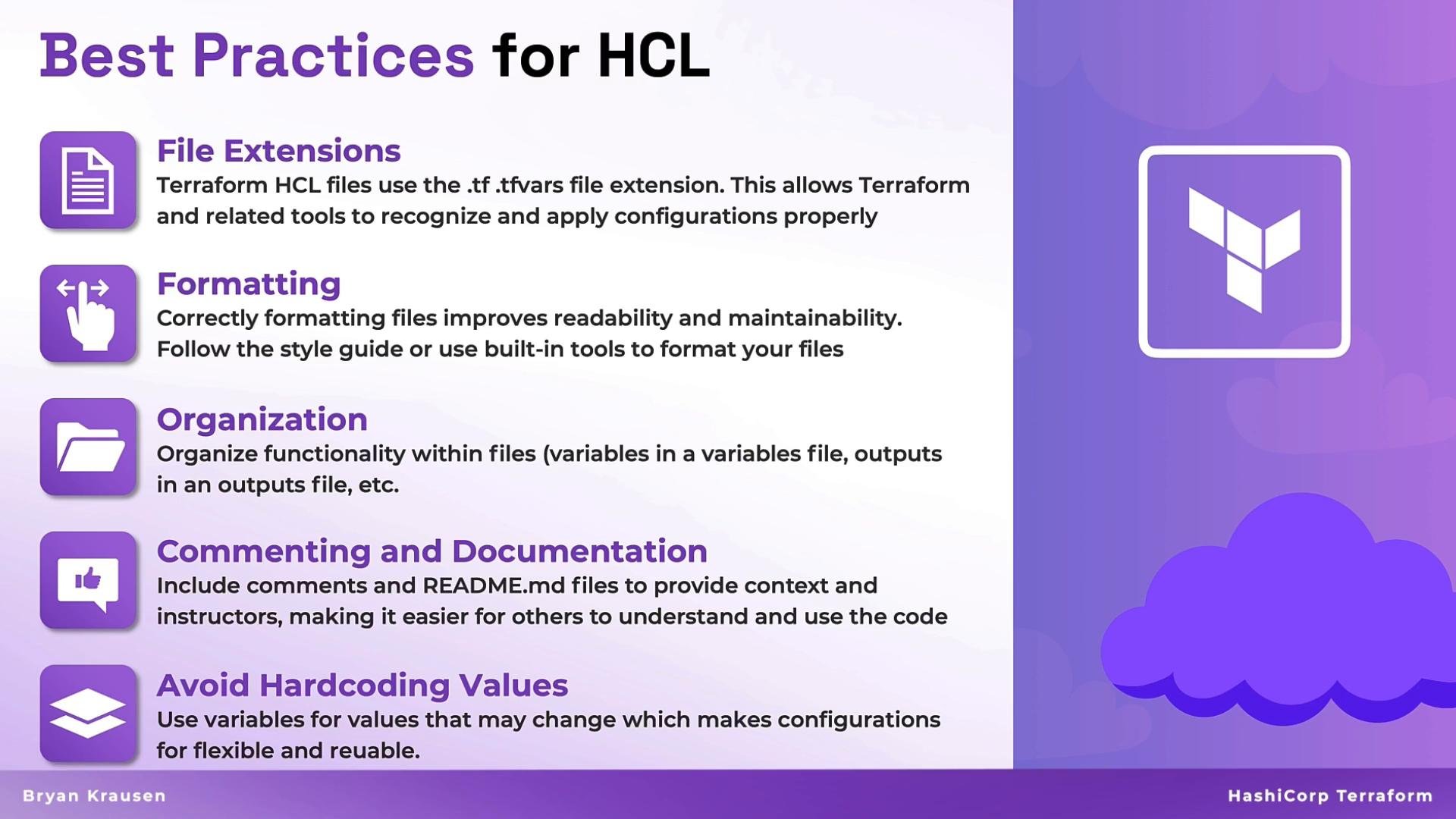
File extensions
Use the correct file extensions so Terraform and tooling detect and load your configuration files reliably. Below is a quick reference.Terraform only loads configuration from files with the
.tf and .tf.json extensions. Use *.tfvars or *.tfvars.json for variable values — terraform.tfvars is automatically loaded, while other variable files must be provided with -var-file. Consistent extensions help IDEs and CI systems discover and validate your configuration.Formatting and style
Consistent formatting reduces cognitive load and avoids needless diffs in version control. Adopt the community/official formatting conventions so your code matches examples from the Terraform Registry and popular GitHub modules.- Use
terraform fmtto enforce canonical formatting. - Prefer readability and consistency across your team over personal stylistic choices.
- Keep nested blocks tidy and avoid overly complex expressions in a single file—extract to
localsor modules when appropriate.
Organization
Structure your repository by logical responsibility so files are easy to locate and modify. Below are common and effective organization patterns.
Separating concerns (providers, variables, resources, outputs) makes it straightforward to review, test, and reuse parts of your configuration.
Commenting and documentation
Good inline comments and module-level documentation pay off later. Each module or repo should include aREADME.md that covers:
- What the module or repo does
- Required and optional variables with descriptions and types
- Example usage showing how to call the module
- Any constraints, caveats, or provider prerequisites
Avoid hard-coded values
Hard-coded values decrease reuse and increase friction when promoting code across environments. Use variables,locals, or data sources instead of embedding fixed values.
- Parameterize environment-specific values.
- Use
localsto centralize computed or repeated values. - Use
datasources to reference existing infrastructure instead of duplicating identifiers.
Do not hard-code secrets or credentials in Terraform files. Use secure mechanisms such as environment variables, a secrets manager, or Terraform Cloud/Enterprise variable management. Storing secrets in VCS or plaintext files risks accidental exposure.
Tools to help write better HCL
As your infrastructure grows, use tools to keep HCL consistent, secure, and error-free. Recommended tool categories and examples:
Terraform includes a built-in formatter that rewrites files to the canonical style. Run it at the repository root:
terraform fmt in CI to ensure repository-wide consistency. Add linters and security scanners to your CI pipeline to catch issues before merge.
Quick best-practice checklist
- Use proper file extensions (
.tf,.tfvars,.tf.json) and naming conventions. - Run
terraform fmtand linting tools as part of CI. - Split files by responsibility: providers, variables, resources, outputs.
- Document module usage and required variables in
README.md. - Never commit secrets or credentials to version control; use secure variable storage.
- Use modules to encapsulate reusable logic and reduce duplication.
Following these conventions—correct filenames, consistent formatting, clear organization, thorough documentation, and avoiding hard-coded secrets—will make your Terraform configurations easier to maintain, review, and scale.