

Variables recap
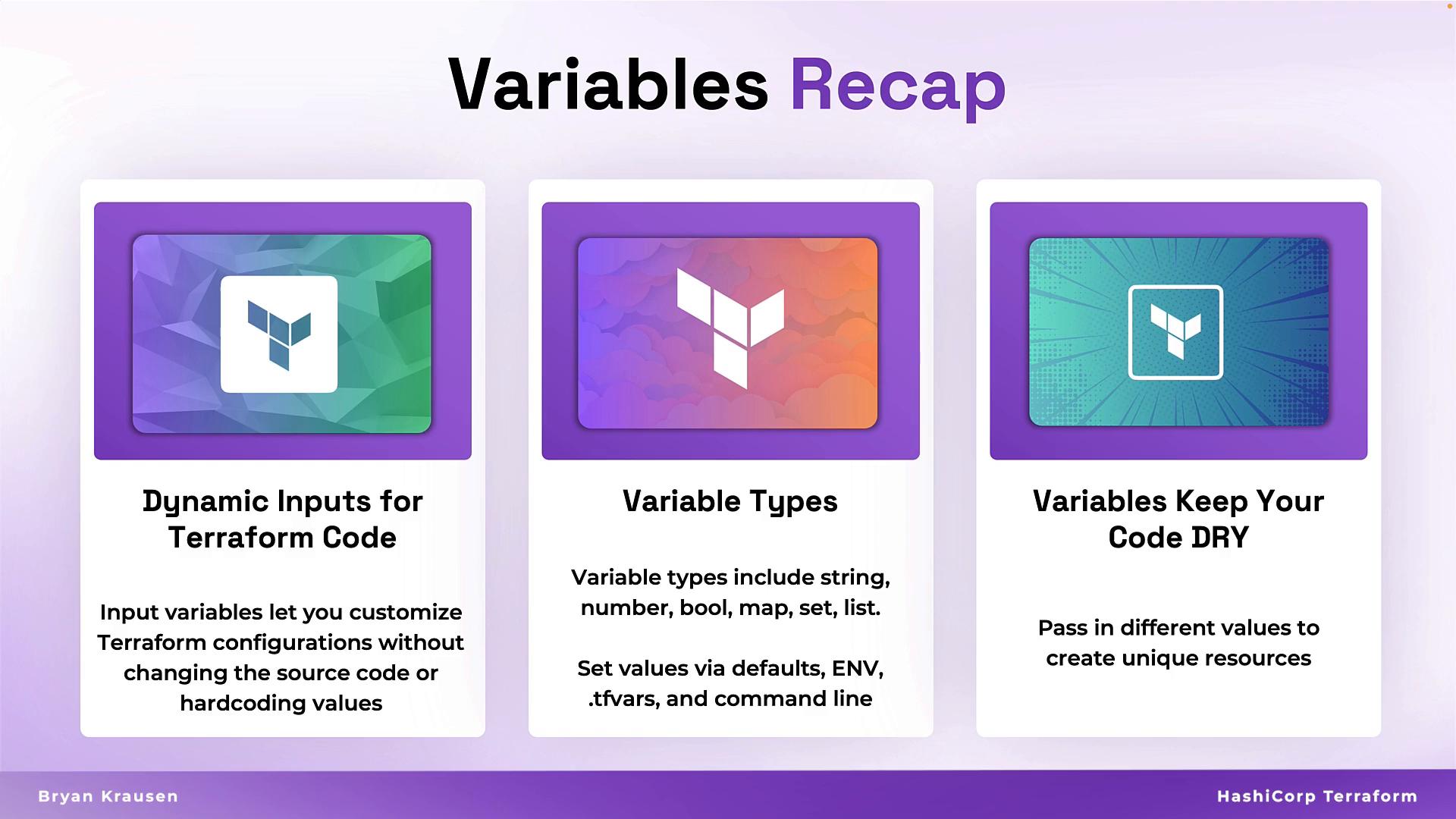
Variables provide dynamic inputs so you avoid hard-coding values in Terraform. Terraform supports several variable types and you can set variables via defaults, environment variables,*.tfvars files, or the CLI. Using variables keeps configuration DRY and makes it straightforward to target multiple environments or accounts with the same codebase.
For the official variable docs, see: https://www.terraform.io/docs/language/values/variables
Data sources recap
Data sources allow Terraform to read provider-specific information — for example, current region, account details, or the latest AMI — and bring that information into your configuration. Data sources do not create or modify infrastructure; they make external or existing information available for interpolation in resources.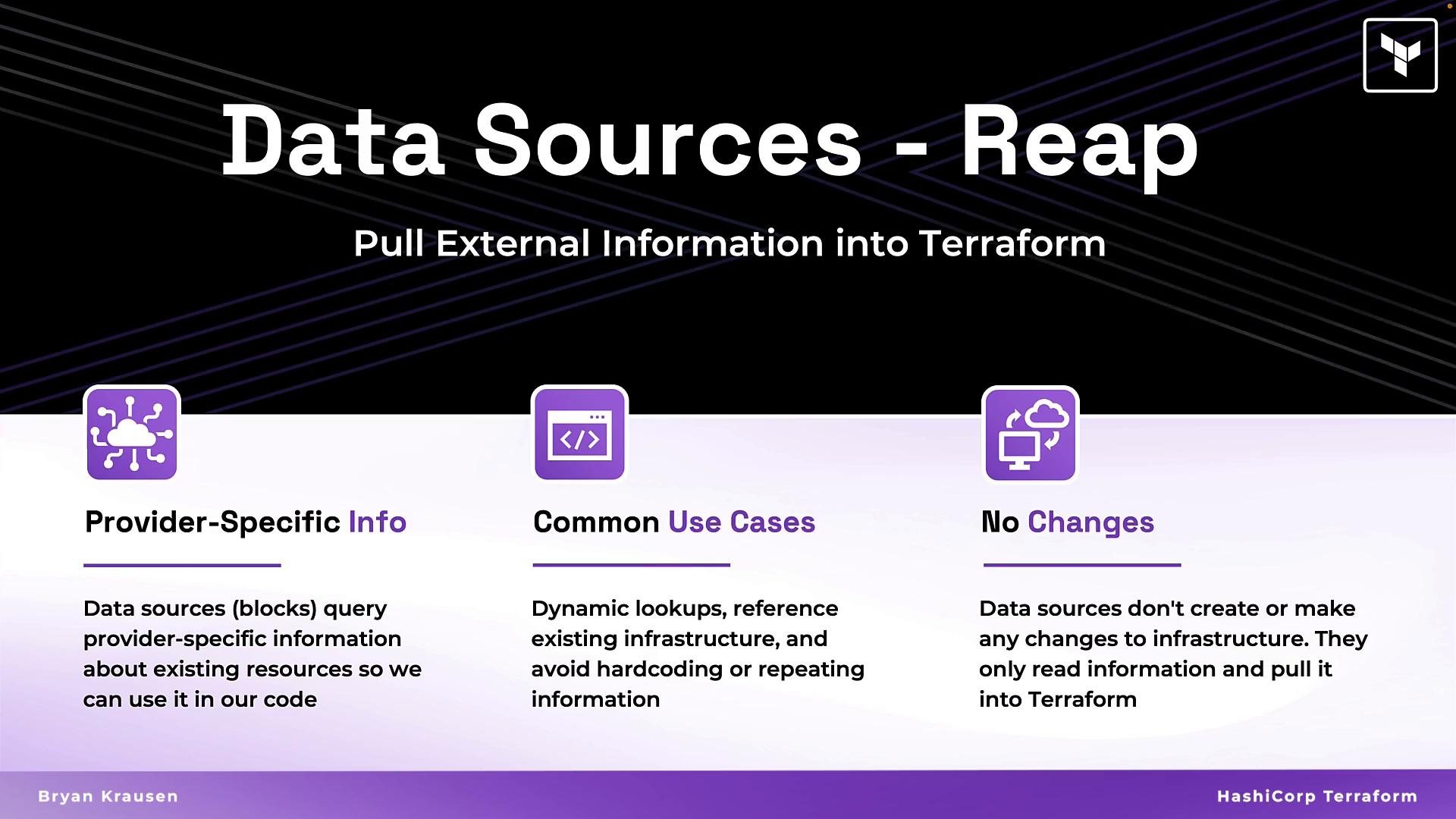
Combining variables and data sources
The power of dynamic Terraform code comes from combining variables, data sources, locals, interpolation, and meta-arguments. Instead of embedding static values, you pull values in at runtime and compose them into resource attributes. This creates flexible, environment-aware infrastructure that’s easy to maintain.
What to avoid: hard-coded values
Hard-coded values reduce reuse and increase the chance of errors when values must change across many resources. Avoid this pattern:- Changing the AMI or CIDR requires editing many resource blocks.
- Names may collide across environments or accounts.
- Reusing code across teams or regions becomes harder.
Dynamic example: use data, variables, locals, interpolation
Below is a practical replacement that discovers the AMI dynamically and composes names and tags from variables and locals. This pattern is reusable across environments:- AMI discovery uses
data.aws_ami.ubuntuinstead of a fixed AMI ID. local.instance_typecentralizes the instance type so it’s easy to change once.- Tags and resource names are constructed via interpolation to include
var.app,local.env, and the current region.
Interpolation (string insertion and evaluation)
Interpolation evaluates expressions and inserts results into strings. Classic Terraform syntax uses${...} — show these examples as code so MDX does not try to evaluate them during rendering.
Terraform 0.12+ supports richer expressions. While
${} is still valid, you can also use direct expressions in many contexts (for example: local.greeting = "Hello, ${var.name}!" vs. local.greeting = "Hello, " + var.name). Use the style that keeps your code readable.Using data lookups and variables together
A common pattern is to combine data sources and variables to produce predictable, unique resource names. Examples below show a server name that includes the current region and environment, and a globally unique S3 bucket name using the AWS account ID.S3 bucket names are globally unique. Including account identifiers, environment names, or other unique values via interpolation helps avoid naming collisions.
Why this matters
Designing resources to read values from variables and data blocks gives several practical benefits:- Reuse the same Terraform code for multiple environments (dev, staging, prod) by supplying different variables or switching workspaces.
- Avoid repetitive edits across many resources when values change.
- Generate predictable, environment-specific names that reduce manual errors and naming collisions.
Hands-on lab
Practice these patterns by editing the provided Terraform files in the lab directories. The project structure includes provider-specific folders and sample files:- Choose a provider folder (
AWS,AZURE, orGITHUB). - Replace hard-coded values with variables and provide suitable defaults or
*.tfvars. - Add data sources to query provider information (region, account ID, AMIs).
- Use
localsand interpolation to compose resource names and tags.
- Use
terraform planto preview how your interpolated names and tags evaluate. - When naming globally unique resources (S3, DNS), include account- or workspace-specific values.
Summary
Variables, locals, data sources, and interpolation let you write reusable, flexible Terraform configurations. Avoid hard-coded values and instead compose strings dynamically to make infrastructure code maintainable across environments and accounts. Practice the examples above to gain hands-on experience with these core patterns. Further reading and references:- Terraform variables and outputs: https://www.terraform.io/docs/language/values/variables
- Terraform data sources: https://www.terraform.io/docs/language/data-sources
- AWS AMI filtering examples: https://docs.aws.amazon.com/AWSEC2/latest/UserGuide/AMIs.html