


The problem: repeated values across resources
Imagine managing several resources and copying the same environment name or prefix into each resource. That works at first, but when you move fromdev to prod you must update the same value in multiple places — a repetitive and error-prone task.
Here’s an example showing duplicated tag values across two resources:
What are locals?
Local values (commonly called “locals”) are named values defined in alocals block. They act as short-term memory for your configuration and are ideal for naming conventions, shared tags, environment names, or temporary computed values.
Example:
local.app_name and local.environment. Update the locals block once and every reference updates automatically.
Use locals to move repeated logic or long expressions out of resource blocks. This makes your resources concise and centralizes shared logic for easier updates.
Simple use: centralized prefix and environment
Define shared values once and reference them when naming resources:prefix and environment in locals, both resource names are generated consistently. Change the values in one place and all resources reflect that change.
Grouping related values and reusing maps
You can create multiplelocals blocks to group related values. Locals can reference other locals (but be careful about creating cycles).
Example: group common tags into a single map and reuse it across resources.
local.common_tags updates every resource that references it. This centralization is the primary advantage of locals: a single source of truth for commonly repeated values.
You can reference one local from another (for example,
app_team = local.app_team_base), but you must avoid circular references. Ensure locals only reference values defined earlier or computed without cycles.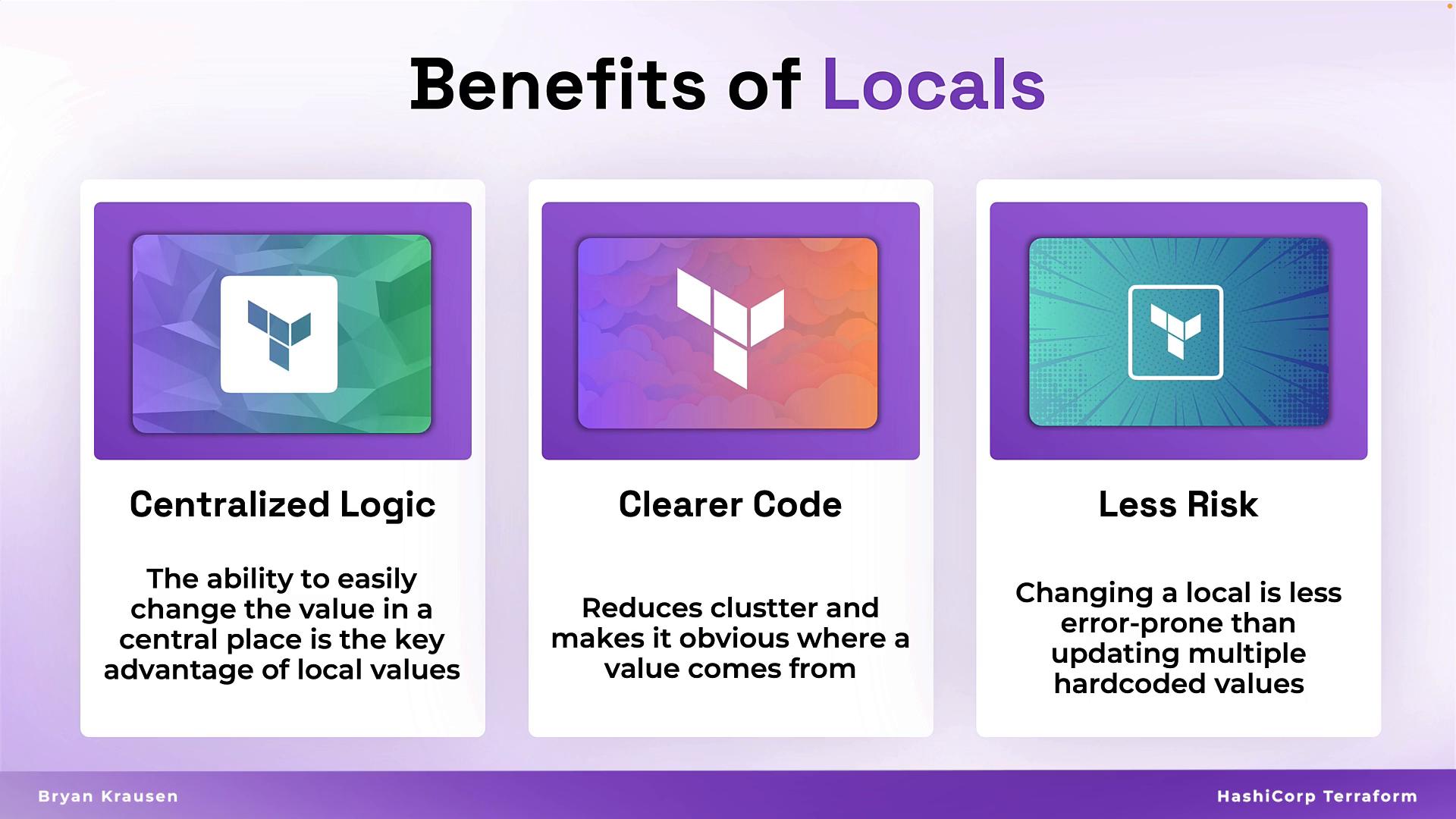
When to use locals — guidance and examples
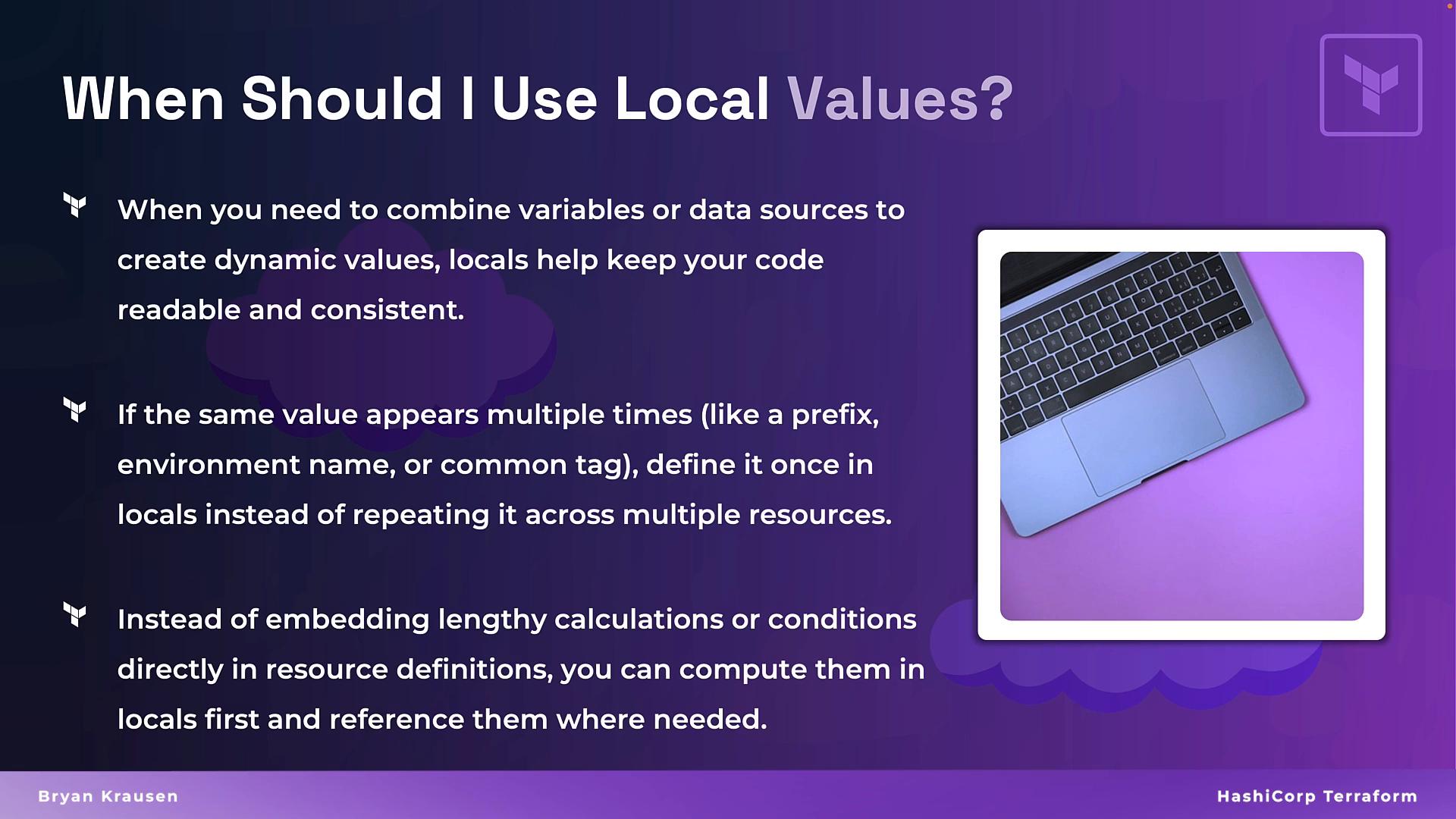
Use locals in these common scenarios:- Computed or derived values: Combine variables, data sources, or inputs to produce standardized formats (naming conventions, IDs, tags).
- Reusable constants: Store prefixes, environment names, or shared tag sets so you only update them in one place.
- Complex expressions: Move long or messy Terraform expressions into locals to keep resource blocks concise and readable.
Some Terraform functions and expressions become long when embedded in resources. Calculate them in a local first, then reference the local in your resource for clearer configuration.
Summary
Locals reduce repetition, centralize logic, and manage complex expressions in one place. They make Terraform configurations cleaner, more maintainable, and less error-prone. Refactor repetitive code into locals, create computed values once, and make configurations more dynamic and easier to update.Links and references
- Terraform Documentation — Local Values
- Terraform Best Practices
- HashiCorp Learn — Working with Variables and Locals