

Never commit files that contain secrets (for example,
terraform.tfvars) to your repository. Use environment variables or a secrets manager instead.Why committing secrets is dangerous
Committing secrets to Git makes them part of the repository history. Even if you delete the file later, the secret remains in the history and requires rewriting history (e.g.,git filter-repo or BFG) to remove. Leaked credentials are commonly discovered by security scanners and attackers scanning public or shared repos.
Bad example — secrets in terraform.tfvars:
Use environment variables with Terraform (TF_VAR_<name>)
Terraform supports mapping environment variables that follow theTF_VAR_<variable_name> pattern to input variables. Set environment variables in your shell or CI job and Terraform will use them when evaluating var.<name>.
Local shell example:
terraform apply, Terraform reads TF_VAR_db_password and uses it for var.db_password. This avoids writing secrets to disk and lowers the chance of accidental commits.
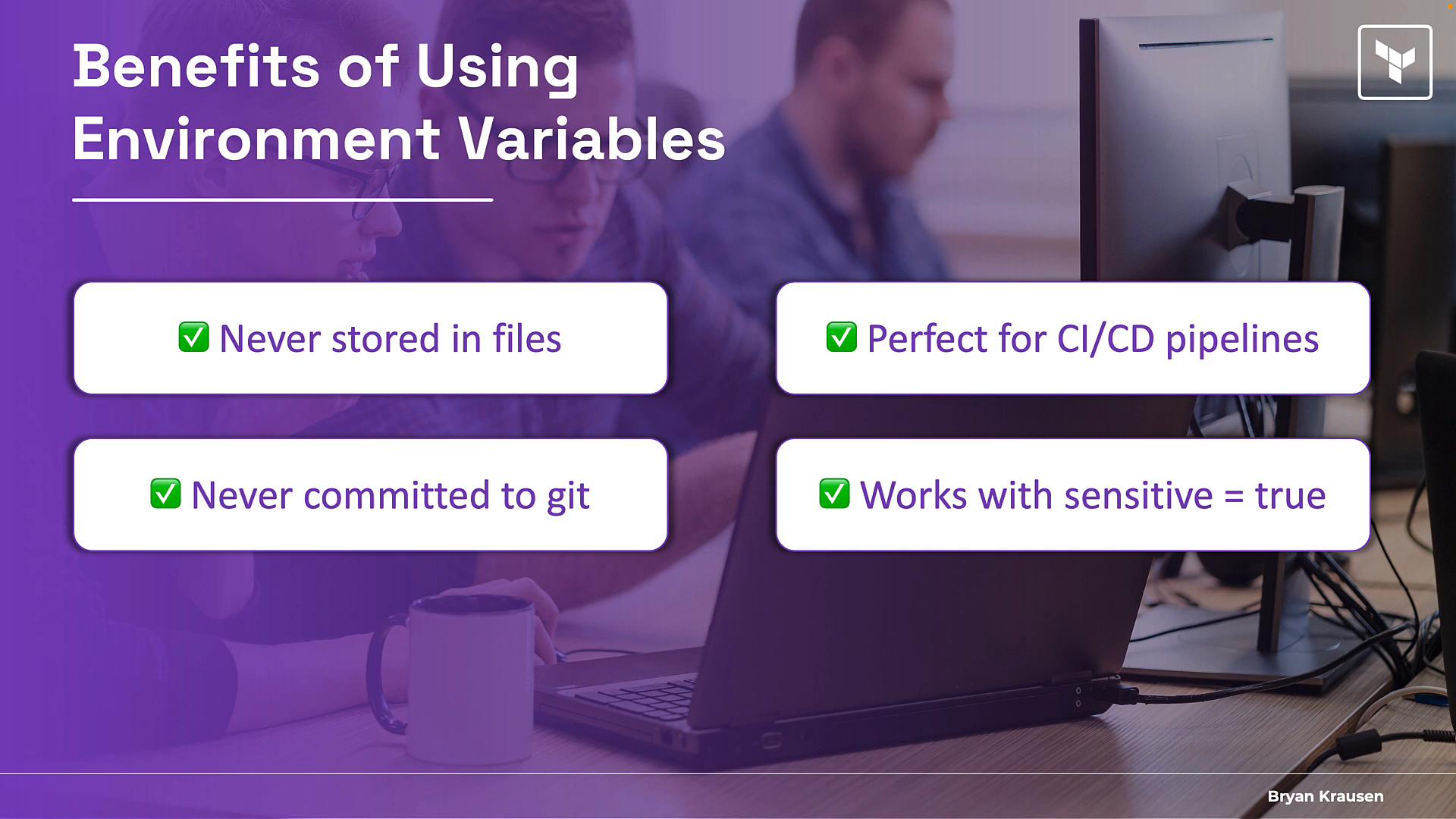
Important caveat: Terraform state may contain secrets
Environment variables prevent secrets from being stored in your repo files, but they do not prevent secret values from being written into Terraform state. Protect state with remote backends, encryption, access controls, and state locking.
Using environment variables in CI/CD (GitHub Actions example)
Store secrets in your CI/CD platform’s secret storage and inject them as environment variables at runtime. GitHub Secrets, for example, decrypt secrets only during the job run. Example GitHub Actions job:- CI systems encrypt secrets at rest and inject them only at runtime.
- Avoid echoing or saving secrets to disk in the job; do not print them to logs.
- CI providers typically redact secrets from logs but never rely solely on redaction.
Secret storage options at a glance
Best practices checklist
- Do not commit
terraform.tfvarsor files with secrets; add them to.gitignore. - Use
TF_VAR_<name>environment variables or CI secret injection for Terraform inputs. - Mark sensitive Terraform variables with
sensitive = trueto avoid printing them. - Protect Terraform state: use a remote backend, encryption, access control, and locking.
- Prefer dedicated secret managers (Vault, AWS Secrets Manager) for production workloads and rotate secrets regularly.
- Never print secrets in CI logs or store them in plaintext in scripts or artifacts.
References and further reading
- Terraform environment variables: https://www.terraform.io/cli/config/environment-variables#input-variables
- GitHub Actions secrets: https://docs.github.com/en/actions/security-guides/encrypted-secrets
- AWS Secrets Manager: https://aws.amazon.com/secrets-manager/
- HashiCorp Vault: https://www.vaultproject.io/
sensitive in Terraform, and protect state with a secure backend — gives you a practical, production-ready workflow for keeping secrets out of version control.