

- How Terraform discovers differences between your configuration, state, and real infrastructure.
- How to either revert remote changes or accept them into Terraform state using a refresh-only apply.
- How to update your configuration so configuration, state, and real infrastructure remain in sync.
Terraform configuration used in this demo
main.tfDeploy the configuration
Initialize and apply:instance_type variable (t2.small).
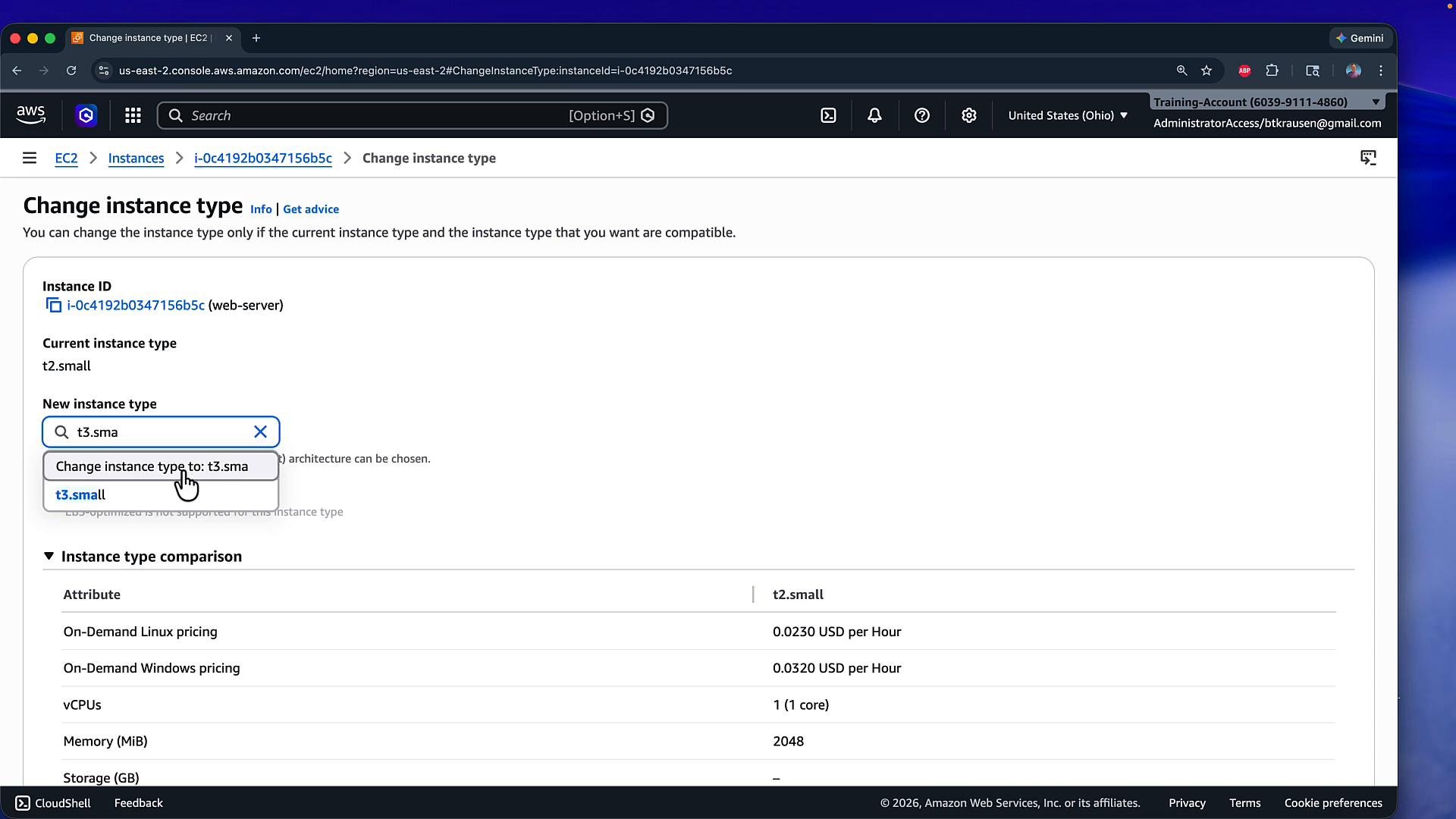
I stopped the instance in the console and changed its instance type from t2.small to t3.small. Here is the “Change instance type” page showing that change:
Team tag (Team = dev-app-001). The stopped instance with a successful “instance type changed” banner is shown below:
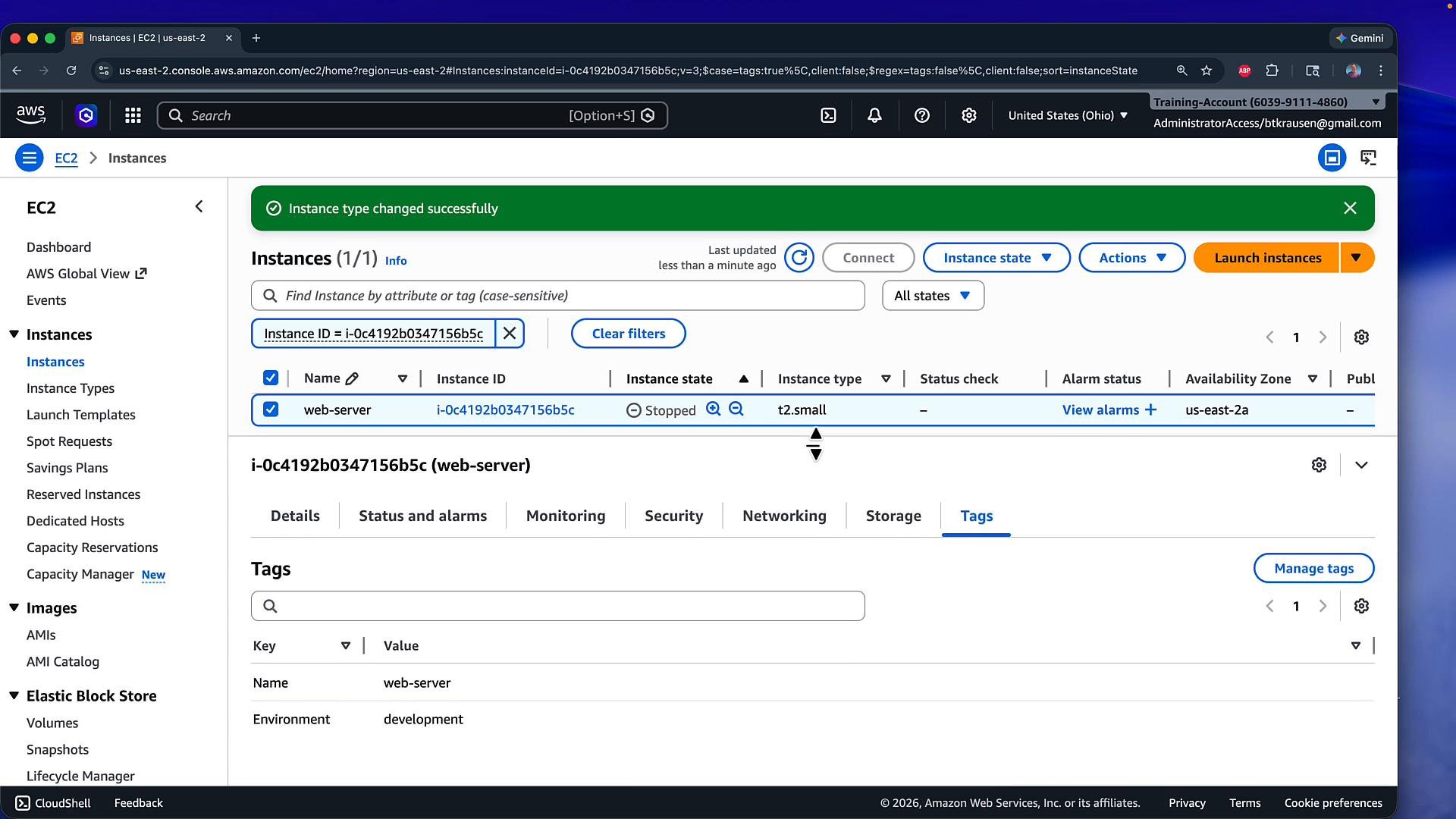
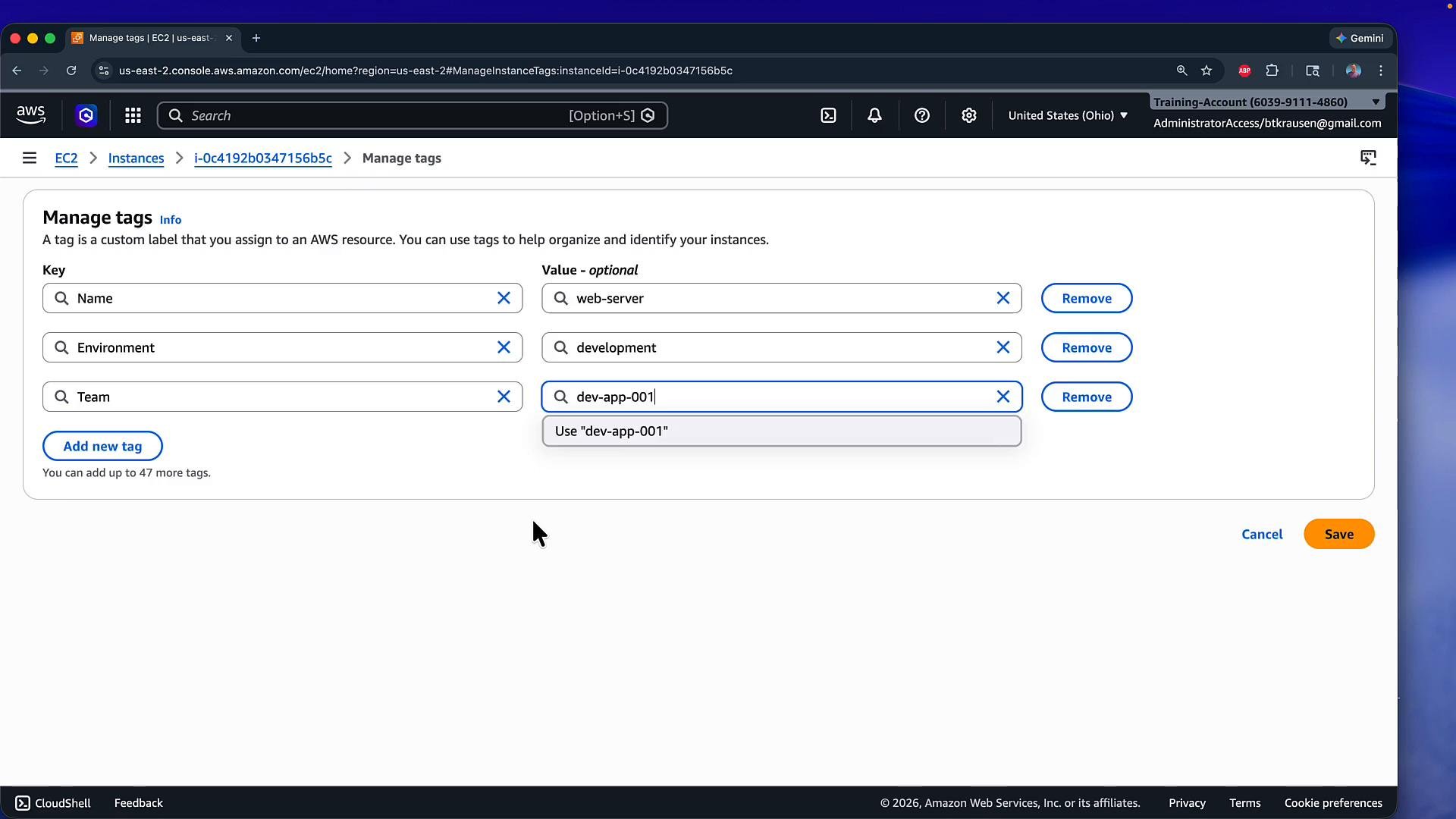
- Instance type:
t2.small→t3.small - Added tag:
Team = dev-app-001
Detecting drift with Terraform
Terraform refreshes the state by default duringterraform plan, so running a plan will reveal drift:
Options after detecting drift
You have two primary choices after detecting drift:Revert remote changes (make Terraform the source of truth)
If you want to overwrite the remote changes and enforce your Terraform configuration, run a normal apply:t2.small and remove the Team tag (since the configuration doesn’t include that tag). Example plan summary:
Accept remote changes into Terraform state (refresh-only apply)
If the manual changes are intentional and you want Terraform to record them without modifying infrastructure, run a refresh-only apply:A refresh-only apply updates the Terraform state to match current real infrastructure but does not modify remote resources. Use this when external changes are desired and you want Terraform to record them in the state.
terraform apply -refresh-only, Terraform shows a refresh-only plan and prompts:
instance_type = "t3.small" and the new Team tag) into the state file while leaving the EC2 instance unchanged.
After accepting remote changes into state
- The Terraform state now reflects the actual remote values (e.g.,
"instance_type": "t3.small"and theTeamtag). - Your configuration files still define
instance_type = "t2.small"and do not include theTeamtag. If you later run a normalterraform apply, Terraform will detect that the configuration differs from the state and will plan to change real resources to match the configuration.
Update configuration to match the desired state
Change the variable default and resource tags in your configuration to reflect the accepted remote changes. variables.tfterraform apply should report no changes:
Quick checklist
- Detect drift:
terraform plan(orterraform apply) — Terraform refreshes state during planning. - Revert remote changes:
terraform apply— Terraform will change the remote resources to match configuration. - Accept remote changes (state-only):
terraform apply -refresh-only— Terraform updates the state without touching remote resources. - To keep accepted remote changes permanently: update your Terraform configuration and run
terraform apply.
References
- Terraform CLI: apply — https://developer.hashicorp.com/terraform/cli/commands/apply
- Terraform CLI: plan — https://developer.hashicorp.com/terraform/cli/commands/plan
- Terraform State management — https://developer.hashicorp.com/terraform/language/state
- AWS EC2 instance types — https://aws.amazon.com/ec2/instance-types/