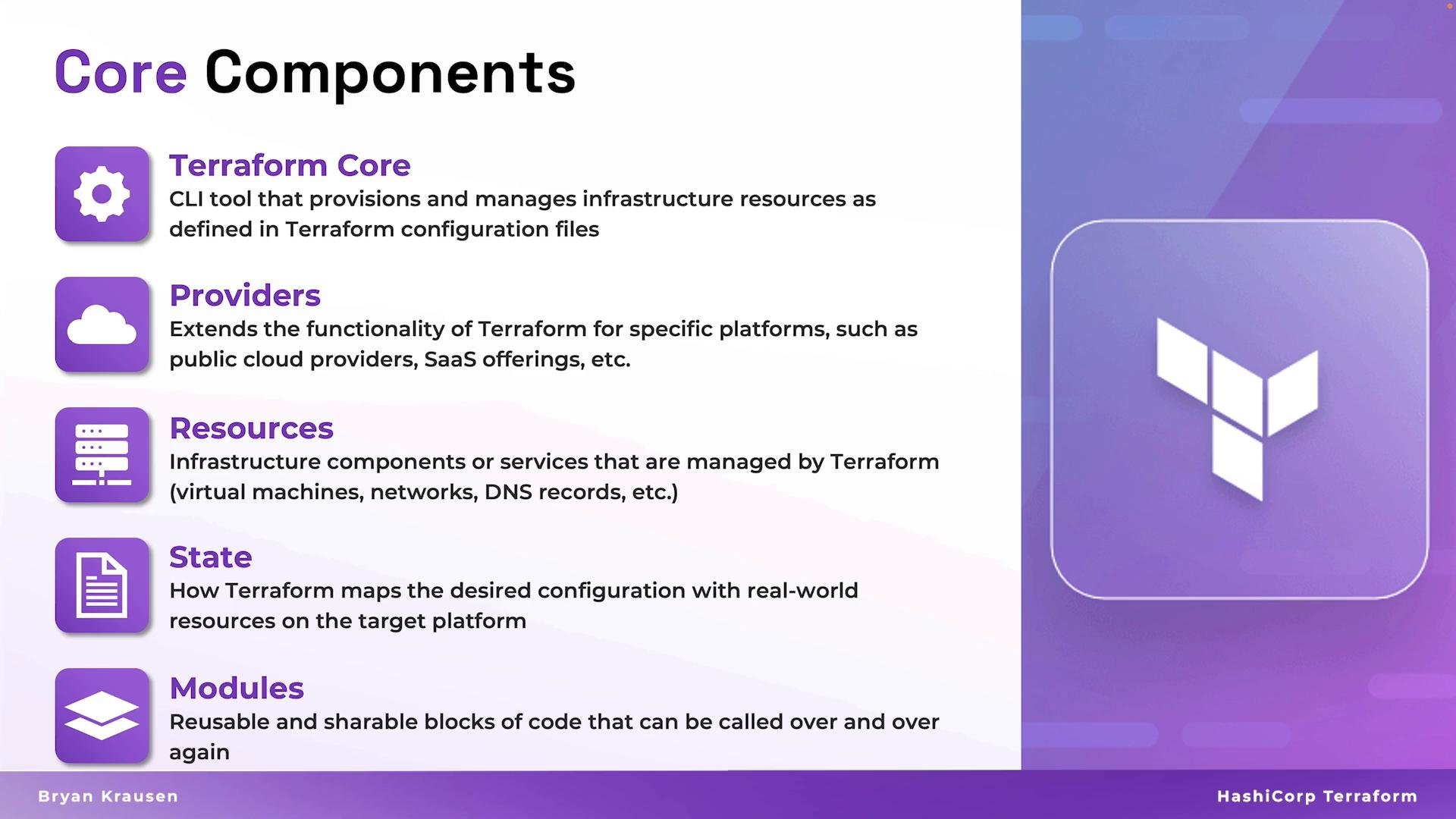
- Terraform Core
- Providers
- Resources
- State
- Modules
Terraform Core
Terraform Core is the CLI engine—written in Go—that parses your HCL configurations, builds a dependency graph, generates an execution plan, and coordinates the create/read/update/delete (CRUD) operations with providers. When you run commands such asterraform init, terraform plan, terraform apply, or terraform destroy, you are interacting with Terraform Core.
Terraform Core responsibilities:
- Parse configuration files (HCL) and build a dependency graph.
- Create an execution plan that describes changes required to reach the declared state.
- Interact with providers to perform CRUD operations on resources.
- Read, update, and persist Terraform state to the configured backend.
Providers
Providers are plugins that extend Terraform Core with the ability to manage resources for a specific platform (AWS, Azure, Google Cloud, Kubernetes, GitHub, and more). Providers implement the low-level API calls and mapping logic needed to create, read, update, and delete resources. A provider is declared and configured in your Terraform configuration. Typical provider configuration includes credentials and a target region/account:- Providers translate Terraform resource declarations into platform API calls.
- They are versioned and distributed independently; pin versions with
required_providersorversion. - You can use multiple providers in one configuration to manage multi-cloud environments.
- Consult provider documentation for authentication options and supported resources (for example, the Terraform AWS Provider docs).
Resources
Resources are the primary declarative blocks in Terraform. Eachresource block represents an infrastructure object you want Terraform to manage—virtual machines, databases, networking components, IAM roles, etc.
Example resource block:
State
Terraform state is the local or remote representation of the infrastructure Terraform manages—essentially Terraform’s memory. The state file maps your configuration’s resources to actual resource IDs, stores metadata, and enables Terraform to compute diffs and plans. Why state matters:- It allows Terraform to compute an accurate execution plan (knowing existing resource IDs and attributes).
- It stores metadata and IDs needed to update or destroy resources.
- It may contain sensitive values (for example, resource attributes and secrets).
- Use a remote backend for team collaboration and to centralize state (examples: Terraform Cloud, Amazon S3 with DynamoDB locking, Google Cloud Storage).
- Enable state locking to prevent concurrent writes and state corruption.
- Encrypt and restrict access to state files if they contain secrets (and never commit them to VCS).
Store state in a remote, locked backend when collaborating. Remote backends such as Terraform Cloud, Amazon S3 (with DynamoDB for locks), or Google Cloud Storage provide centralized state, locking, and access control to prevent corruption and enable safe team workflows.
Do not commit Terraform state files (for example,
terraform.tfstate) or sensitive variables to version control. State files often contain secrets and resource identifiers—treat them as sensitive artifacts.Modules
Modules are reusable packages of Terraform configuration—collections of resources, variables, and outputs that encapsulate a logical unit (for example, a VPC, a Kubernetes cluster, or a database cluster). Modules help you standardize patterns, reduce duplication, and improve maintainability across environments. Using a community or local module:- Accept inputs (variables) and expose outputs.
- Support nesting (modules can call other modules).
- Promote DRY (Don’t Repeat Yourself) practices across projects and teams.
- Use the Terraform Registry or a private module registry for sharing modules.
Recap and next steps
- Terraform Core: the orchestration engine (CLI) that builds plans and applies changes.
- Providers: platform-specific plugins that translate resources into API calls.
- Resources: the declarative building blocks representing infrastructure entities.
- State: Terraform’s source of truth for mapping configuration to real-world resources—protect and manage it carefully.
- Modules: reusable, composable units of configuration for consistent infrastructure patterns.
- Provider authentication and versioning strategies.
- Writing robust resource configurations and lifecycle rules.
- Securing and migrating Terraform state (remote backends and locking).
- Designing and publishing reusable modules.
- Terraform Documentation — Concepts
- Terraform Providers on the Registry
- Terraform State — Backends and Locking
- Terraform Modules — Best Practices