

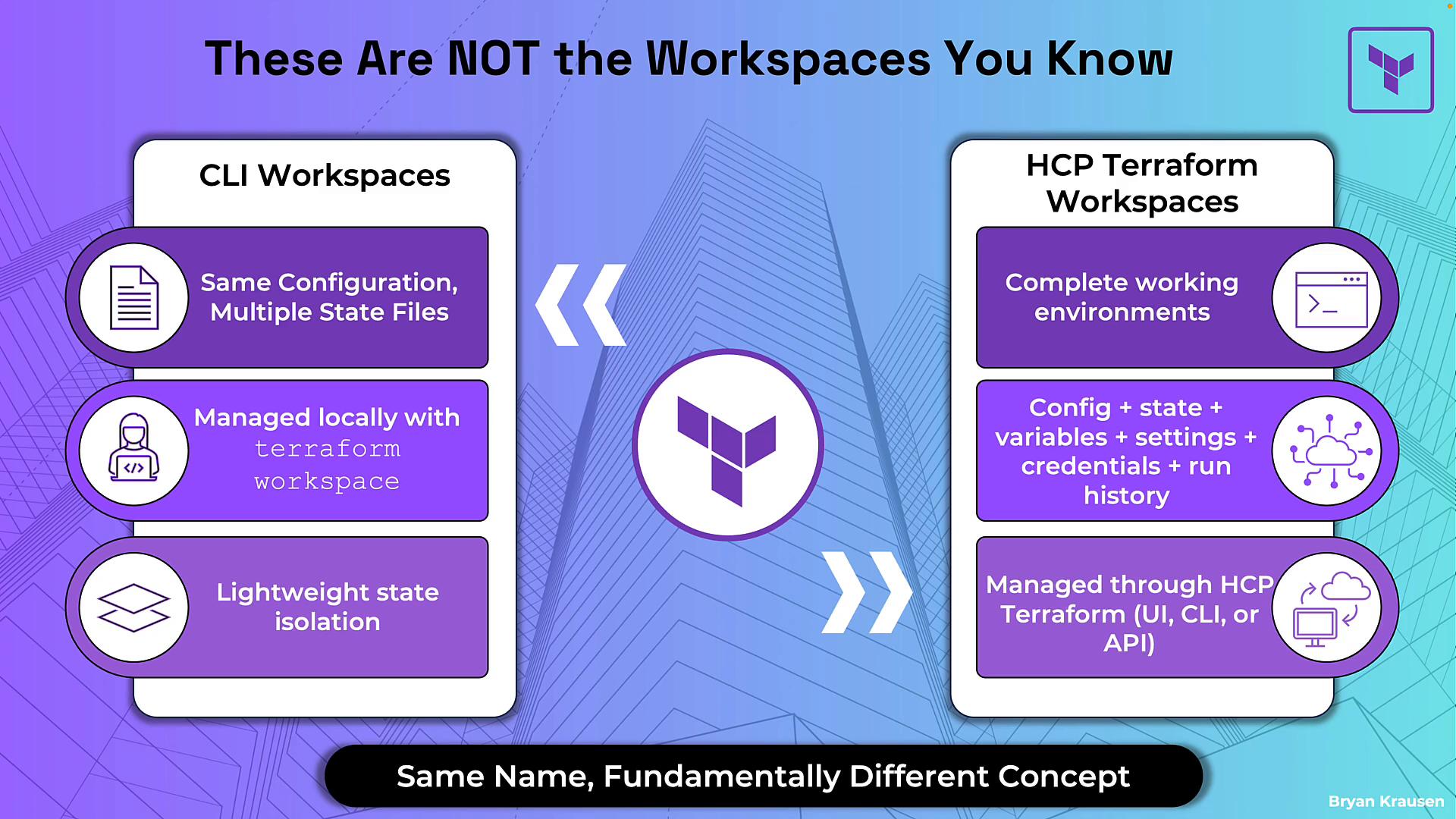
- CLI workspaces (created with
terraform workspace newand switched withterraform workspace select) are a lightweight way to keep multiple state files for the same configuration (for example,devvsprod) inside a single working directory. They’re managed locally by the Terraform CLI. - HCP Terraform workspaces are full, self-contained environments managed by the HCP platform (UI, CLI, or API). Each workspace includes config, state, variables, execution settings, run history, and access controls — everything needed to manage a defined set of infrastructure.
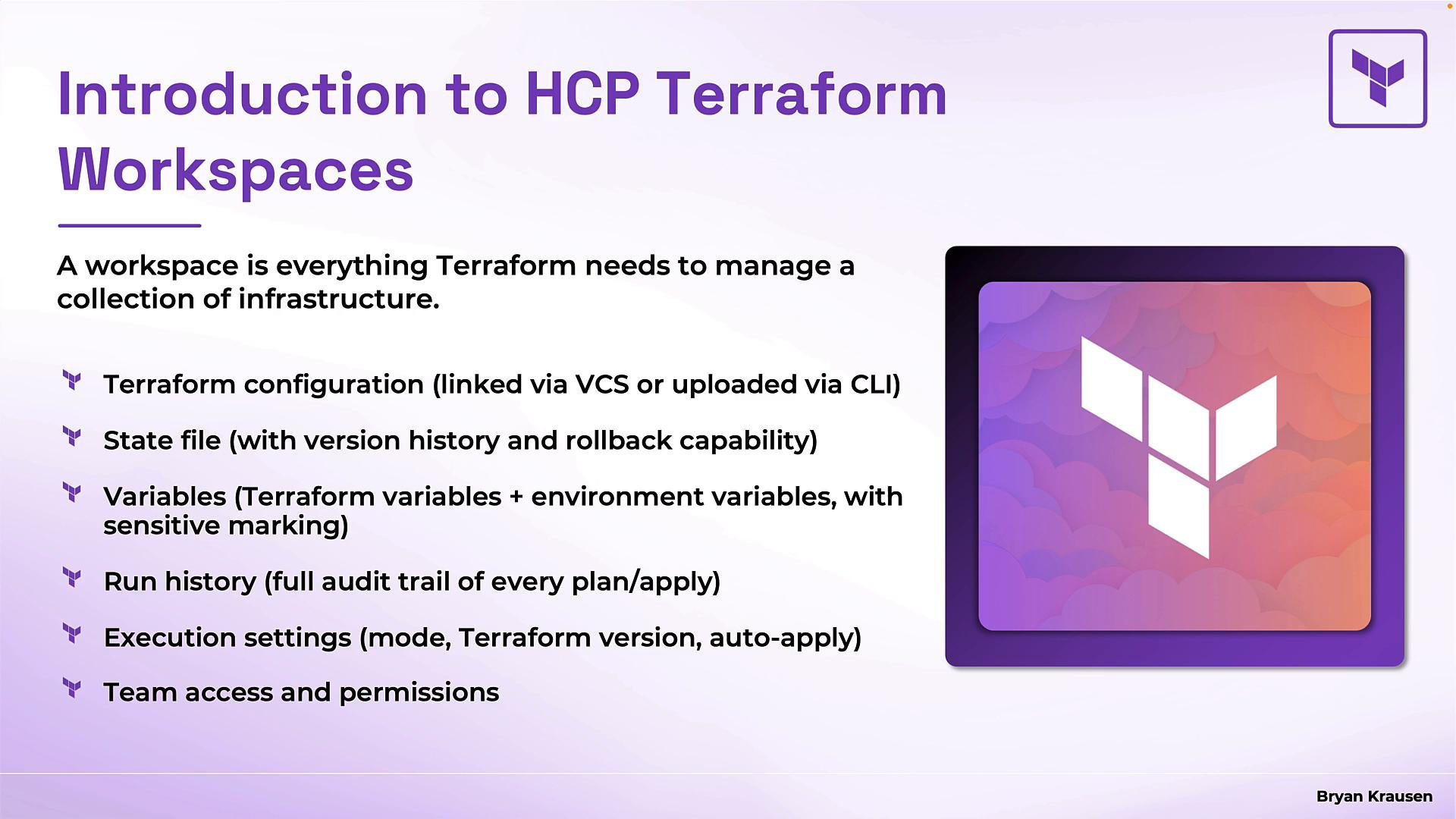
- Terraform configuration: the
.tffiles for the workspace (linked via a VCS repo or uploaded by the CLI during a run). - State and version history: encrypted, versioned state with full history and rollback capability.
- Variables: workspace-specific Terraform variables and environment variables; sensitive variables are write-only and hidden after save.
- Run history and logs: a complete audit trail of plans, applies, destroys, who triggered them, and their logs.
- Execution settings: execution mode, pinned Terraform version, and auto-apply behavior options.
- Team access and permissions: role-based controls for viewing, planning, applying, and managing variables.
- Organization: At the top level is your HCP Terraform organization — the container created when you first signed in. Organizations contain multiple workspaces.
- Isolation: Each workspace (for example,
NetworkingProd,AppOneProd,DBProd) is isolated with its own state, variables, run history, and settings. Changes in one workspace do not impact another. - Projects: Use projects to group related workspaces and make it easier to manage many environments.
- Reuse: You can reuse the same repository across multiple workspaces (e.g., one repo used for
prodanddev) by supplying different variables, but each workspace retains its own configuration metadata and state.
NetworkingProd)
- Variables: environment- and Terraform-specific variables (region, instance sizes, credentials, etc.).
- Terraform version: pin the workspace to a specific Terraform version so runs are consistent across contributors.
- Run history and audit trail: plans, applies, destroys, and their logs are stored.
- Permissions: role-based access for viewing, planning, applying, and variable management.
- State file: encrypted at rest and versioned for rollback.
- Terraform configuration:
.tffiles for the workspace — typically linked via a VCS connection.
HCP Terraform encrypts workspace state at rest by default and retains versioned state history so you can safely roll back to previous states without additional state-encryption configuration.
Key CLI workspace commands (local concept)
- Create a new CLI workspace:
terraform workspace new <name> - Select a workspace:
terraform workspace select <name> - List workspaces:
terraform workspace list
- Distinguish CLI workspaces from HCP Terraform workspaces.
- Explain workspace contents (state, variables, run history, execution settings, RBAC).
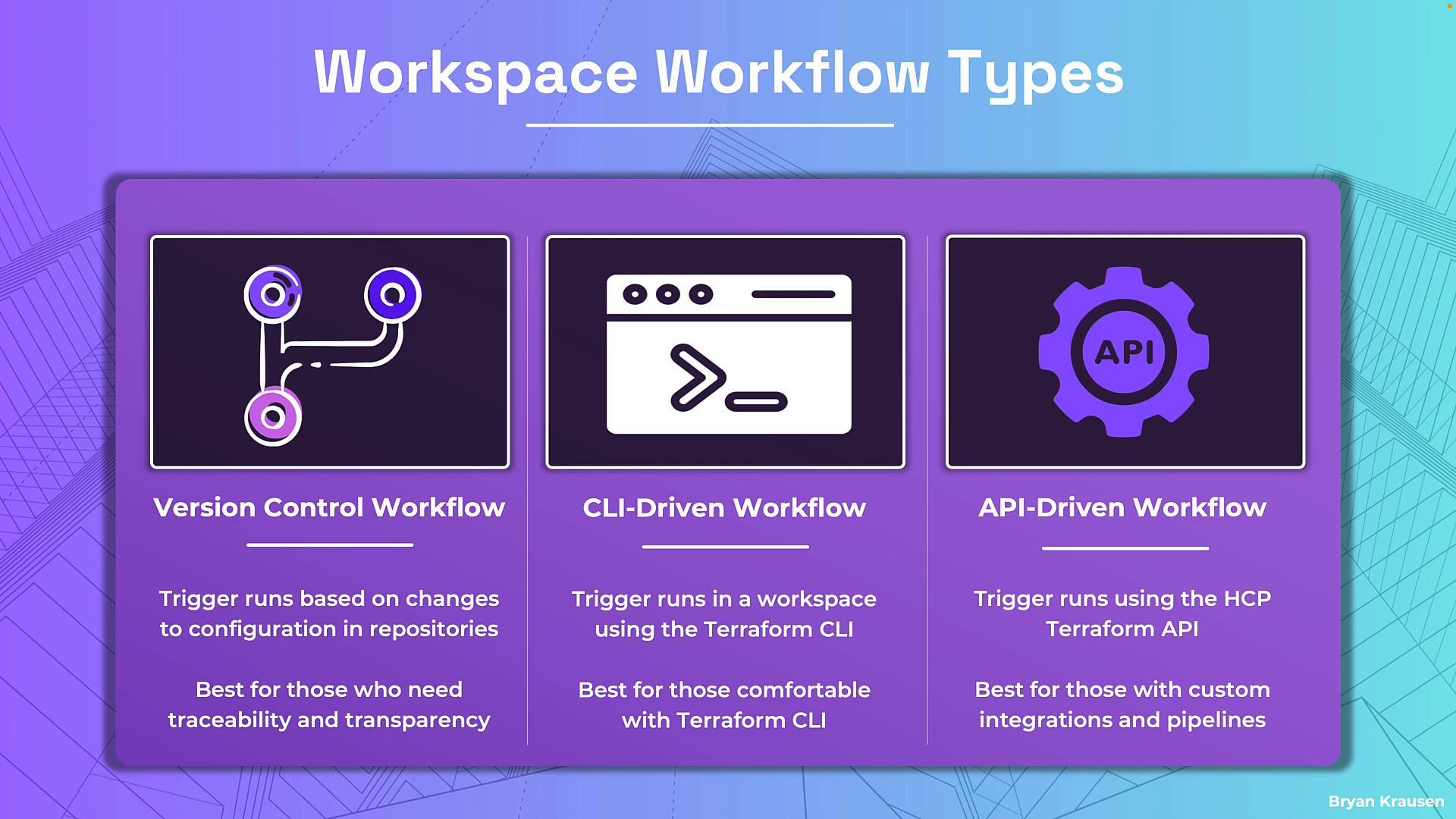
- Describe the three workflow types (VCS, CLI, API) and when to use each.
- HashiCorp: Workspaces concept — https://developer.hashicorp.com/terraform/cloud/concepts/workspaces
- Terraform documentation — https://www.terraform.io/docs
- Terraform Associate Certification resources — https://learn.kodekloud.com/user/courses/terraform-associate-certification-hashicorp-certified