

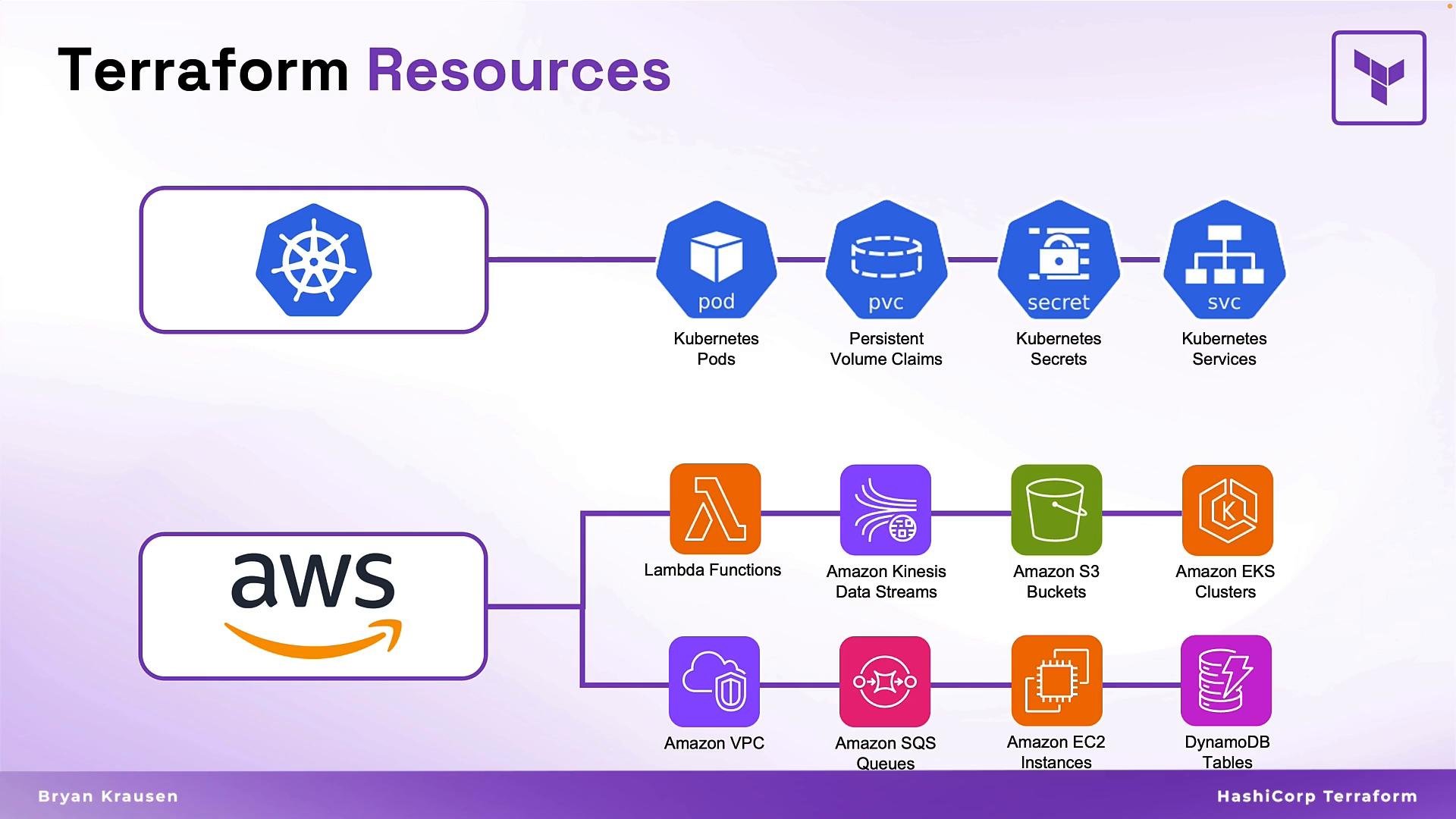
What a resource block does
A Terraform resource block is a blueprint that declares:- What type of infrastructure to create (resource type provided by a provider).
- How that infrastructure should be configured (arguments like CPU, memory, AMI, tags).
- A configuration-local name used to reference the resource elsewhere.
Core components of a resource block
The three fundamental aspects of every Terraform resource block can be summarized and exemplified in the table below.Simple EC2 example
Below is a minimal, common example that shows two EC2 instances (a web server and a database) and illustrates the resource block structure: theresource keyword, the provider resource type, the Terraform-local name, and the argument block.
- The Terraform label (
web,db) is internal to your configuration and does not automatically become the cloud provider’s display name. - The provider may expose a
name,tags, or similar argument that controls what you see in the provider console. - Reuse the same resource type multiple times with different names to create distinct resources.
- Prefer meaningful labels to make your configuration readable and maintainable.
Understanding resource arguments
Resource arguments map directly to the real-world resource properties. If you normally pick an AMI, instance type, subnet, or SSH key in the provider console, you provide the same values as arguments in the resource block. Always consult the provider documentation for required and optional arguments: https://registry.terraform.io/.Provider arguments differ between providers and even between resource types. Omitting required arguments will cause plan/apply failures — check the provider docs for required fields, default values, and argument types.
Example: A small web application architecture
Here’s a compact, realistic example showing multiple resources that form a typical web application: a load balancer, a firewall policy, a web server, and a database. These can live together in a single Terraform file (for example,webapp.tf) and demonstrate multi-provider usage.
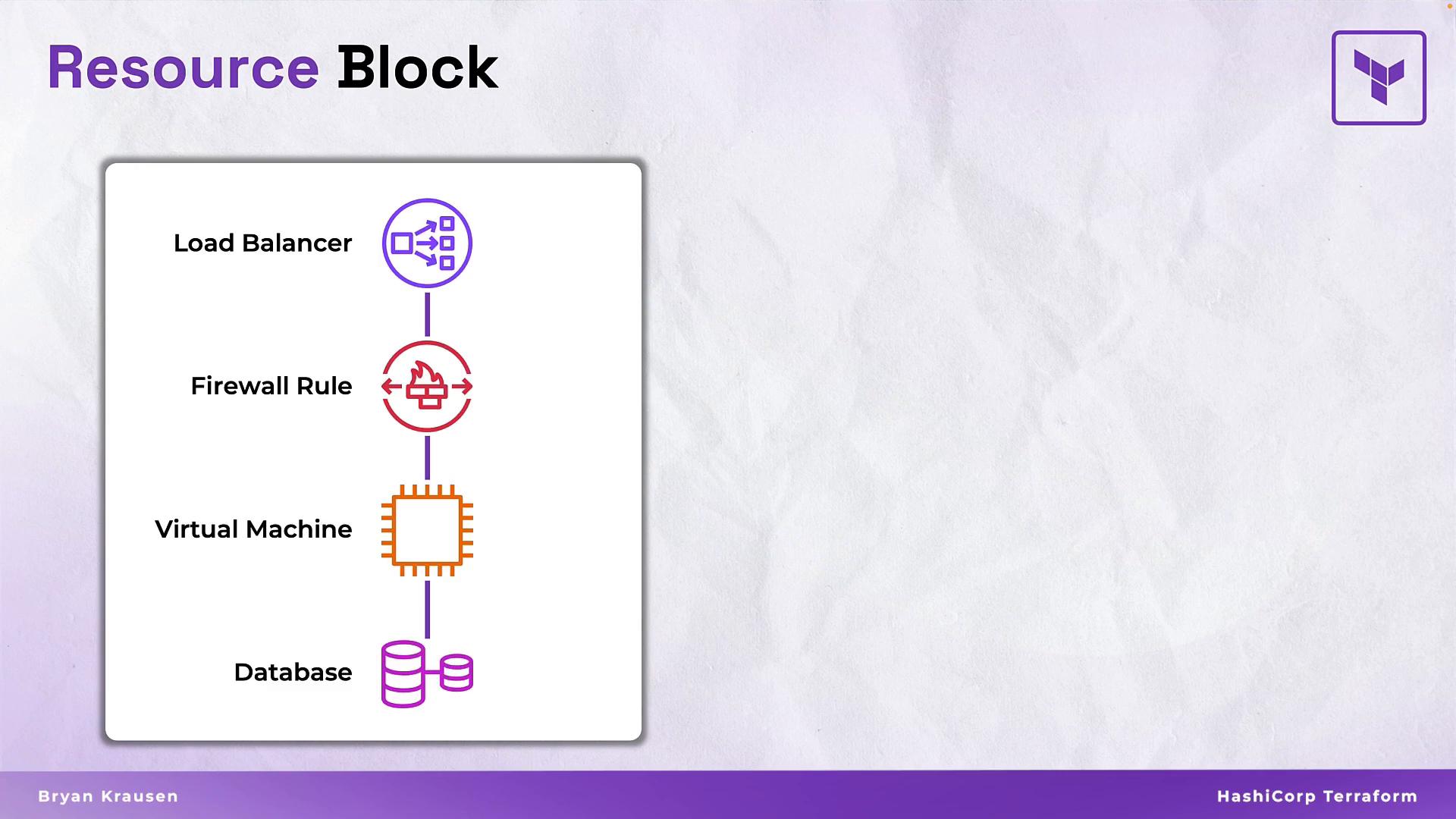
aws_lb.public_load_balanceris the Terraform resource identifier: typeaws_lb+ namepublic_load_balancer. The internalnameargument (prd-web-lb) appears in AWS.- Different providers (AWS and FortiOS in this example) can be used together while preserving the same Terraform resource block structure.
- Group related resources in the same file or logical modules to improve organization.
Resource referencing and implicit dependencies
Terraform makes it easy to reference attributes from one resource in another using the patternresource_type.resource_name.attribute. When you reference one resource from another, Terraform builds an implicit dependency graph and performs operations in the correct order.
Example with GitHub resources that demonstrates references and implicit ordering:
github_repository.prod_repois created first.github_branch.defaultreferencesgithub_repository.prod_repo.nameto create a branch on that repository.github_branch_default.defaultreferencesgithub_branch.default.branchto set the default branch.- Terraform infers the creation order from these references and plans/apply accordingly.
Using resource references creates implicit dependencies. Terraform analyzes these references to determine the correct creation order so dependent resources are created only after the resources they reference.
Naming rules and best practices
- Resource names (the Terraform label after the type) must start with a letter or underscore and may contain letters, digits, underscores, and dashes. Use consistent naming conventions (e.g.,
snake_case). - Use descriptive names to convey purpose, environment, and role (e.g.,
dev_test_server,prod_db). - Use resource attributes (
name,tags, etc.) for values that should appear in the provider console. The Terraform label is local to your configuration and not necessarily visible in the cloud console. - Prefer modularization: move repeating patterns into modules to reduce duplication and improve reuse.
- Keep secrets out of your configuration and use secret managers or environment variables. Never commit credentials to version control.
Wrap-up
Resource blocks are the primary mechanism for declaring and managing infrastructure with Terraform. They let you define what to create, how to configure it, and how resources relate to one another. After mastering resource types, arguments, and referencing, you can model complex, multi-provider infrastructure with a consistent, declarative approach. Further reading and references- Terraform Registry (providers & resource docs): https://registry.terraform.io/
- Terraform Language docs: https://www.terraform.io/docs/language/index.html