

- Faster navigation: teams see only the workspaces relevant to them.
- Consistent configuration: common settings are applied once at the project level.
- Improved security: scoped permissions reduce blast radius and enforce least privilege.
- Easier management: move or group workspaces without editing each workspace individually.
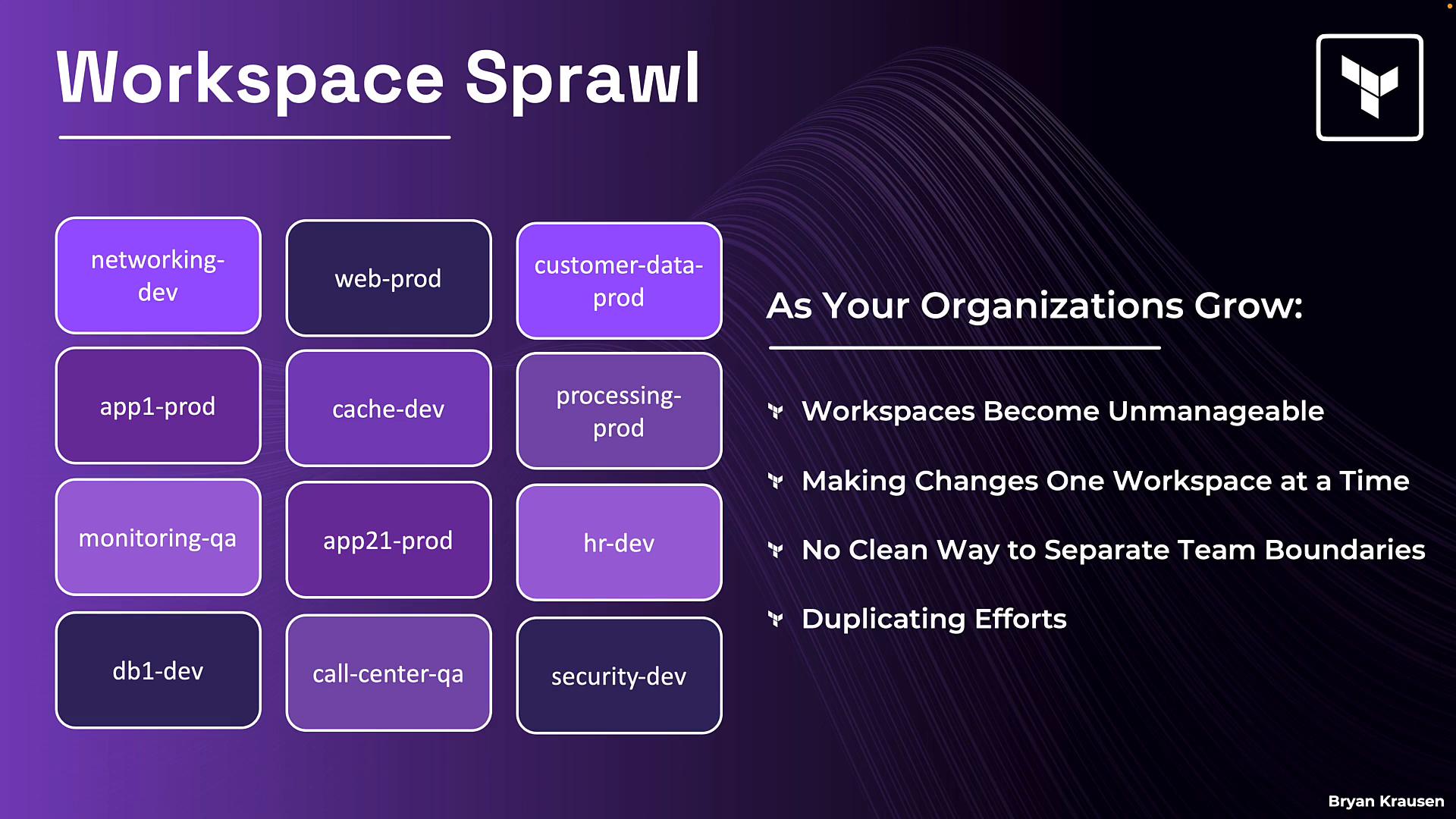
networking-dev, web-prod, app1-prod, db1-dev, and so on. In a real organization you may see dozens or hundreds of workspaces; this flat layout quickly becomes difficult to manage.
When everything lives in one list:
- Finding the workspace you need becomes slower and more error-prone.
- Making changes (permissions, variables, settings) requires touching each workspace individually.
- Team boundaries are unclear — everyone sees the whole list.
- Work is duplicated: common settings (like cloud credentials) must be applied repeatedly and inconsistently.
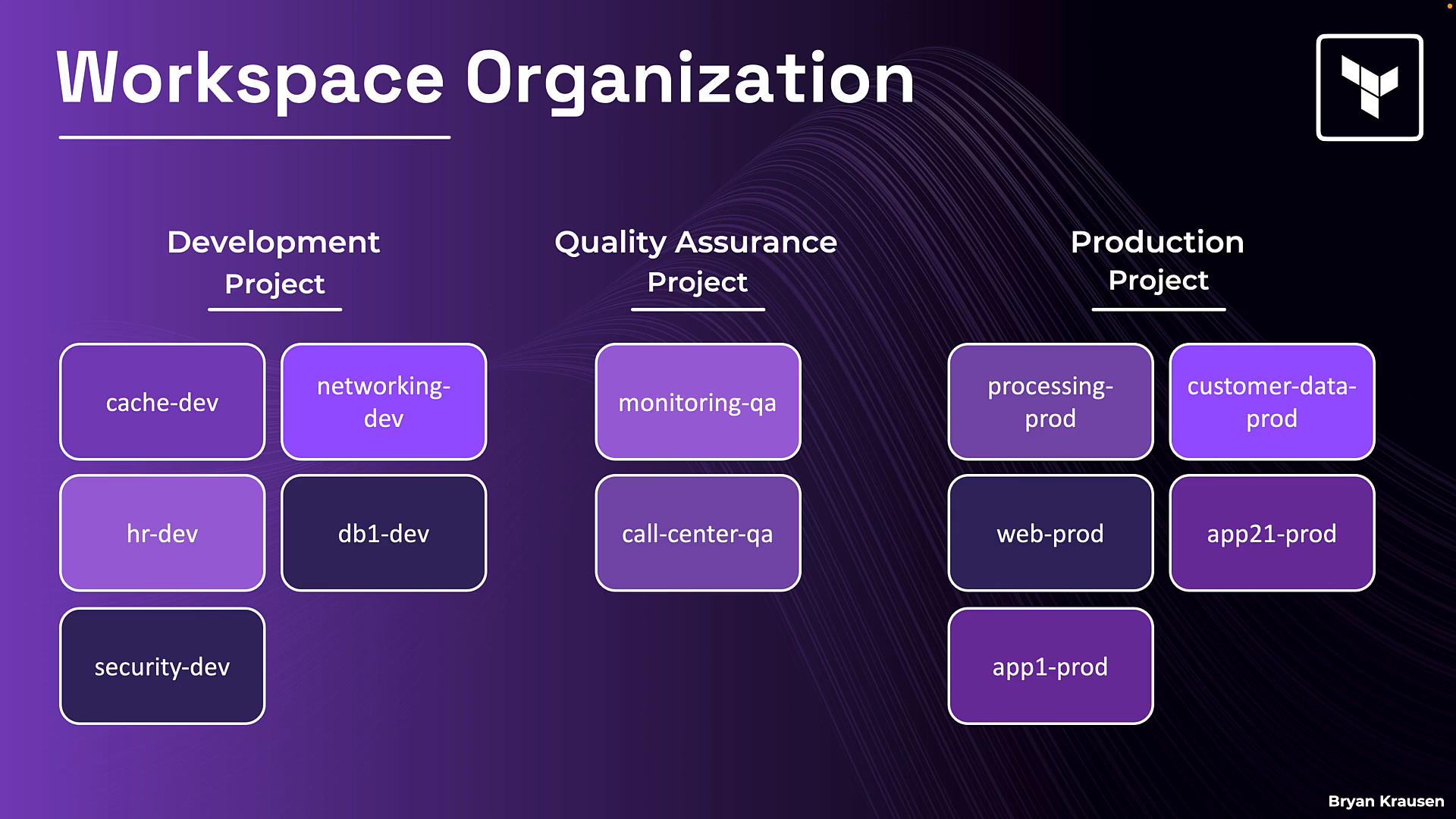
cache-dev, networking-dev, monitoring-qa, processing-prod, customer-data-prod). Projects let teams focus on what matters to them and let administrators apply settings to groups instead of individual workspaces.
Settings cascade from organization → project → workspace. Projects provide convenient defaults and scoping while workspaces retain the ability to override when necessary.
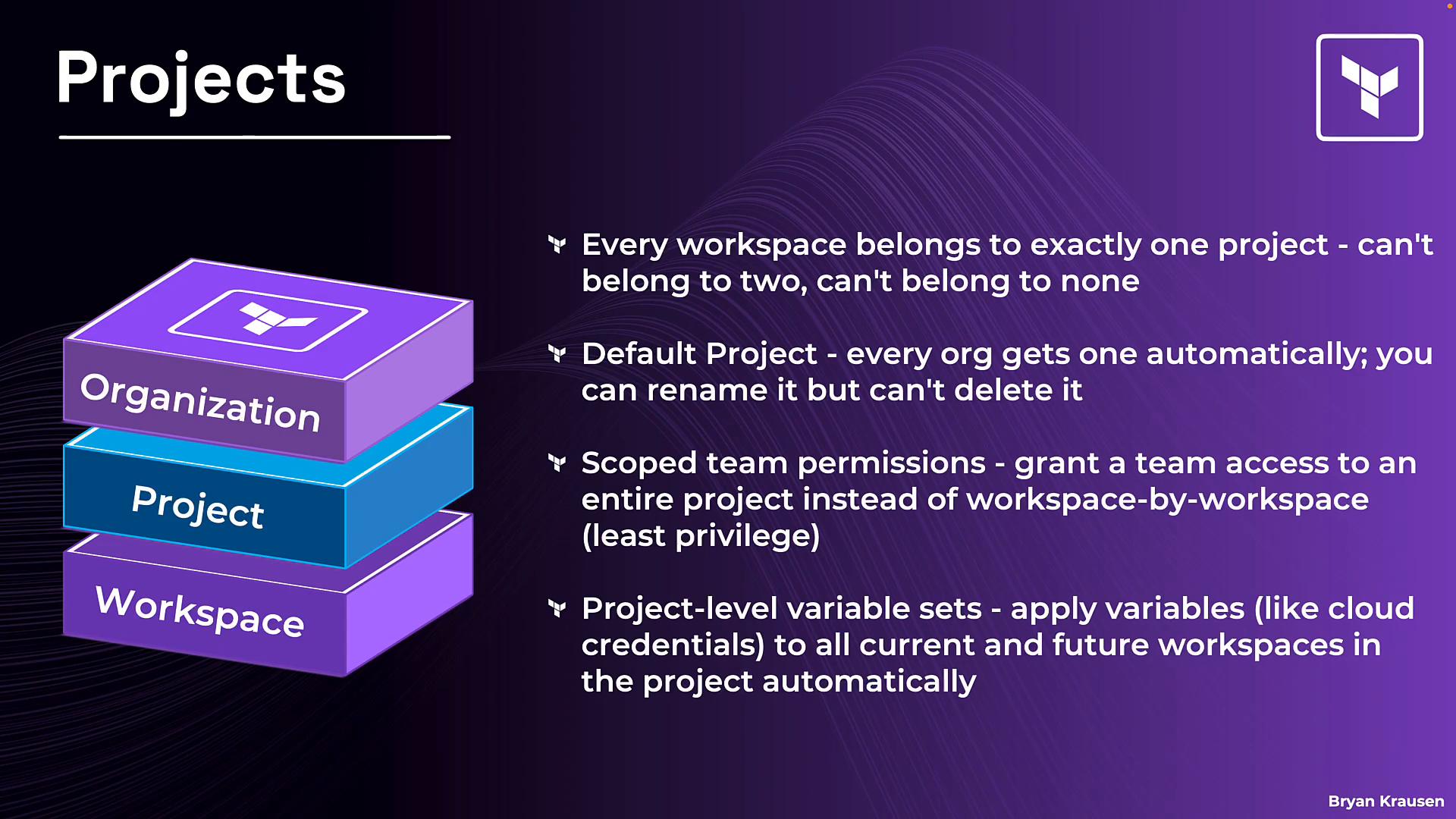
- Every workspace belongs to exactly one project. A workspace cannot be in multiple projects or exist outside of one.
- Every organization gets a Default Project automatically. New workspaces typically land there unless you place them elsewhere. You can rename the default project, but you cannot delete it.
The Default Project always exists and cannot be deleted. This prevents workspaces from becoming orphaned: every workspace must belong to a project.
- Scoped team permissions: grant teams access at the project level rather than to each workspace. Workspaces added to the project inherit those project-level permissions automatically — an efficient way to enforce least privilege at scale.
- Project-level variable sets: create variable sets for shared values (for example, cloud credentials, region, or common tags) and associate them with a project so current and future workspaces inherit them automatically.
- Execution mode inheritance: organization-level execution mode defaults (remote, local, or agent) are inherited by projects and workspaces. Projects can override the organization default, and workspaces can override the project setting for specific cases.
- Reassigning workspaces: move workspaces between projects when organizational responsibilities change.
- Manage project assignments as code: project and workspace relationships can be managed via APIs or automation tools, enabling reproducible, auditable configuration.
- Deletion safety: only empty projects can be deleted. Move or remove workspaces from a project before attempting deletion.
Summary
Projects are the essential organizational layer that sit between your organization and individual workspaces. They reduce operational overhead by grouping related workspaces, enabling scoped permissions, sharing variable sets, and providing execution-mode defaults. This results in easier administration, improved security, and more consistent configuration.
Next steps
A later lesson will demonstrate creating a project, assigning variable sets, and moving workspaces between projects — including automation options using APIs and IaC tooling.
Links and references