terraform block using a backend configuration. The structure is identical across backends (except for HCP Terraform, which uses a cloud block instead of backend).
Key concepts:
- Backend type — declares where state is stored (for example:
s3,azurerm,gcs,remote). - Backend configuration — provider-specific options that tell Terraform how to access that backend (for example: bucket/container name, key/path, region).
- State locking — prevents concurrent state writes and reduces the risk of corruption.
Always run
terraform init after adding or changing a backend. Terraform must reinitialize the backend and may need to migrate existing state to the new location.- Put backend configuration only in the top-level
terraformblock — do not place it inproviderblocks. - After adding or changing a backend, run
terraform initso Terraform can configure and initialize the backend and (if necessary) migrate existing state.
Example: S3 backend (AWS)
Thes3 backend stores Terraform state in an S3 bucket. Common attributes:
bucket— the S3 bucket namekey— object path within the bucket (for example,envs/prod/terraform.tfstate)region— AWS region for the bucketdynamodb_table— (optional but recommended) DynamoDB table name used to enable state lockingencrypt— whether to enable SSE for the stored object
- The
dynamodb_tableattribute enables robust locking using a DynamoDB table — a common, reliable pattern for multi-user collaboration. - For the latest backend behaviors and options, consult the official Terraform backend documentation.
Example: Azure Blob Storage backend
Theazurerm backend stores state in an Azure Storage account blob container. Typical settings:
storage_account_name— the storage accountcontainer_name— the blob container that holds the statekey— the blob name (path)- Authentication — supports managed identities, environment variables, Azure CLI, or service principal credentials
azurerm backend configuration (do not hard-code secrets in production):
Do not hard-code credentials (tenant IDs, client secrets, etc.) in backend configuration. Use managed identities, Azure roles, environment variables, or CLI authentication for secure access.
- The Azure backend uses blob leases for locking and manages this automatically; you typically do not need a separate locking resource.
Local vs Remote state — when to use which
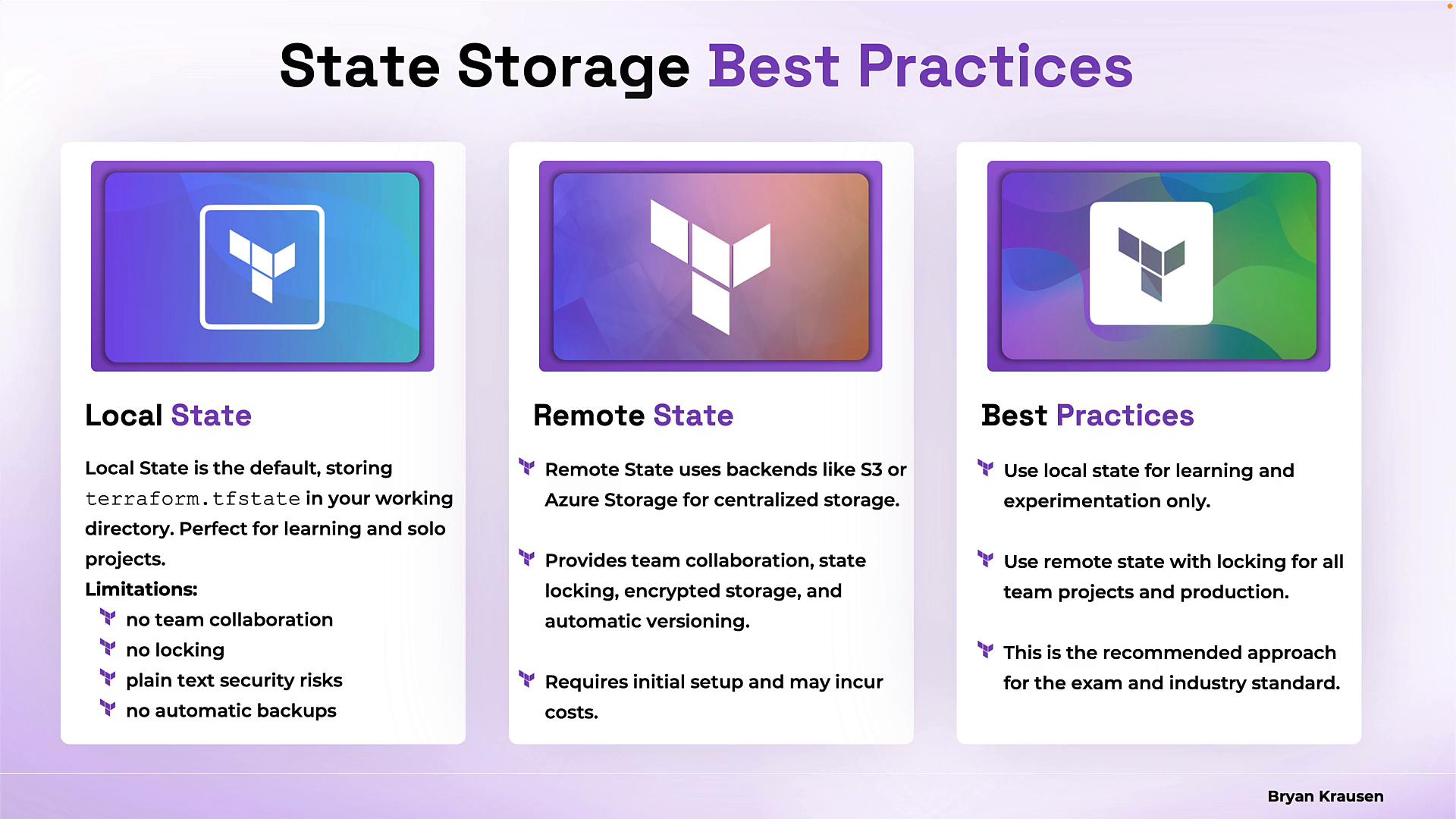
Local state (default): Terraform storesterraform.tfstate in your working directory. It is convenient for single-developer workflows, learning, and quick experiments.
Remote state: Store state in a centralized backend (S3, Azure Storage, GCS, Terraform Cloud, etc.) for team collaboration and reliability.
Comparison
Best practices:
- Use local state only for learning, prototypes, or one-person projects.
- Use remote state with locking for team and production workloads.
- Never hard-code credentials in backend configurations — prefer IAM roles, managed identities, or environment-based authentication.
- Plan and test state migration carefully before moving existing state to a new backend.
- Always run
terraform initafter changing backend configuration.
Links and references