terraform init is the first command you run in any new Terraform project. It initializes your working directory by downloading providers and modules, configuring your backend, and creating local caches so subsequent commands such as terraform plan and terraform apply can run.
In this guide you’ll learn:
- What
terraform initdoes under the hood - When to run it
- Which files and directories it creates and how you should manage them
What terraform init does
The main responsibilities ofterraform init can be summarized as:
When to run terraform init
Runterraform init:
- At the start of any new project — it’s the first Terraform command to run.
- After changing providers, modules, or backend configuration.
- After upgrading provider versions in your configuration.
terraform init to download and install the updated provider; unaffected providers will be left in place.
The dependency lock file
Every time you runterraform init, Terraform creates or updates the .terraform.lock.hcl file in your working directory. This lock file stabilizes provider selections so every contributor uses consistent provider binaries and versions.
- File name:
.terraform.lock.hcl - Location: the working directory (next to your
.tffiles) - Best practice: commit the lock file to version control
Commit
.terraform.lock.hcl to version control so your team can review provider version changes during code review. Terraform manages this file automatically; you do not need to edit it manually.terraform init
What happens with providers
- Terraform downloads each provider referenced in your configuration and installs the provider binaries into the local
.terraformdirectory. - Provider versions are recorded in
.terraform.lock.hclso builds are reproducible across machines and CI. - Binaries are platform-specific; Terraform stores the appropriate binary for your OS and architecture.
The .terraform directory
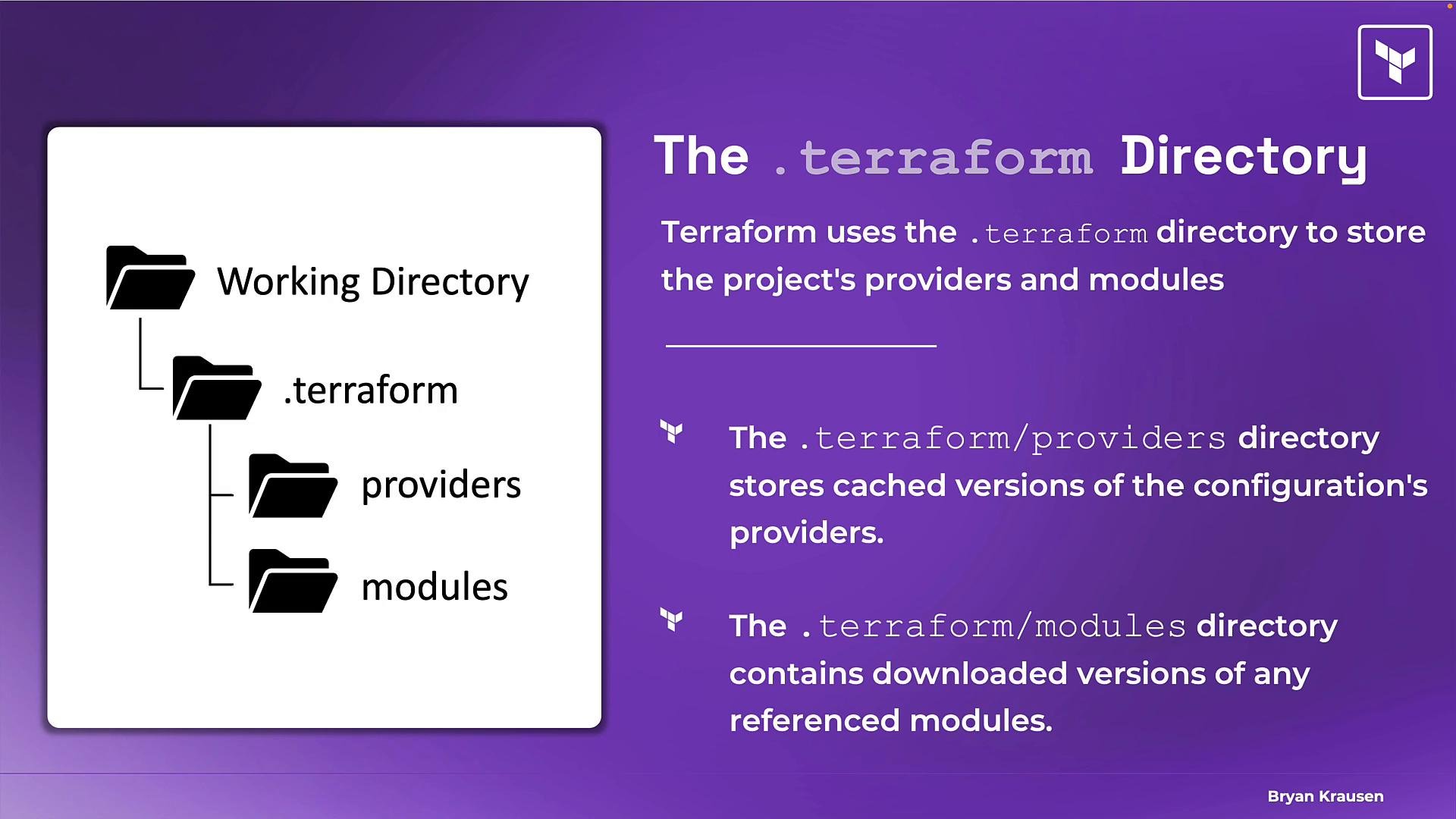
Runningterraform init creates a .terraform directory in your working directory. It is a local cache that contains everything Terraform needs to run locally.
Common contents:
.terraform/providers— cached provider binaries and metadata.terraform/modules— downloaded module source code referenced by your configuration
Important questions about the .terraform directory
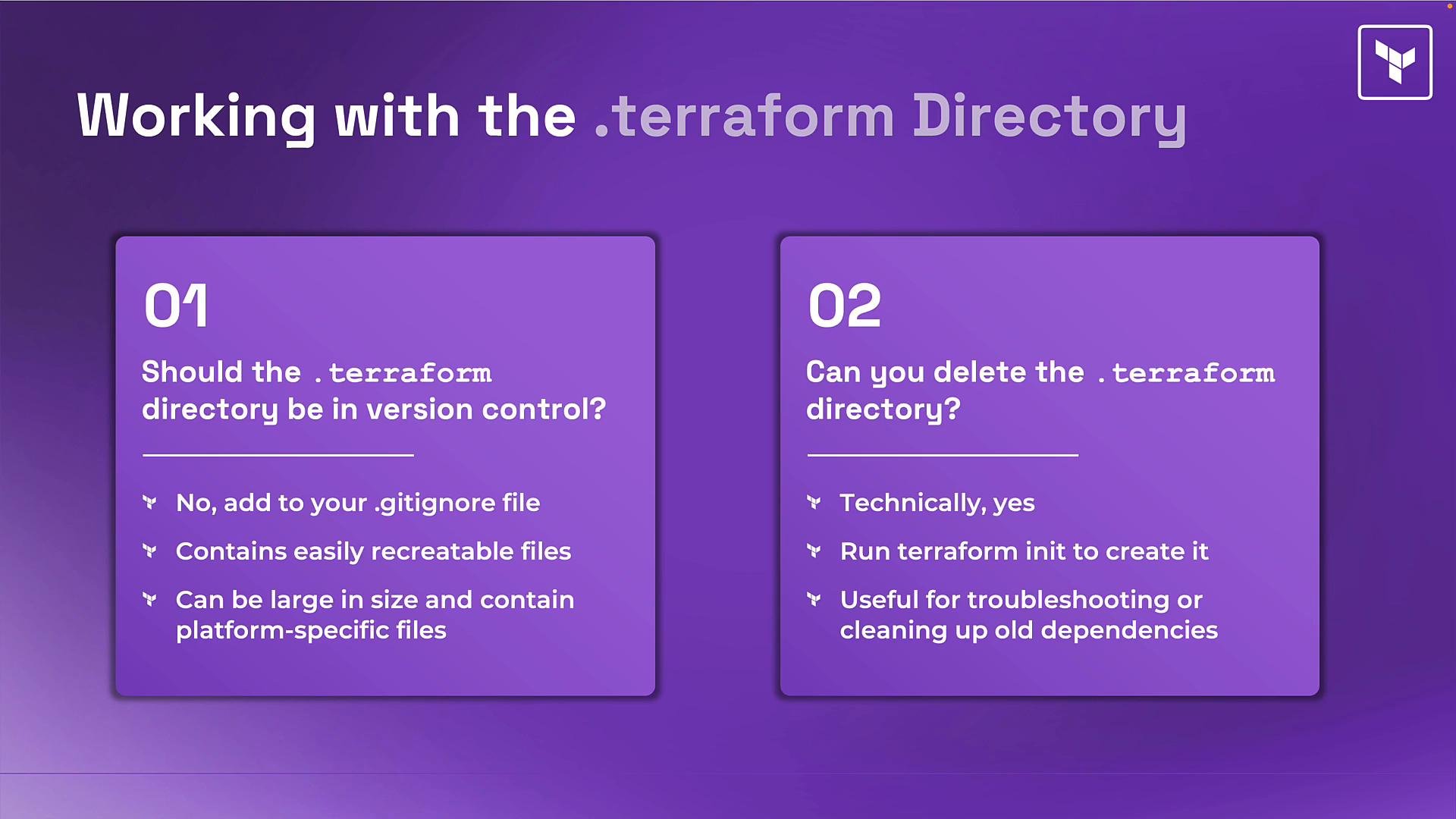
- Should the
.terraformdirectory be committed to version control?
- No — add
.terraformto.gitignore. - It’s a local cache of reproducible files that
terraform initcan rebuild. - Provider binaries can be large and are platform-specific; committing them offers no advantage.
Do not commit the
.terraform directory. Instead, commit .terraform.lock.hcl and your Terraform configuration files.- Can you delete the
.terraformdirectory?
- Yes. It’s safe to delete.
- After deletion, rerun
terraform initto re-download providers and modules. - Deleting the directory is a common troubleshooting step when caches are corrupted or you need a clean rebuild.
Quick reference: commit vs ignore
Summary
- Run
terraform initat the start of a project and whenever providers, modules, or backend settings change. terraform initdownloads providers and modules, sets up the backend, creates the.terraformdirectory, and writes.terraform.lock.hcl.- Commit
.terraform.lock.hclto version control; do not commit the.terraformdirectory. - If cached files look corrupted or you want a clean start, delete
.terraformand re-runterraform init.
terraform init internals and workflows, continue reading for a more detailed exploration.