

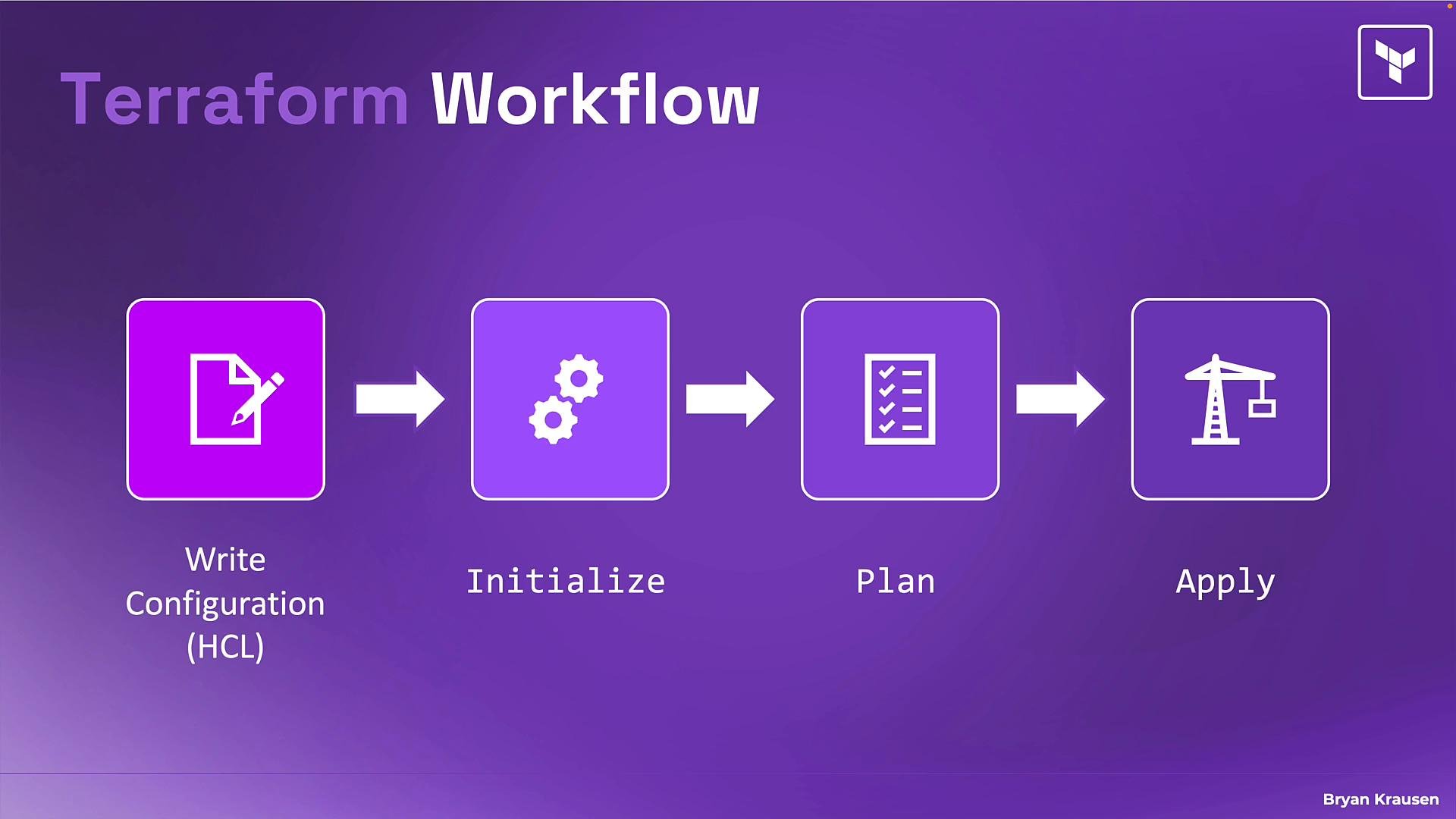
- Write — declare the desired end state in configuration files using HCL.
- Initialize (init) — prepare the working directory and download required provider plugins and modules.
- Plan — preview the changes Terraform will make by comparing configuration to the current real-world state.
- Apply — execute the changes to make the real infrastructure match your configuration.
Initialize (init)
Terraform init prepares a working directory for use with Terraform. It:
- Reads your configuration to determine required provider plugins and modules.
- Downloads those providers and modules into the local cache.
- Configures the backend (where Terraform stores state) so Terraform can read and update state.
terraform init at the start of a project, after cloning a repository, or whenever you add/change providers or modules. Initialization typically completes in seconds but is required before running terraform plan or terraform apply.
Always run
terraform init after cloning a repository or when adding/changing providers or modules. Terraform will prompt you if initialization is needed.- Compares your HCL configuration to the current state tracked in the state file and to the provider APIs.
- Calculates an execution plan and prints what will be created, updated, or destroyed.
- Lets you inspect changes and catch mistakes before any API calls are made.
- Preview changes:
terraform plan - Save a plan to apply later:
terraform plan -out=plan.tfplan
- Apply interactively:
terraform apply(Terraform will compute a plan and prompt before applying). - Apply a saved plan:
terraform apply plan.tfplan(replays the exact saved plan).
-out) when you want a reviewed, reproducible operation, or when running automated pipelines.
Write — developing your configuration
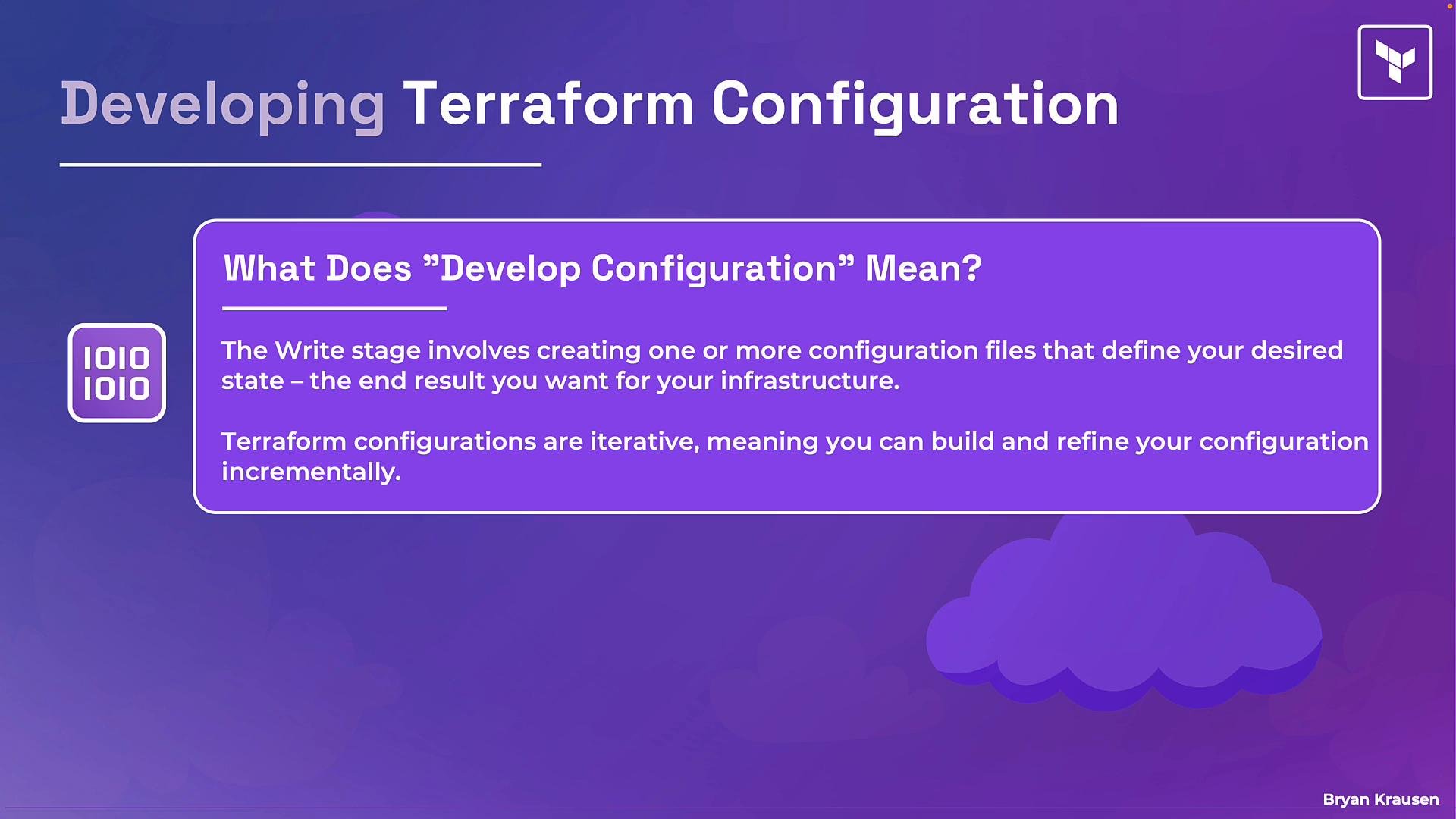
The write stage is where you author one or more Terraform configuration files (the .tf files) using HCL (HashiCorp Configuration Language). Key principles:
- Declare the desired state, not the exact procedural steps. Describe resources and their attributes (e.g., VM size, region, tags).
- Let Terraform compute the actions needed to reach that state.
- Iterate: start small and expand your configuration (networks, security groups, load balancers, etc.) over time.
- After changes, run
terraform initif you added/changed providers or modules, thenterraform planandterraform apply.
- Keep configurations modular: use
moduleblocks to reuse and encapsulate logic. - Use remote/state backends (e.g., S3, Terraform Cloud) for team collaboration.
- Store sensitive values securely (use environment variables, Vault, or remote state encryption).
- Version providers and modules explicitly to avoid unexpected upgrades.
- Terraform workflow — HashiCorp
- HCL — HashiCorp Configuration Language
- Terraform providers
- Modules — Terraform Language
- State and backends — Terraform