This guide explains how Terraform’s built-in functions help you standardize infrastructure-as-code. By leveraging functions for strings, numbers, collections, and network calculations, you can avoid repetitive configuration, keep naming and sizing consistent across environments, and simplify logic across your Terraform codebase. Mastering a compact set of functions — numeric, string, network, and type conversions — will make your Terraform configurations more maintainable, readable, and reliable in production.
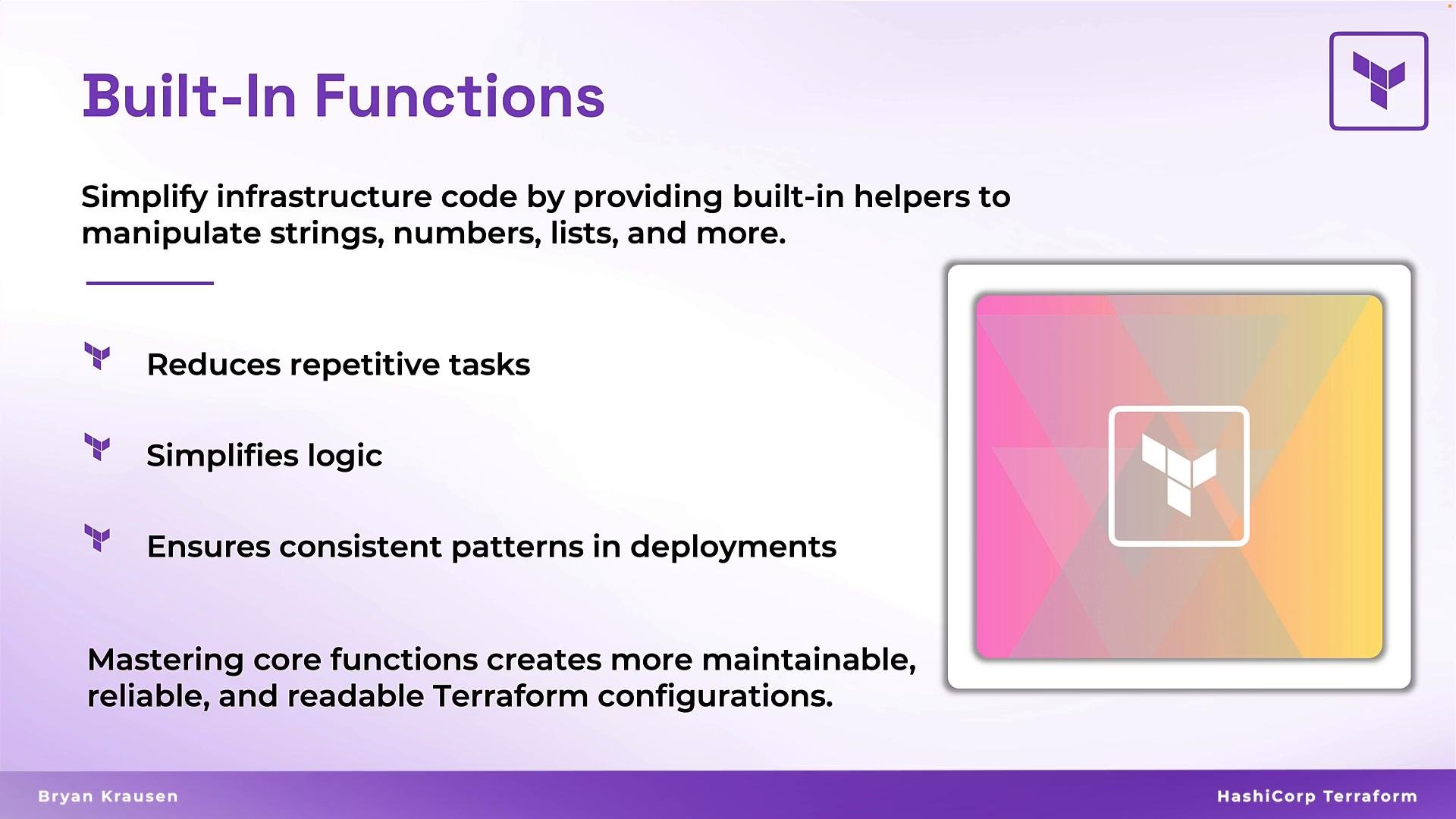
The image is an informational graphic about the benefits of built-in functions in Terraform, highlighting their role in simplifying infrastructure code by reducing repetitive tasks, simplifying logic, and ensuring consistent deployment patterns.
Terraform functions follow a consistent pattern: function_name(arg1, arg2, ...). In real modules you typically pass variables, resource attributes, or data lookups into these functions — not hard-coded literals. Using functions centralizes logic and reduces duplication.

Basic function pattern

Terraform functions accept zero or more arguments and return a computed value. The most common usage patterns include string formatting for resource names, numeric decisions for sizing, and collection transformations to support for_each or indexing.
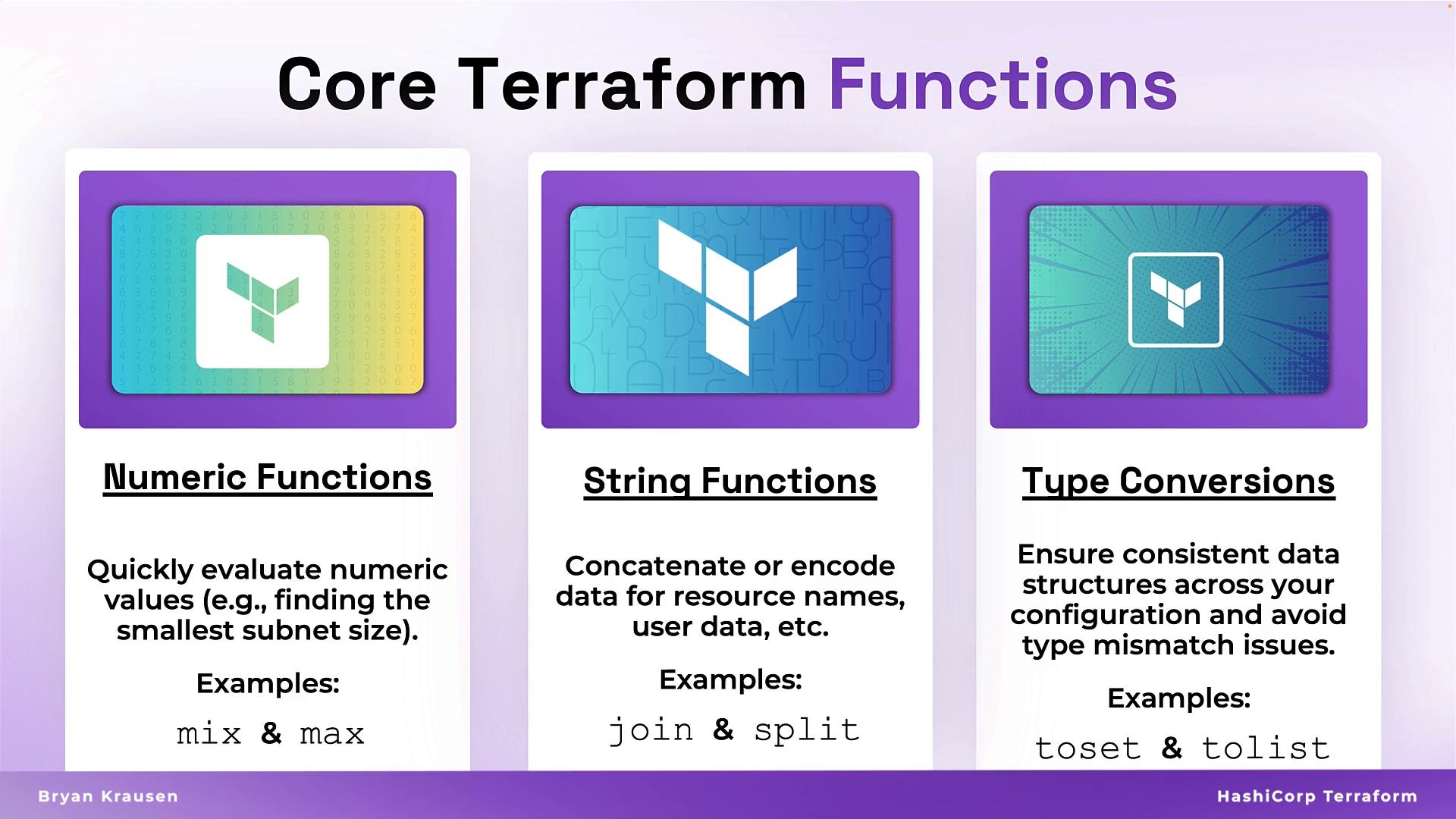
The image explains core Terraform functions, specifically Numeric Functions, String Functions, and Type Conversions, with examples and descriptions for each category.
Examples:
# Convert a string to upper case
upper("hello")                      # -> "HELLO"

# Return the smallest numeric value
min(4, 7, 2, 9, 5)                  # -> 2

# Concatenate strings with a separator
join("-", ["hello", "terraform"])   # -> "hello-terraform"
Note: replace string literals with variables (e.g., var.env, aws_vpc.main.cidr_block) when using in modules.

Quick reference: common function categories

CategoryPurposeExample
NumericSizing, scaling, roundingmax(10, var.min_cpu)
StringNaming, tagging, payloadsjoin("-", [var.env, var.service])
NetworkCIDR math, host addressingcidrsubnet(aws_vpc.main.cidr_block, 3, 1)
Type conversionsStable iteration and lookupstoset(var.azs)

Numeric functions

Numeric helpers let Terraform compute sizing decisions and defaults instead of hard-coding values. Common functions:
  • max(...) — largest numeric value
  • min(...) — smallest numeric value
  • floor(...) — round down
  • ceil(...) — round up
Example:
variable "number" {
  type    = number
  default = 15
}

# Evaluate the maximum among values including a variable
max(10, 4, var.number) # -> 15
Use numeric functions when computing instance counts, bucket sizes, or autoscaling thresholds.

String functions

String manipulation enforces naming conventions, builds unique resource names, and prepares user-data payloads. Common functions:
  • join(separator, list) — concatenate a list of strings
  • upper(s) / lower(s) — case conversions
  • replace(s, old, new) — substring substitution
  • base64encode(s) — encode for user-data or API payloads
Examples:
# join: concatenates elements with a dash
join("-", ["prod", "web", "us-west-1"])   # -> "prod-web-us-west-1"

# case conversion
upper("example")                          # -> "EXAMPLE"

# replace: substitute substring
replace("123-abc", "abc", "xyz")          # -> "123-xyz"

# base64encode: encode for user data
base64encode("my-secret-data")            # -> "bXktc2VjcmV0LWRhdGE="
Tip: Use format() to build predictable names, e.g. format("%s-%s-%s", var.env, var.role, var.region).
The image provides the general syntax for Terraform built-in functions, with examples of using the upper function to convert "hello" to "HELLO" and the min function to find the minimum value from a list of numbers.

Network functions: CIDR math without the pain

Network functions like cidrsubnet and cidrhost let you calculate subnets and host addresses programmatically. Example: create a VPC and generate multiple subnets using cidrsubnet
resource "aws_vpc" "main" {
  cidr_block = "10.0.0.0/16"
}

# Public subnet: first /19 from the /16
resource "aws_subnet" "public" {
  vpc_id            = aws_vpc.main.id
  availability_zone = "us-east-1a"
  cidr_block        = cidrsubnet(aws_vpc.main.cidr_block, 3, 0)
}

# Private subnet: second /19 from the /16
resource "aws_subnet" "private" {
  vpc_id            = aws_vpc.main.id
  availability_zone = "us-east-1b"
  cidr_block        = cidrsubnet(aws_vpc.main.cidr_block, 3, 1)
}
How cidrsubnet(base_cidr, newbits, netnum) works:
  • newbits extends the prefix length by that many bits, so the original block splits into 2^newbits subnets.
  • netnum selects which subnet index to use (0-based).
  • In the example, newbits = 3 turns /16 into /19 subnets.
When using cidrsubnet with dynamic indexes, ensure your netnum never exceeds 2^newbits - 1. Off-by-one or unstable indexing can produce overlapping CIDR ranges. Convert sets back to lists for stable indexing when required.

Type conversion and collection helpers

Convert collections to the proper type for for_each, maps, or index-based logic. Key functions:
  • toset(x) — convert to set (unique values; good for for_each)
  • tolist(x) — convert to list (stable index order required)
  • tomap(x) — convert to map for key lookups
  • tostring(x) — make values suitable for tags or logs
Example: deduplicate AZs for for_each, then compute a deterministic subnet index
variable "availability_zones" {
  type    = list(string)
  default = ["us-east-1a", "us-east-1a", "us-east-1b"]
}

locals {
  unique_zones = toset(var.availability_zones)
}

resource "aws_subnet" "example" {
  for_each = local.unique_zones

  vpc_id            = aws_vpc.main.id
  availability_zone = each.value
  cidr_block        = cidrsubnet(
                       aws_vpc.main.cidr_block,
                       2,
                       index(tolist(local.unique_zones), each.value)
                     )
}
Notes:
  • toset removes duplicates so for_each iterates only unique values.
  • If you need deterministic indices, convert the set back to a list with tolist(...) and use index(...).

Compact cheat sheet

FunctionReturnsTypical use
max(...), min(...)numberCompute capacity or constraints
floor(x), ceil(x)numberRounding for counts or sizes
join(sep, list)stringBuild names or tags
upper(s), lower(s)stringEnforce naming conventions
replace(s, old, new)stringTemplating strings
base64encode(s)stringUser-data or API payloads
cidrsubnet(base, newbits, netnum)string (CIDR)Split VPC CIDR into subnets
toset(x), tolist(x), tomap(x)collectionPrepare for for_each, index access, or lookups
Wrap-up Using Terraform’s built-in functions reduces repetition, enforces consistent naming and sizing, and makes modules easier to reuse and test. Focus on numeric, string, network, and type-conversion functions to get the most practical benefit in everyday Terraform work. That’s it for this article.

Watch Video