

sensitive, keeping secrets in environment variables, encrypting remote state, and integrating external secret managers. Those are essential defenses — but one risk often remains: secret values still appear in the Terraform state file.
Even when remote state is encrypted, anyone with backend access (or permission to run Terraform) can often read the decrypted state. Sensitive variables hide values from CLI and UI output, and external secret managers centralize secret storage — but secret values can still be written into state. For example, a simplified Terraform state JSON may include the same secret in both outputs and resource attributes:
What are ephemeral values?
Ephemeral values exist only in memory during Terraform execution (init, plan, apply). They are never written to plan or state files. Each run computes ephemeral values when needed and then discards them from memory after use. Provider plugins, language extensions, or newer Terraform features may support marking variables or data fetches as ephemeral (for example,ephemeral = true). Availability and syntax vary by provider and Terraform version — always consult the provider docs and Terraform release notes for exact, up-to-date support.
Illustrative variable declaration (check your provider/version for exact syntax):
sensitive = true and ephemeral = true provides two benefits:
sensitivehides the value from CLI and UI output.ephemeral(where supported) prevents the value from being written to plan or state files.
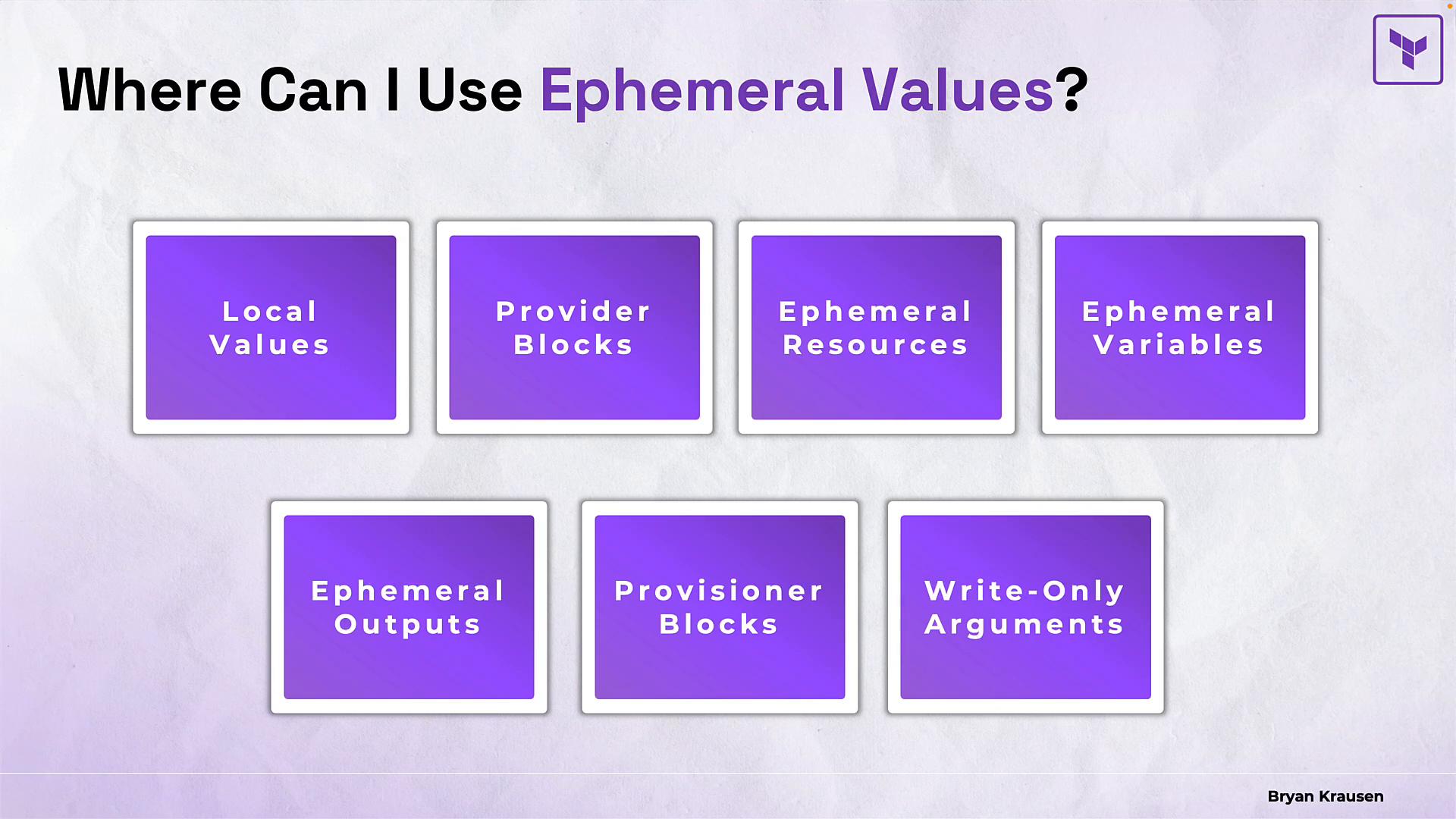
Ephemeral values are not universally supported. The main restriction is that ephemeral values cannot be used for ordinary resource arguments that must be persisted to state. Always verify provider support and syntactic details in the provider documentation or Terraform release notes.
Ephemeral values cannot be used in regular resource arguments
Managed resource instances must persist between Terraform phases, so ephemeral values are invalid in ordinary persisted resource attributes. In implementations that enforce this restriction, using an ephemeral variable in a persistent resource argument triggers an error:Provider blocks and ephemeral variables
Provider blocks frequently accept credentials and tokens. Provider configuration is not persisted to resource state the same way resource attributes are, so ephemeral variables are a good fit for provider credentials when supported. Illustrative example:var.github_token exists in memory long enough to authenticate the provider and is then discarded. This reduces exposure in logs, plan files, and state — if the provider and runtime implement ephemeral handling as shown.
Ephemeral resources
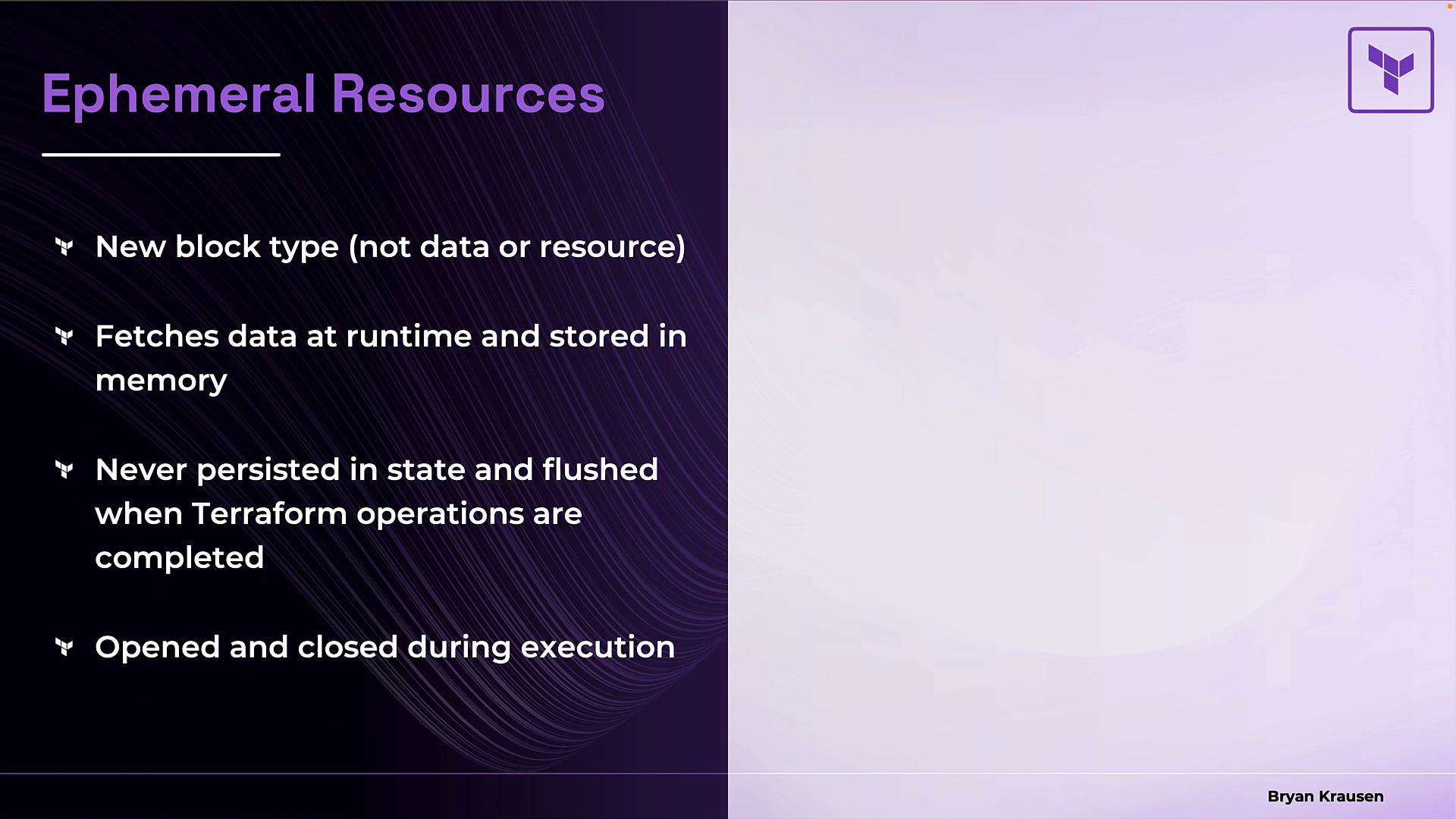
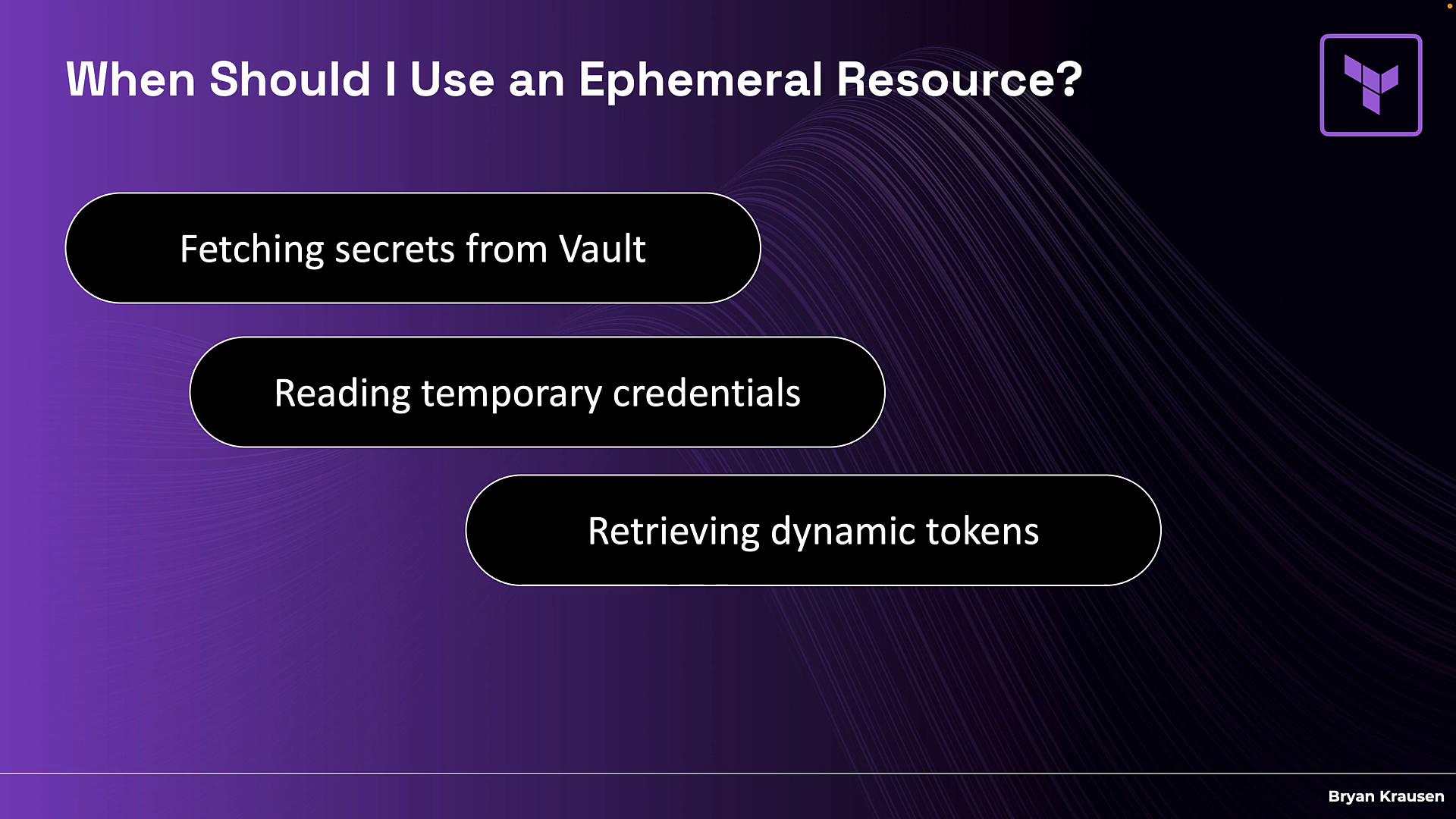
Some providers and extensions offer an ephemeral block type (or provider-specific constructs) that behaves like a data fetch but stores retrieved secrets only in memory. Ephemeral fetches are opened and closed during execution; logs or debug output may indicate when an ephemeral fetch occurred. Compare a regular data source (can be recorded in state) with an ephemeral-style resource (not stored). Example syntax is provider-dependent:- Fetching secrets from HashiCorp Vault or other secret managers without writing them to state.
- Reading temporary credentials used only for a single operation.
- Retrieving dynamic tokens that frequently change (even between plan and apply).
Write-only arguments — using ephemeral values with regular resources
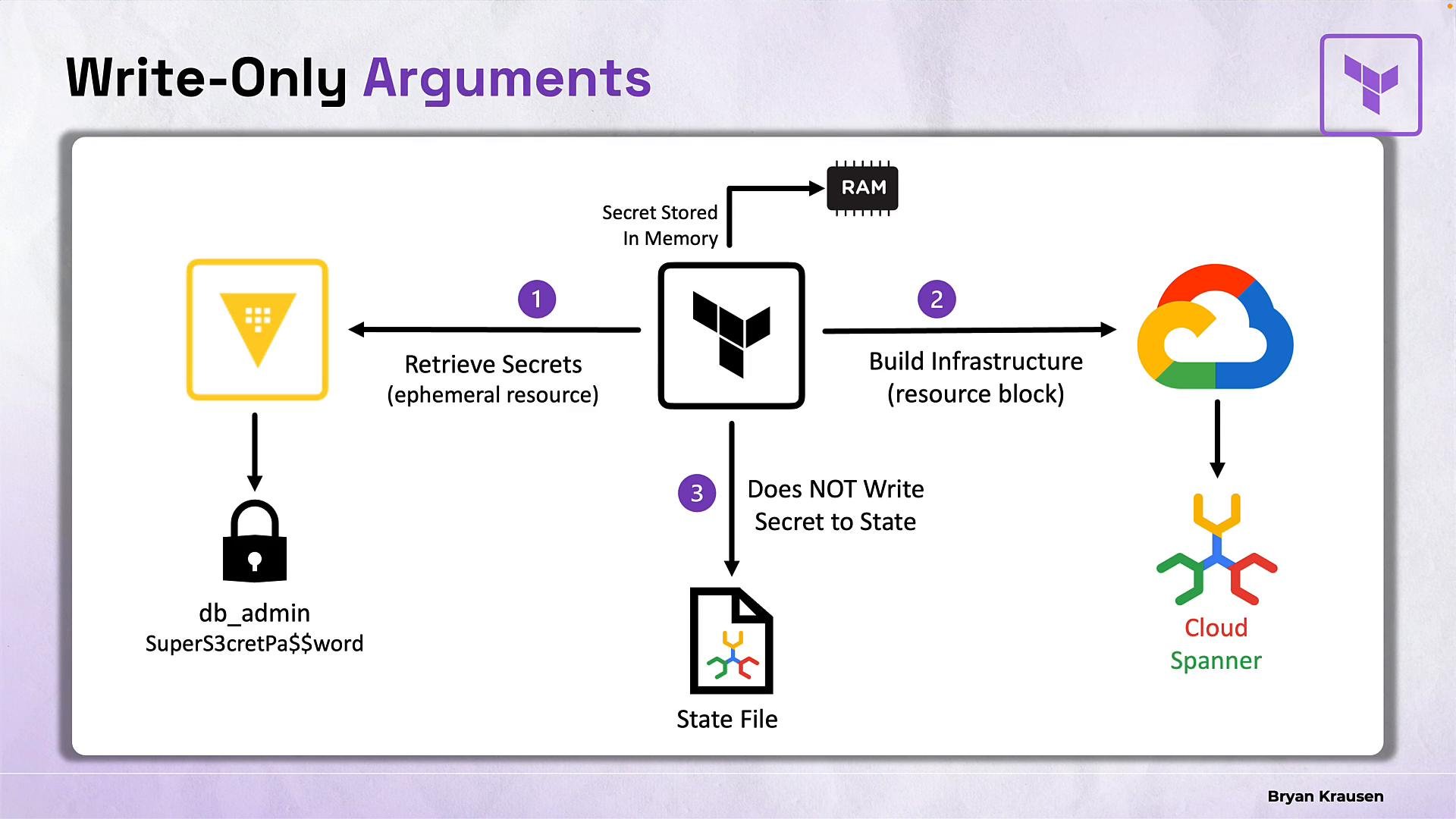
Write-only arguments allow you to pass ephemeral values to Terraform-managed resources for creation or updates without recording the secret in state or plan files. The exact argument names and behavior are provider-defined. A common provider pattern is a pair of arguments: a write-only secret field and an integer*_wo_version (or similarly named) version field. The version field lets Terraform detect that a change was intended so it can trigger an update without needing to read the secret back from state.
Illustrative example:
- Terraform (or the provider plugin) retrieves secrets into RAM (for example via an ephemeral fetch).
- Terraform uses those secrets to create or update the resource, sending the secret to the provider’s API.
- Terraform writes non-secret resource metadata to state, but does not store the secret value.
- After the operation completes, Terraform flushes the secret from memory.
Quick reference: when to use which pattern
Key points to remember
- Ephemeral values exist only in memory and — where the provider/runtime supports them — are never written to plan or state files.
- Write-only arguments (provider-defined) let you pass ephemeral secrets to regular managed resources without persisting the secret value in state.
- A version or change-detection argument usually accompanies write-only fields so Terraform can detect updates.
- Provider and Terraform version support varies. Not all providers or resources support ephemeral resources or write-only arguments — consult provider documentation for exact syntax and behavior.
Ephemeral values and write-only arguments are powerful tools for keeping secrets out of state, but availability and argument names depend on provider support and Terraform version. Always check the provider’s documentation and release notes for supported write-only fields and ephemeral resource types.
Recommended defense-in-depth strategy
Putting these techniques together produces a robust approach to secret management in Terraform:- Mark sensitive variables with
sensitive = trueto hide values in CLI and UI output. - Use environment variables and external secret managers (e.g., HashiCorp Vault) to avoid committing secrets to version control.
- Encrypt remote state and restrict backend access to minimize who can read state.
- Use ephemeral fetches or provider-supported ephemeral constructs to retrieve secrets at runtime.
- When supported by the provider, use write-only arguments to pass secrets to resources without recording them in state.
- Terraform documentation and release notes: https://github.com/hashicorp/terraform/releases
- Terraform Registry and provider docs: https://registry.terraform.io/
- HashiCorp Vault documentation: https://developer.hashicorp.com/vault