

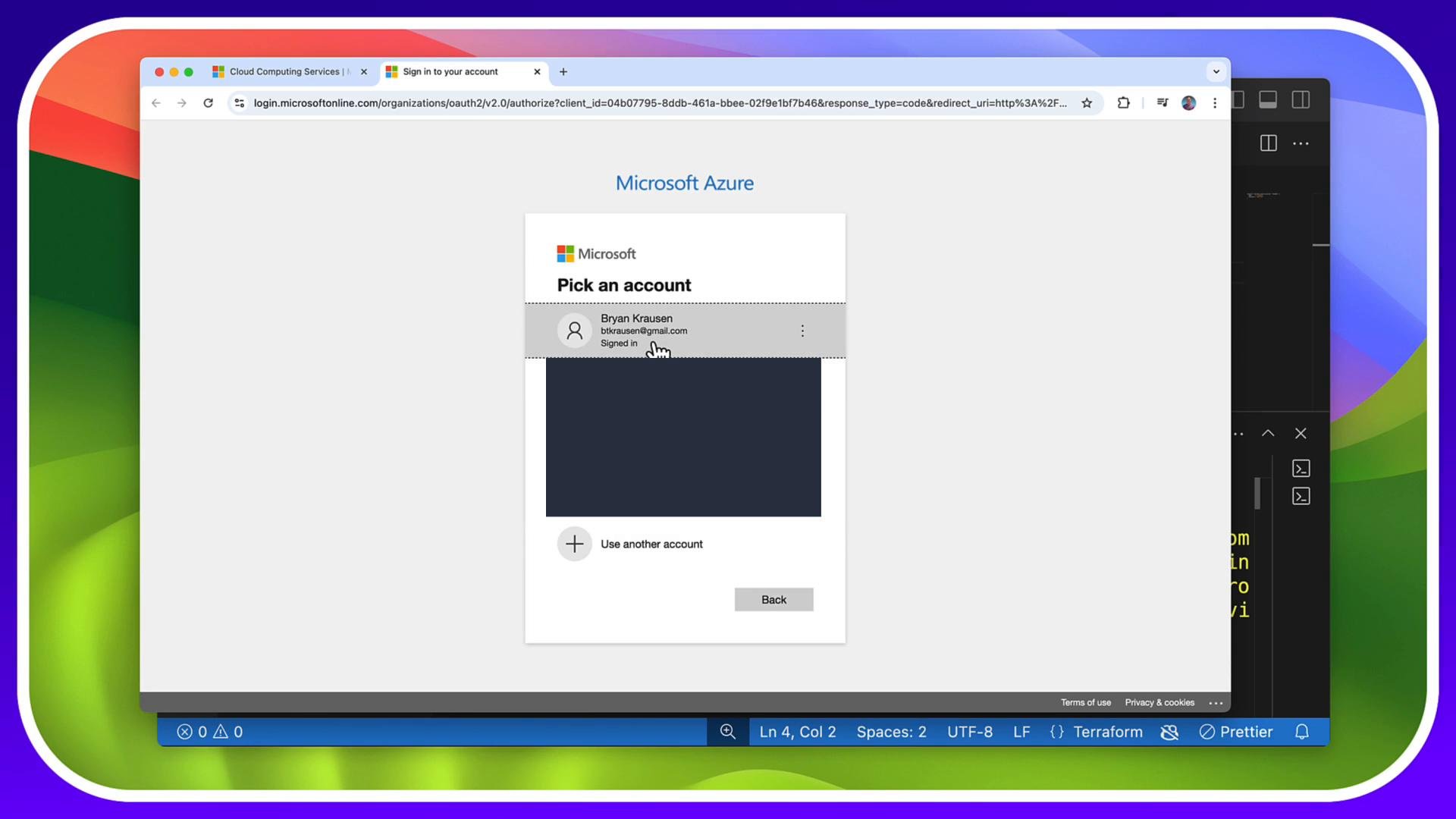
az login). This interactive flow is the simplest option for local development and ad-hoc runs. For automation or CI/CD, see the “Additional notes” section below for service principal guidance.
Prerequisites
- Terraform installed
- Azure CLI installed
- An Azure subscription
- Initialize the working directory
providers.tf and prepares the working directory.
- Try a plan/apply to see the credential error (if not authenticated)
terraform plan or terraform apply before authenticating, the azurerm provider will fail because it cannot locate a subscription context. Example error:
- Authenticate with the Azure CLI
- Target the subscription for Terraform
ARM_SUBSCRIPTION_ID as an environment variable.
Set the active subscription in the Azure CLI:
ARM_SUBSCRIPTION_ID directly (examples for common shells/OS):
Note:
If you use
setx on Windows, you may need to open a new terminal window for the environment variable to be available. In PowerShell, $env:... sets the variable only for the current session.Do not commit credentials or secret values (for example,
ARM_CLIENT_SECRET) into version control. For automation, prefer using secure variable stores or service principals with least privilege.- Run Terraform apply
az login complete and the subscription targeted (via az account set or ARM_SUBSCRIPTION_ID), run:
- Additional notes
- Azure CLI is required for the
az loginbased workflow. Install it from Microsoft docs: https://learn.microsoft.com/cli/azure/install-azure-cli - For non-interactive automation (CI/CD) or service accounts, create a service principal and set these environment variables instead of using
az login:ARM_CLIENT_IDARM_CLIENT_SECRETARM_TENANT_IDARM_SUBSCRIPTION_ID
- To create a service principal with the Azure CLI, see: https://learn.microsoft.com/cli/azure/create-an-azure-service-principal-azure-cli
- Many cloud-based dev environments (Codespaces, Cloud Shell, etc.) include the Azure CLI and can use the same
az loginflow or managed identities where supported.
- Azure CLI installation
- Create an Azure service principal with the Azure CLI
- Terraform Azure Provider Documentation
az login and ensure ARM_SUBSCRIPTION_ID (or the CLI active subscription) is set so Terraform targets the correct Azure subscription.