

Enforcement levels
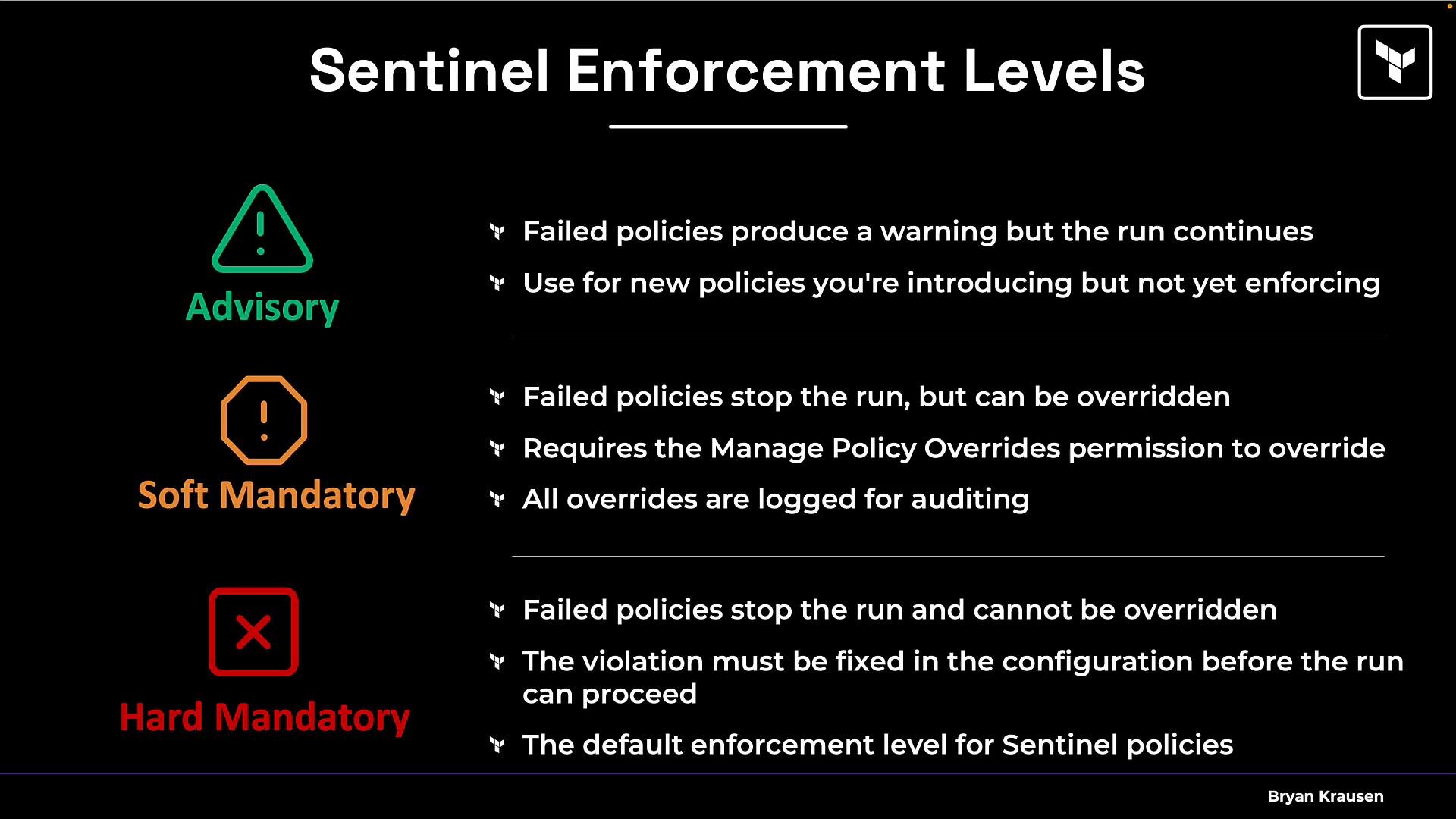
Sentinel provides three enforcement levels that control what happens when a policy fails:- Advisory — failed policies emit a warning but the run continues. Use this to introduce policies without breaking workflows.
- Soft-mandatory — a failed policy blocks the run, but authorized users can override the failure. Overrides are audited.
- Hard-mandatory — a failed policy blocks the run with no override option. Use this for non-negotiable controls (e.g., regulatory or critical security controls).
- Advisory — warning only; the run continues.
- Mandatory — a failed policy stops the run. Note: in HCP Terraform, OPA’s mandatory level can be overridden by users who have the required override permission, so in practice it can behave like Sentinel’s soft-mandatory in environments where that permission is granted.
In short: Sentinel exposes three distinct levels; OPA provides two, and HCP Terraform permissions determine whether OPA’s mandatory checks are truly non-overrideable.
Organizing policies in HCP Terraform
You normally author policies inside your HCP Terraform organization. It’s common to use both Sentinel and OPA policies together, but grouped appropriately. Example policy names you might author:- Sentinel policies:
sent_require_mandatory_tagssent_restrict_instance_typessent_enforce_s3_encryption
- OPA policies:
opa_block_public_ingressopa_limit_auto_apply
- A policy set is a container for related policies (for example: security policies, cost policies).
- Policy sets can be scoped to a whole project or to specific workspaces.
- You can exclude particular workspaces from a global policy set to allow exceptions.
- Policy sets can be managed via the UI, VCS, or the API.
- Sentinel security policy set: contains Sentinel security policies.
- OPA security policy set: contains OPA policies.
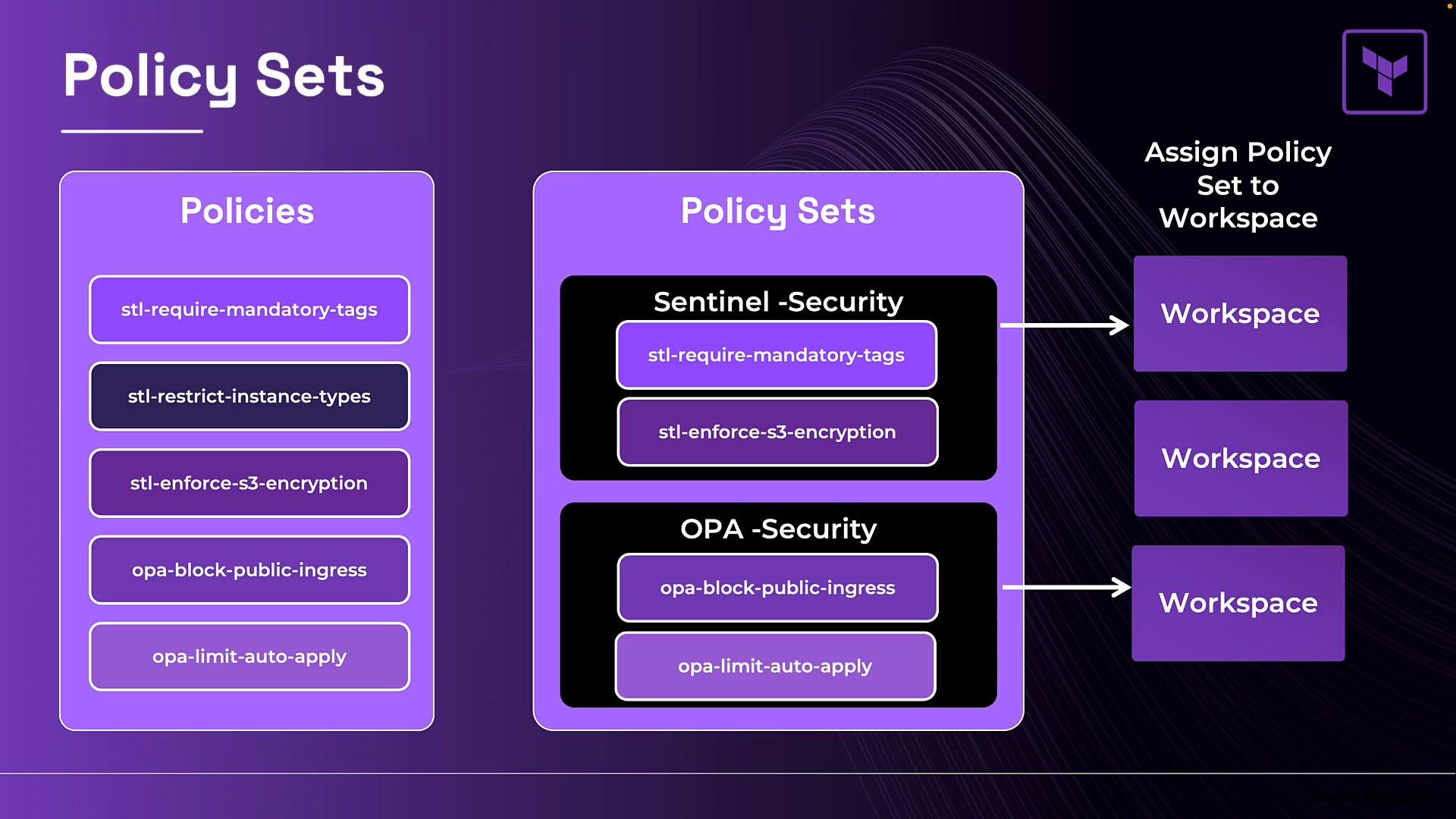
Policy sets cannot mix frameworks. If you need both Sentinel and OPA checks for a workspace, attach a Sentinel policy set and an OPA policy set separately to that workspace.
What policies can — and cannot — enforce
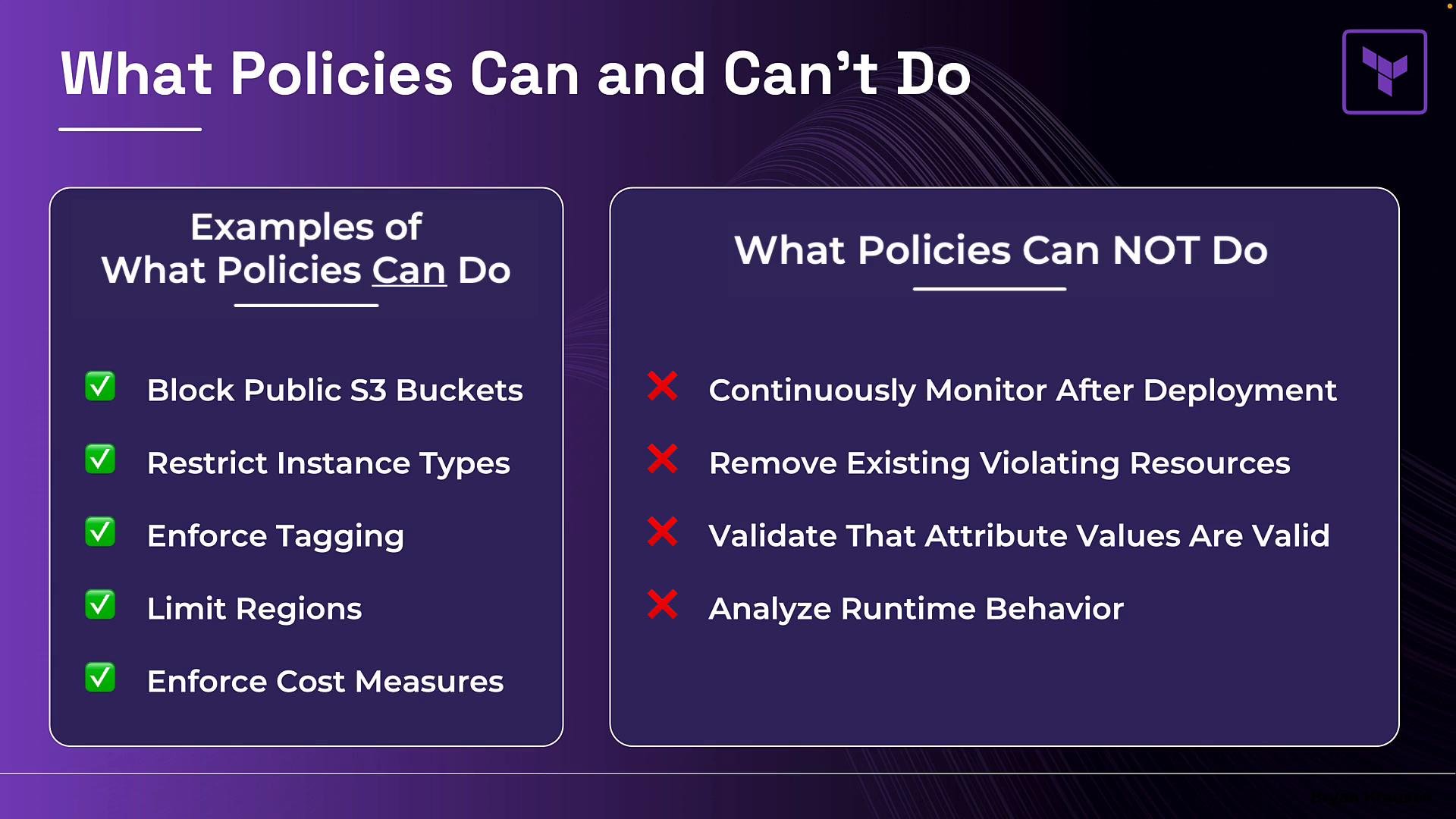
Policies operate at plan/apply time. They are powerful for enforcing rules before resources are created, but they have limitations. What policies can do:- Block public S3 buckets by inspecting the plan and detecting a public ACL or policy.
- Restrict instance types — e.g., allow only
t3.mediumandt3.large. - Enforce tagging requirements — e.g., require
team,environment, andcost_centertags on resources. - Limit allowed regions — e.g., permit only
us-east-1andeu-west-1. - Enforce cost controls — Sentinel policies can reference cost estimation data to implement spending guardrails.
- Continuously monitor resources after deployment. Policies run during Terraform runs; they do not provide ongoing, continuous compliance monitoring.
- Remove or remediate already-deployed violating resources. Policies prevent new violations but do not delete existing noncompliant infrastructure.
- Guarantee that an external referenced attribute exists. For example, a policy can require a KMS key identifier be provided, but it cannot verify that the KMS key exists in the cloud provider without an external data lookup or runtime verification.
- Confirm provider-specific availability. A policy can assert the instance type must be
t3.medium, but it will not query the provider to confirmt3.mediumis available in the target region. - Observe runtime application behavior. Policies validate provisioning-time properties; they do not analyze runtime application behavior after deployment.
Summary and key exam notes
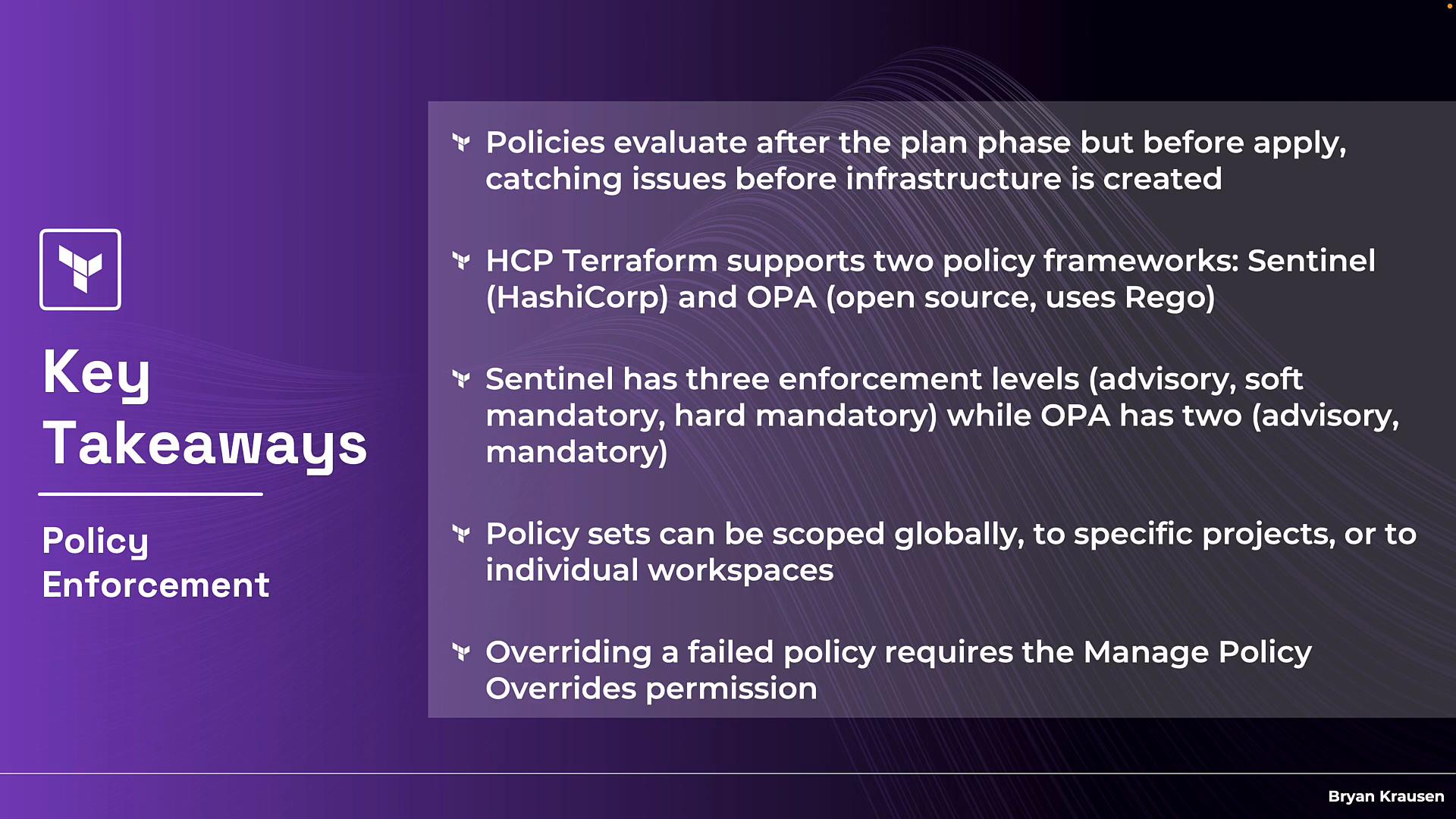
- Policies run after the plan phase and before apply, catching issues before infrastructure is created.
- HCP Terraform supports both Sentinel and OPA (Rego) frameworks.
- Sentinel supports
advisory,soft-mandatory, andhard-mandatoryenforcement levels. OPA supportsadvisoryandmandatory; the latter can be overridden in HCP Terraform by users with the appropriate override permission. - Policy sets are the unit assigned to projects or workspaces; each set must contain policies from a single framework.
- Overrides require a specific HCP Terraform permission and are audited.
Links and references
- Sentinel documentation — https://www.terraform.io/cloud-docs/sentinel
- Open Policy Agent (OPA) — https://www.openpolicyagent.org/
- HCP Terraform — https://www.terraform.io/cloud
- OPA Rego language — https://www.openpolicyagent.org/docs/latest/policy-language/