

TF_LOG) is often the fastest way to find the root cause. These environment variables and practices are also something the Terraform Associate exam expects you to know.
Common scenarios to enable detailed logs:
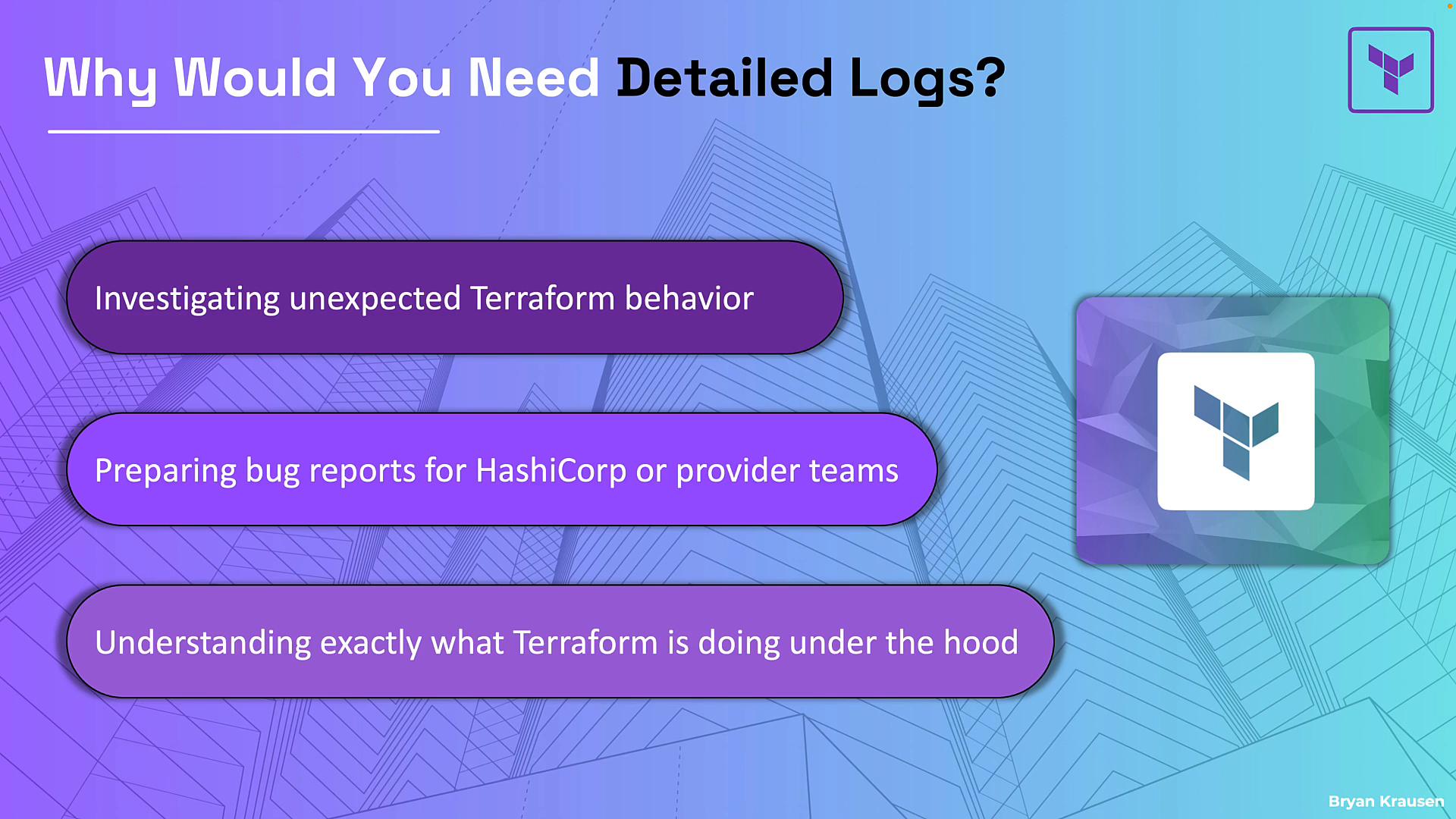
- Investigating unexpected Terraform behavior (resources not created, drift, or surprising diffs).
- Collecting evidence for bug reports to HashiCorp or a provider maintainer —
TRACE-level logs are usually required. - Understanding internal steps: API calls, planner decisions, state operations, and provider interactions.
How to enable Terraform logging
Set theTF_LOG environment variable to control verbosity.
Examples:
- Linux / macOS (Bash / zsh)
- Windows PowerShell
terraform plan, terraform apply) and logs will be emitted to standard error:
Log levels (most → least verbose)
Some Terraform builds support JSON-formatted logs, which provide structured output equivalent to
TRACE for machine parsing or log ingestion.
Split logs for Terraform Core vs provider plugins
You can target logs to either Terraform Core or provider plugins to narrow down where an issue originates:
Both
TF_LOG_CORE and TF_LOG_PROVIDER accept the same levels: TRACE, DEBUG, INFO, WARN, ERROR.
Examples:
Where logs are written and how to capture them
By default, Terraform writes logs to standard error (stderr) and they stream to your terminal. To save logs to a file, setTF_LOG_PATH in addition to a logging level.
Important: TF_LOG_PATH only takes effect when logging is enabled (for example, TF_LOG or TF_LOG_PROVIDER / TF_LOG_CORE is set). Setting TF_LOG_PATH alone does nothing.
Examples:
- Terraform will create
TF_LOG_PATHfile if it doesn’t exist. - Logs are appended between runs (e.g., a
planfollowed byapplyappends both outputs). - Log files can grow very large when using
TRACEorDEBUG. Rotate or remove old logs between sessions or use unique filenames per run.
Log files created via
TF_LOG_PATH can grow quickly with TRACE or DEBUG. Rotate or delete old logs between troubleshooting sessions to avoid filling disk space.Practical tips
- If you suspect an API call, authentication, or provider-specific error, enable
TF_LOG_PROVIDER. - If you suspect planner/state/graph issues, enable
TF_LOG_CORE. - Use
TF_LOG_PATHto capture output when filing bug reports or when you need to search logs later. - Consider
TRACEfor bug reports — maintainers usually request the most detailed logs.
Tip: Enable
TF_LOG_PROVIDER for provider/API/auth problems and TF_LOG_CORE for planner/state/graph issues. Capture output with TF_LOG_PATH when preparing logs for bug reports.Exam checklist — what you must know
Further reading and references:
- Terraform CLI documentation: https://www.terraform.io/cli (search for logging)
- When filing issues, include
TRACElogs and details about Terraform version, provider version, and reproduction steps.