

Why policy enforcement matters
Imagine a developer applies Terraform that creates storage, a database, and networking:What is “policy as code”?
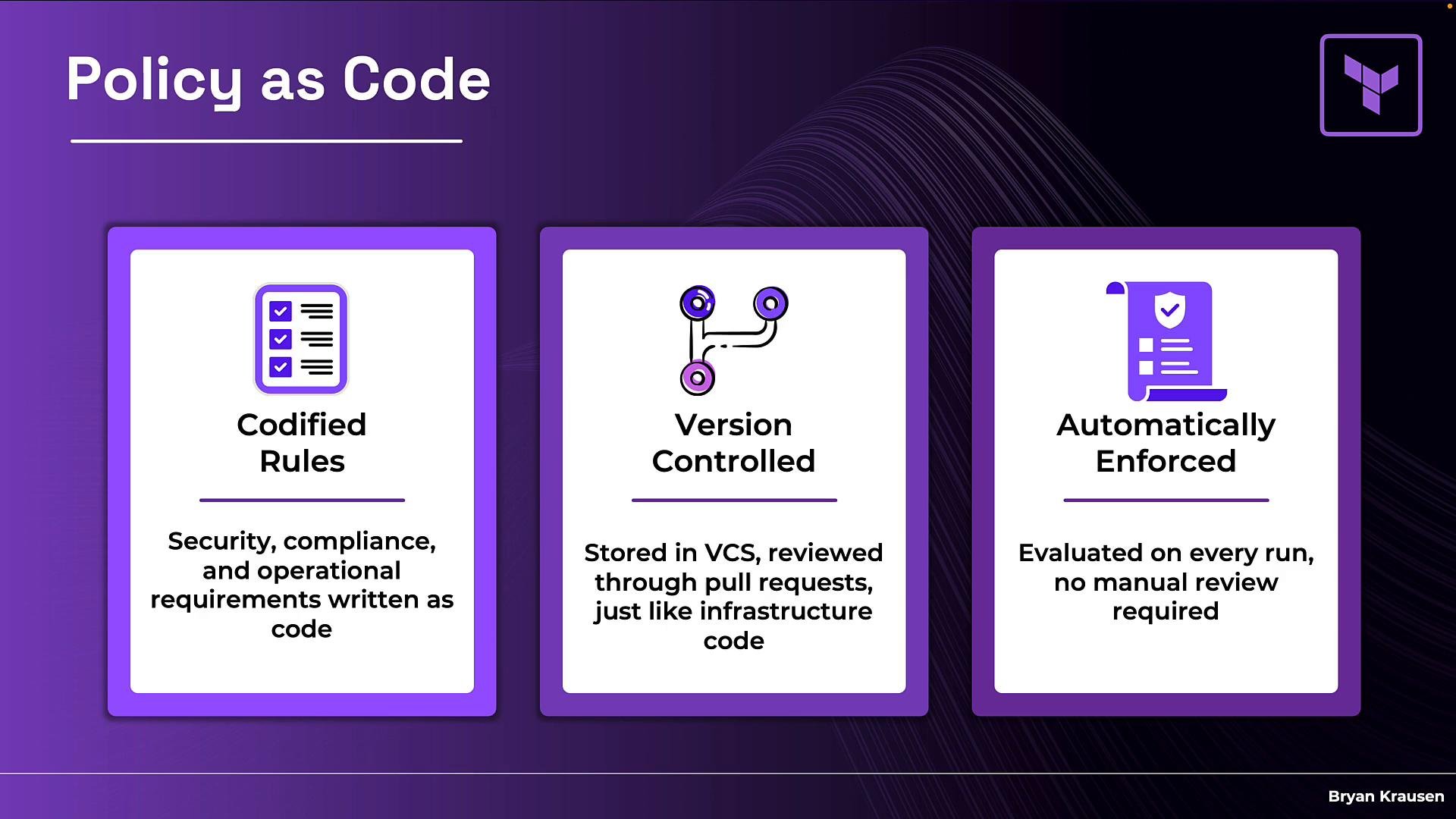
- Codified rules: Security, compliance, and operational policies are written in a machine-evaluable language instead of living in spreadsheets or wiki pages.
- Version-controlled: Policies are stored in VCS repositories, reviewed via pull requests, and managed with the same workflows as your infrastructure code.
- Automatically enforced: Policies are evaluated on every Terraform run, removing dependence on manual reviews or tribal knowledge.
Terraform runs: with and without policies
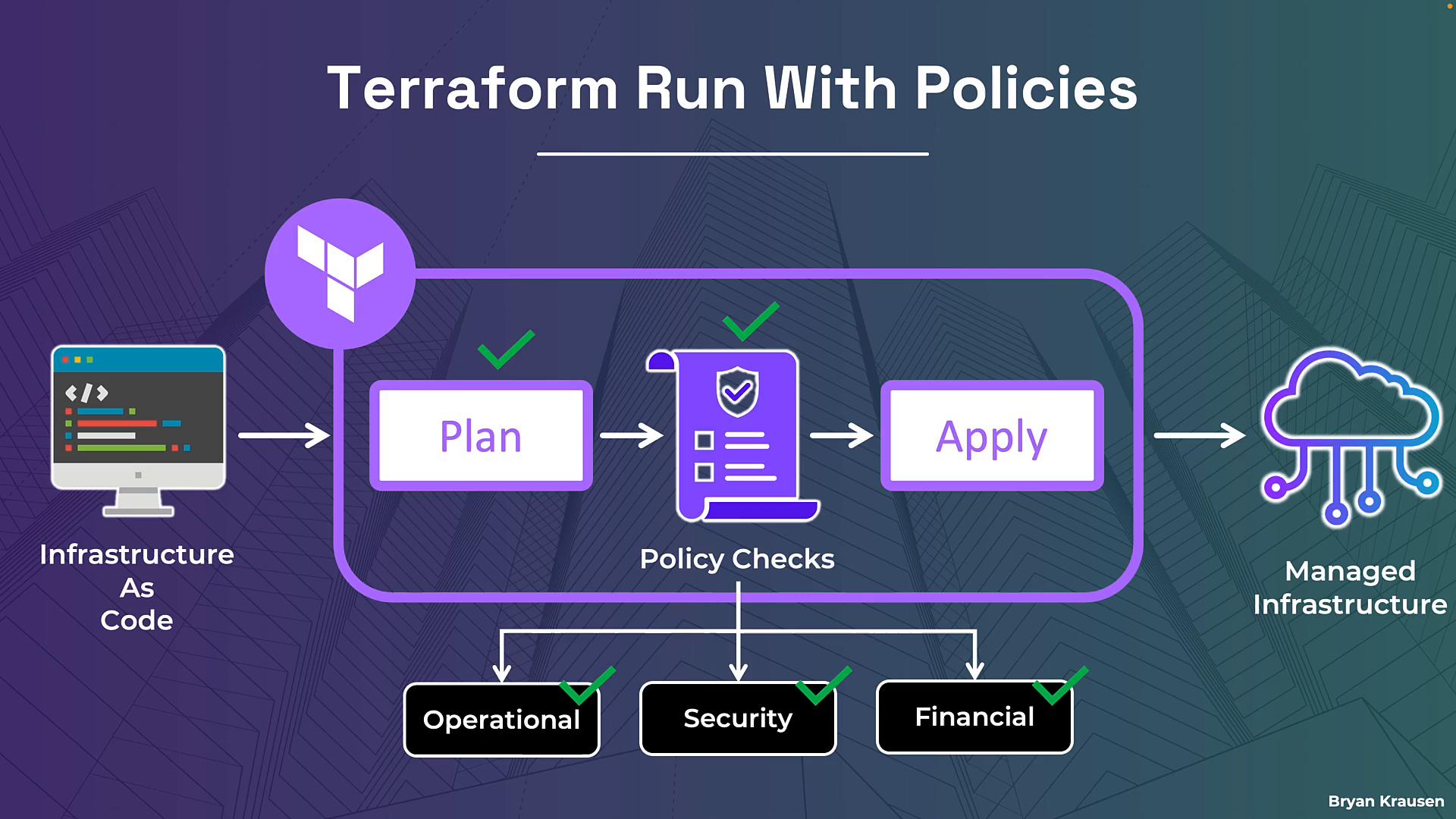
Terraform runs without policies:- Developer pushes Terraform config to HCP Terraform.
- Run flow: plan → apply → managed infrastructure.
- Nothing intervenes between plan and apply to validate safety or compliance beyond the plan syntax and provider acceptance.
- After a successful plan, the plan data is handed off to a policy check phase.
- A policy engine evaluates the planned changes against your organization’s rules (operational, security, financial).
- Only if all required policies pass will the run proceed to apply and create managed resources.
Zooming into the policy check phase
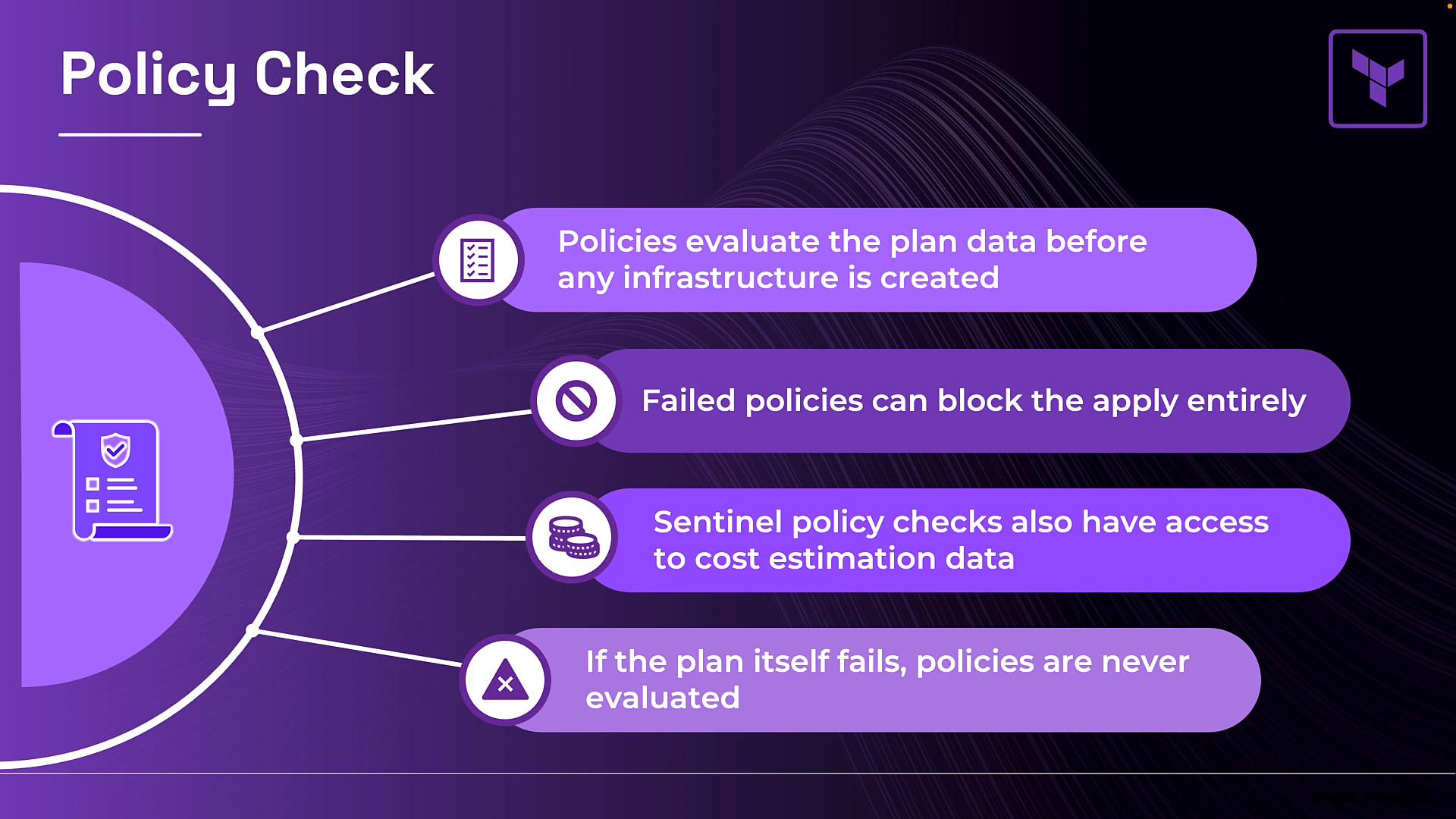
During policy checks, the engine inspects the plan output (what Terraform intends to change) and evaluates your policies against that data:- Failed policies can block the apply depending on the enforcement level you choose.
- Sentinel policies can access cost estimation data from HCP Terraform, allowing policies to reject plans that exceed cost thresholds.
- If the plan itself fails, policies are not evaluated because there is no valid plan to inspect.
Policies run only on successful plans and execute after the plan phase but before apply. If the plan fails, policy checks are skipped.
Two frameworks supported in HCP Terraform
HCP Terraform supports both HashiCorp Sentinel and Open Policy Agent (OPA). Choose the one that best fits your organization — or use both where appropriate.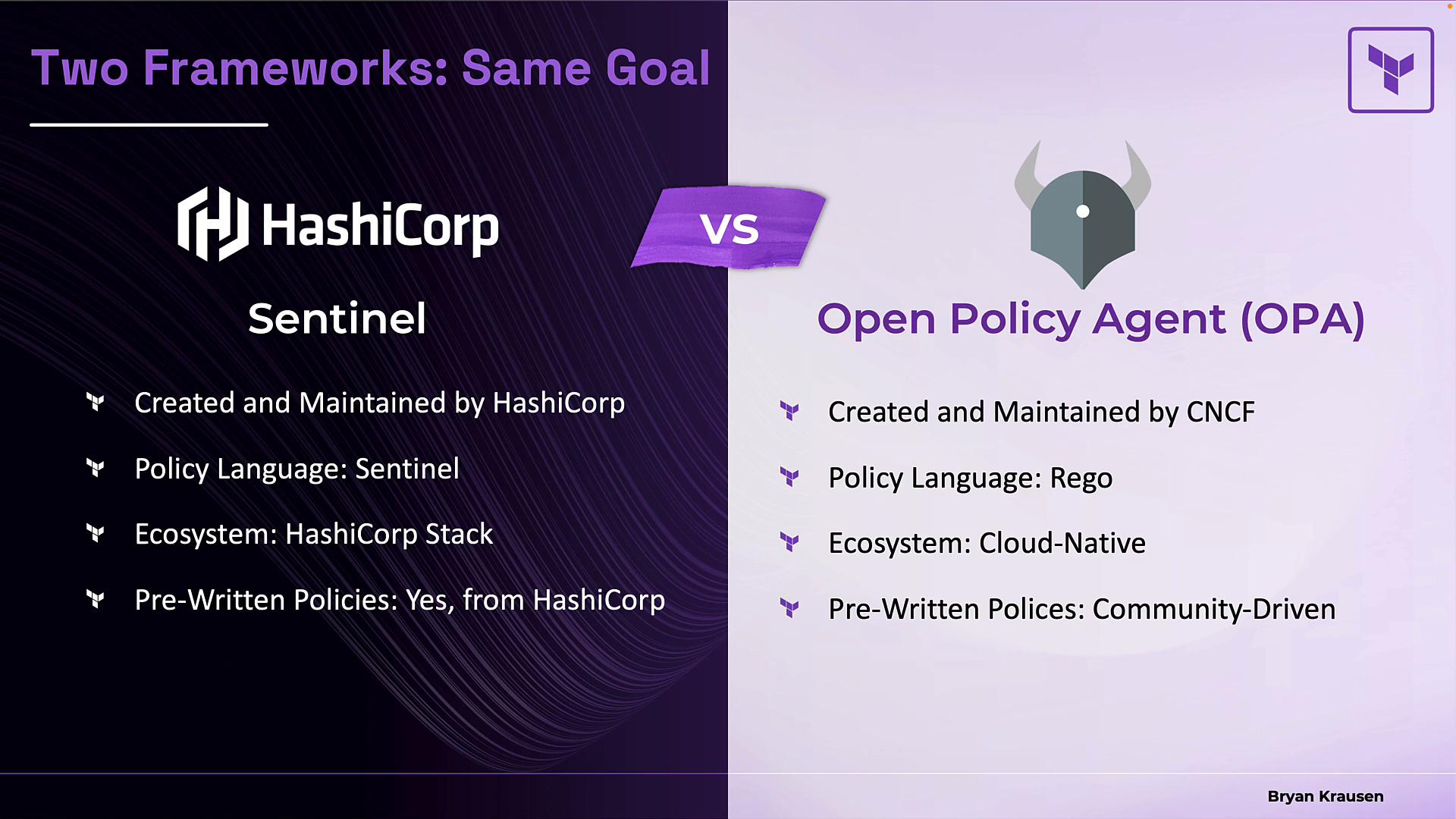
Example policies: Sentinel vs. Rego
Seeing actual policy examples helps demystify how policies inspect plans and block bad changes. Below are two representative policies that implement the same high-level check: prevent SSH or ingress open to the entire internet. Sentinel example (GCP): ensure SSH access is not allowed from the internet- Imports plan data via
tfplan/v2to inspect changes. - Filters for managed firewall resources being created or updated.
- Ensures any rule that allows port 22 does not include a wide-open source range.
- If
mainevaluates to false, the policy fails and can block the run.
- Rego examines
input.planand iterates resource changes. - Finds
aws_security_groupresources whose ingress includes0.0.0.0/0. - Emits deny messages for any offending resource; the presence of denies causes the policy to fail.
- Read the plan data.
- Identify relevant resource changes.
- Assert conditions that must hold (or produce deny messages).
- Return pass/fail (or deny messages) that determine whether the run proceeds.
Policies only run on successful plans. If the plan fails, policy checks are skipped because there is no valid plan to evaluate.