

- Sensitive variables — hide values from CLI output and plans (fast, low-effort).
- Environment variables — keep secrets out of version control and CI logs.
- External secret stores — production-grade secret management and rotation.
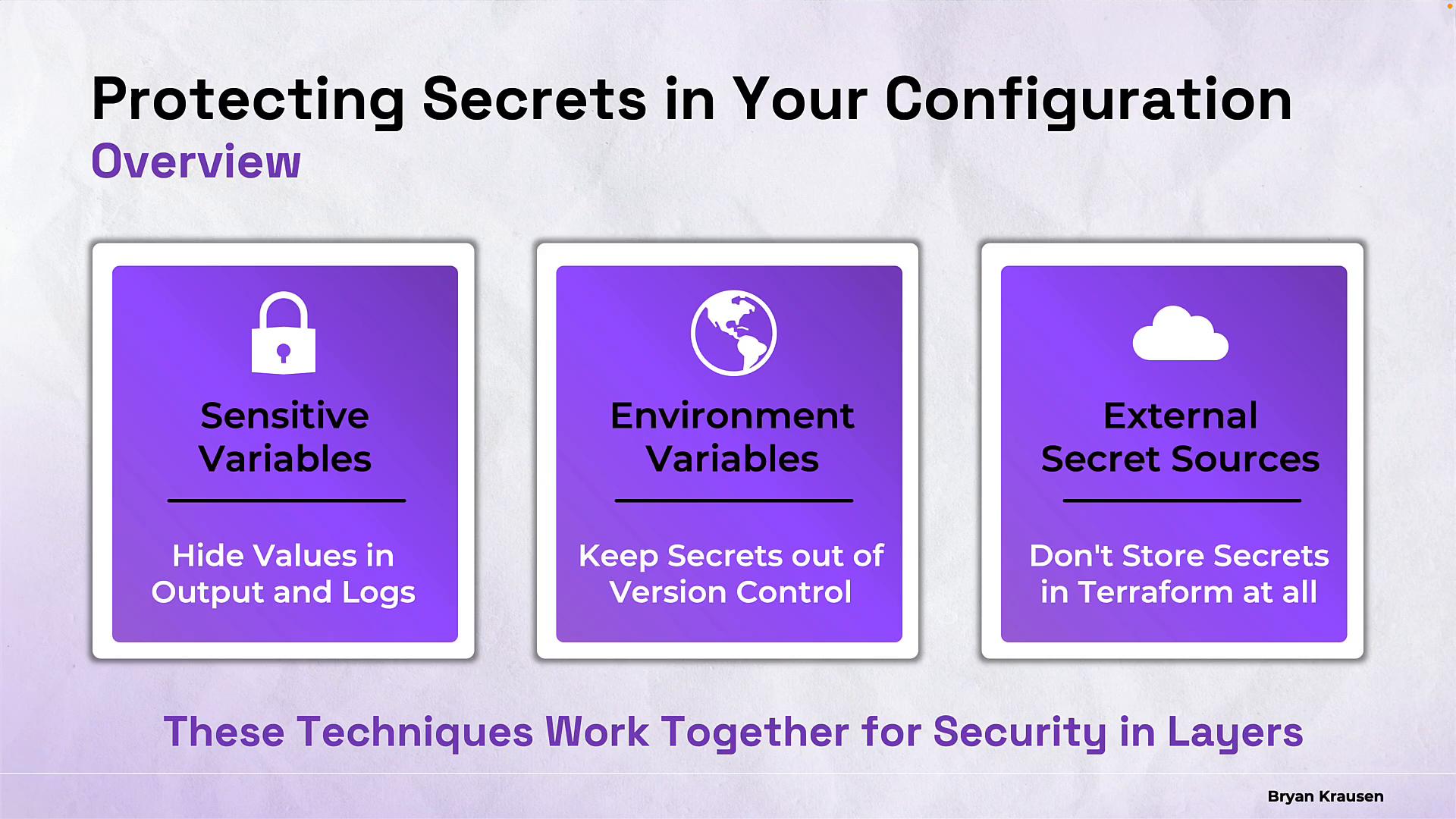
Overview: When and why to use each technique
1) Sensitive variables
Terraform lets you mark variable and output declarations withsensitive = true. This prevents Terraform from printing the secret in most CLI outputs and replaces the value with a placeholder in plan/apply.
Example variable declaration (variables.tf):
sensitivehides values from CLI output but does not remove them from the Terraform state file. You must secure your state backend (encryption, access controls, remote backends).- Don’t render sensitive values into templates, logs, or monitoring metrics that intentionally print values.
- Avoid
terraform consoleor other debugging tools to dump sensitive values in shared environments.
Marking a variable as
sensitive hides its value from CLI outputs, but it does not remove the value from the Terraform state. Protect your state backend (enable encryption, restrict access, and use remote backends) to prevent leakage.2) Environment variables
Passing secrets via environment variables keeps them out of committed files and supports secure injection from CI/CD platforms.- Terraform variables: prefix with
TF_VAR_(for example,TF_VAR_db_passwordbecomesvar.db_password). - Provider credentials: use provider-specific environment variables (e.g.,
AWS_ACCESS_KEY_ID,AWS_SECRET_ACCESS_KEY,GOOGLE_CREDENTIALS).
- Never commit
exportstatements that contain secrets. Keep local export files (e.g.,secrets.env) out of Git by adding them to.gitignore. - Don’t pass secrets on the command line using
-var 'password=...'— shell history and process listings can expose them. - In CI, use the platform’s secret management (GitHub Actions secrets, GitLab CI variables, etc.) and avoid printing the values in logs.
3) External secret stores
For production systems, prefer dedicated secret managers that provide audit logs, rotation, and fine-grained access control. Common services:- HashiCorp Vault — dynamic secrets and strong ACLs.
- AWS Secrets Manager / AWS SSM Parameter Store.
- Azure Key Vault.
- Google Secret Manager.
local.db_password with resources, and mark any outputs that expose it as sensitive:
- Terraform fetching a secret at plan/apply time still risks storing that value in state if you put the raw secret into a resource attribute. Prefer provider-side secret references or server-side injection when available.
- Limit Terraform’s permissions to the minimal read-only access needed for secrets and favor short-lived credentials.
- Secure and audit access to the secret store itself.
Using external secret stores gives you centralized management and auditability. Combine them with Terraform
sensitive declarations and a secure remote state backend to minimize secret exposure.Summary Checklist
- Mark secrets as
sensitivein variables and outputs to reduce accidental exposure. - Use environment variables (in developer shells or CI secret stores) instead of committing secrets to files.
- Use external secret stores (Vault, AWS Secrets Manager, etc.) for production: enable rotation and auditing.
- Protect Terraform state: use remote backends, enable encryption at rest, and apply strict IAM policies.
- Avoid passing secrets on the CLI or embedding them in logs, templates, or monitoring outputs.
sensitive declarations, environment variable injection, and external secret stores, you can significantly reduce accidental leakage while keeping secrets as first-class runtime inputs.
Links and References
- Terraform variables: https://developer.hashicorp.com/terraform/language/values/variables#sensitive-variables
- Terraform outputs (sensitive): https://developer.hashicorp.com/terraform/language/values/outputs#sensitive-outputs
- Terraform CLI environment variables (TF_VAR_): https://developer.hashicorp.com/terraform/cli/config/environment-variables#tf_var_name
- Terraform console: https://developer.hashicorp.com/terraform/cli/commands/console
- HashiCorp Vault: https://developer.hashicorp.com/vault
- AWS Secrets Manager: https://docs.aws.amazon.com/secretsmanager/latest/userguide/intro.html
- AWS SSM Parameter Store: https://docs.aws.amazon.com/systems-manager/latest/userguide/systems-manager-parameter-store.html
- Azure Key Vault overview: https://learn.microsoft.com/en-us/azure/key-vault/general/overview
- Google Secret Manager: https://cloud.google.com/secret-manager
- AWS data source docs for Secrets Manager: https://registry.terraform.io/providers/hashicorp/aws/latest/docs/data-sources/secretsmanager_secret_version
- Vault data source docs: https://registry.terraform.io/providers/hashicorp/vault/latest/docs/data-sources/generic_secret