

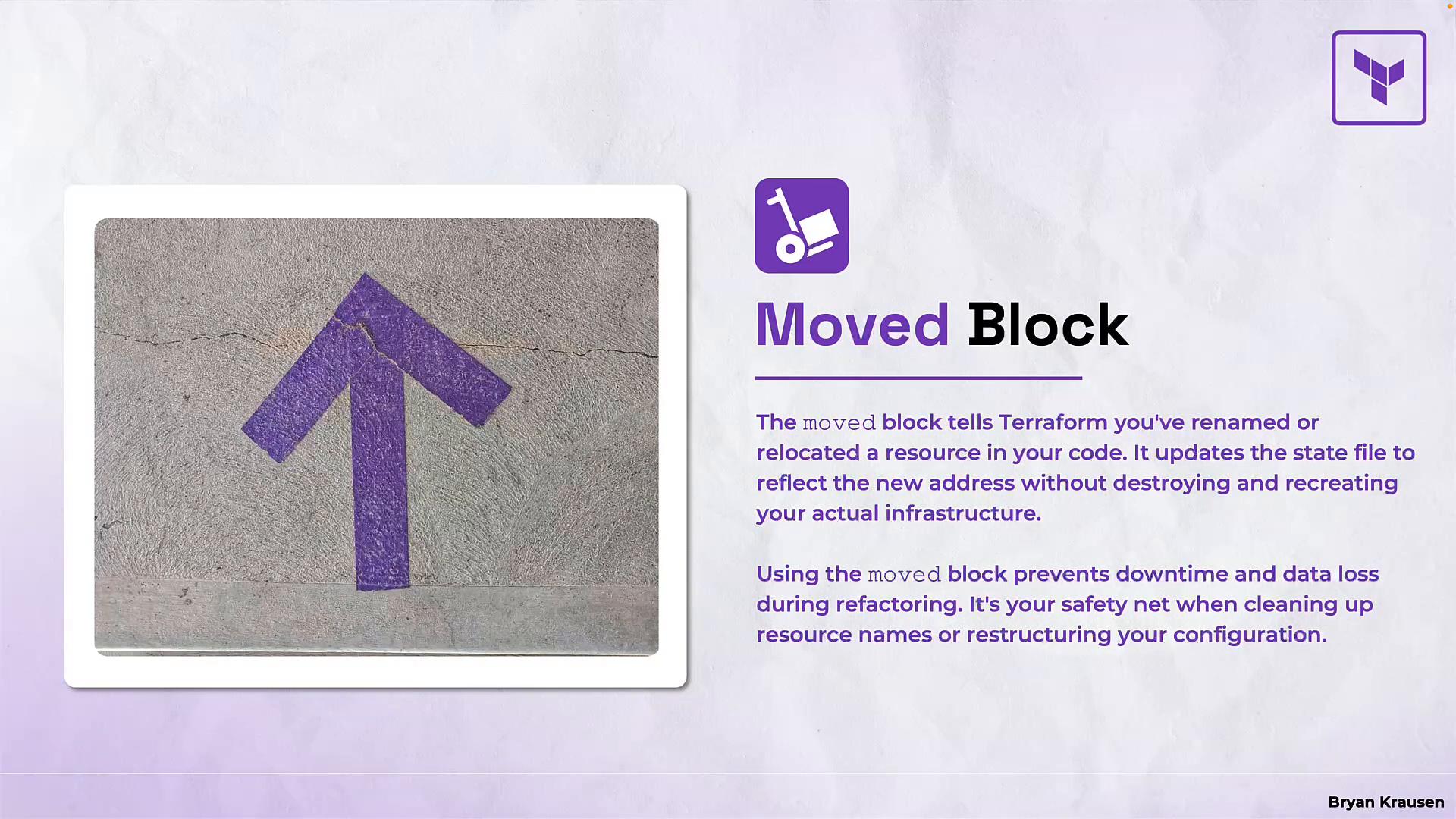
moved block — the safe, declarative way to tell Terraform that a resource address has changed (for example, because you renamed a resource or moved it into a module) so the state can be updated without destroying or recreating infrastructure.
Why this matters
- Early in a project you may use simple names like
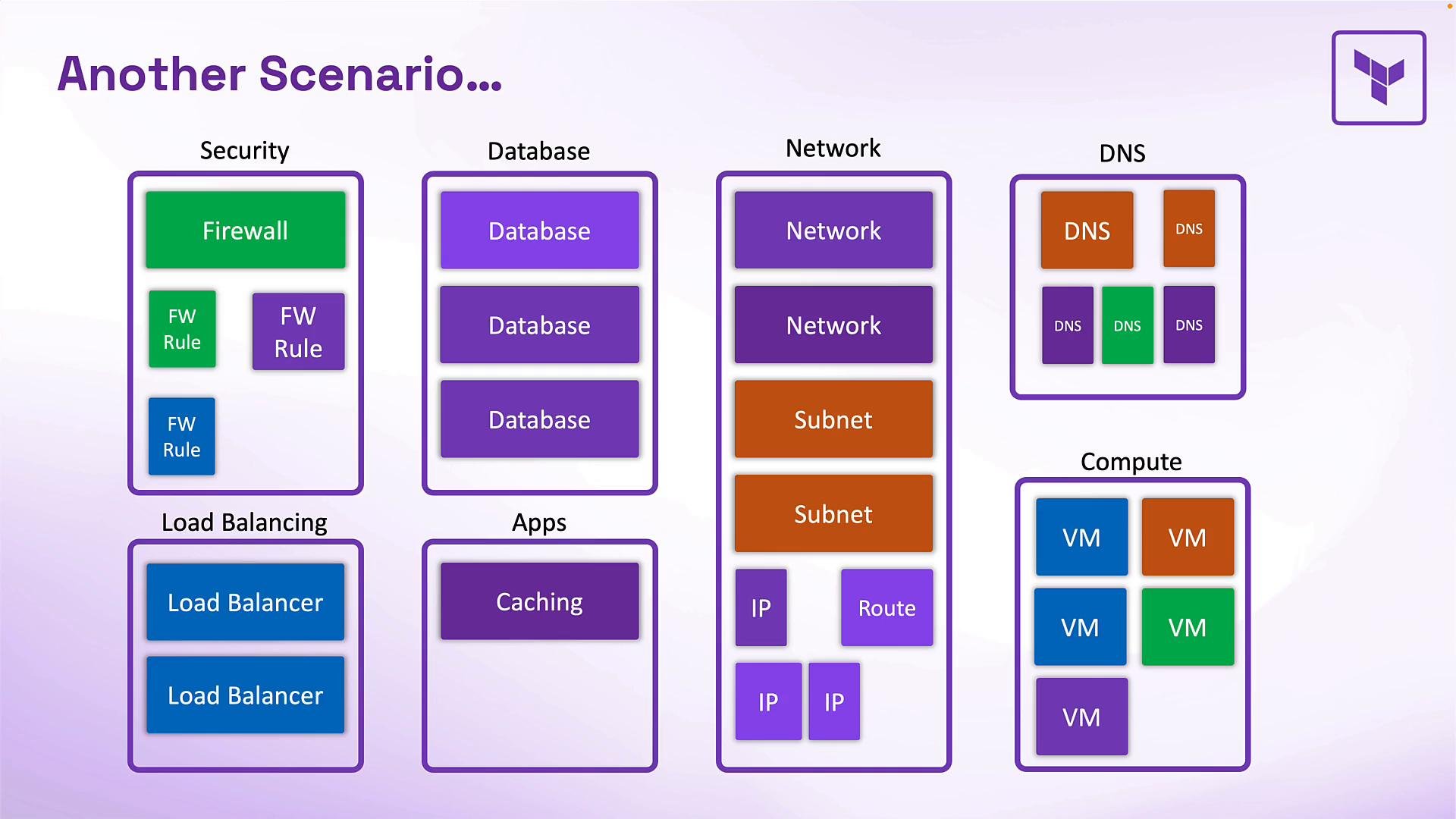
vpcandvpc1. Later you want clearer names (for example,sbx_vpcandtest_vpc). If you rename a resource in code without telling Terraform, Terraform will interpret the rename as the old address being removed and a new one added — causing a planned destroy and recreate. - Similarly, refactoring a root module into child modules (e.g. splitting network, security, compute) changes resource addresses. Terraform treats
aws_instance.web_serverandmodule.compute.aws_instance.web_serveras different addresses. Without informing Terraform about the address changes, it will attempt destructive changes.
sbx_vpc but do not map the old address to the new address in state, Terraform will plan to destroy aws_vpc.vpc and create aws_vpc.sbx_vpc:
terraform plan output you might see if you do not map the old address to the new one:
moved block solves exactly that.
moved block does
- It instructs Terraform to reassign an existing state entry from one address (
from) to a new address (to) when you runterraform apply. - No provider API calls are made for the resource being moved — Terraform updates only the state metadata.
- Use it for renames, relocating resources into modules, or renaming/moving entire modules.
moved block contains from and to, both string resource addresses. Make sure the destination address exists in configuration before you run terraform plan or terraform apply. Example usages:
- After applying a
movedblock, Terraform updates the state so the new address tracks the existing infrastructure previously tracked at thefromaddress. - There are no provider API calls for the moved resources; the change is purely a state address update.
- The
movedblock is evaluated during planning and applied as a fast internal state operation.
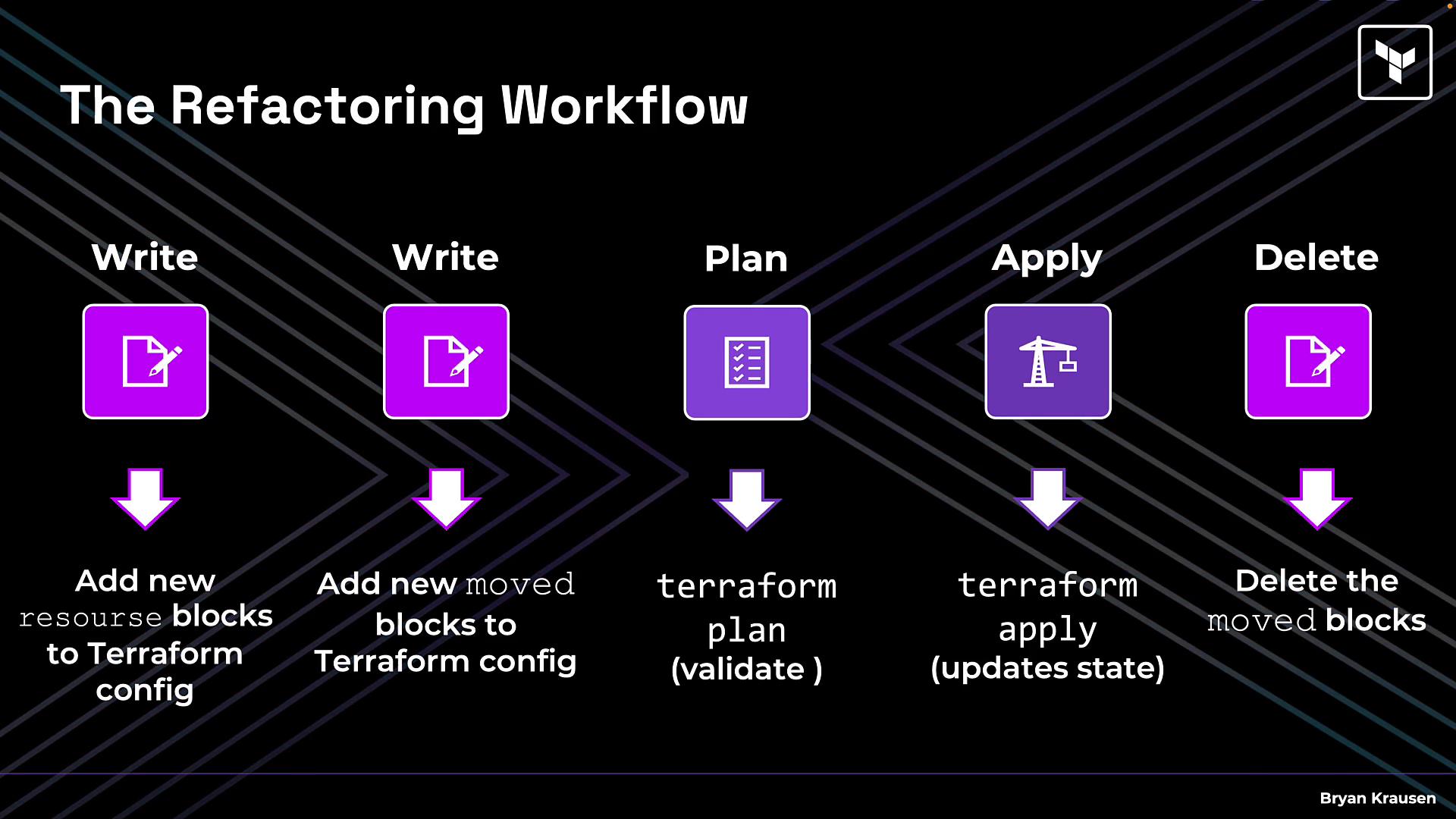
- Add the new resource blocks or create the destination module in your Terraform configuration so Terraform can see the destination addresses.
- Add
movedblocks mapping each old address to its new address in the same configuration. - Run
terraform planto validate the mapping. The plan should indicate zero creates/destroys for the moved resources and show state move messages. - Run
terraform applyto perform the state updates. This changes only the state entries — no provider-level changes occur. - After you confirm state has been updated, optionally remove the
movedblocks. Some teams keep them in amoved.tffile for record-keeping; they are not required permanently.
Before applying, always ensure the destination resource or module exists in configuration. If the
to address is missing, Terraform cannot map the state and may attempt destructive changes.moved blocks are temporary scaffolding for refactoring. After a successful terraform apply you can remove them (or keep them for documentation).- Validate with
terraform planfirst and inspect messages about state moves. - Keep a record (e.g.
moved.tf) of the refactor in VCS so other team members understand address changes. - Use explicit module addresses in
movedblocks to avoid ambiguity (e.g.module.my_module.aws_resource.name). - For large refactors, map multiple resources in one
movedblock per resource pair (each resource gets its ownmovedblock).
- Terraform Documentation: moved block
- Terraform: Managing Terraform State
- Kubernetes Documentation (general infrastructure docs)
moved blocks lets you refactor names and module structure safely: no downtime, no manual state editing, and no unexpected infrastructure replacements — just clean, declarative refactoring.