

terraform init could fetch a newer module release that contains breaking changes, which may cause your configuration to fail.
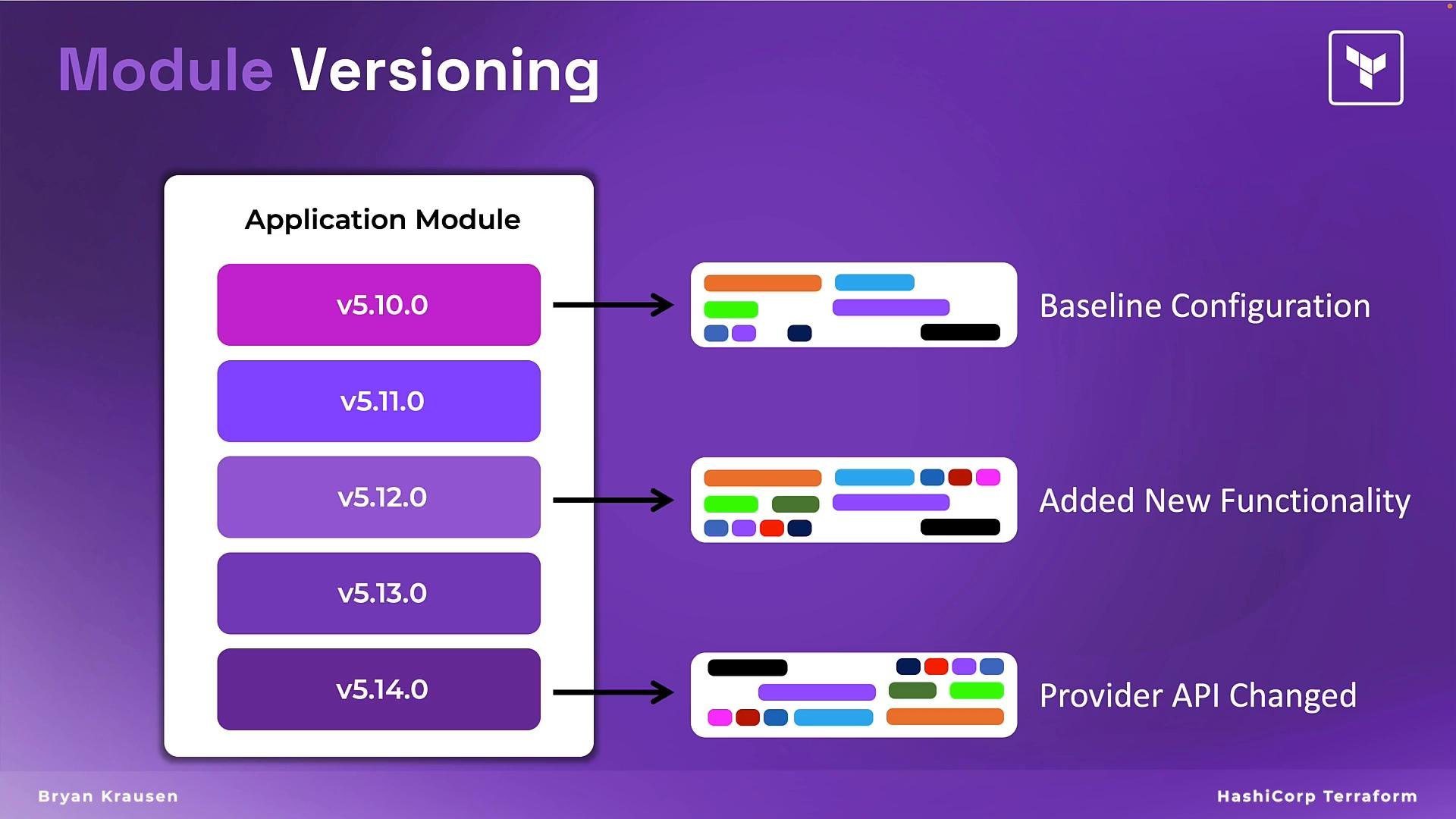
Pinning a module version
To ensure repeatable behavior, add theversion argument to the module block for Registry sources. For example, require exactly v5.12.0:
terraform init, Terraform will download the specified version (5.12.0) and continue to use it until you change the version constraint.
Semantic version constraints
Semantic versioning (semver) lets you control which updates are acceptable. Use the appropriate constraint depending on your risk tolerance and testing processes. The table below summarizes common constraints and their meanings:
Choose a constraint that balances stability and the ability to receive non-breaking updates.
Upgrading module versions
When you’ve tested a newer module version in development or staging and want to adopt it in your environment:- Download and upgrade modules to satisfy updated constraints:
terraform init -upgrade - Or run
terraform init, which will download module versions that conform to the existing constraint.
- Lock to a tested exact version for production, and update the
versionattribute only after validation. - Use
~>constraints in non-production environments to receive safe updates automatically, and lock exact versions in production.
Always pin module versions for production code. Test upgrades in non-production environments before applying them in production.
Key takeaways
- Modules are versioned independently of the root configuration—pin versions to ensure repeatable, stable deployments.
- Use semantic version constraints to control acceptable updates and reduce the risk of unexpected breaking changes.
- Test new module releases in non-production environments. When ready, update the
versionand runterraform init -upgradeto fetch newer releases.