This lesson expands on span creation and instrumentation by explaining how span processors and span exporters interact within the OpenTelemetry SDK. You’ll see how processors hook into span lifecycle events, how exporters deliver span data, and which combinations make sense for development versus production. Quick example: print spans to the console
When you run the script, the application output might show the usual program prints:
And the ConsoleSpanExporter will emit JSON representations of spans, for example:
How processors and exporters fit together A span processor lives between the TracerProvider and an exporter. It receives lifecycle callbacks (typically onStart and onEnd) so it can observe spans when they start and finish. Processors generally only act on spans that are recording — i.e., span.is_recording() — to avoid unnecessary work on non-recording spans.
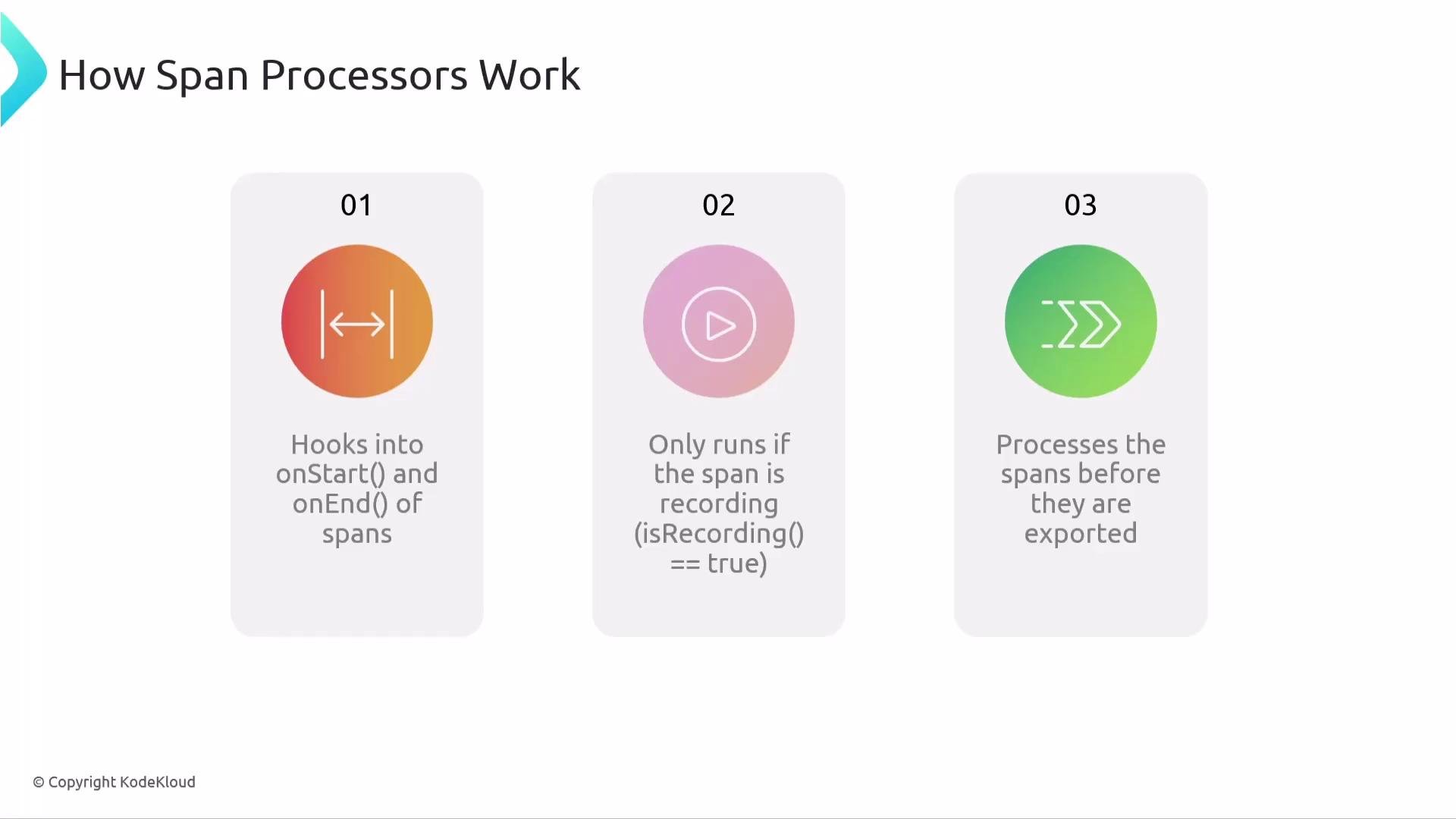
The image illustrates a three-step process of how span processors work, involving hooking into span start and end, running if the span is recording, and processing spans before export.
Processor types: immediate vs. batched OpenTelemetry SDKs provide two common processor implementations:
  • SimpleSpanProcessor
    • Forwards each finished span immediately to the configured exporter.
    • Great for local development and debugging because spans appear right away.
    • Not ideal for high-volume production workloads: every finished span triggers an export call.
  • BatchSpanProcessor
    • Buffers spans in memory and exports them as batches (on a timer or when buffer thresholds are met).
    • Much more efficient for production and recommended as the default.
Think of SimpleSpanProcessor as a firehose (direct and immediate) and BatchSpanProcessor as a postal service (batching and scheduled delivery).
BatchSpanProcessor is generally recommended for production because it minimizes export overhead. Use SimpleSpanProcessor for learning, debugging, or when you need immediate visibility of spans.
Exporters: destinations and responsibilities A span exporter takes span data and delivers it to an external destination (console, OTLP endpoint, or a vendor backend). The exporter is responsible for converting span objects into the expected wire/transport format and transmitting them. Common exporters and when to use them:
ExporterPurpose / Use caseNotes / Examples
ConsoleSpanExporterPrint spans to stdout for debuggingQuick feedback during development
OTLP exportersSend spans using the OTLP protocolUse with OpenTelemetry Collector or OTLP-compatible backends (OTLP protocol)
JaegerExporterSend spans to JaegerUse when your observability backend is Jaeger (Jaeger)
ZipkinExporterSend spans to ZipkinUse when your backend is Zipkin (Zipkin)
Exporter lifecycle and important methods Exporters expose a small set of behaviors application authors should understand:
  1. export(spans): Send a batch of spans to the configured destination (BatchSpanProcessor calls this automatically).
  2. shutdown(): Stop exporting and release resources. Call during application termination to avoid losing telemetry.
  3. force_flush() / forceFlush(): Attempt to immediately export any buffered spans, bypassing normal batching.
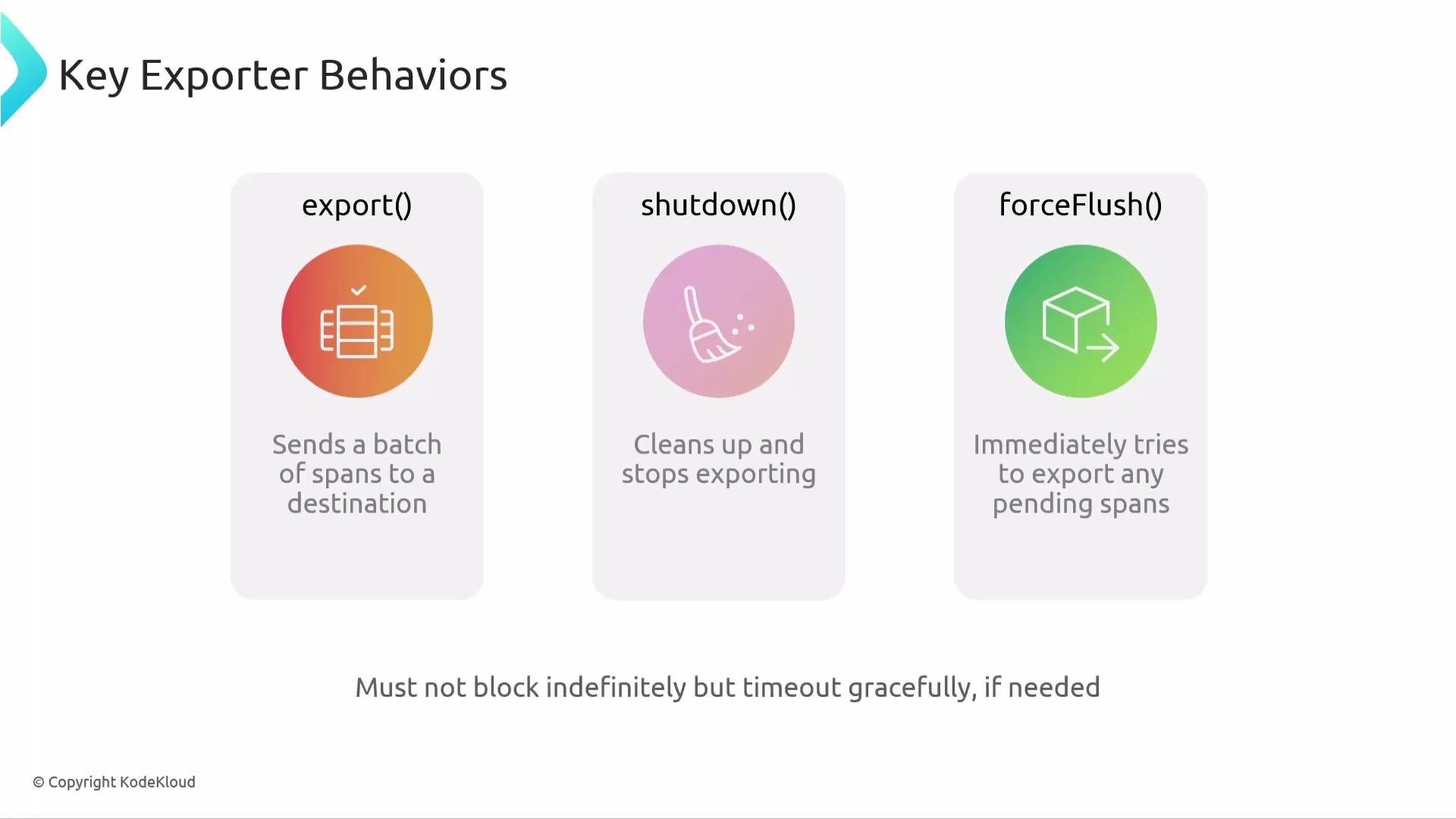
The image describes three key exporter behaviors: "export()" to send a batch of spans, "shutdown()" to clean up and stop exporting, and "forceFlush()" to try exporting pending spans immediately.
Putting the pieces together
  • Tracer: creates spans as your application instrumentations run.
  • Processor: observes span lifecycle events (onStart/onEnd). SimpleSpanProcessor exports immediately; BatchSpanProcessor buffers and exports in batches (recommended for production).
  • Exporter: formats and transmits spans to a destination (console, OTLP, Jaeger, Zipkin, etc.). Use force_flush() and shutdown() to ensure reliable delivery at shutdown.
The image is a recap of span processors and exporters, explaining their roles and recommending the use of BatchSpanProcessor in production.
Best practices and production guidance
  • Use BatchSpanProcessor for production to reduce network and CPU overhead.
  • Configure exporter timeouts and retry policies (when supported) to handle transient failures.
  • Always call shutdown() (or ensure the SDK does so) during graceful shutdown to minimize data loss.
  • If you need telemetry routing, enrichment, or buffering across services, send spans to an OpenTelemetry Collector using OTLP and let the Collector forward to your backends.
Be sure to call exporter shutdown() or use force_flush() on application shutdown. Failing to flush buffered spans can result in lost telemetry.
Collector and typical deployment patterns Many deployments route telemetry from applications to an OpenTelemetry Collector using OTLP. The Collector centralizes processing, sampling, batching, and routing to one or more backends — improving flexibility and operational control. Links and references That concludes this lesson on span processors and exporters.

Watch Video