Span names
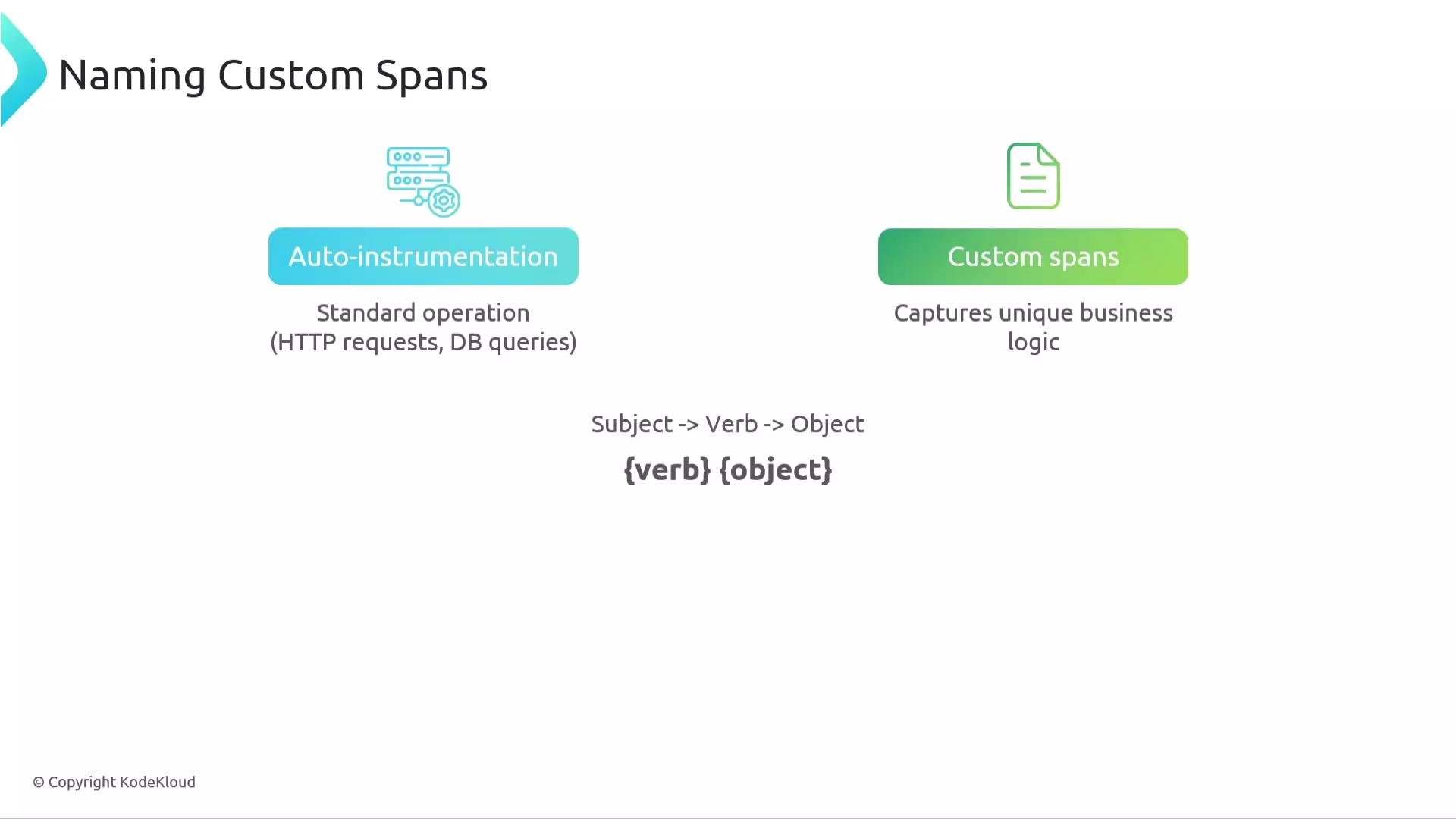
Span names are the human-readable labels you give to each span. They communicate, at a glance, what an operation represents (for example,GET /home, processPayment, or validateUserInput). Clear, consistent names make traces easier to read than raw IDs or hex strings and help you spot patterns and failures quickly.
Best practices
- Be consistent: adopt a small set of naming patterns across services (verb-object is a simple and effective convention, e.g.,
process payment,send invoice,render ad). - Be generic: keep the span name focused on the operation, not request-specific details (put those in attributes).
- Use automatic instrumentation for common operations (HTTP, DB). Reserve custom spans for unique business logic or important internal steps.
call httpbin(external endpoint used in demos)processPaymentvalidateUserInputgetProductspostOrdersgetProductconvertCurrencygetCartlistRecommendationslistAdsByCategorygetLoyaltyStatus
Keep span names generic and stable. Put request-specific details (URLs, IDs, amounts) into span attributes rather than the span name.
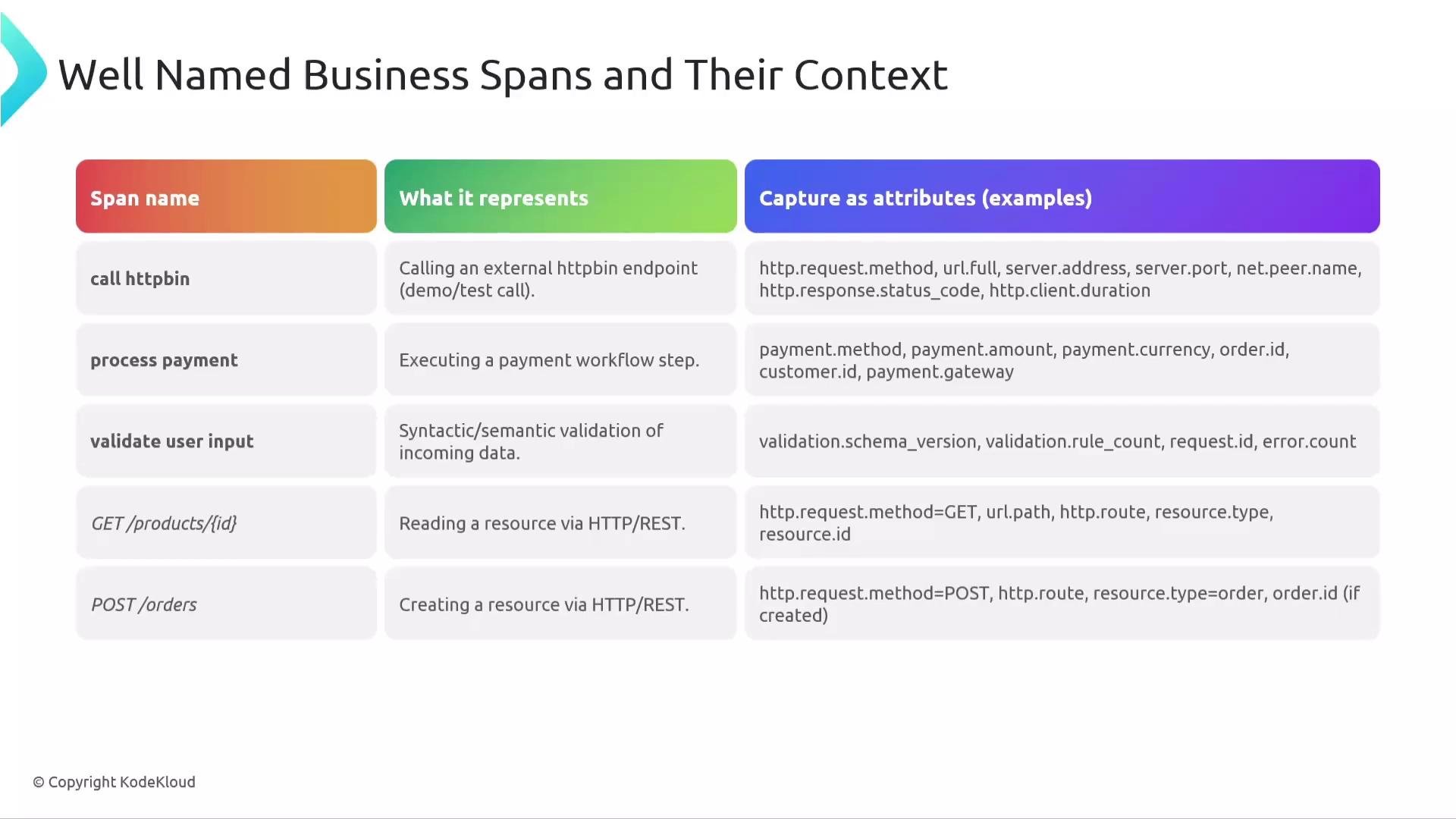
Well-named business spans and attributes
Use a concise, generic span name for the operation and record request-specific data as attributes (key-value pairs) attached to the span. Backends may index frequently queried attributes, so choose and document the attributes you rely on. Example patterns:-
Name:
processPayment
Attributes:payment.method,payment.amount,payment.currency -
Name:
validateUserInput
Attributes:user.id,input.type,validation.result -
Name:
getProductsorpostOrders
Attributes:http.method,http.url,http.route,db.statement(as applicable)
Span context (the metadata that moves)
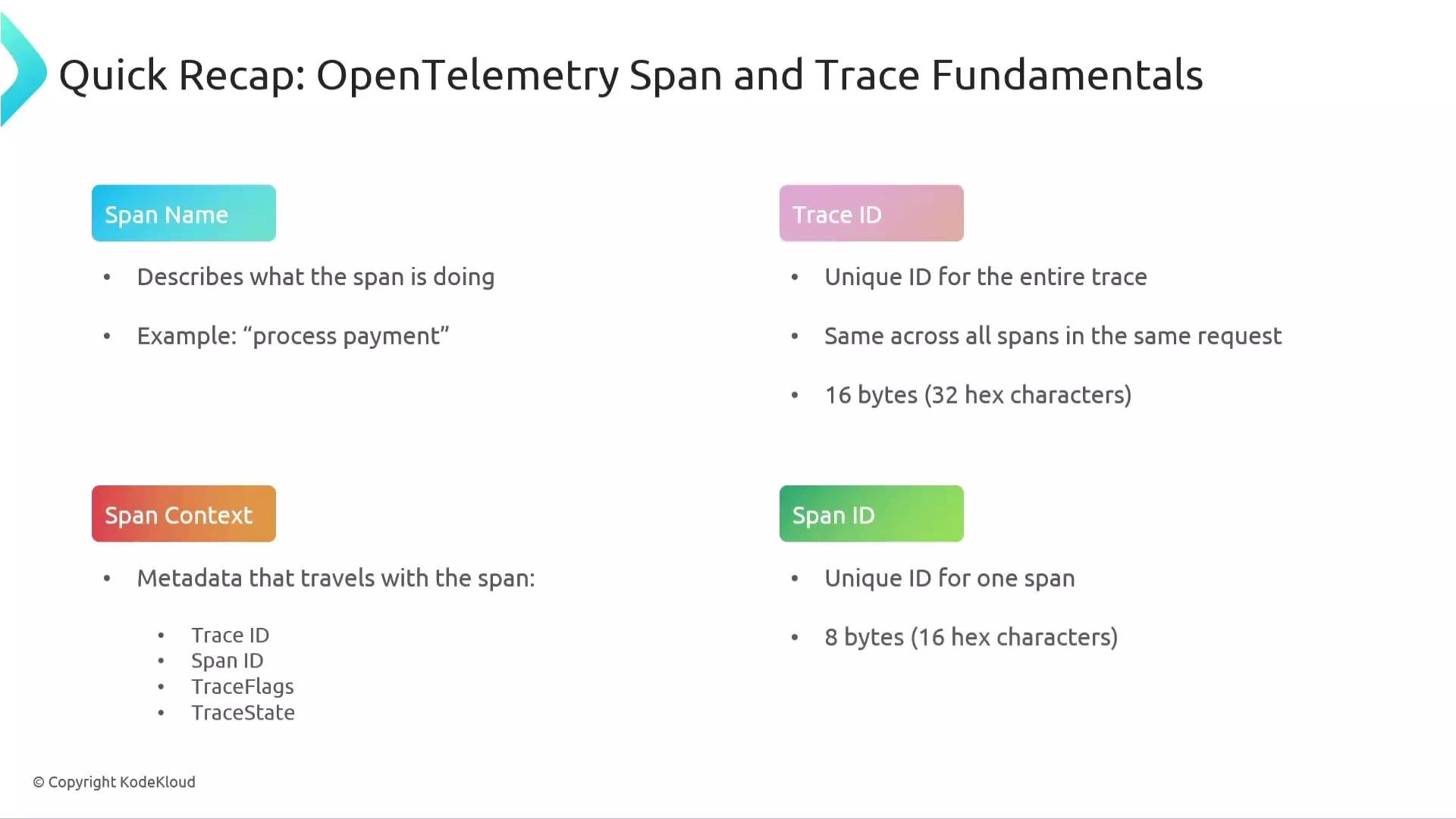
Span context is the immutable bundle of metadata attached to every span. It is the serialized object that is propagated between services and is essential for linking spans into a single distributed trace. Key fields
A representative (illustrative) span context (JSON-style for clarity):
traceparent and tracestate headers). The JSON above is illustrative — the essential idea is that the trace id, span id, flags, and optional trace_state are what get propagated between processes.
Exam tip: When asked “which part moves across process boundaries?”, the answer is the span context (trace_id, span_id, trace_flags, and trace_state), typically carried in headers during propagation.
Trace ID
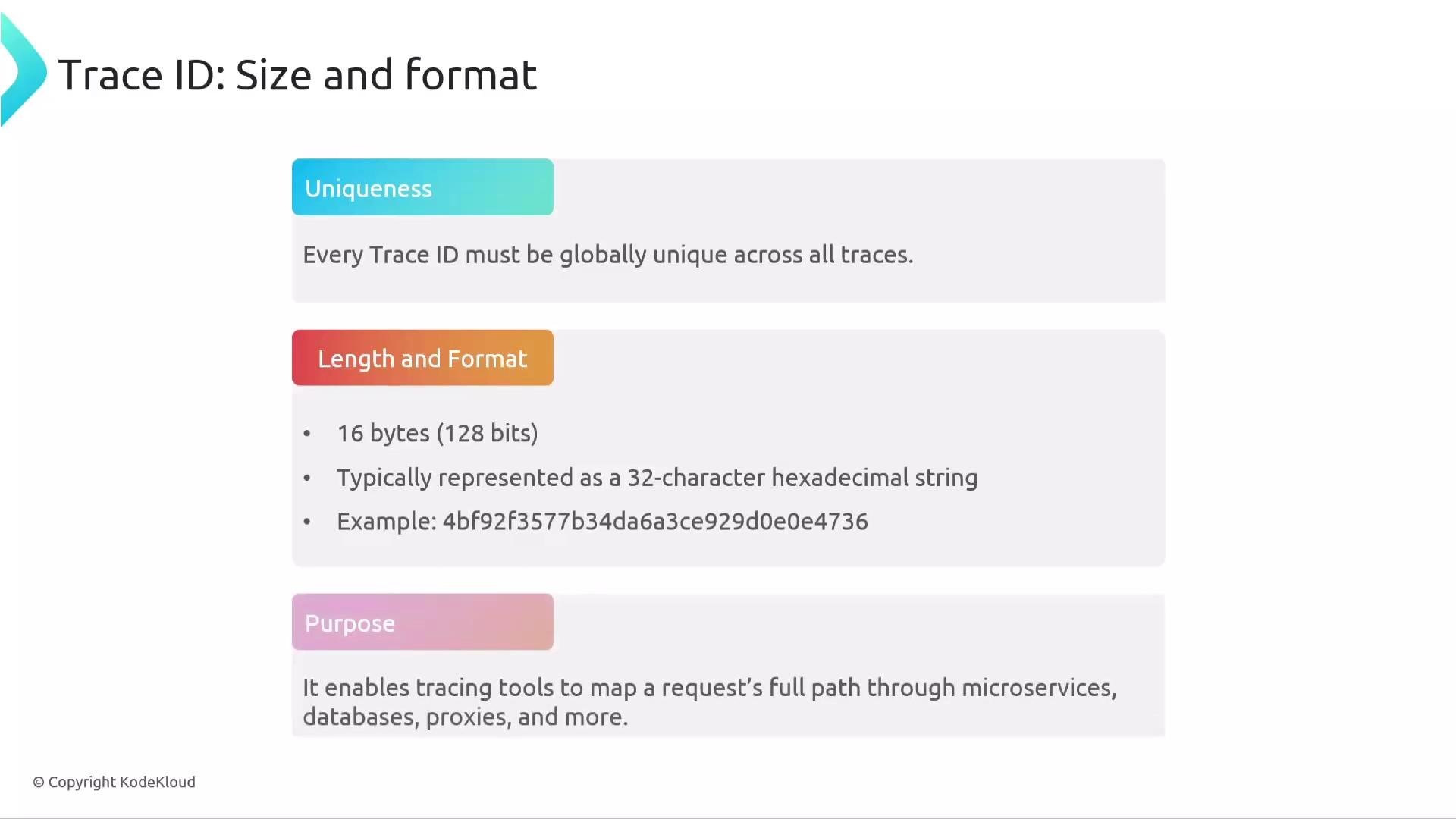
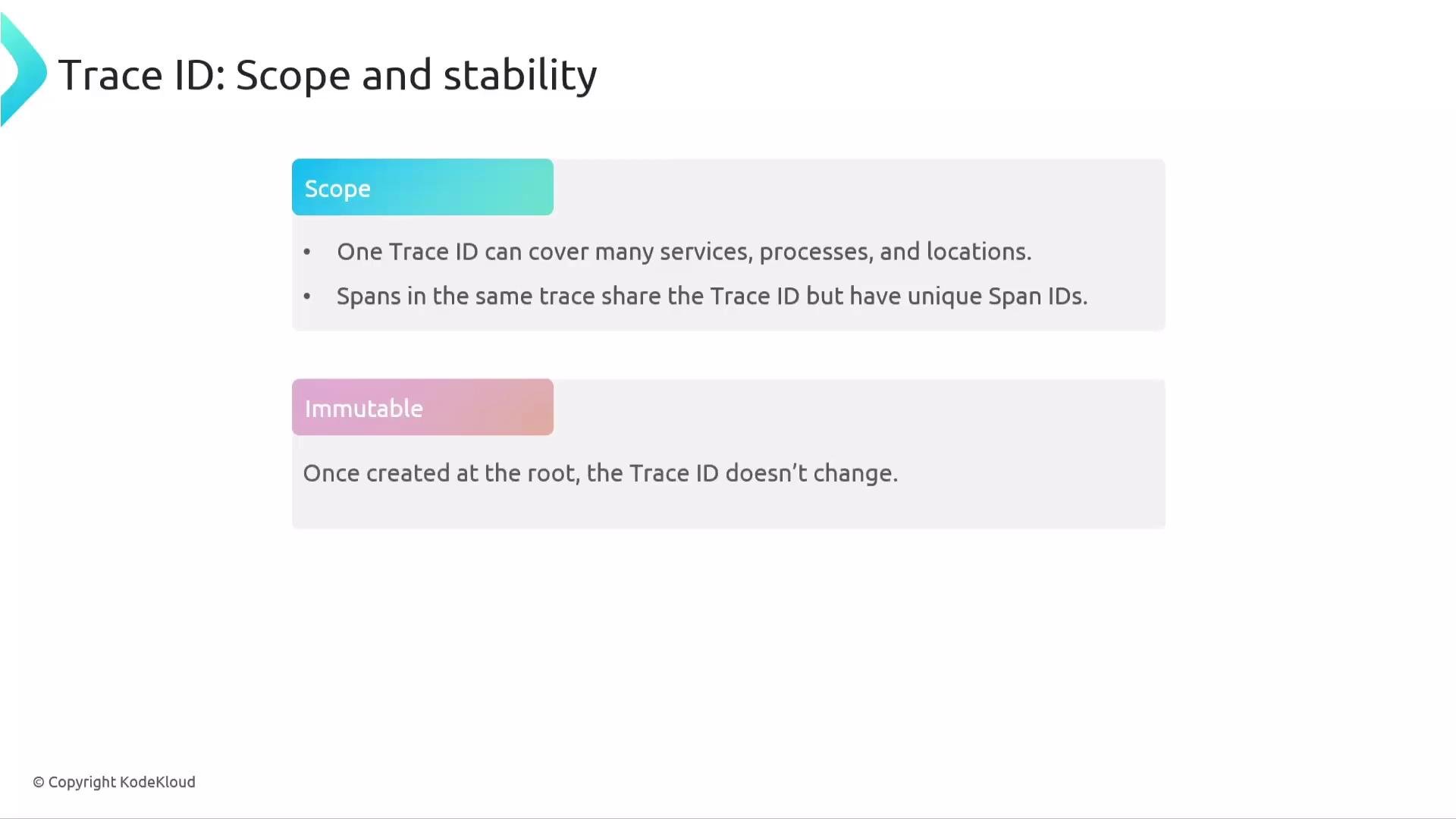
Trace ID links all spans in a single trace and remains the same for the life of that trace.- Size & format: 16 bytes (128 bits), typically represented as a 32-character hexadecimal string (for example,
089f12de04e7927b486956fda8c89d95). - Purpose: allows trace tools to map a request path across services, databases, proxies, and more.
- Immutability: the trace ID does not change during the trace — if it changes, you are observing a different trace.
Span ID
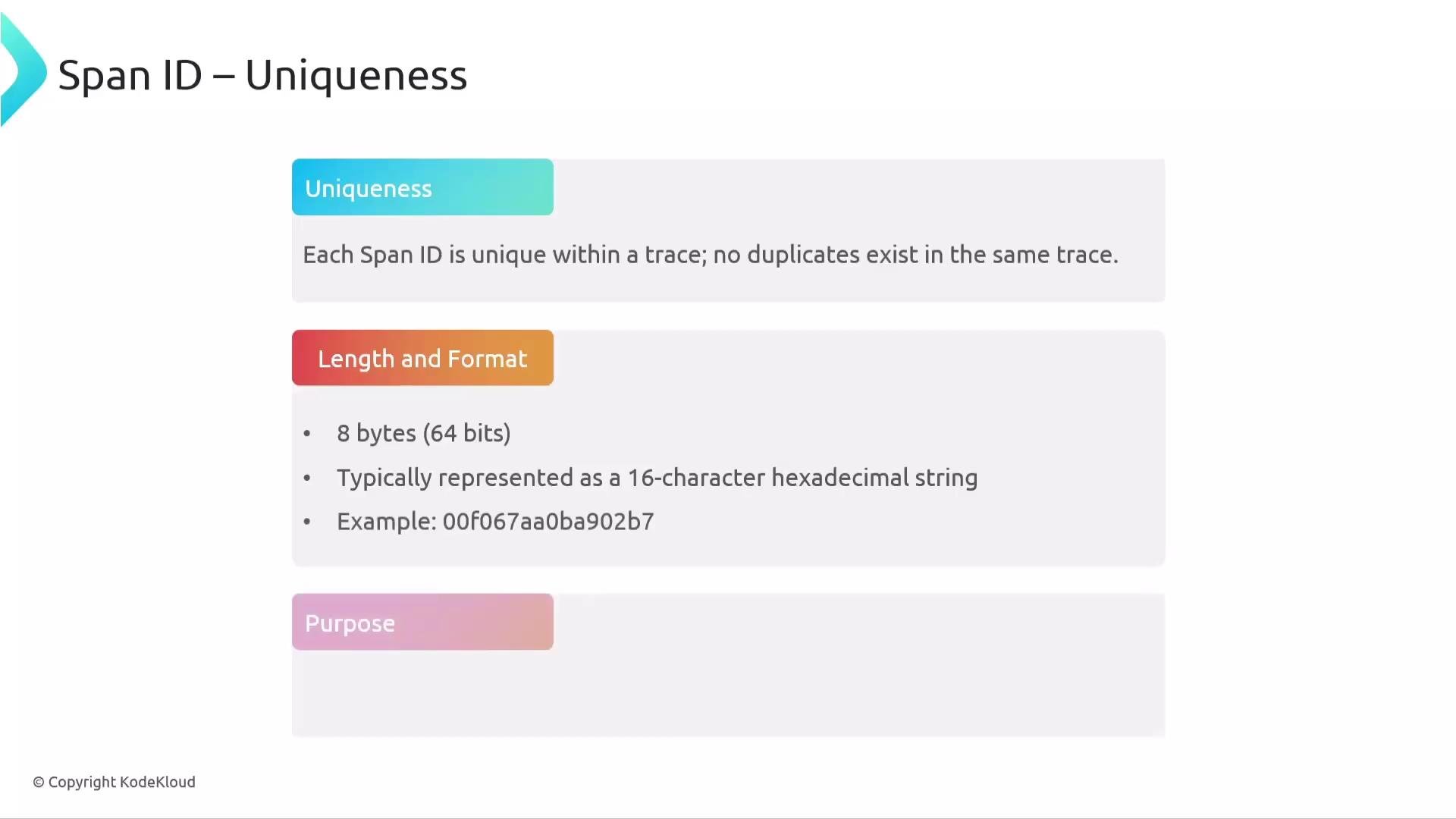
Span ID uniquely identifies a single span (one operation) within a trace.- Size & format: 8 bytes (64 bits), typically represented as a 16-character hexadecimal string (for example,
8c18abb071c362d0). - Scope: unique within its trace (two spans in different traces can have the same span ID).
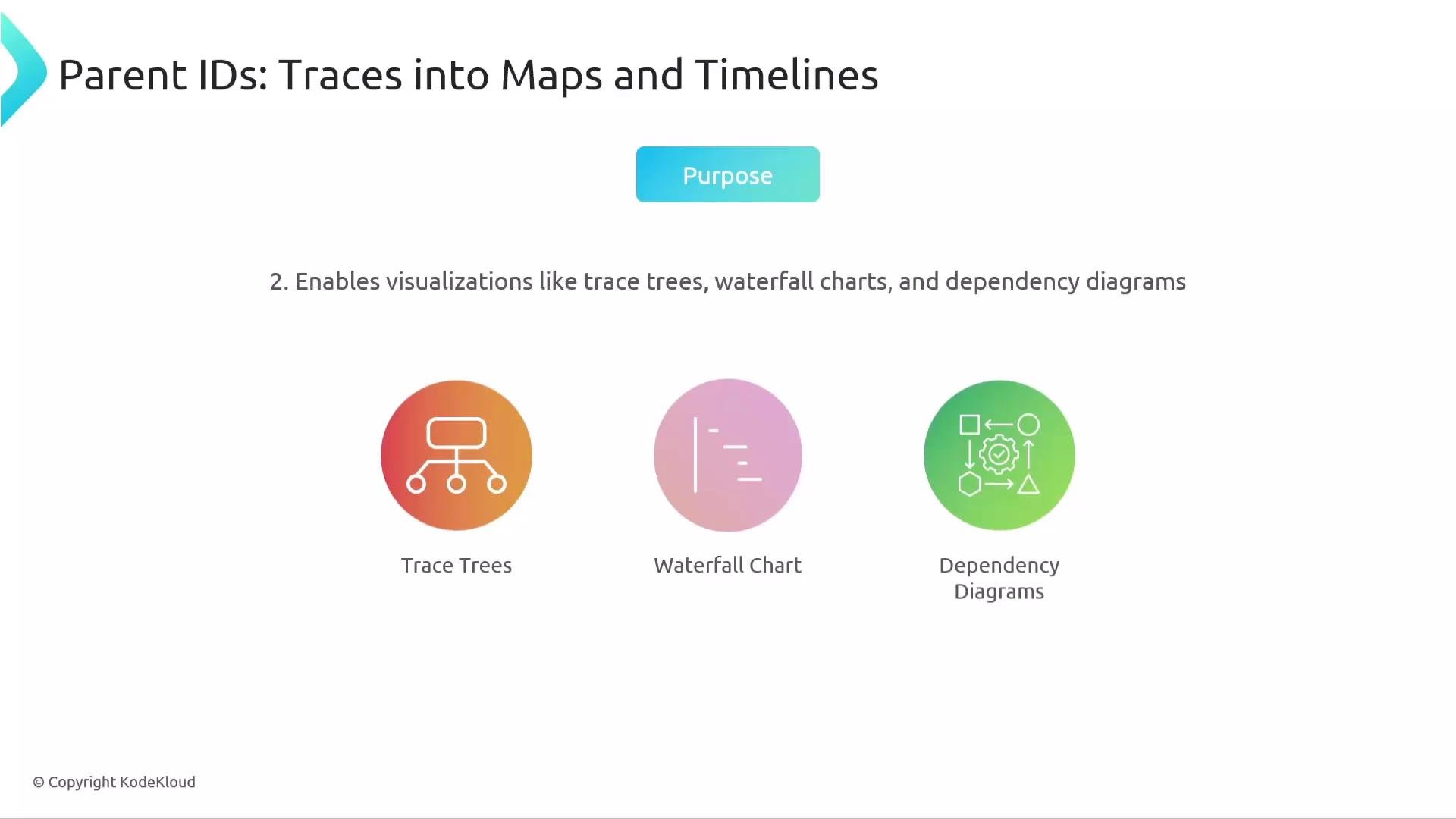
- Purpose: enables reconstruction of parent-child relationships, timing charts, and waterfall views.
- Parent relationships: a child span carries the span ID of its parent in its context; the root span has no parent span ID.
Trace flags
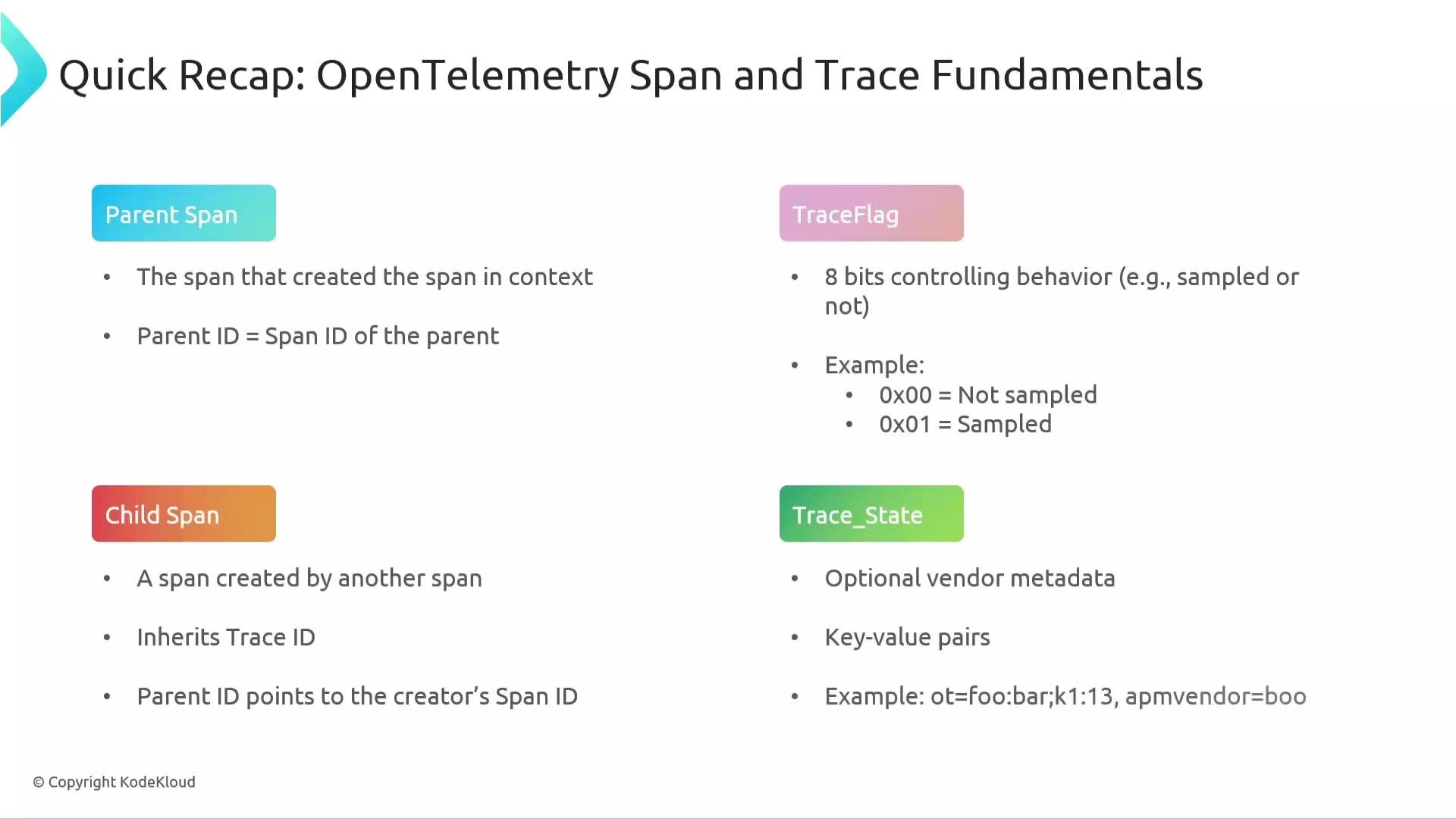
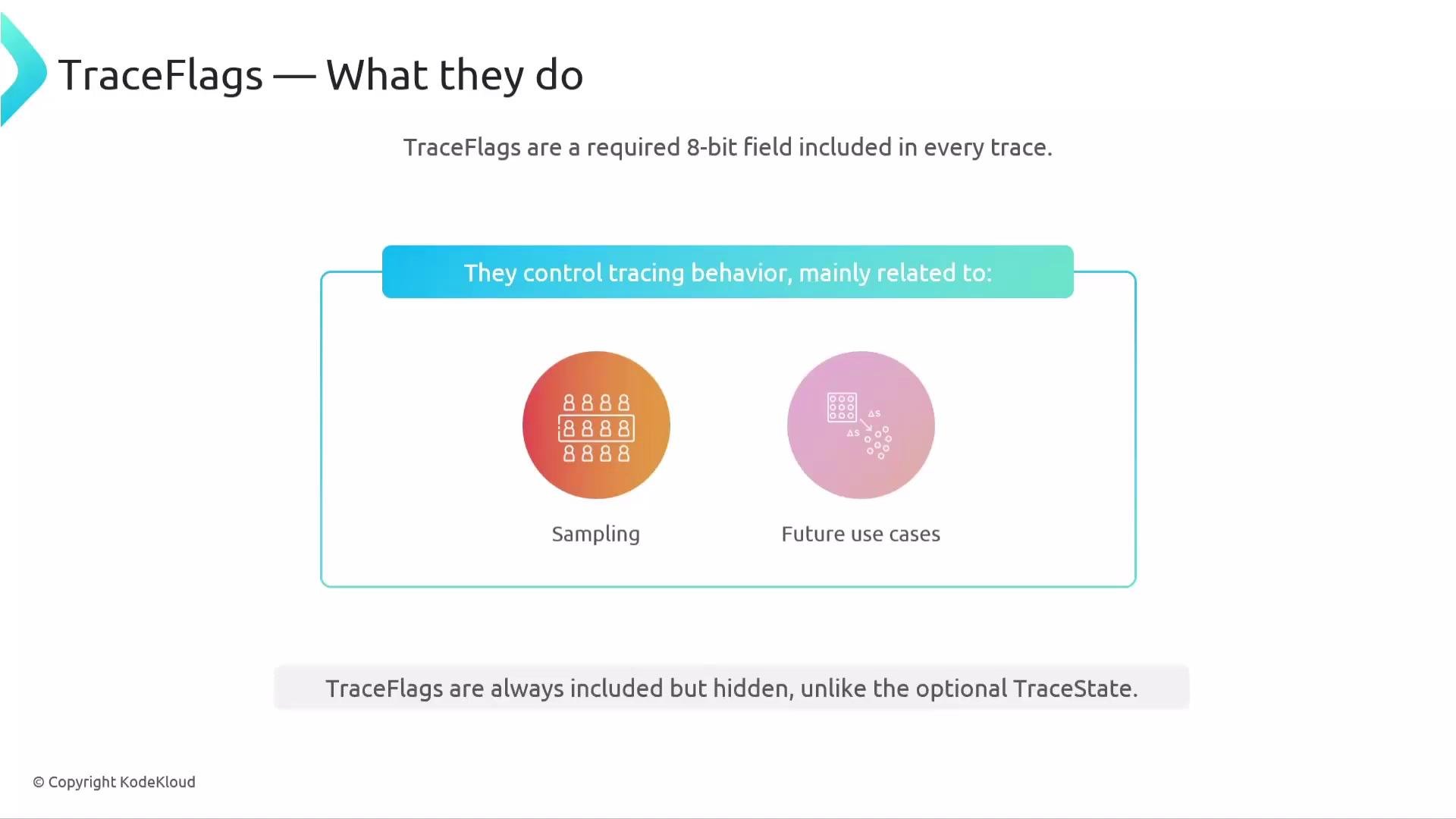
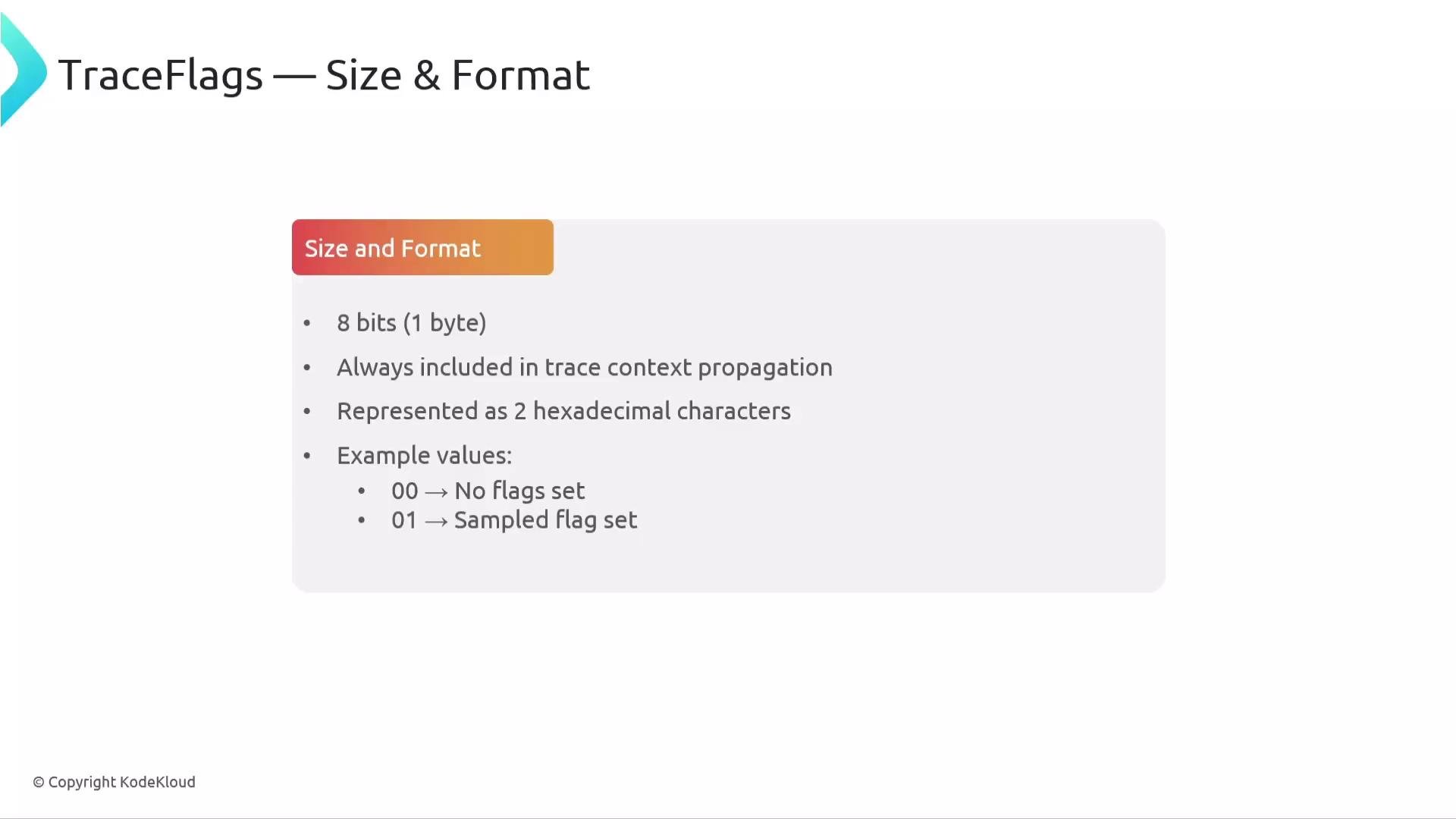
Trace flags are an 8-bit field included in every trace context; they are primarily used for sampling decisions.- Size & format: 8 bits (1 byte), commonly shown as two hex characters (e.g.,
00,01). - Example values:
00(no flags set),01(sampled). - Common usage: when the sampled flag (
0x01) is set, the trace is a candidate for export, subject to SDK/exporter configuration.
TraceState
TraceState carries optional, vendor-specific metadata as a list of key-value entries. It allows multiple tracing systems to cooperate without overwriting each other’s metadata.- Format: comma- or semicolon-separated list of
key=valueentries, e.g.,vendor1=val1,vendor2=val2. - Size rules: keys must be unique; the overall
tracestatelength is limited (for example, 512 characters per the W3C Trace Context spec). - OpenTelemetry note:
ot=entries are reserved for OpenTelemetry; instrumentation libraries should not alterot=entries and should use their own keys.
tracestate entries:
Do not modify reserved
ot= entries in trace_state. Use vendor- or system-specific keys for your additional metadata to avoid clobbering other systems’ data.Parent ID, root, and children
- Root span: the first span in a trace; it has no parent span ID (parent is unset or null).
- Child span: a span created by another span; it stores the parent span ID in its context to form the parent-child link.
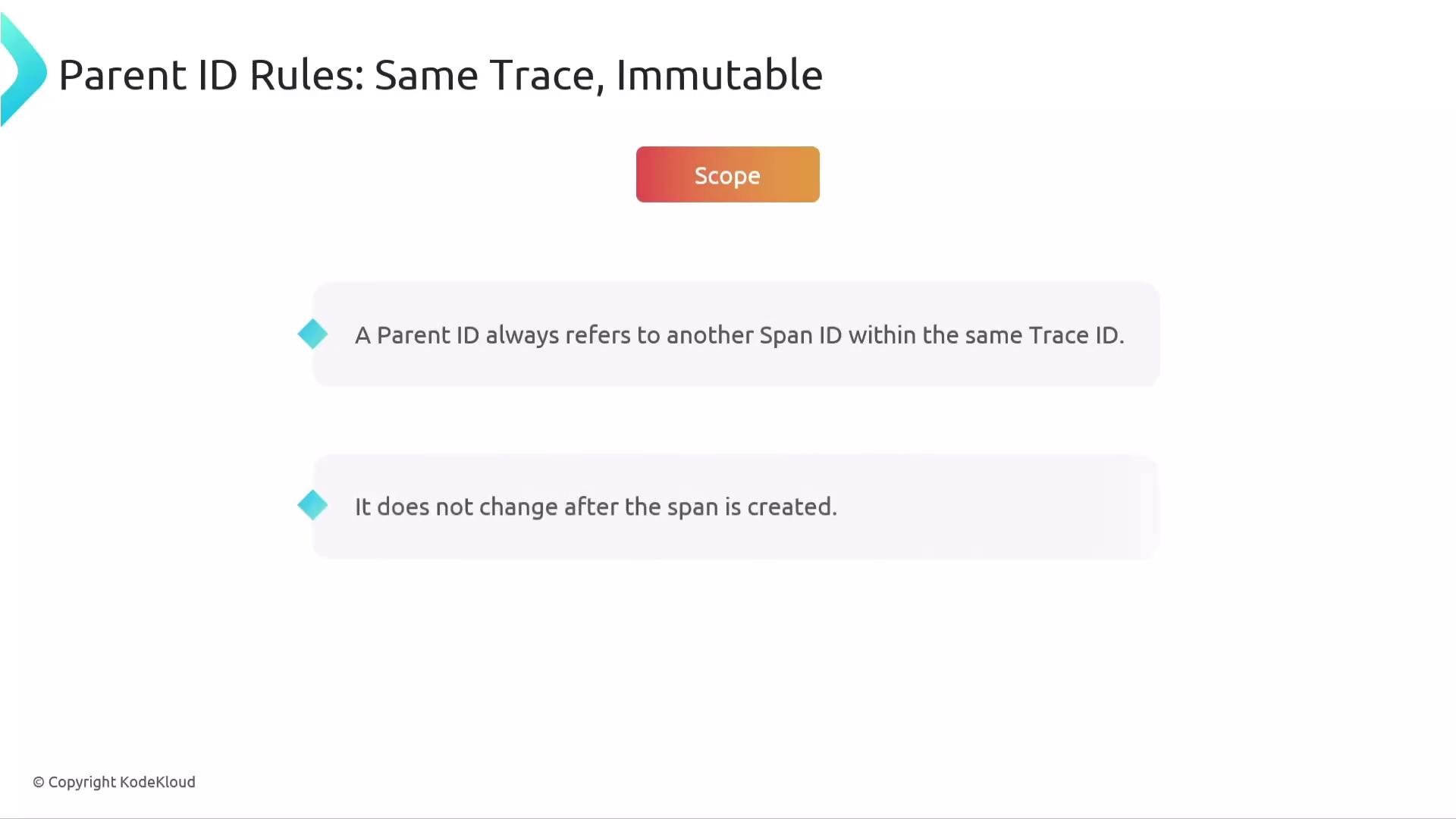
- Parent ID rules:
- Parent ID always refers to another span within the same trace.
- Parent ID is immutable for that span (does not change after creation).
Recap
- Span name: concise description of the operation (e.g.,
processPayment). Keep it generic and put request-specific details into attributes. - Span context: the metadata bundle that travels with the span (
trace_id,span_id,trace_flags,trace_state). This is what propagation carries across process boundaries. - Trace ID: 16 bytes (128 bits), represented as a 32-hex-character string; same across all spans in a trace.
- Span ID: 8 bytes (64 bits), represented as a 16-hex-character string; unique per span within a trace.
- Parent span ID: the span ID of the parent that created this span; used to reconstruct the trace tree.
- Trace flags: an 8-bit field used primarily for sampling;
0x00= not sampled,0x01= sampled. - TraceState: optional vendor metadata as key-value pairs; used to pass additional context in multi-vendor environments.