

- Send traces to a Collector with no sampling.
- Apply probabilistic sampling for simple percentage-based reduction.
- Use tail sampling to make decisions after a trace has completed.
- Combine policies (composite tail sampling) to always keep errors while sampling non-error traces.
- The Collector accepts OTLP over gRPC and HTTP.
- Exporters are configured for Jaeger (OTLP) and a detailed debug exporter.
- For clarity this example shows traces only; metrics and logs use the same concepts and similar configuration.
- Generate 50 traces using telemetrygen and send them to the Collector via OTLP HTTP (insecure).
- Adjust
GOBINif needed.
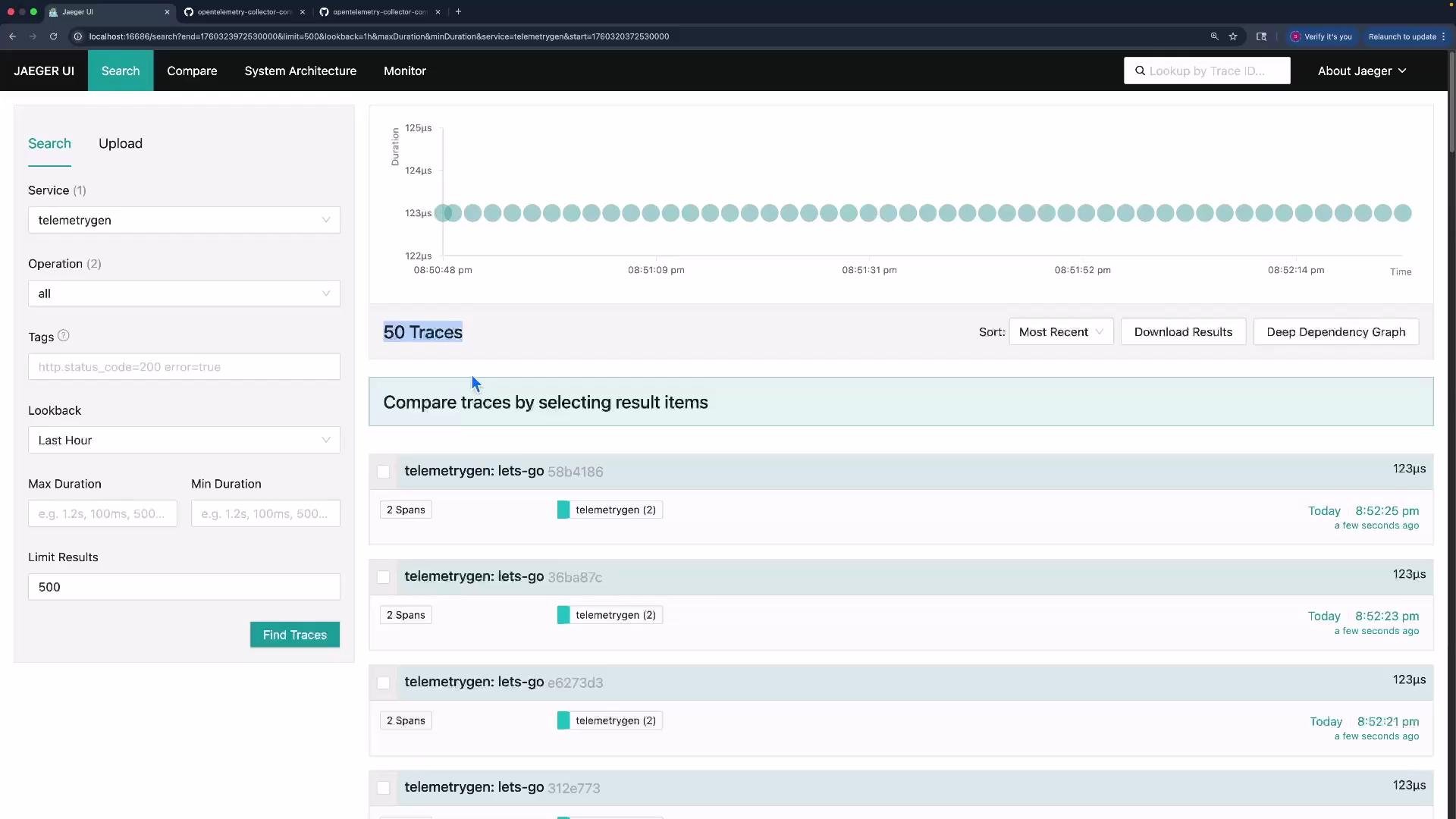
- Use the probabilistic sampler processor when you only need a fixed-percentage reduction of trace volume (for example, keep 10% of traces).
- This sampler is fast and low-overhead but cannot inspect full trace content to preferentially keep errors or high-latency traces.
https://github.com/open-telemetry/opentelemetry-collector-contrib/tree/main/processor/probabilisticsamplerprocessor
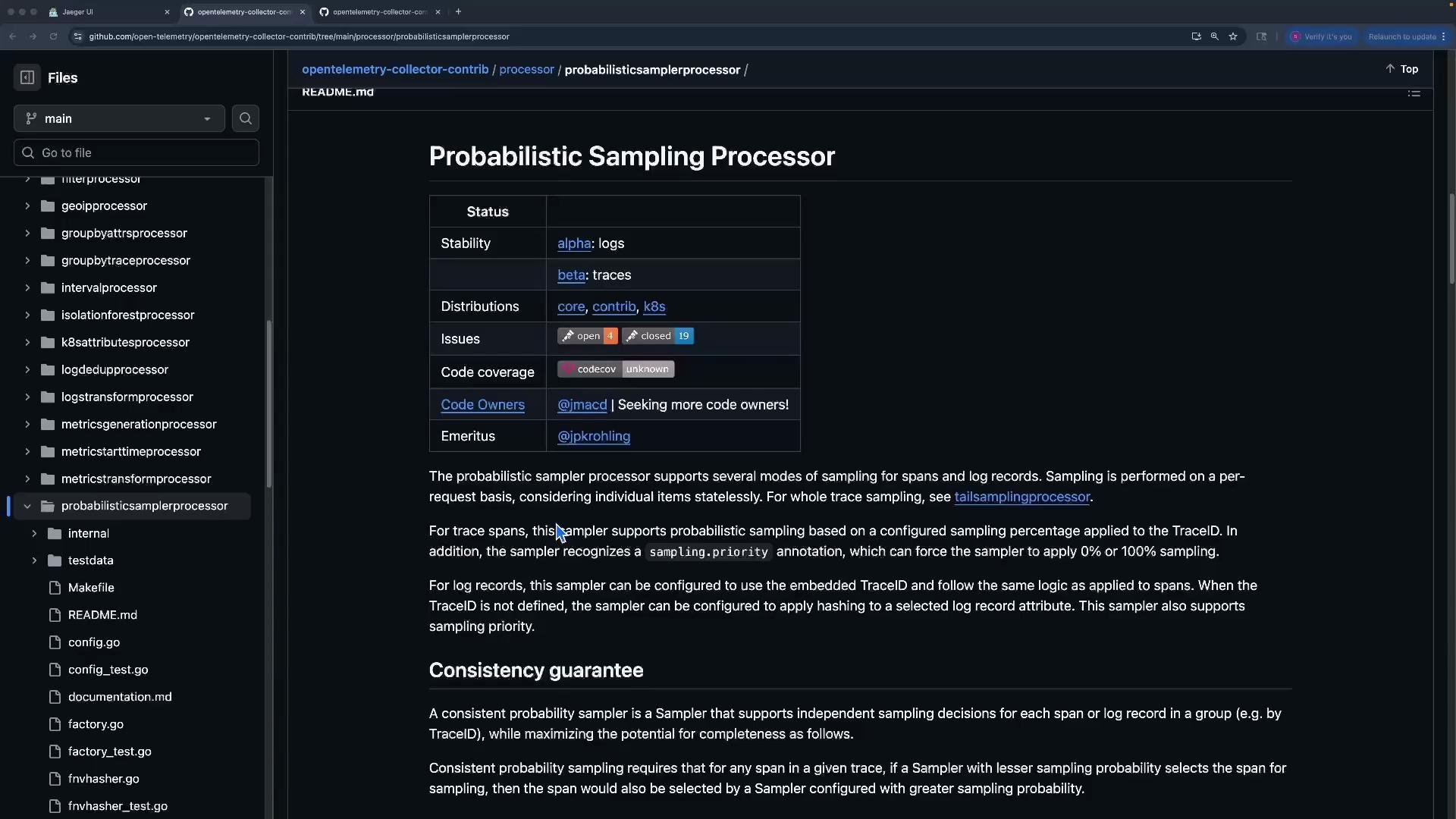
- Samples purely by probability; cannot preferentially keep error traces or traces with special attributes.
- Not suitable when you need content-aware decisions that require seeing the entire trace.
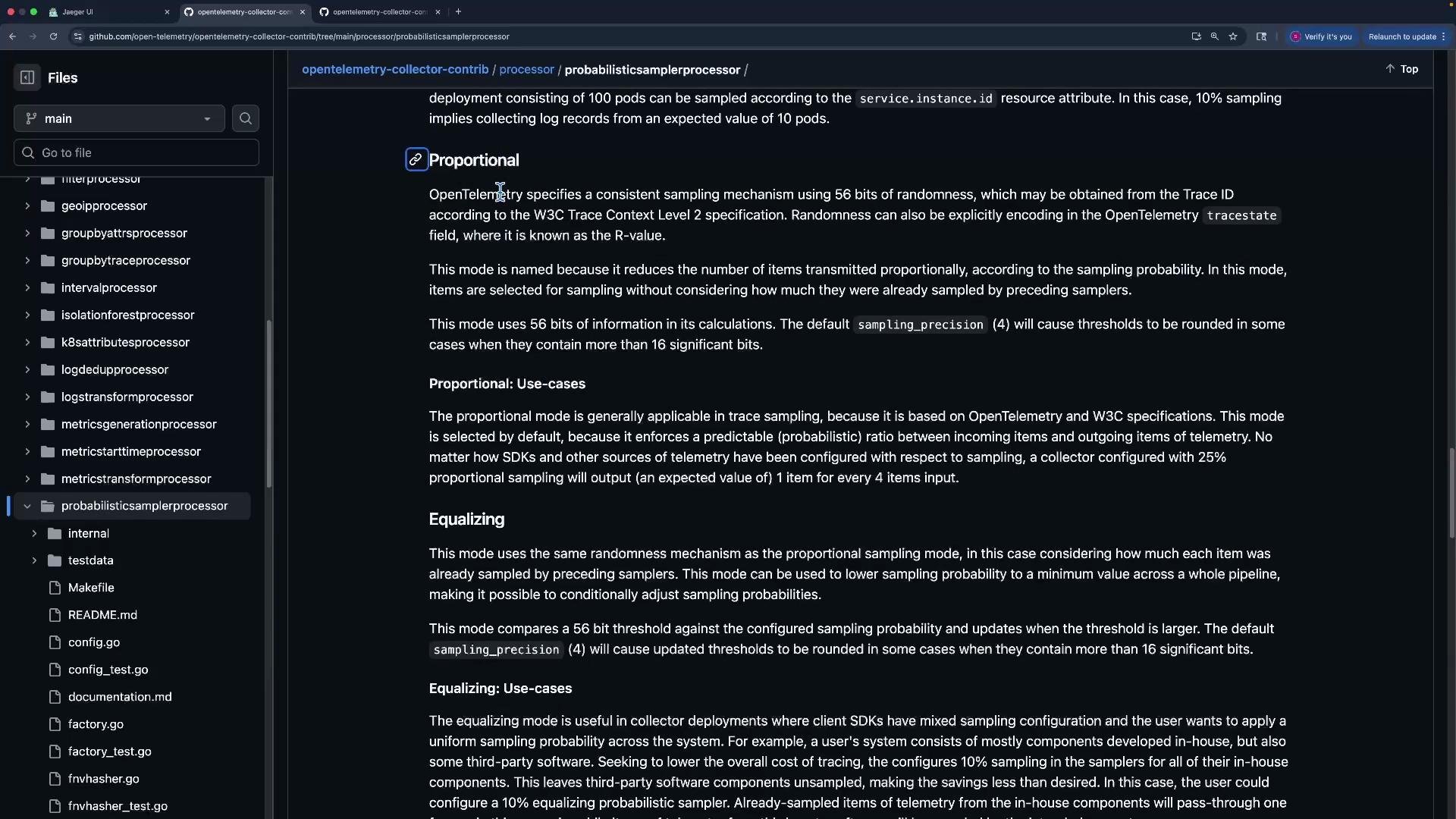
- Tail sampling waits until a trace is complete (or until a configured decision timeout) so the processor can evaluate the whole trace when deciding to keep or drop it.
- Useful when you must always keep errors, high-latency traces, or apply complex composite rules.
https://github.com/open-telemetry/opentelemetry-collector-contrib/tree/main/processor/tailsamplingprocessor Key configuration options
- decision_wait: How long to wait for late spans before making a decision (e.g.,
10s). Longer waits can improve accuracy but increase memory usage. - num_traces: Max number of traces to keep in memory (eviction safety limit).
- expected_new_traces_per_sec: Hint for internal optimizations.
- decision_cache: Cache sizes for sampled and non-sampled decisions to avoid recalculating decisions.
Tail sampling lets you make accurate, content-aware decisions (for example, always keep errors). Tune
decision_wait, num_traces, and cache sizes based on your traffic profile to balance accuracy and memory usage.- No error status in traces
- Generate 50 traces without ERROR status. With the
all-errorspolicy above, the tail sampler will drop them (they don’t match the ERROR policy).
- All traces set to ERROR
- Generate 50 traces with ERROR status. Tail sampling will keep them.
- Real-world pattern:
- Always keep traces with ERROR status.
- For OK or UNSET traces, keep around 10% to reduce volume.
all-errorspreserves any trace with status ERROR.sample-successis an AND composite policy: it only samples when both a non-error status is detected and the probabilistic sub-policy passes.
- Restart the Collector after applying the composite policy.
- Generate 50 ERROR traces -> all should be kept in Jaeger.
- Generate 100 OK/UNSET traces -> about 10% (~10) should be kept and forwarded.
Tail sampling holds traces in memory until a decision is made. Misconfigured
decision_wait, num_traces, or cache sizes can cause high memory usage or eviction of traces. Monitor memory and tune policies for production workloads.
Links and references
- Probabilistic Sampling Processor (GitHub): https://github.com/open-telemetry/opentelemetry-collector-contrib/tree/main/processor/probabilisticsamplerprocessor
- Tail Sampling Processor (GitHub): https://github.com/open-telemetry/opentelemetry-collector-contrib/tree/main/processor/tailsamplingprocessor
- telemetrygen (example generator): https://github.com/open-telemetry/opentelemetry-collector-contrib/tree/main/cmd/telemetrygen
- OpenTelemetry Collector docs: https://opentelemetry.io/docs/collector/
- Use probabilistic sampling for low-cost, uniform reductions.
- Use tail sampling when you need content-aware decisions (always keep errors, high-latency traces, or apply composite policies).
- Carefully tune
decision_wait,num_traces, and decision caches for tail sampling to avoid excessive memory usage and evictions.