In this lesson we’ll compare sampling points and strategies across the OpenTelemetry stack: starting inside the application (SDK) and moving outward to the Collector. Each diagram is preserved in order and annotated so the flow and decision points are clear. The OpenTelemetry SDK runs inside your application and is the first—most immediate—place to make sampling decisions for spans and traces.
The image is a diagram illustrating tracing in an application using an OTel SDK, noting "Tracing Begins: SDK Samplers at the Source."
Why sample at the SDK?
  • Lowers network and backend load by discarding unneeded spans early.
  • Enables consistent per-process sampling configured without code changes.
  • Limited by the local view: SDK sampling decisions occur at span creation time and cannot use eventual trace outcomes.
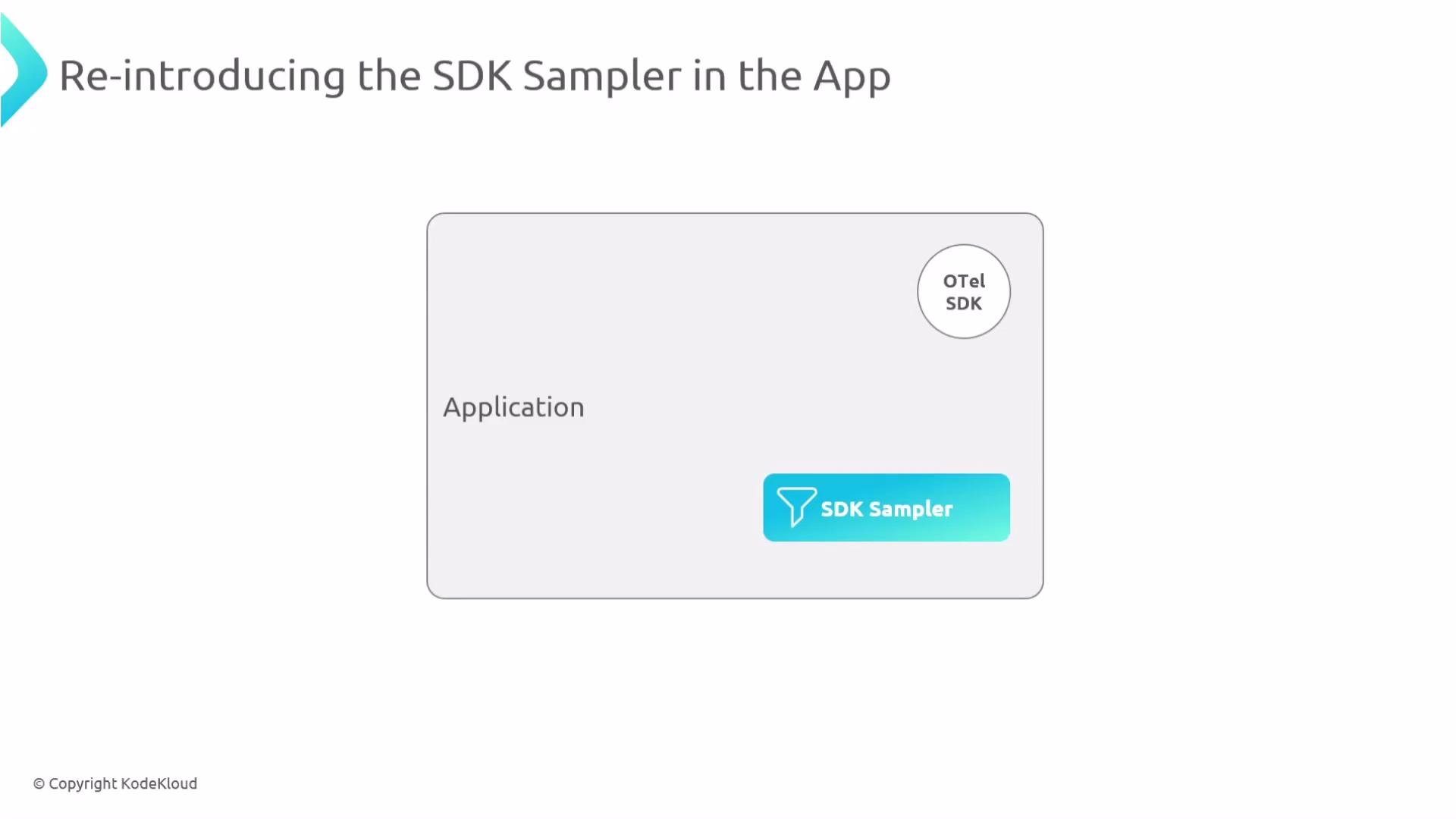
Below is a more focused view showing the SDK and the SDK Sampler component inside an application process.
The image is a diagram illustrating the reintroduction of the SDK Sampler in an app, featuring an "Application" box with "OTel SDK" and "SDK Sampler" highlighted.
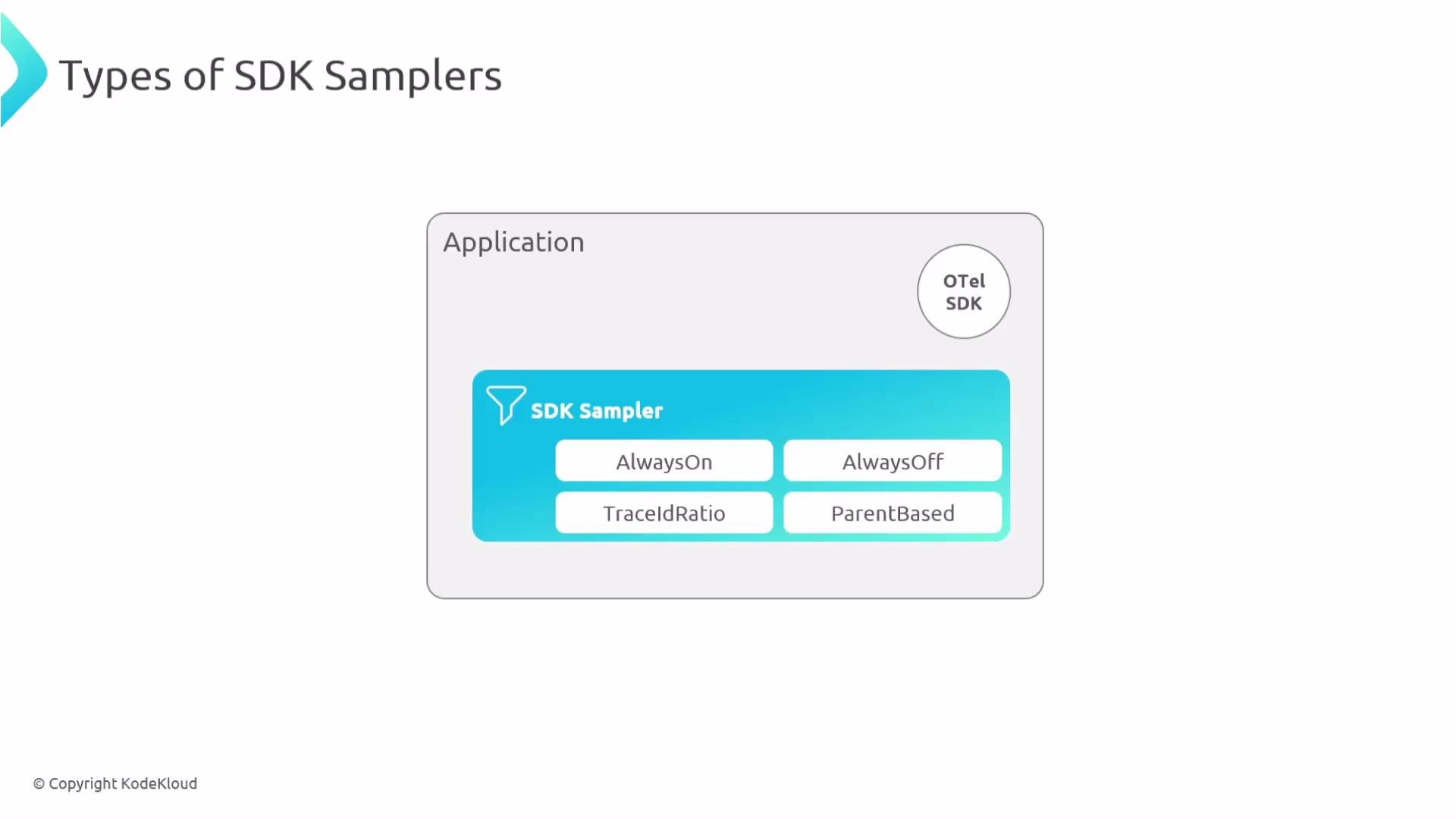
Common SDK sampler types and when to use them:
SamplerWhat it doesUse case
AlwaysOnRecords all tracesDebugging, development, short-lived tests
AlwaysOffRecords no tracesDisable telemetry in specific runs
TraceIdRatio (probabilistic)Records a fixed percentage of traces using a hash of the trace IDControl volume with predictable sampling rate
ParentBasedFollows the parent span’s decisionPreserve trace consistency across services
The image shows a diagram of an "SDK Sampler" with different types: AlwaysOn, AlwaysOff, TraceIdRatio, and ParentBased. It is part of an application using the OTel SDK.
Example: configure SDK sampling via environment variables (spec follows the OpenTelemetry specification and is cross-language):
Sampling at the SDK reduces network and backend load, but it discards data early. If you need sampling decisions based on full-trace results (errors, latency spikes, or aggregated attributes), consider sampling later in the pipeline (the Collector).
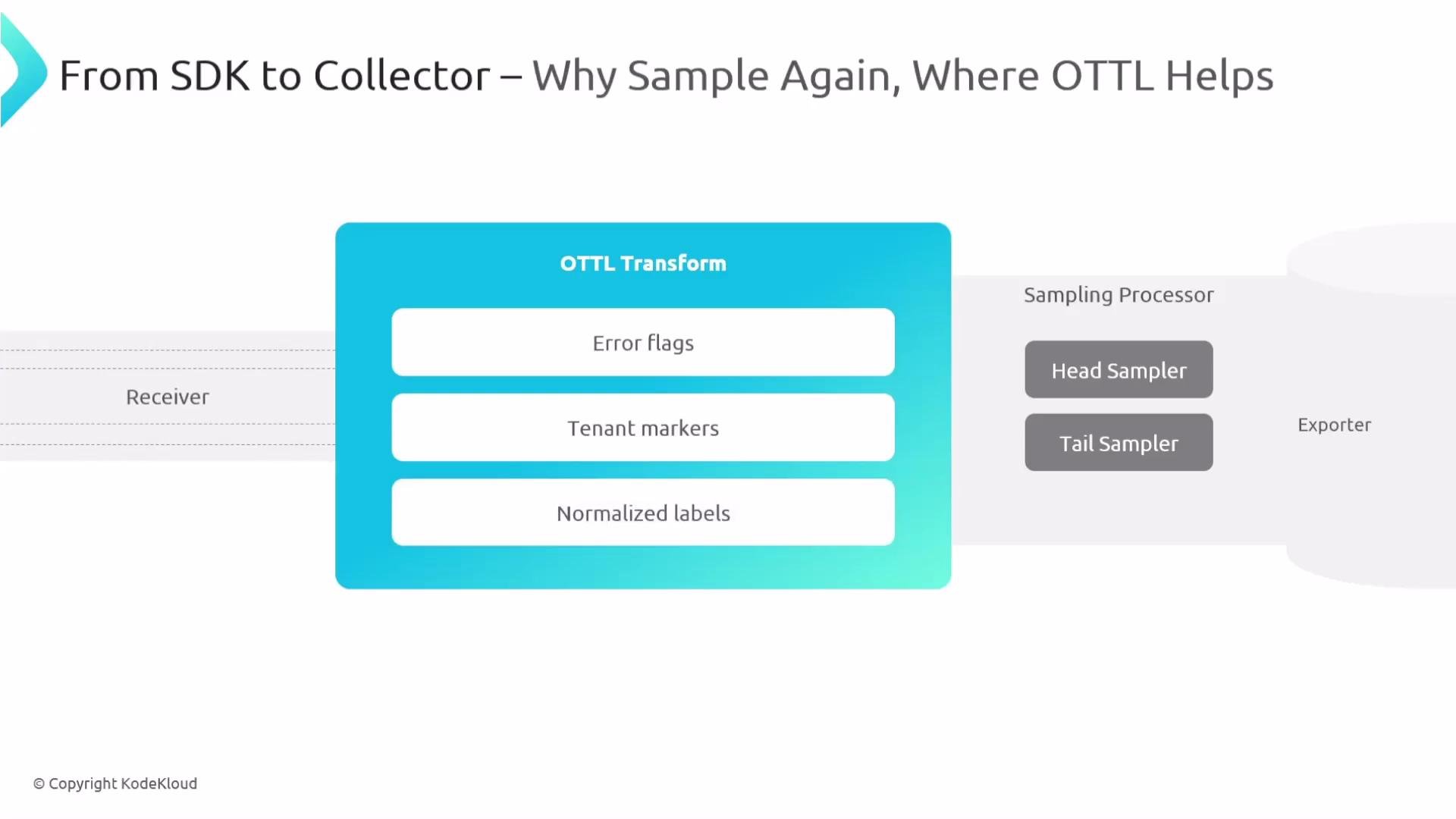
If the SDK does not sample, or if you need enrichment/normalization before deciding, the OpenTelemetry Collector is a powerful place to apply sampling. The Collector can receive telemetry from many SDKs, augment traces with transforms, and make more informed sampling decisions.
The image is a diagram illustrating a data flow process titled "From SDK to Collector – Why Sample Again, Where OTTL Helps," featuring components such as Receiver, OTTL Transform, and Sampling Processor with Head and Tail Samplers.
Transforms in the Collector (using OTTL) let you enrich telemetry so sampling policies can use attributes like error flags, tenant IDs, or latency labels. Example: set an error flag and copy a tenant attribute into spans before sampling.
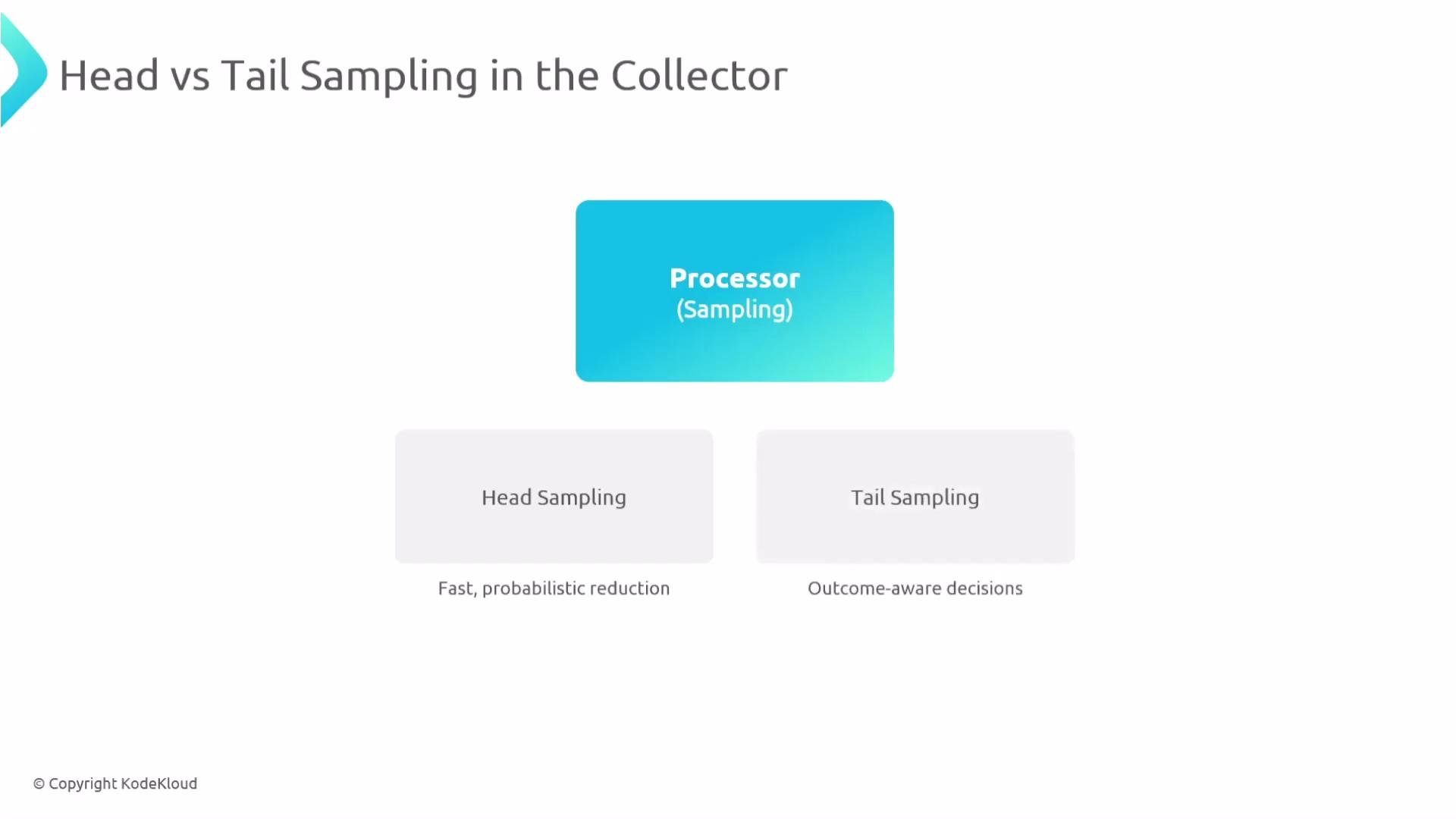
After transforms, telemetry flows through processors that can include sampling processors before export. Two fundamental Collector sampling approaches:
The image illustrates a process involving "Head vs Tail Sampling in the Collector," featuring a "Processor (Sampling)" leading to "Head Sampling" and "Tail Sampling" options, with descriptions of each method.
Table: Collector sampling comparison
ApproachHow it worksProsCons
Head samplingDecide as spans arrive at the Collector (per-span or per-trace probabilistic policies based on partial info)Low memory & CPU, fast, scalableCannot use full-trace outcomes (may miss important traces)
Tail samplingBuffer and assemble a trace (or wait for a decision signal) and then evaluate the entire trace before keeping or droppingOutcome-aware (keep traces with errors/latency/patterns), more accurate retention of important tracesRequires buffering, more memory and CPU, complexity in distributed systems
Tail sampling improves retention of high-value traces but increases memory and processing needs in the Collector. Plan capacity, timeouts, and resource limits carefully to avoid buffering overload.
When to choose which:
  • Use SDK or Collector head sampling for lightweight, probabilistic reduction when you only need volume control.
  • Use Collector tail sampling when you must make outcome-based decisions (for example, retain all traces that contain errors or unusually high latency).
  • Combine approaches: use SDK sampling to reduce baseline volume and tail sampling in the Collector for application-level exceptions or multi-service error patterns.
References and further reading

Watch Video