

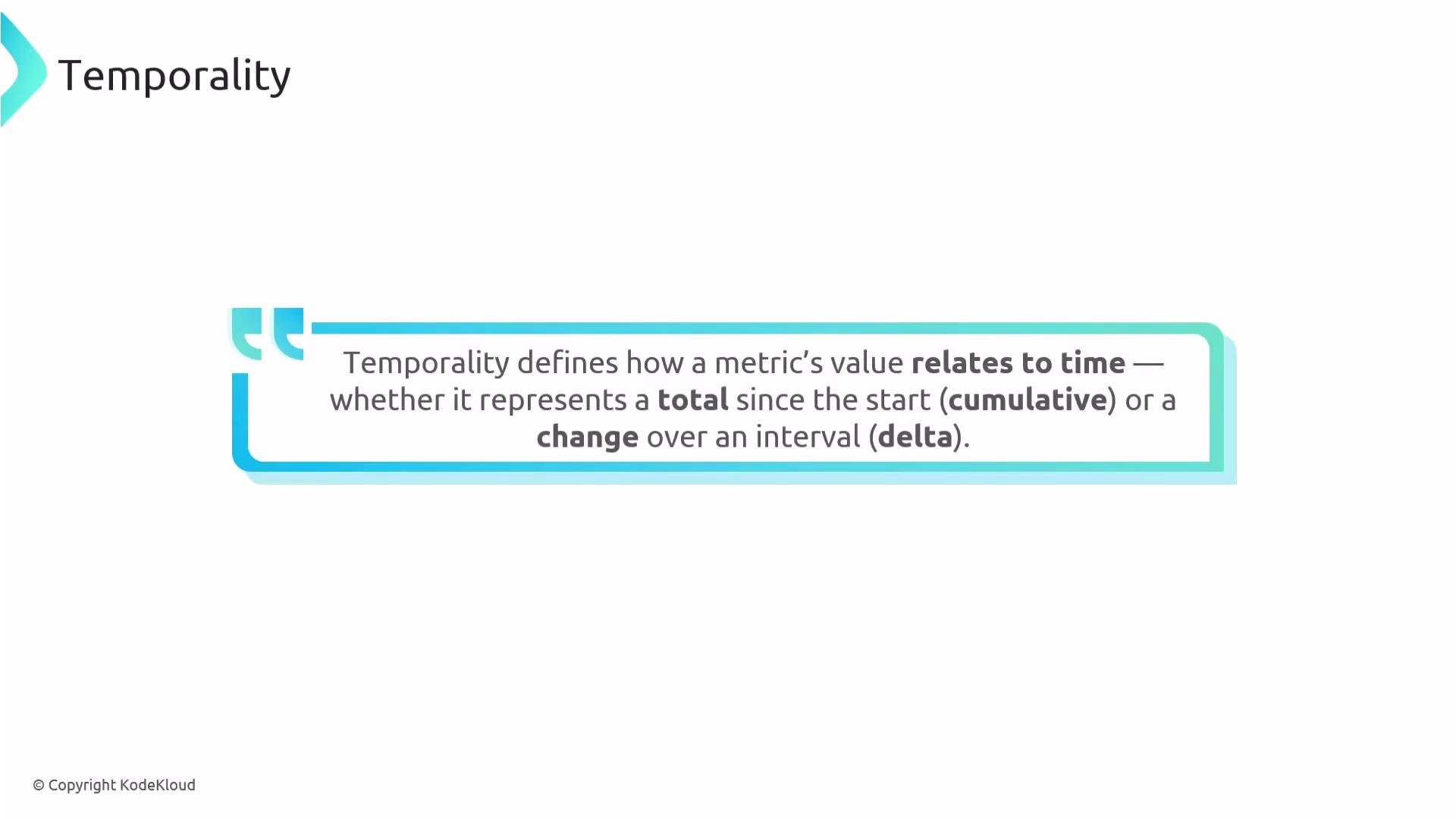
- Cumulative — a monotonically increasing value (a running total) from a start point. Each reported point is the total so far.
- Delta — the change observed during a specific reporting interval (current − previous). Each point represents the amount for that interval.
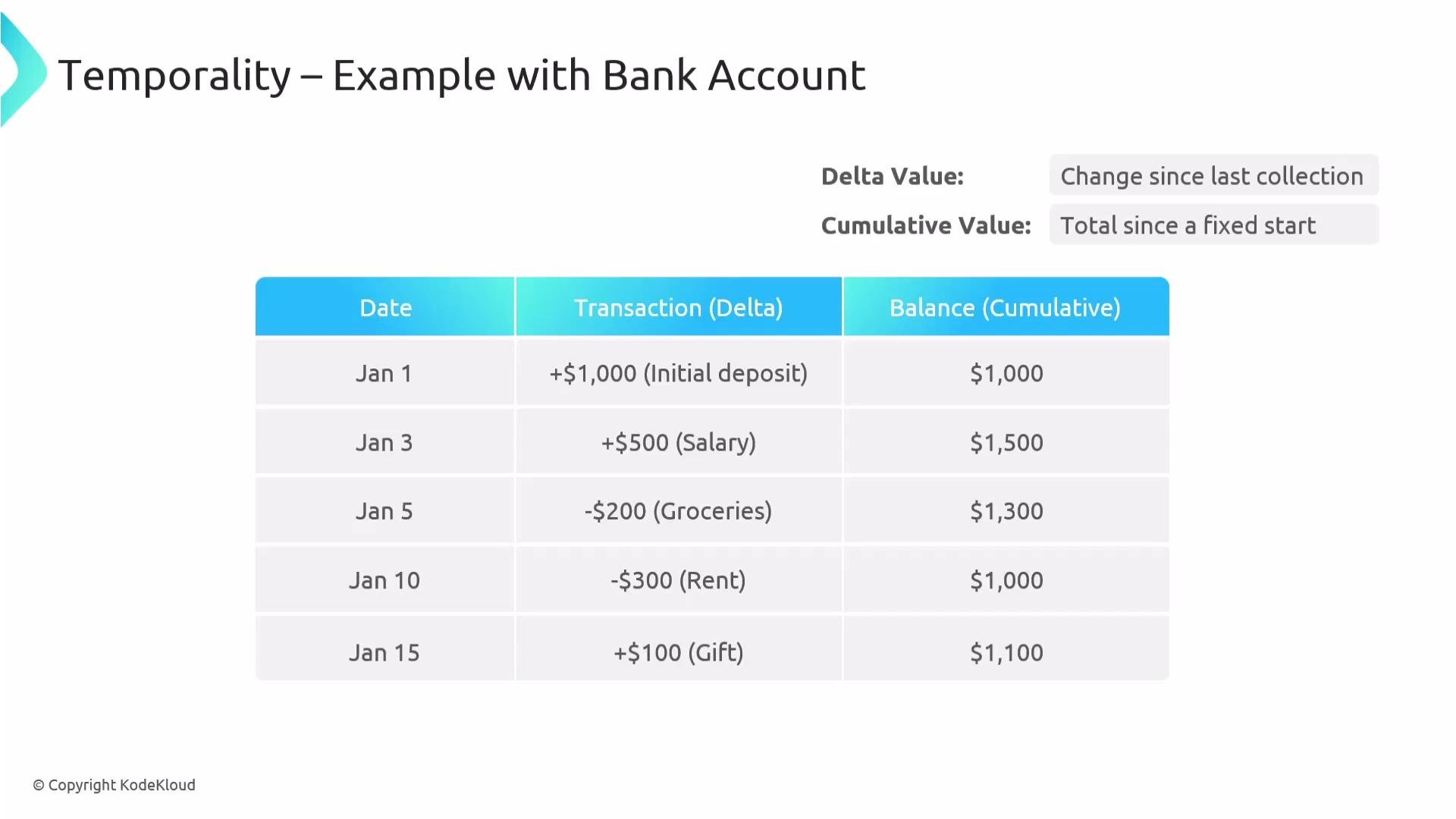
- Start: balance = 0
- Deposit: +1000 → delta = +1000, cumulative = 1000
- Salary: +500 → delta = +500, cumulative = 1500
- Groceries: −200 → delta = −200, cumulative = 1300
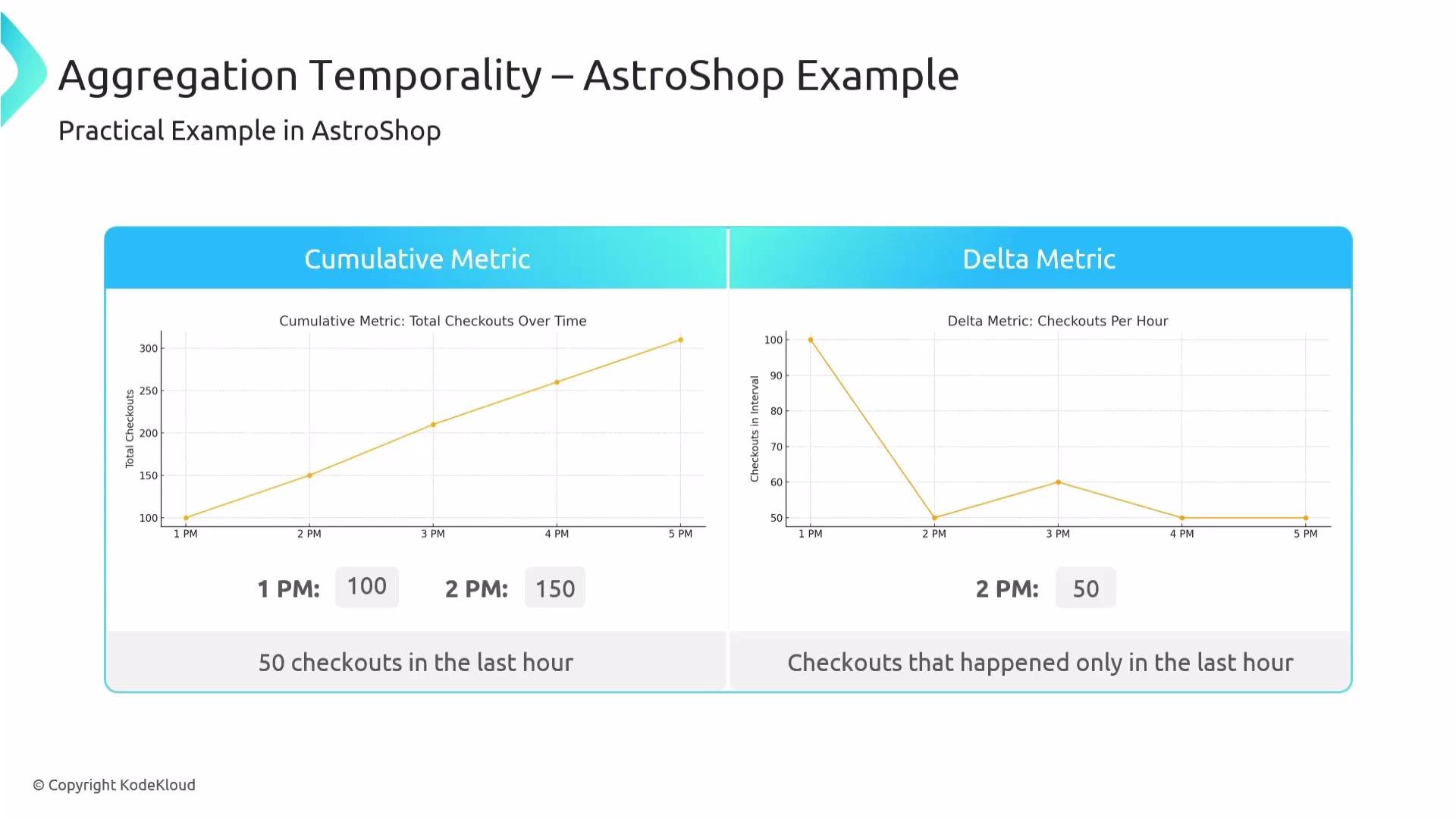
- Cumulative metric: total checkouts recorded over time (e.g., 100 at 1 PM, 150 at 2 PM).
- Delta metric: checkouts during each interval (e.g., 100 during the first interval, 50 during the second interval).
150 - 100 = 50). If the instrument emits deltas directly, each reported point already represents the throughput for that interval.
- Backend expectations: Observability backends may require either delta or cumulative inputs. Sending the wrong temporality can cause rejection or incorrect aggregation.
- Process restarts and resets: A cumulative counter that resets (e.g., due to a process restart) must be detected and handled. Without handling, difference calculations can yield negative deltas.
- Storage and efficiency: Delta metrics avoid storing long sequences of ever-increasing values but require reliable interval emission from the instrument or exporter.
- Alerting and interpretation: Using the wrong temporality can lead to double counting, missed events, or inaccurate alert triggers.
- Accurate conversions: Converting between cumulative and delta requires correct detection of resets and careful difference computation.
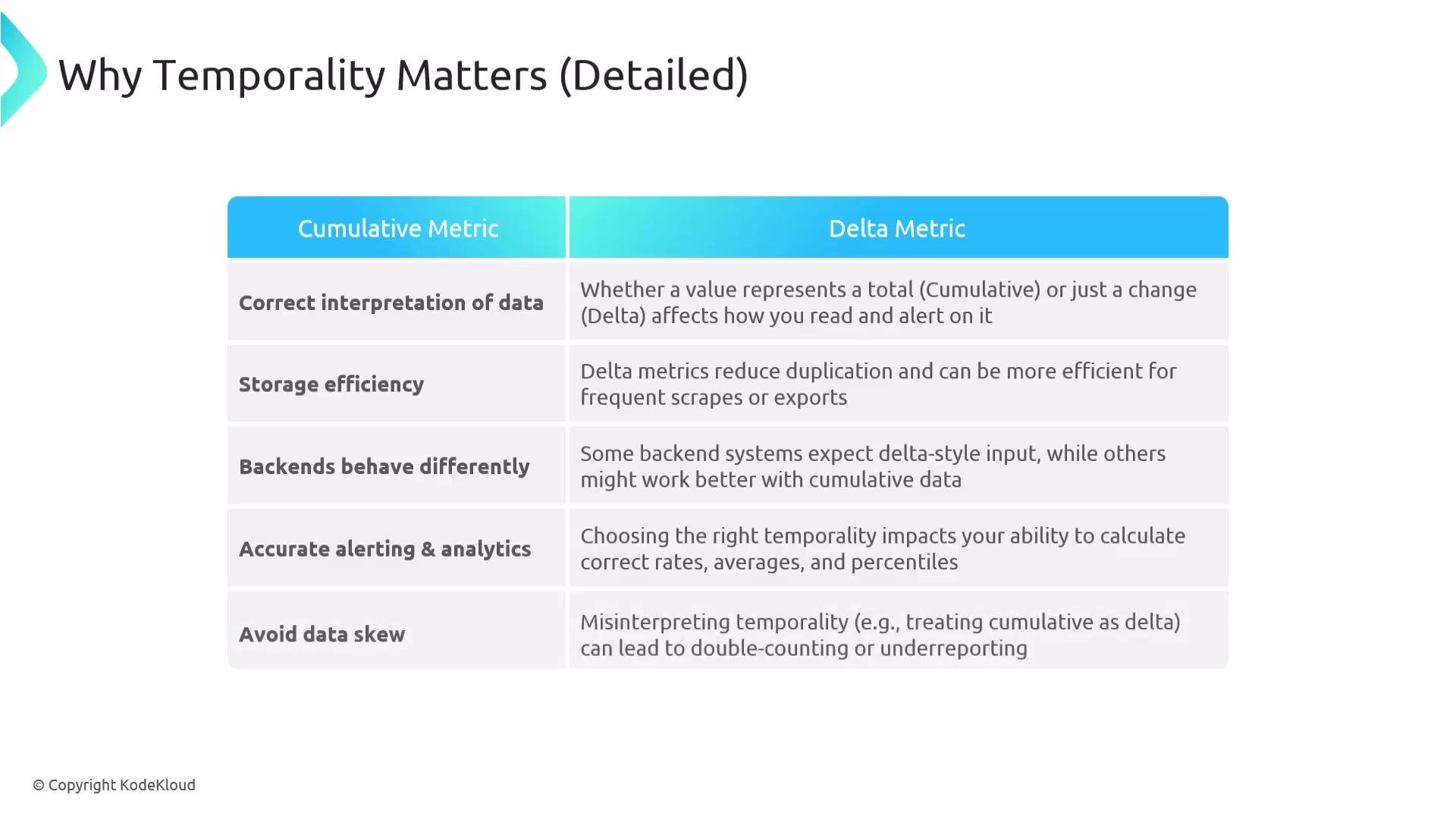
Choose the temporality that matches your backend and use case. If you send cumulative metrics, ensure exporters and the backend handle resets; if you send delta, ensure your instrument produces interval deltas reliably. Misaligned temporality can produce incorrect aggregates and alerts.
- Confirm backend expectations before choosing temporality (check ingestion docs).
- If using cumulative counters:
- Ensure the backend or exporter can detect resets and compensate.
- Record reliable timestamps and monotonicity where possible.
- If emitting deltas:
- Guarantee consistent reporting intervals or include interval metadata.
- Handle missed intervals or out-of-order deliveries in the exporter/collector.
- For conversions:
- Always compute
delta = current_cumulative − previous_cumulative, but detect negative results as resets. - When a reset is detected, treat the first post-reset delta as the value since restart (or follow backend-specific behavior).
- Always compute