

terraform apply and the plan looks fine, but an EC2 instance fails to boot because an ARM AMI was paired with an x86_64 instance type. The HCL was syntactically valid, yet incompatible. Validation catches these semantic problems earlier so you avoid cascading failures and costly troubleshooting.
Terraform offers four validation layers:
- Variable validation
- Preconditions
- Postconditions
- Checks
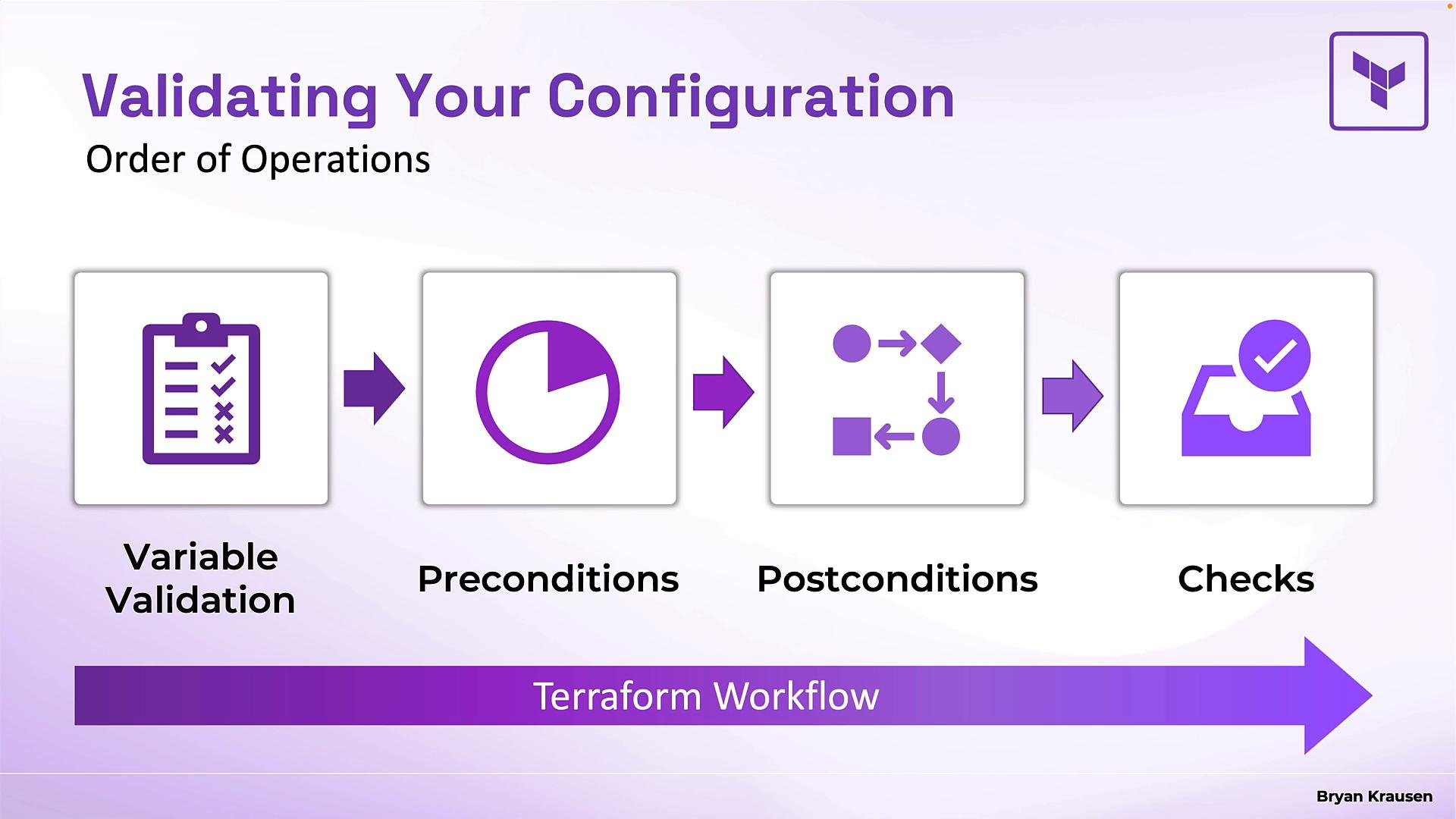
- Variable validation: runs immediately when Terraform creates a plan (before contacting providers). If it fails, Terraform stops.
- Preconditions: evaluated when Terraform generates the plan but before it creates any resources.
- Postconditions: evaluated after a resource has been created or updated (to verify the result).
- Checks: run as the final step of a plan or apply. They produce warnings rather than errors and do not block the operation.
conditionmust evaluate totrueorfalse.error_messagedisplays whenconditionisfalse.- Validation runs before contacting providers, giving fast and user-friendly feedback.
- Allowed Azure regions (allowlist)
westeurope or southeastasia.
- Numeric validation with business rules
- Multiple validation rules on one variable
validation block or use multiple validation blocks (if your Terraform version supports stacking). Each rule is evaluated independently.
lifecycle block. Use preconditions to verify assumptions before creating/updating a resource, and postconditions to assert that the resource ended up in the expected state after creation or update. Both use the same structure: a condition and an error_message.
Precondition template:
preconditionruns after planning but before any create/update actions. If it fails, Terraform aborts the apply.postconditionruns after the resource has been created or updated. Useselfto reference the resource’s attributes. If it fails, Terraform aborts and shows the error.- Use these to guard incompatible actions (precondition) or to assert that provisioning achieved the expected runtime state (postcondition).
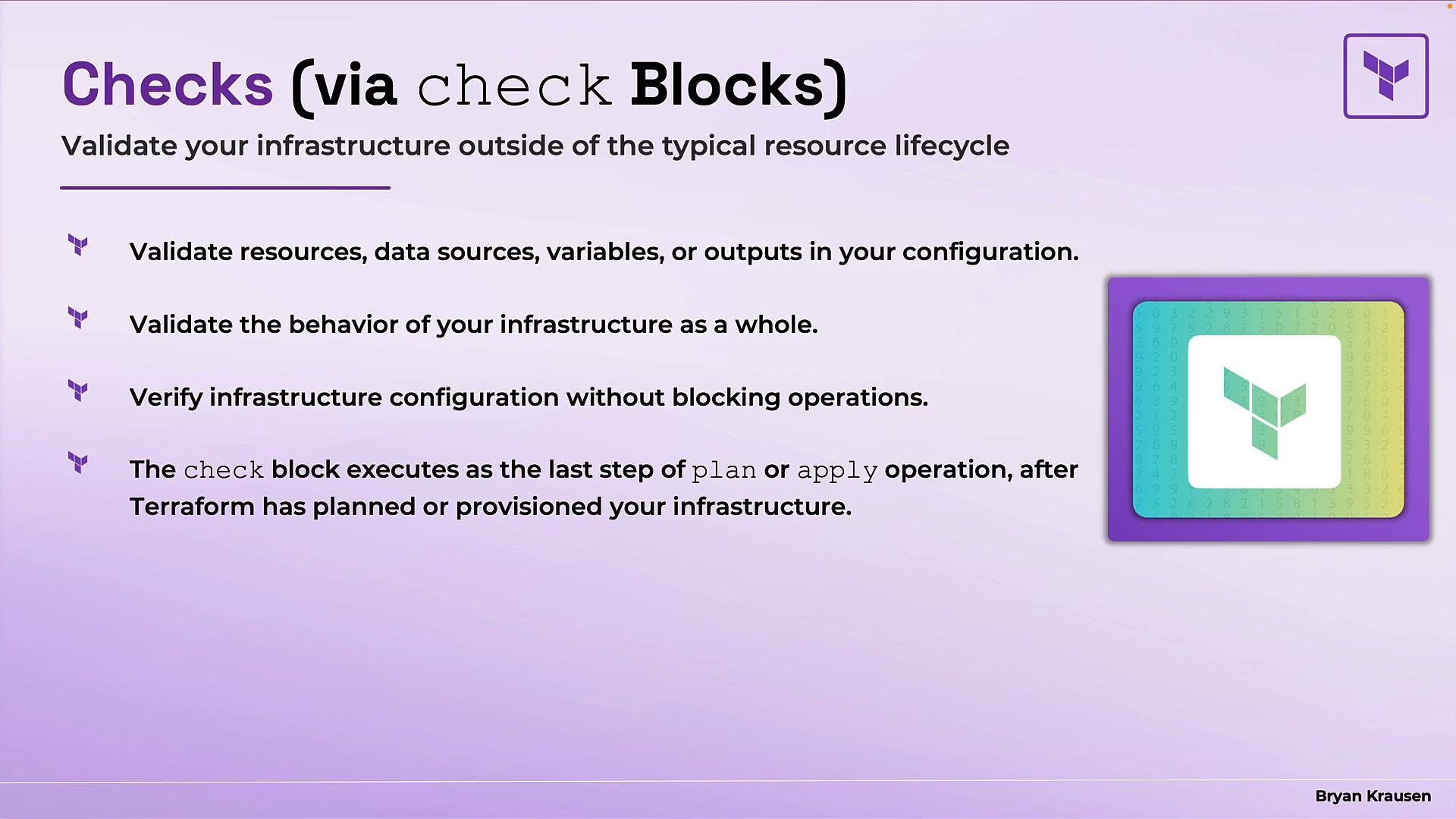
- If the assertion fails, Terraform emits a warning with the
error_message, but the deployment continues. - Check blocks are ideal for non-blocking verification such as endpoint health, certificate expiry, or runtime checks.
- On HCP Terraform, check blocks can run continuously to monitor infrastructure health over time.
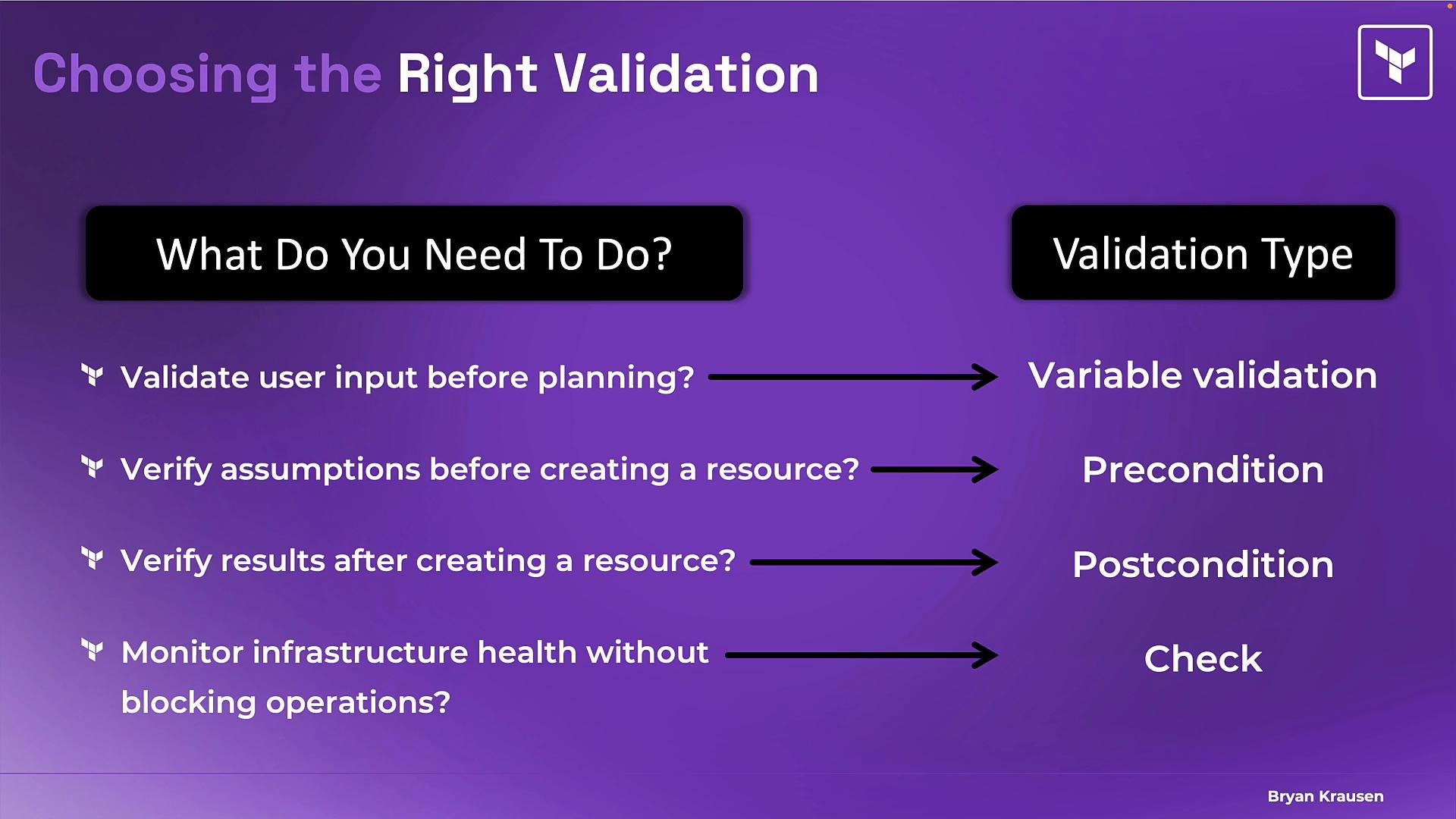
- Variable validation runs first during planning and prevents bad inputs from progressing.
- Preconditions run after planning but before resource creation; they block incompatible attempts.
- Postconditions run after resource creation/update to assert the desired state; they block when assertions fail.
- Check blocks run last and emit warnings; they are useful for non-blocking, ongoing checks.
Remember the sequence: variable validation → preconditions → postconditions → checks. Choosing the right validation type ensures you catch the right problems at the right time.
- Terraform official docs — Validation: https://www.terraform.io/docs
- Terraform resource lifecycle: https://www.terraform.io/docs/language/resources/sensitive-data.html (see lifecycle hooks)
- HashiCorp Learn — Terraform Associate certification prep: https://learn.hashicorp.com/terraform