

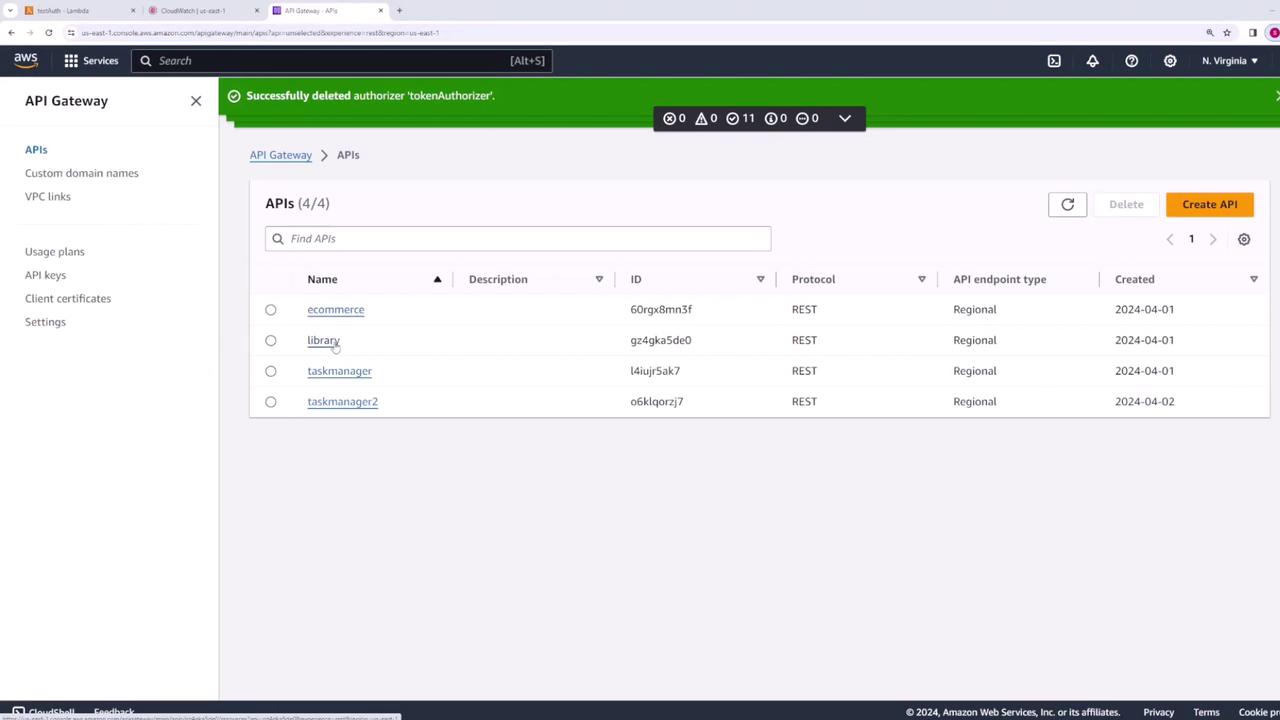
Configuring Method-Level Authorization
To enable authorization for a specific method on your API Gateway, follow these steps:- Select the API from the AWS API Gateway console.
- Choose the method you wish to modify.
- Click Edit under the method request.
Setting Up a Lambda Authorizer
A Lambda authorizer allows you to implement custom authorization logic in a Lambda function. When configured, API Gateway passes the incoming request’s authorization token to your Lambda function, which returns an IAM policy determining whether to allow or deny the request.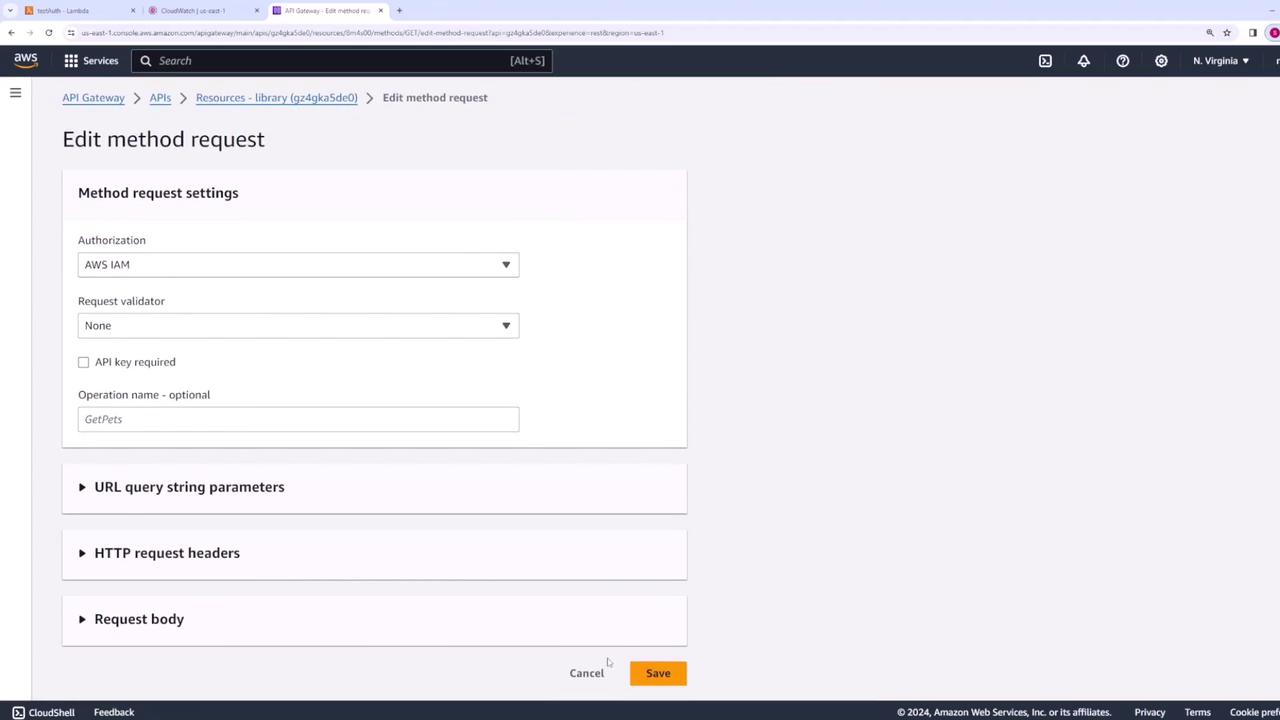
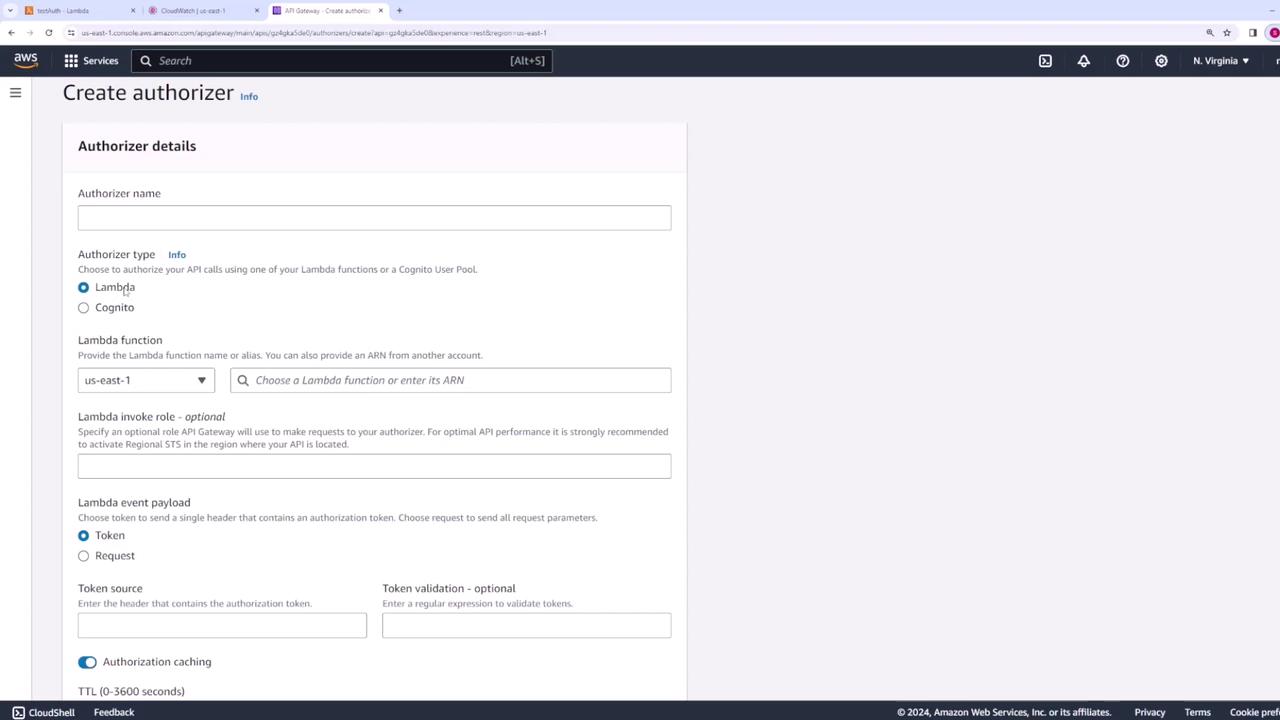
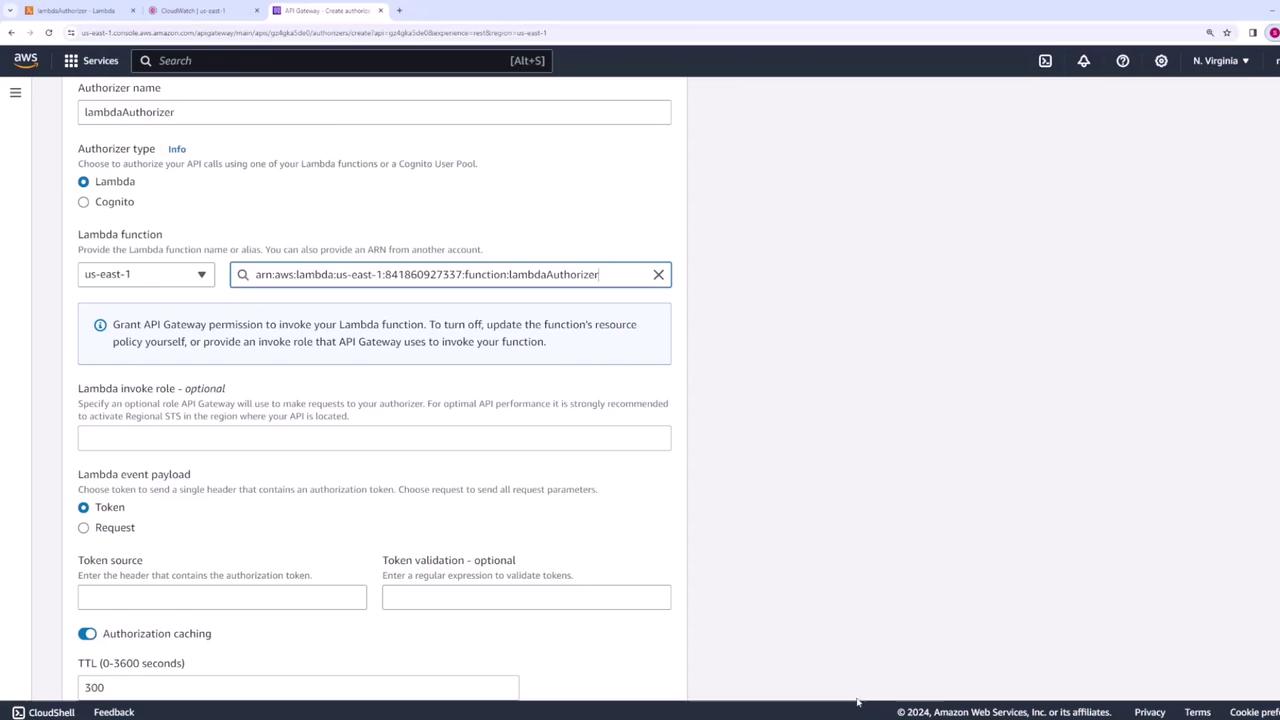
- Select Lambda as the authorizer type.
- Choose the Lambda function you created.
- Specify the header name (for example, “authorization token”) that contains the token.
- Optionally, configure caching settings (default is set to 300 seconds) for improved performance.
- Navigate to the specific method in your API.
- Click Edit under the method request section.
- Under the authorization settings, select your Lambda authorizer.
- Save your changes.
- Deploy the API for the changes to take effect.
Testing the Authorization
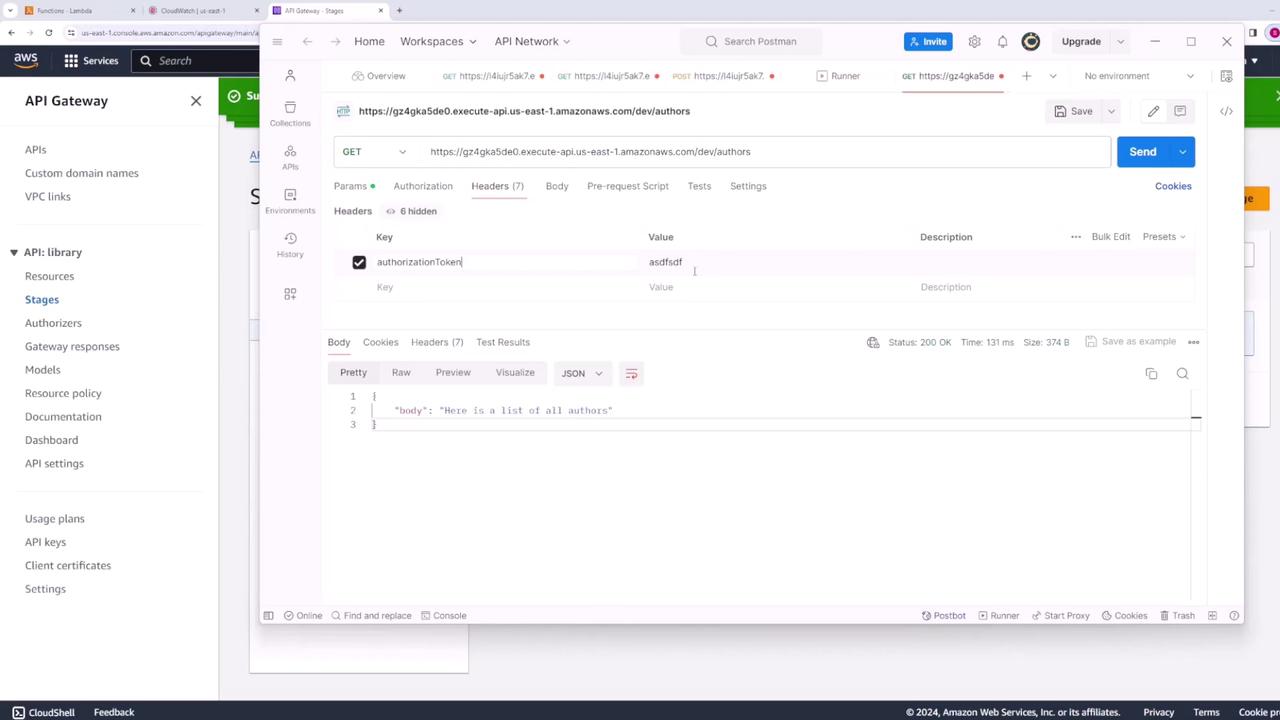
After deploying your changes, test your API endpoint to ensure that the authorization settings are functioning as expected.-
Without sending the token, you should receive an unauthorized response:
- If you provide an incorrect token, the API will still deny access.
-
When you send the correct token (authorization token: “abc123”), the API should return the expected response. For instance, if your API returns a list of authors, the response might look like this:
Ensure you deploy your API after making changes to the authorization configuration. This guarantees that your test results reflect the latest settings.
Summary
In this lesson, we demonstrated multiple approaches for authorizing access to your API Gateway:- Using AWS IAM for method-level authorization.
- Employing resource policies to restrict access based on AWS account or IP address.
- Implementing a custom Lambda authorizer to handle complex authorization logic.