Understanding Websites and Static Content
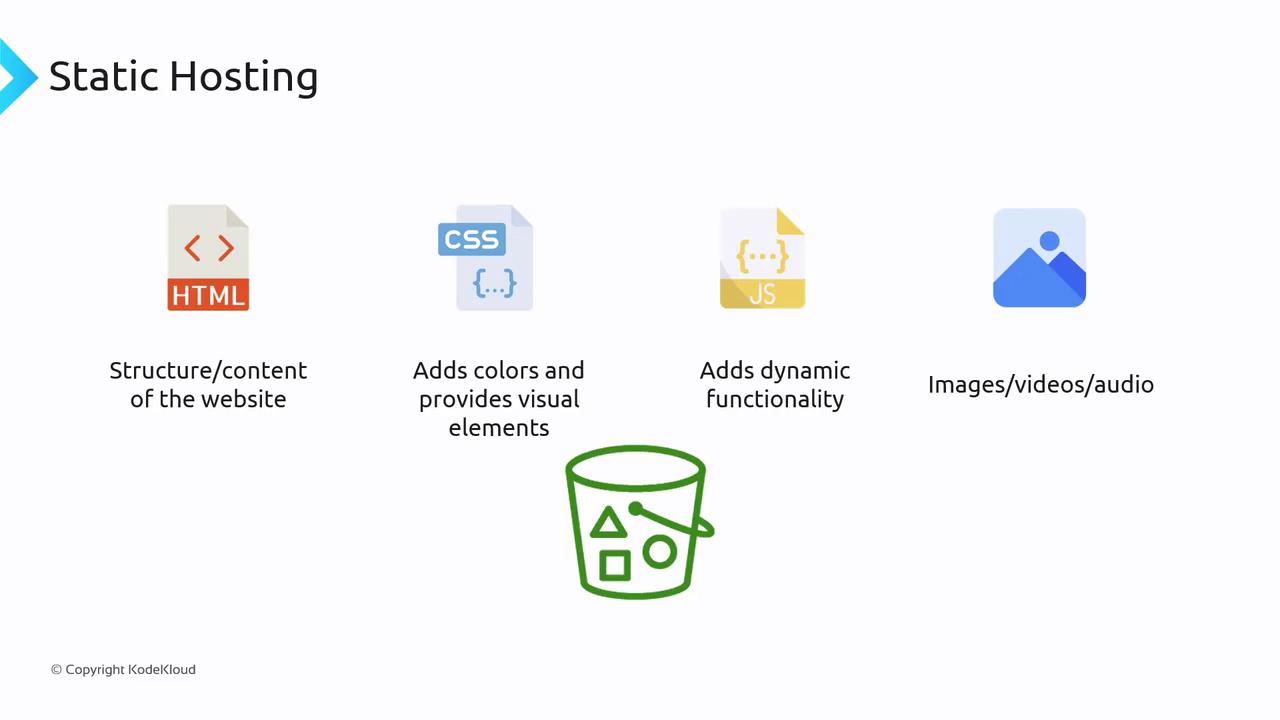
When a user visits a URL, the browser sends an HTTP GET request to a web server, which responds with an HTML file that the browser renders. A complete website typically includes:- HTML: Structures your content.
- CSS: Styles and formats the display.
- JavaScript: Adds dynamic functionality.
- Assets: Incorporates images, videos, audio, and other media.
Enabling Static Website Hosting on S3
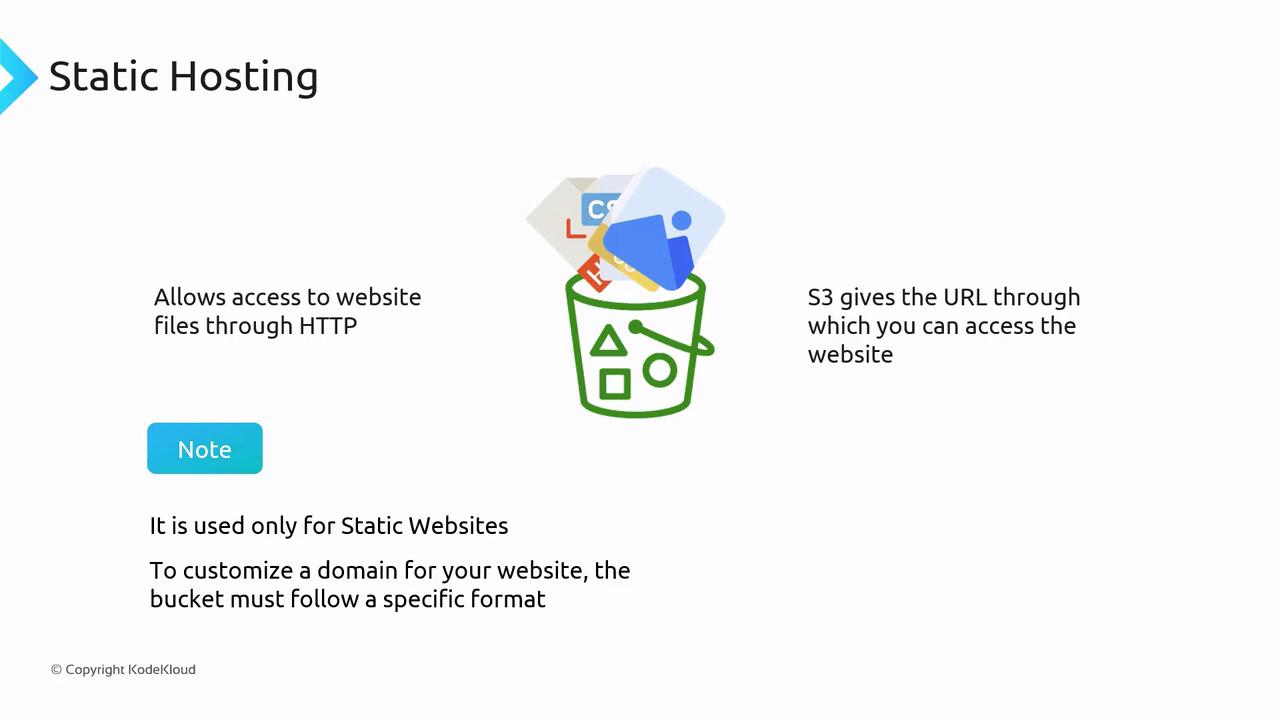
S3 allows you to serve static websites by hosting your HTML, CSS, and JavaScript files. Once you enable static website hosting, S3 provides a URL that grants HTTP access to your site.S3 static website hosting is designed solely for static content. If your website requires server-side processing or dynamic content rendering, consider using services like Amazon EC2, Amazon ECS, or AWS Lambda.
Pricing Considerations
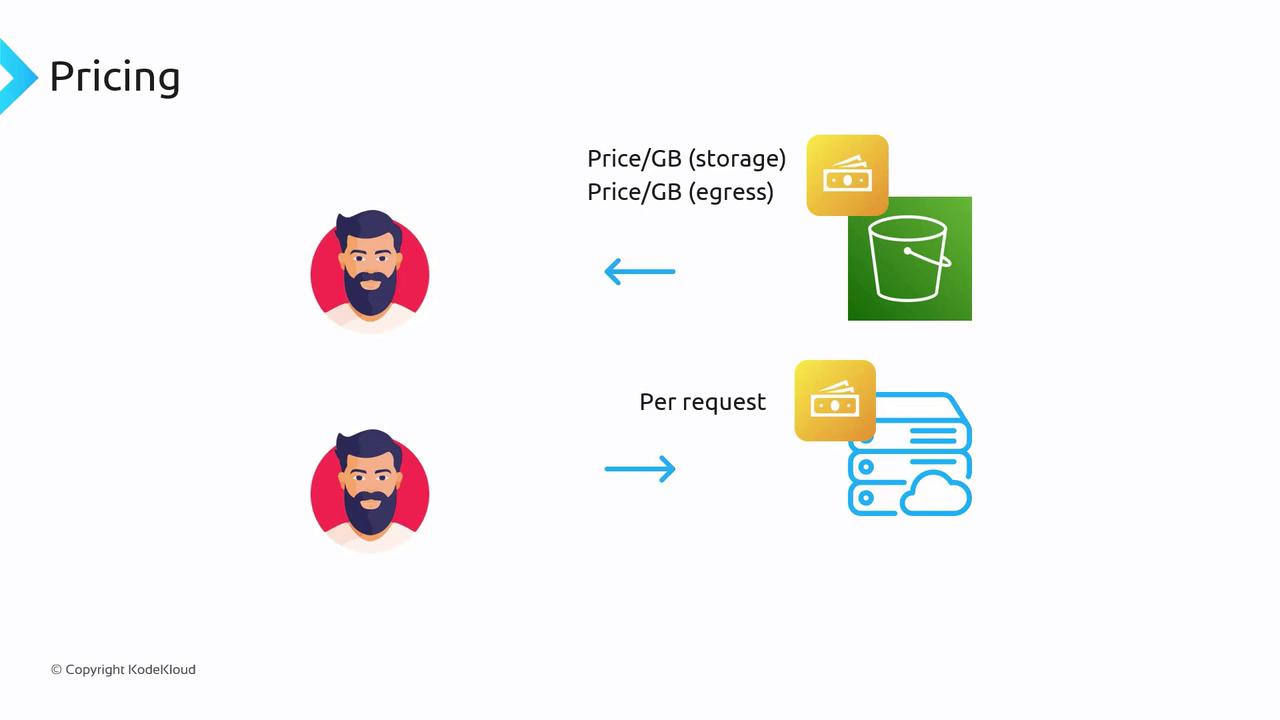
When hosting a static website on S3, you incur standard S3 fees, which include:- Storage Costs: Charged per gigabyte of stored data.
- Data Transfer Costs: Charged per gigabyte for outbound data.
- Per Request Charges: Each HTTP request (e.g., GET) is billed at a minimal rate (e.g., $0.0004 per 1,000 GET requests at the time of recording).
Accessing Your Static Website
Once static website hosting is enabled, your S3 bucket provides an access URL with the following pattern: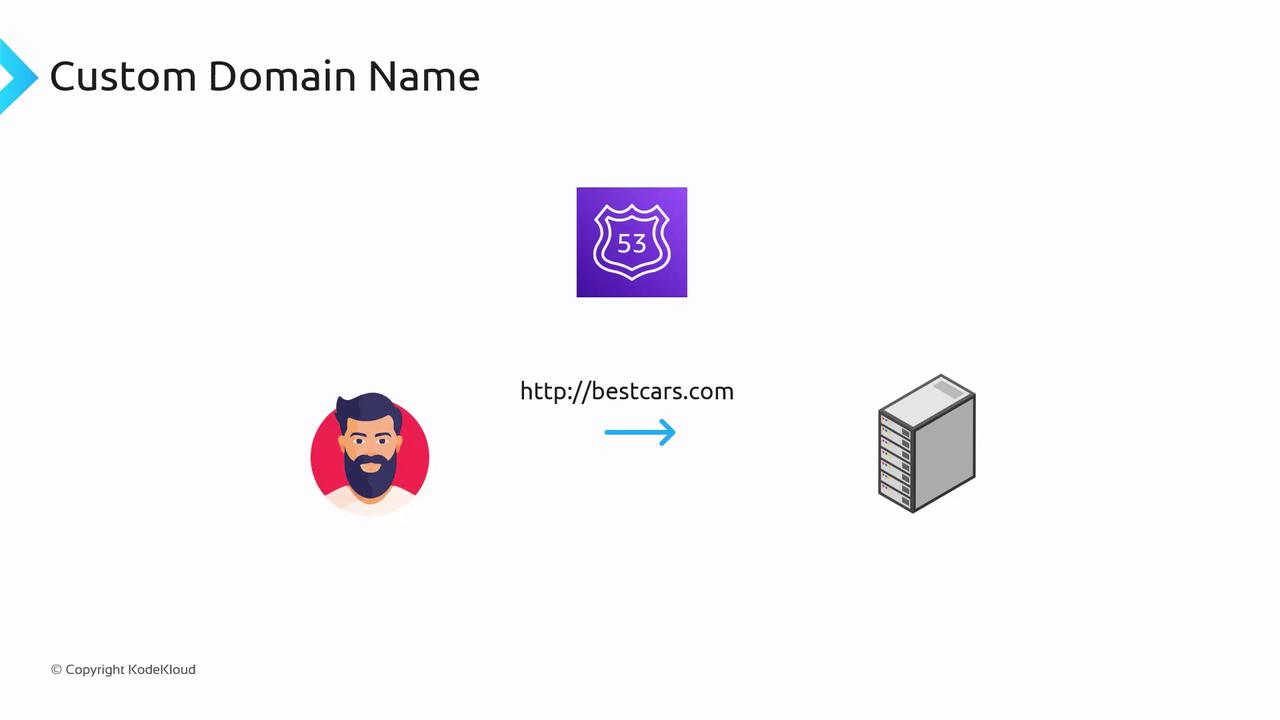
Summary
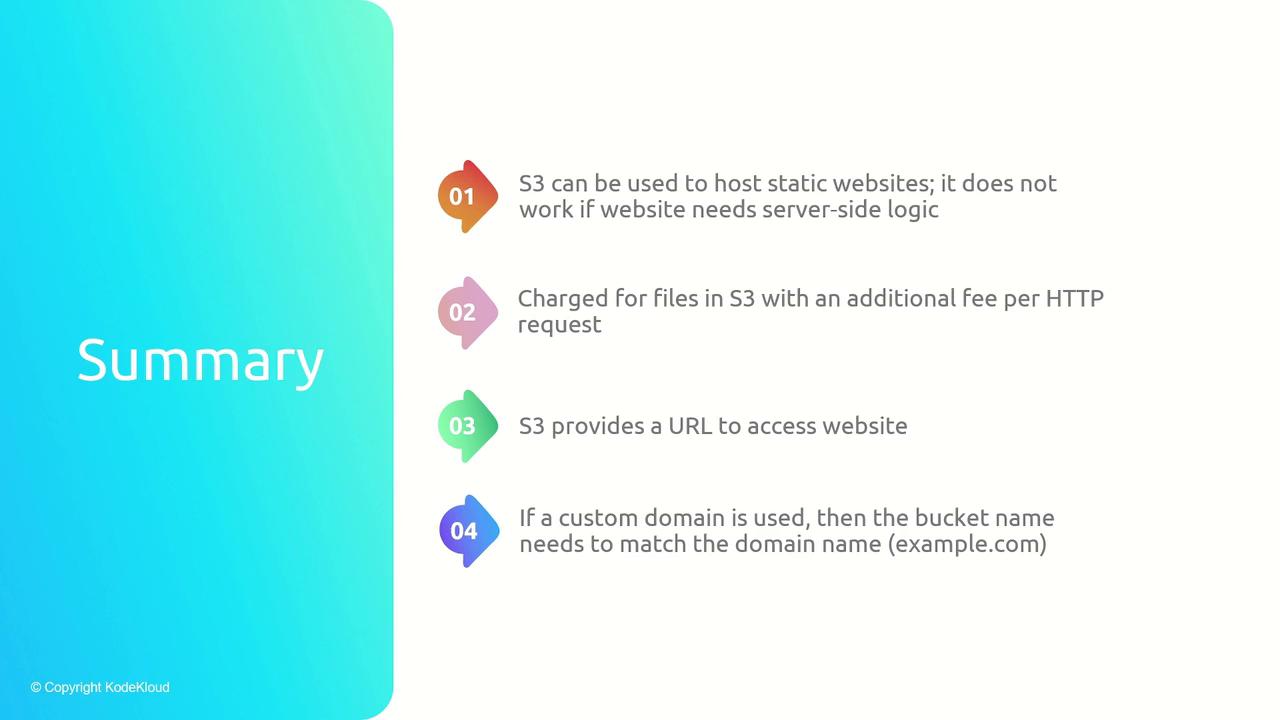
Amazon S3 static website hosting enables you to serve your static website files—HTML, CSS, JavaScript, and media—directly from an S3 bucket. Key takeaways include:- S3 static website hosting is intended for static content only; server-side logic isn’t supported.
- Standard S3 pricing applies, covering storage, data transfer, and per-request fees.
- The provided URL format is:
- To use a custom domain, the bucket must have the same name as the domain, with Amazon Route 53 facilitating DNS routing.